Smart Home
Explore practical smart-home guides designed to make everyday life easier, more efficient and more comfortable. We cover robot vacuums, connected appliances, home automation, maintenance, product comparisons and realistic buying advice. Whether you are setting up your first smart device or improving an existing system, these guides will help you understand what is worth buying, what limitations to expect and how to choose technology that fits your home.
Latest stories
How to Reset Network Settings on iPhone
To reset network settings on an iPhone, open Settings > General > Transfer or Reset iPhone > Reset > Reset Network Settings. Confirm the network-specific choice when prompted. This removes saved connection…
How to Factory Reset Your iPhone
To factory reset an iPhone you can unlock, go to Settings > General > Transfer or Reset iPhone > Erase All Content and Settings. Follow the review and authentication prompts, choose the…
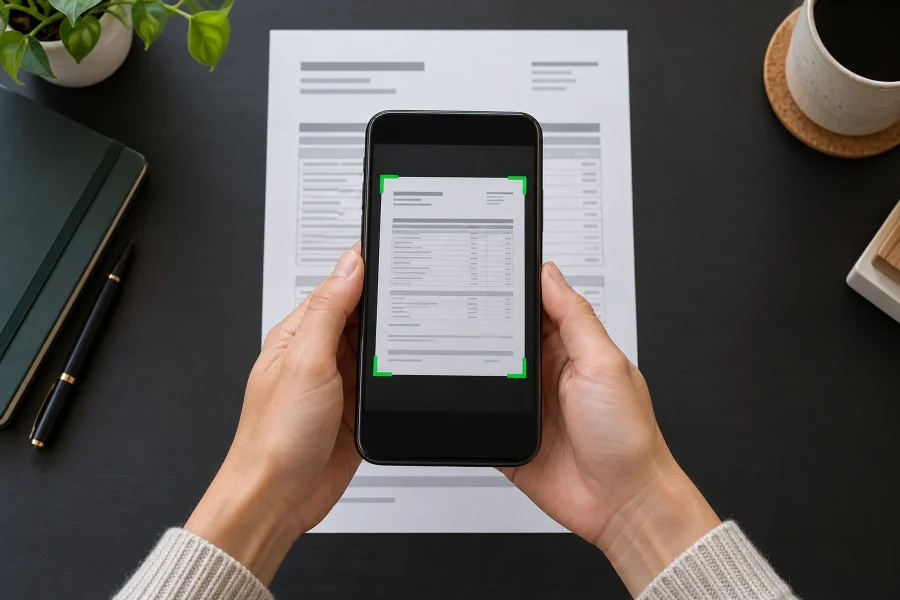
How to Scan Documents on iPhone With Notes or Files
You can scan documents without installing another app. In Notes, open a note, tap the attachment button, and choose Scan Documents. In Files, open the relevant browsing location, tap the More (…)…
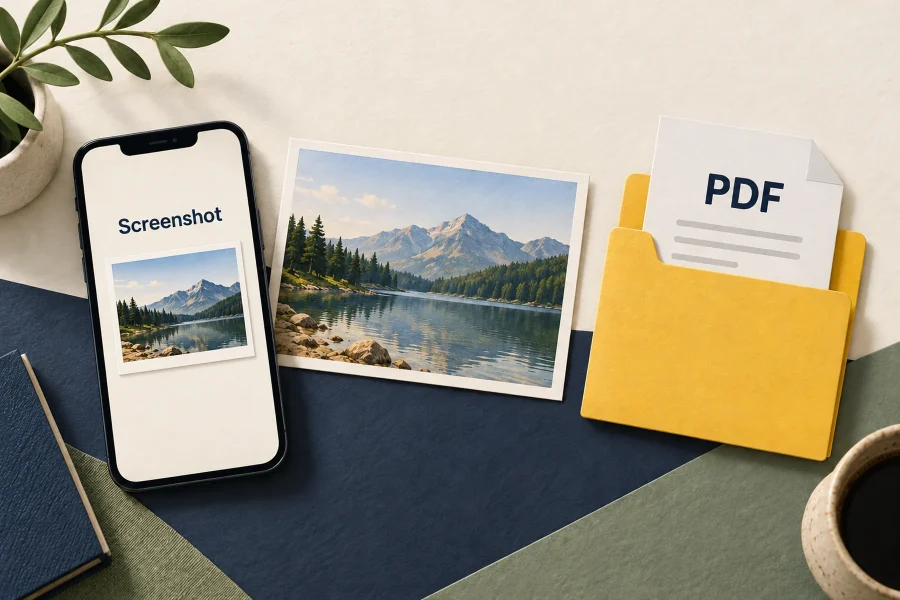
Where Are Screenshots Stored on iPhone?
Ordinary screenshots saved as images are stored in Photos. Find them under Media Types, Screenshots: on iOS 18, scroll down the main Photos view; on versions with a Collections tab, open Collections…
How to Find, Hide, and Lock Photos on iPhone
To find hidden photos, open Photos, go to Utilities, choose Hidden, and authenticate. On iOS 18, scroll down the main Photos view; on versions with Collections, open that tab first. To hide…
Can You Change the Snooze Time on iPhone?
Yes on iOS 26: you can set a regular Clock alarm’s snooze duration from 1 to 15 minutes. On iOS 18, the standard Clock snooze interval is nine minutes and cannot be…
Can You Change Text Message Colors on iPhone?
You cannot choose an arbitrary color for the native blue and green message bubbles in Apple’s Messages app. On iOS 18, there is no built-in bubble-color picker. iOS 26 added conversation backgrounds…
How to Add an Email Account to iPhone
On iOS 18 or later, open Settings, Apps, Mail, Mail Accounts, then Add Account. Choose your provider, sign in, and enable Mail. Some newer setup screens ask for your email address before…
How to Enable Developer Mode on iPhone
To enable Developer Mode, first initiate pairing with Xcode on a Mac, then open Settings, Privacy & Security, Developer Mode on the iPhone. Turn it on, restart when prompted, and confirm Enable…
Can You Downgrade from iOS 26 to iOS 18?
There is normally no supported way to return an iPhone from iOS 26 to an arbitrary iOS 18 release. The target software must support the exact model and still be accepted by…