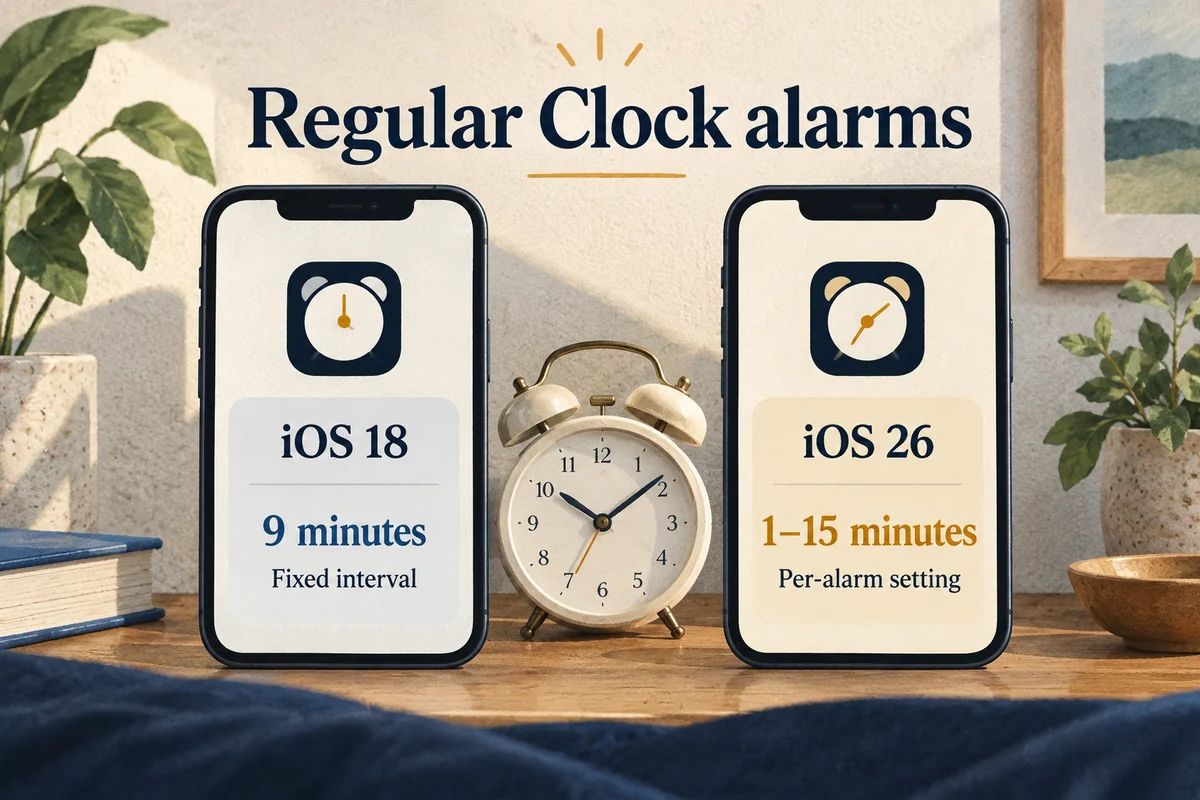
Yes on iOS 26: you can set a regular Clock alarm’s snooze duration from 1 to 15 minutes. On iOS 18, the standard Clock snooze interval is nine minutes and cannot be changed in that alarm’s settings. Check your installed version before following a tutorial that shows a Snooze Duration control.
The setting belongs to each alarm. Changing one does not mean that every alarm or a separate sleep schedule now uses the same interval.
Change a regular alarm’s snooze duration in iOS 26
Open Clock and go to Alarms. Add an alarm or edit the one you want to change. Enable Snooze, open Snooze Duration, choose the interval, and save the alarm using the completion control shown.
Apple’s iOS 26 feature list identifies the customizable one-to-fifteen-minute range. Its alarm instructions explain the Clock controls.
After saving, reopen the same alarm to confirm the value. This is especially useful if you keep several alarms with similar labels. The next alarm in the list may retain its previous setting.
Why the option is missing on iOS 18
The iOS 18 Clock app lets you turn Snooze on or off, but its regular snooze length is fixed at nine minutes. Enabling Snooze does not reveal a hidden duration slider on that version.
Check Settings, General, About to identify the installed software. A guide written for iOS 26 can be accurate and still be the wrong guide for an iOS 18 device. Do not reset the phone or reinstall apps merely because a newer option is absent.
If you cannot or do not want to update, decide whether a fixed second alarm would meet the need. That provides a scheduled reminder, although its behavior differs from a true adjustable snooze.
Use multiple alarms with the right expectation
On iOS 18, you can set two or more regular alarms at times you choose. For example, alarms at 7:00 and 7:05 create a five-minute gap between scheduled rings. Turn Snooze off for those alarms if you do not want additional nine-minute snooze events mixed in.
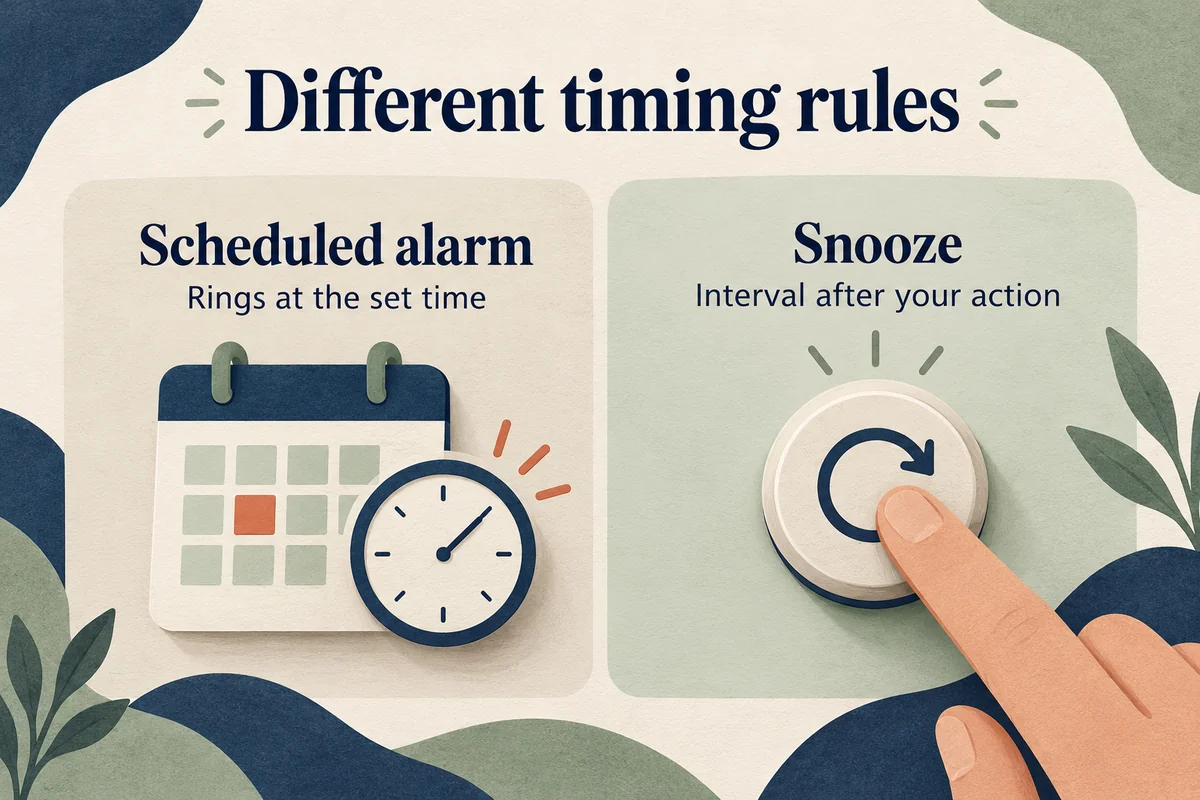
The limitation matters: a 7:05 alarm rings at 7:05 regardless of when you dismiss the 7:00 alarm. If you dismiss the first one at 7:03, the second is only two minutes away. A true snooze is relative to the action you take; separate alarms follow the clock.
Label the alarms clearly and remove temporary extras when you no longer need them. A crowded list of almost identical alarms makes it easy to enable the wrong one or leave an unintended weekend reminder active.
Keep Clock alarms and sleep schedules separate
The regular Alarms list and a Sleep/Wake Up schedule are different configurations. If you are editing a sleep schedule, do not assume every control matches a regular Clock alarm. Check the schedule you actually use and test it independently.
For an important morning, make a short daytime test with the intended alarm and sound rather than waiting until the deadline. Confirm the alarm is enabled, the sound is appropriate, and the phone’s alarm volume is audible where it will sit. A preferred snooze duration does not help if the initial alarm is hard to hear.
If you consider a third-party alarm app for a different interval, review how it handles notifications, background operation, and any subscription. Test its actual behavior on your phone before relying on it for something time-sensitive.
Conclusion
Use Snooze Duration for individual regular alarms on iOS 26. On iOS 18, either keep the fixed interval or use clearly labeled scheduled alarms while recognizing their different timing. The best setup is one you can verify and predict when the alarm matters.

Ethan Miller
Ethan Miller writes about home improvement, interior design, cleaning, and everyday living at Home & Living Daily. He shares practical tips and simple ideas to help readers create more comfortable and functional homes.


