Smart Home
Explore practical smart-home guides designed to make everyday life easier, more efficient and more comfortable. We cover robot vacuums, connected appliances, home automation, maintenance, product comparisons and realistic buying advice. Whether you are setting up your first smart device or improving an existing system, these guides will help you understand what is worth buying, what limitations to expect and how to choose technology that fits your home.
Latest stories
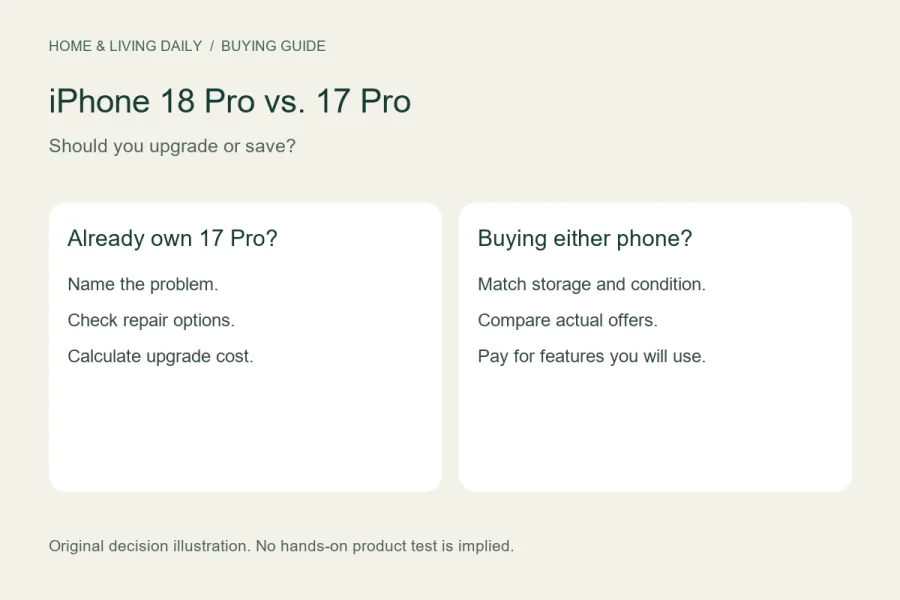
iPhone 18 Pro vs. 17 Pro: Should You Upgrade or Save?
Separate the upgrade decision from the new-purchase decision, then compare useful features, battery needs and matched offers.
How to Recover Deleted Text Messages on iPhone
Open Messages > Filters > Recently Deleted, choose the conversations you need, and tap Recover. On iOS 18, the route may begin with Edit on the conversations screen instead. Apple’s built-in recovery…
How to Turn On RCS Messaging on iPhone
To enable RCS on a supported iPhone, open Settings > Apps > Messages > RCS Messaging and turn it on. You need iOS 18 or later and a cellular plan whose carrier…
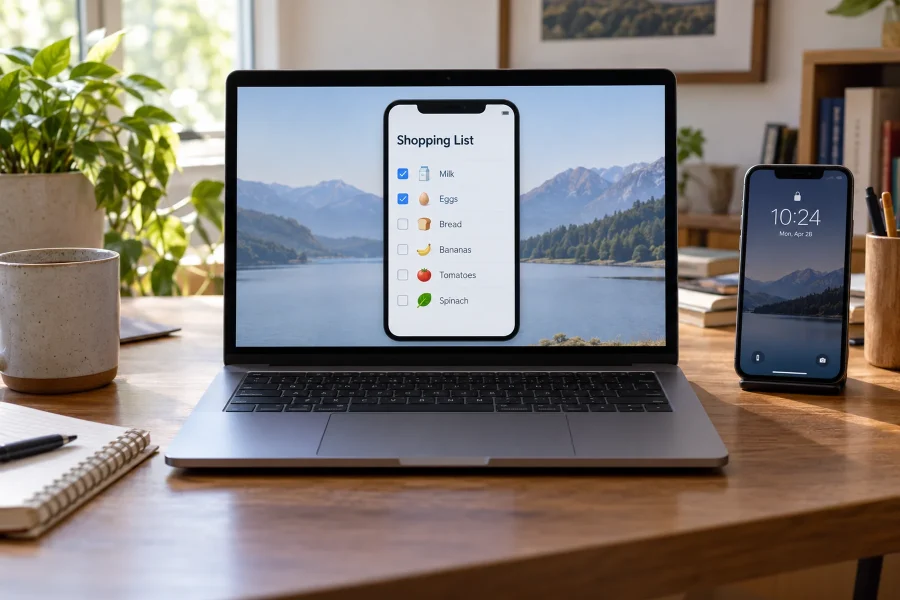
How to Use iPhone Mirroring on a Mac
Open iPhone Mirroring on a compatible Mac, follow its setup prompts, and keep your nearby iPhone locked. Once connected, you can operate supported iPhone apps using the Mac’s mouse, trackpad, and keyboard…
How to Clear Cache on iPhone
There is no universal Clear All App Cache button on iPhone. Clear Safari’s website data through Safari settings, use an individual app’s own cleanup controls when available, and distinguish those actions from…
How to Block Adult Content on iPhone
Use Apple’s web-content restrictions to limit adult websites, then protect the controls with a Screen Time passcode. The path depends on the software: iOS 18 uses Screen Time’s Content & Privacy Restrictions,…
How to Customize and Reset Control Center on iPhone
On iOS 18 and later, open Control Center, tap its + button, and use Add a Control to choose shortcuts. Drag controls to rearrange them and use available resize handles to change…
How to Schedule a Text Message on iPhone
Use Send Later in an iMessage conversation: open Messages, tap the + button, choose Send Later, set the date and time, compose the message, and tap Send. The built-in feature arrived with…
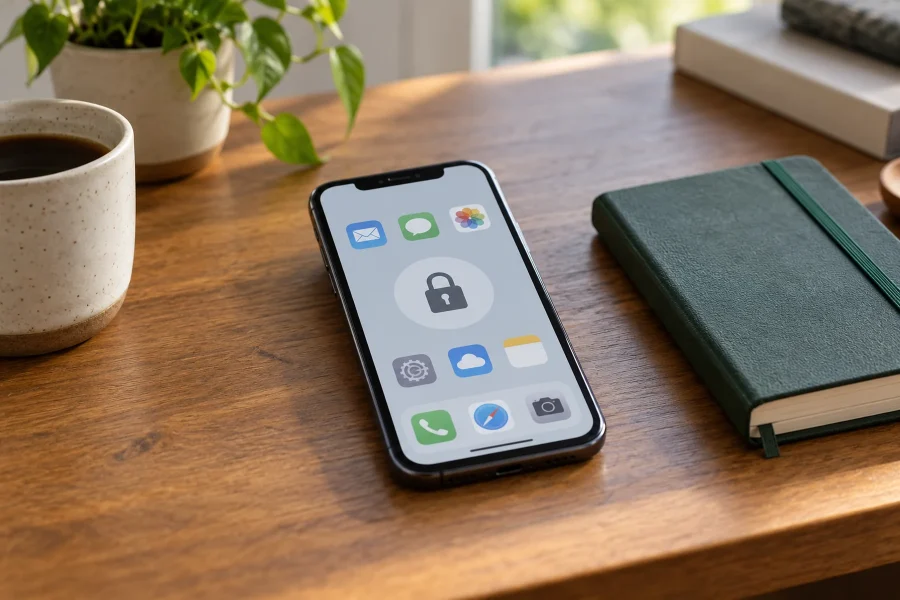
How to Hide, Lock, and Unhide Apps on iPhone
On iOS 18 and later, touch and hold an eligible app, choose Require Face ID, and confirm to lock it. To hide an eligible downloaded app as well, choose Hide and Require…
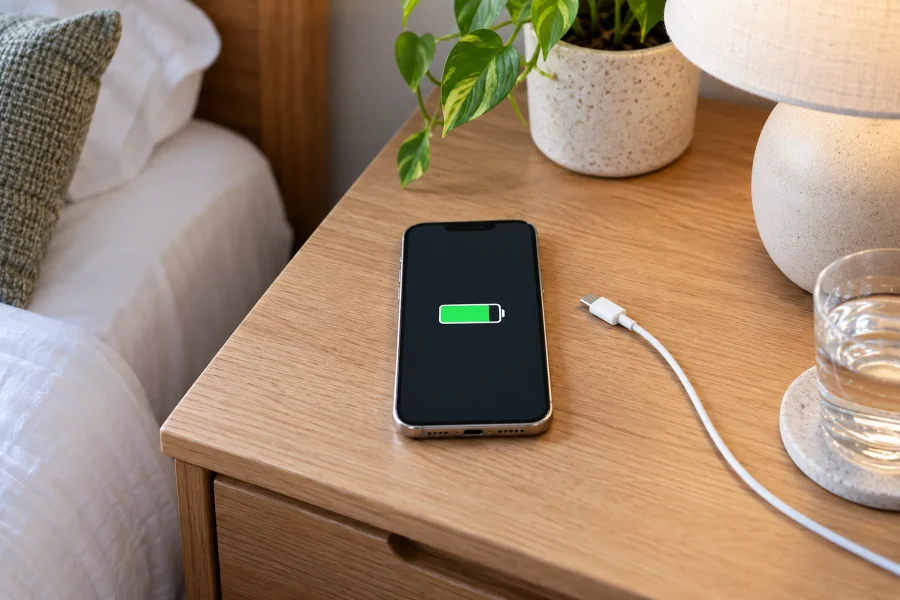
How to Fix iPhone Battery Drain After an iOS Update
If your iPhone battery drains faster immediately after an iOS update, check Settings > Battery before changing dozens of settings. Update-related work can continue in the background; Apple advises waiting a few…