
Open Messages > Filters > Recently Deleted, choose the conversations you need, and tap Recover. On iOS 18, the route may begin with Edit on the conversations screen instead. Apple’s built-in recovery feature requires iOS 16 or later and applies to messages deleted within a limited recent window.
Check this location before restoring a whole phone or paying for recovery software. It is the simplest way to recover eligible items without replacing the rest of your current data.
Restore from Recently Deleted
Apple’s deleted-message recovery instructions specify a window of 30 to 40 days. Treat that as a reason to act promptly, not a promise that every item will remain available until the last day.
- Open Messages and return to the main conversations screen.
- Use Filters, or Edit on the applicable iOS 18 layout.
- Open Recently Deleted.
- Select the conversations containing the messages you need.
- Tap Recover, then confirm the recovery choice.
Read the bottom action before tapping: this area also offers deletion controls. If your goal is recovery, do not permanently remove items while trying to clear the list.
Afterward, open the original conversation and look for the recovered material. Search for a distinctive phrase or inspect the relevant date rather than assuming a restored old message will appear as a new incoming text.
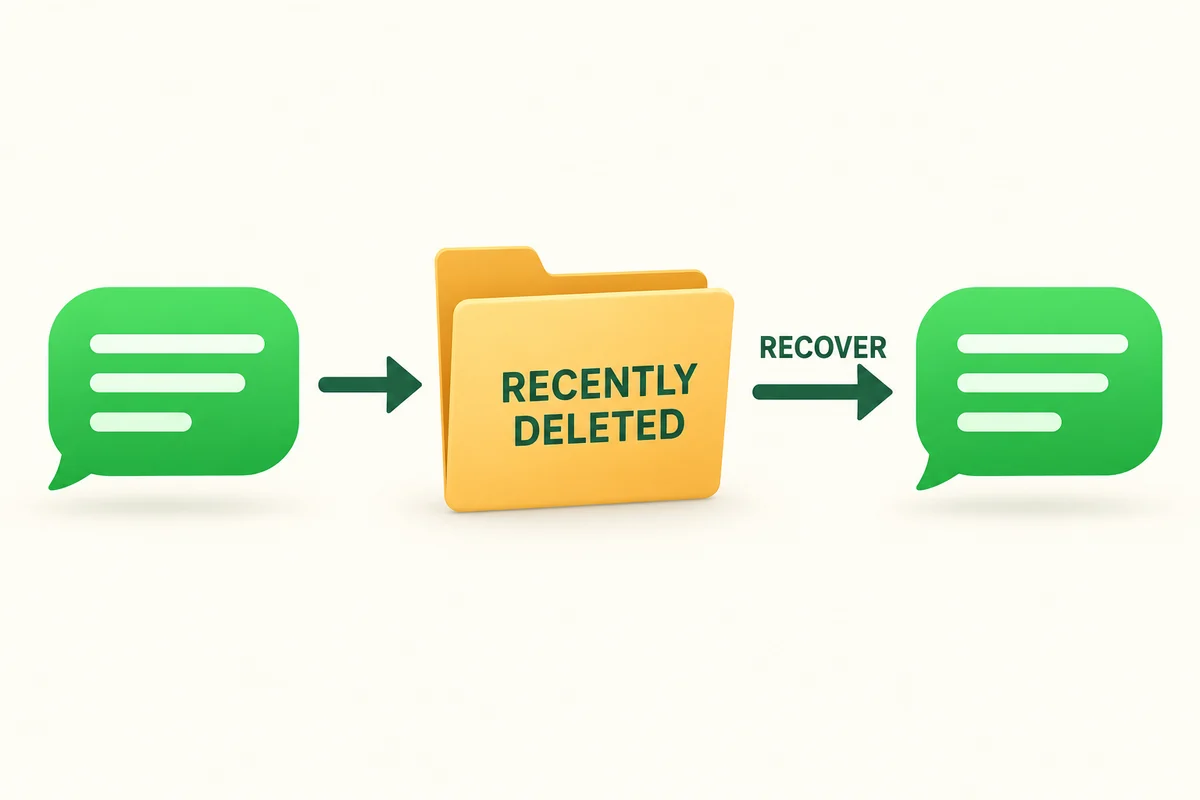
If the message is not in the deleted list
First confirm that you are looking in Messages, not an email or another chat app. A WhatsApp or Signal conversation has its own storage and recovery rules. The iPhone’s Messages recovery list is not a shared recycle bin for every app.
Then check whether the conversation is merely difficult to find. Search for the person’s number or a phrase, and review any available conversation filters. A changed contact name can make an existing thread look unfamiliar without deleting it.
Consider the deletion date and whether someone already permanently deleted the item. Apple also notes that messages deleted before upgrading to the supported recovery system are not made recoverable simply by installing a newer version afterward.
For an illustrative example, if a thread disappeared yesterday, Recently Deleted is the first useful check. If the needed message was removed months ago and the deleted list is empty, repeatedly reopening that list will not create a new copy.
Understand what an iCloud backup can contain
An iCloud backup is not automatically an independent archive of every message. Apple’s explanation of what iCloud backs up distinguishes data already syncing to iCloud from data included in the device backup. When Messages in iCloud is enabled, those messages sync separately rather than being included in the daily backup.
Before considering a restore, establish that a relevant backup exists, predates the deletion, and actually includes the information you need. Also consider what newer information would need protection. A backup timestamp alone answers only when the backup was made; it does not prove that one particular message is inside it.
Do not erase a working phone based on a recovery app’s advertising or a vague recollection that “iCloud was on.” If the evidence is unclear, seek Apple support before replacing the current device state.
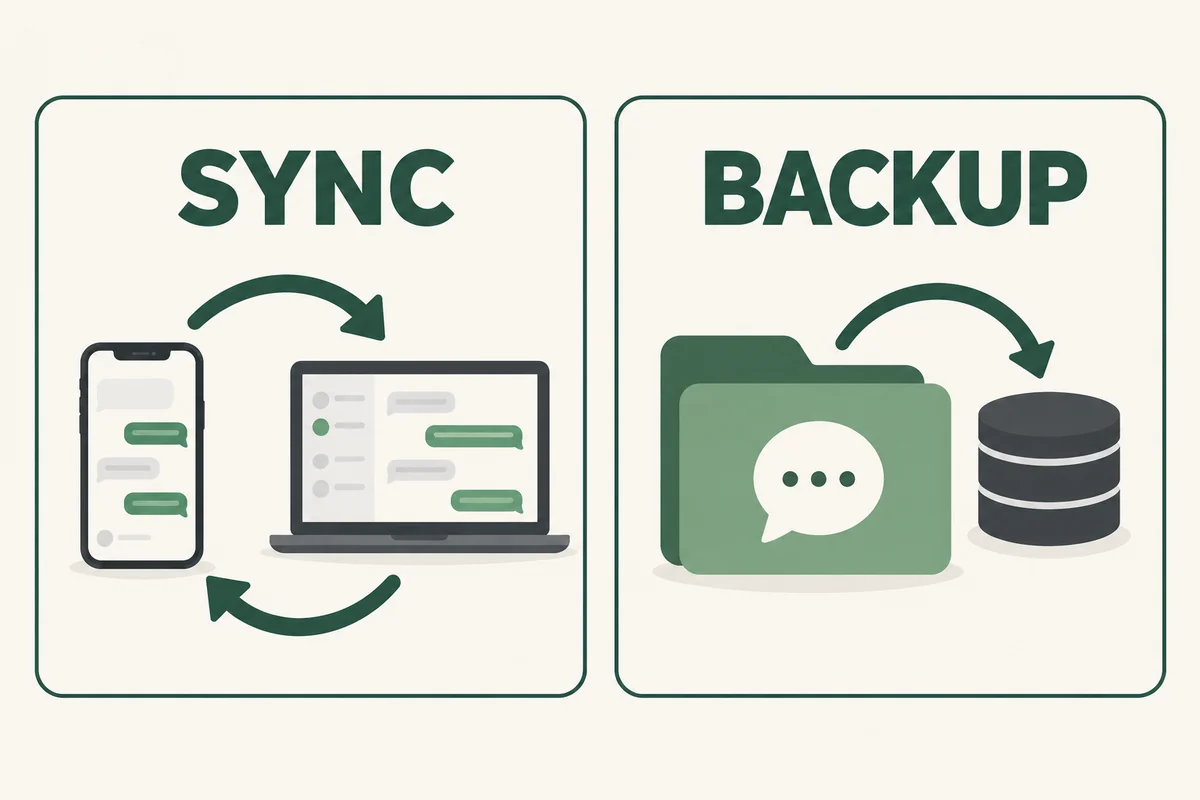
Look for a legitimate independent copy
The other participant may still have the conversation and be willing to send the relevant details again. Previously saved attachments, screenshots, or an agreed export may also meet the practical need, even though they do not restore the original thread to Messages.
Make that distinction explicit. Receiving a screenshot of an address can solve a missed appointment problem; it is not the same operation as recovering deleted database content. For a legal or workplace record, follow the organization’s preservation requirements instead of assuming any replacement copy is equivalent.
Conclusion
Recover eligible messages from Recently Deleted first. Beyond that window, look for evidence of an actual remaining copy before taking a disruptive step. The existence of a backup service or recovery product should never be mistaken for proof that your missing conversation can be restored.

Ethan Miller
Ethan Miller writes about home improvement, interior design, cleaning, and everyday living at Home & Living Daily. He shares practical tips and simple ideas to help readers create more comfortable and functional homes.


