 Our contributors
Ethan Miller
Ethan Miller writes about home improvement, interior design, cleaning, and everyday living at Home & Living Daily. He shares practical tips and simple ideas to help readers create more comfortable and functional homes.
Latest stories

How to Add an Email Account to iPhone
On iOS 18 or later, open Settings, Apps, Mail, Mail Accounts, then Add Account. Choose your provider, sign in, and enable Mail. Some newer setup screens ask for your email address before…

How to Enable Developer Mode on iPhone
To enable Developer Mode, first initiate pairing with Xcode on a Mac, then open Settings, Privacy & Security, Developer Mode on the iPhone. Turn it on, restart when prompted, and confirm Enable…
Can You Downgrade from iOS 26 to iOS 18?
There is normally no supported way to return an iPhone from iOS 26 to an arbitrary iOS 18 release. The target software must support the exact model and still be accepted by…
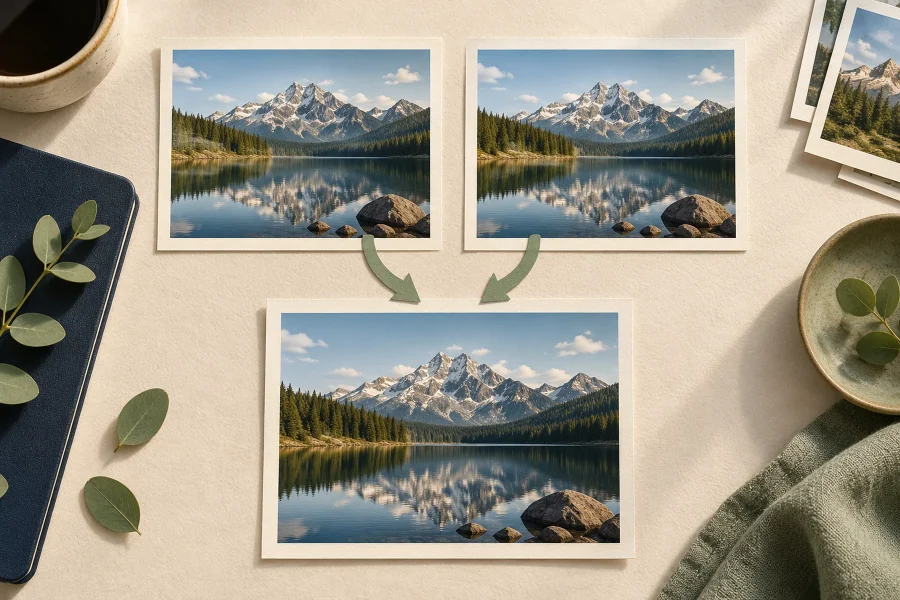
How to Find and Delete Duplicate Photos on iPhone
Open Photos, find Utilities, and choose Duplicates. Review a set and tap Merge to keep a combined best version instead of manually guessing which copy to delete. On iOS 18, scroll down…
How to Change Font Settings on iPhone
To make iPhone text larger, open Settings, Display & Brightness, Text Size and move the slider. For a larger range, use Settings, Accessibility, Display & Text Size, Larger Text. You can also…
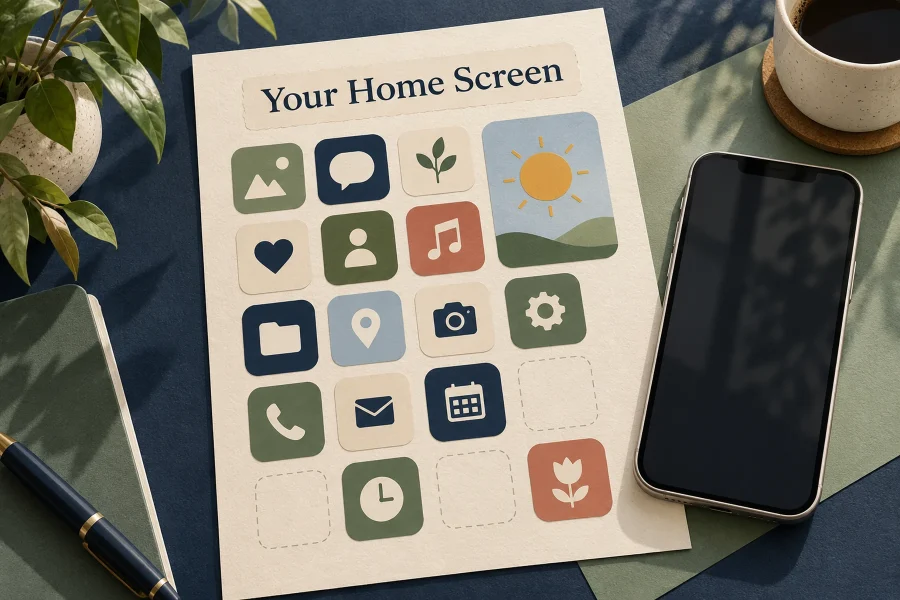
How to Customize Your iPhone Home Screen in iOS 18
In iOS 18, press and hold an empty area of the Home Screen, tap Edit, then Customize to change icon size and choose Light, Dark, Automatic, or Tinted icons. To move an…
Does Spectrum Sell iPhones?
Yes. Spectrum sells iPhones through Spectrum Mobile, its mobile phone service. Check the current model and storage options in the official mobile store, then confirm that you meet the service requirements before…
How to Find and Recover Recently Deleted Photos on iPhone
Open Photos and find Utilities, then Recently Deleted. Authenticate with Face ID, Touch ID, or your passcode, select the photos, and choose Recover. On iOS 18, scroll down the main Photos view…
How to Change or Remove a Contact Photo on iPhone
To change a contact’s picture, open Contacts, choose the person, tap Edit, and edit the photo area. To remove it, use Delete Photo if that editor offers it, or replace the picture…
How to Change or Re-enter Your Email Password on iPhone
To change an email password, change it with the email provider first, then reconnect the account on your iPhone if prompted. For Gmail, Outlook, and many work accounts, Apple Mail uses a…