 Our contributors
Ethan Miller
Ethan Miller writes about home improvement, interior design, cleaning, and everyday living at Home & Living Daily. He shares practical tips and simple ideas to help readers create more comfortable and functional homes.
Latest stories
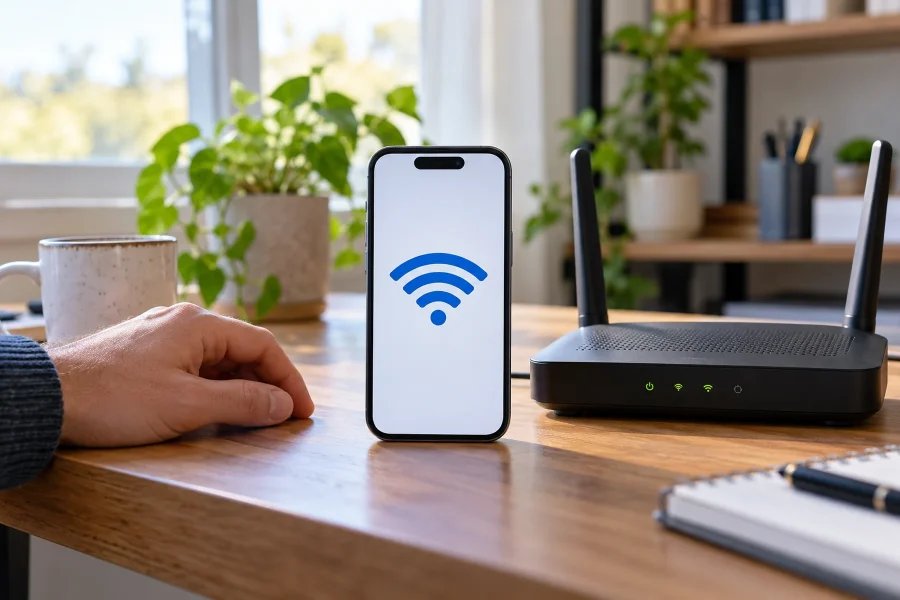
How to Reset Network Settings on iPhone
To reset network settings on an iPhone, open Settings > General > Transfer or Reset iPhone > Reset > Reset Network Settings. Confirm the network-specific choice when prompted. This removes saved connection…
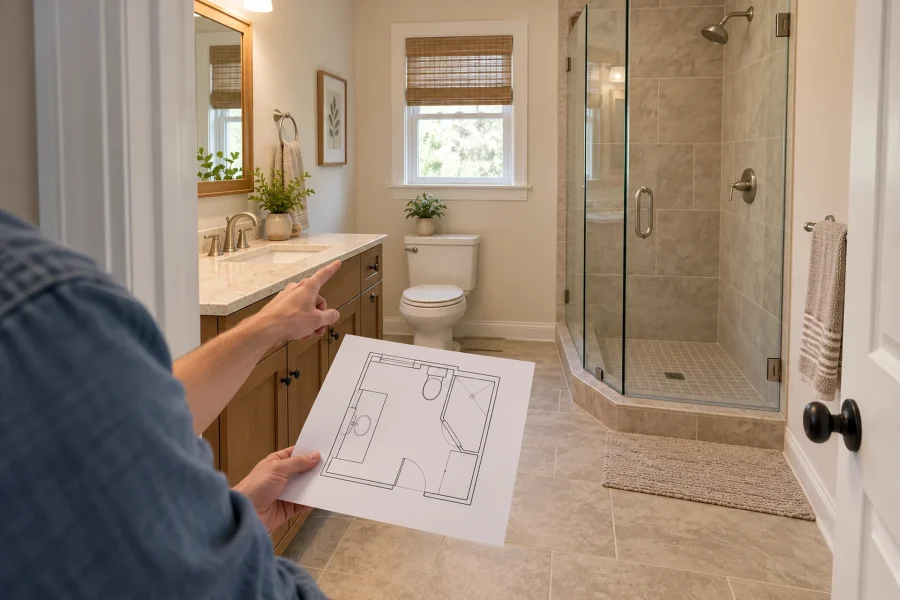
Do You Need a Permit to Remodel a Bathroom? What Usually Triggers One
Check how fixture replacement, shower rebuilding, ventilation, and moved plumbing change a bathroom permit inquiry, and what to confirm before covering work.

How Long Does a Kitchen Remodel Take? A Realistic Timeline
Build a kitchen schedule around cabinet delivery, rough work, countertop templating, and a usable cooking setup, with clear dates for what happens next.
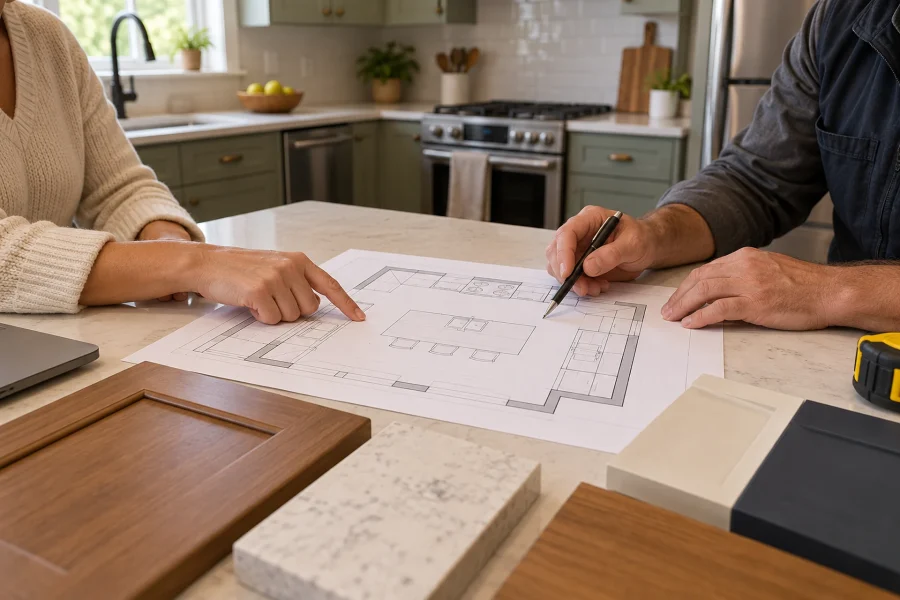
Do You Need a Permit for a Kitchen Remodel?
Cabinet replacement and a moved gas line are different scopes. Check kitchen permit triggers, trade approvals, and the documents to confirm locally.
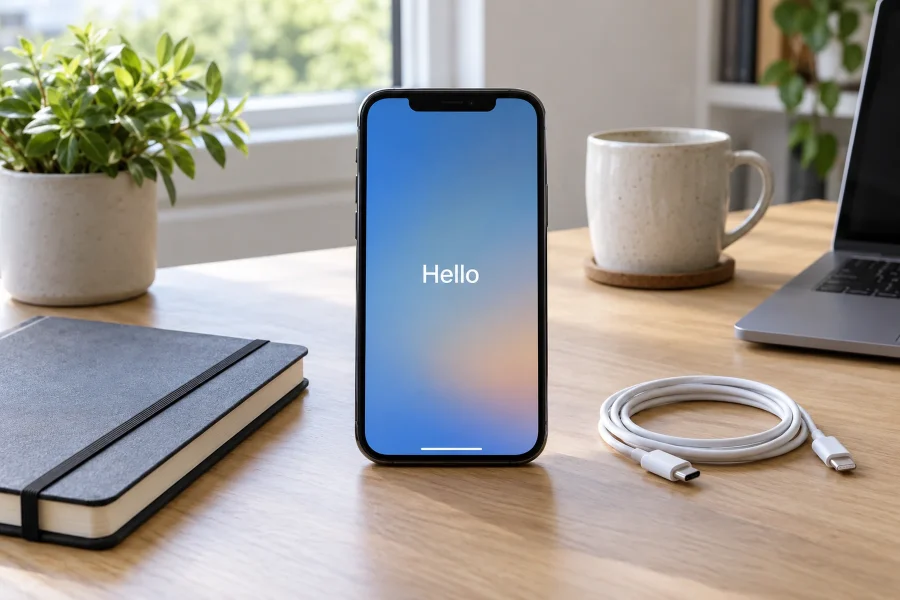
How to Factory Reset Your iPhone
To factory reset an iPhone you can unlock, go to Settings > General > Transfer or Reset iPhone > Erase All Content and Settings. Follow the review and authentication prompts, choose the…
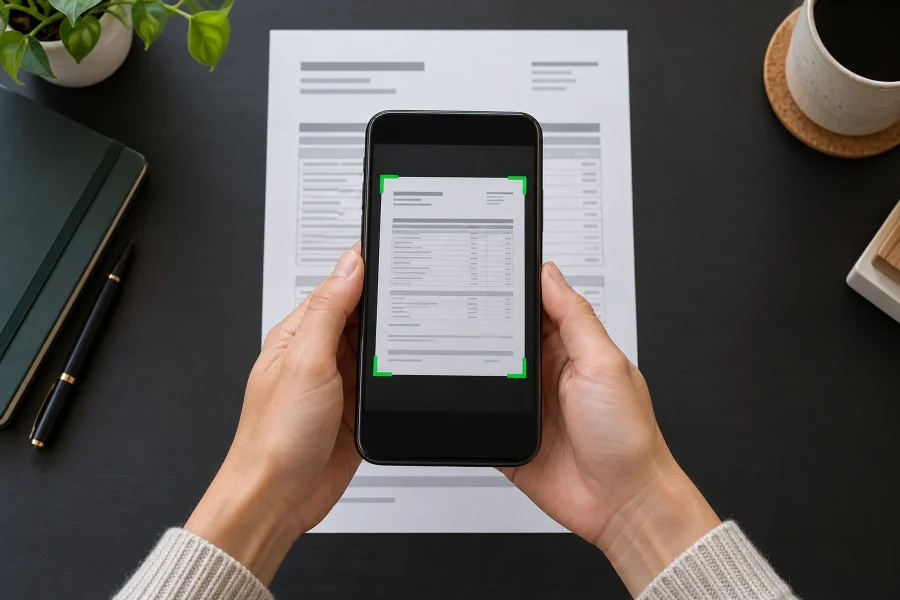
How to Scan Documents on iPhone With Notes or Files
You can scan documents without installing another app. In Notes, open a note, tap the attachment button, and choose Scan Documents. In Files, open the relevant browsing location, tap the More (…)…
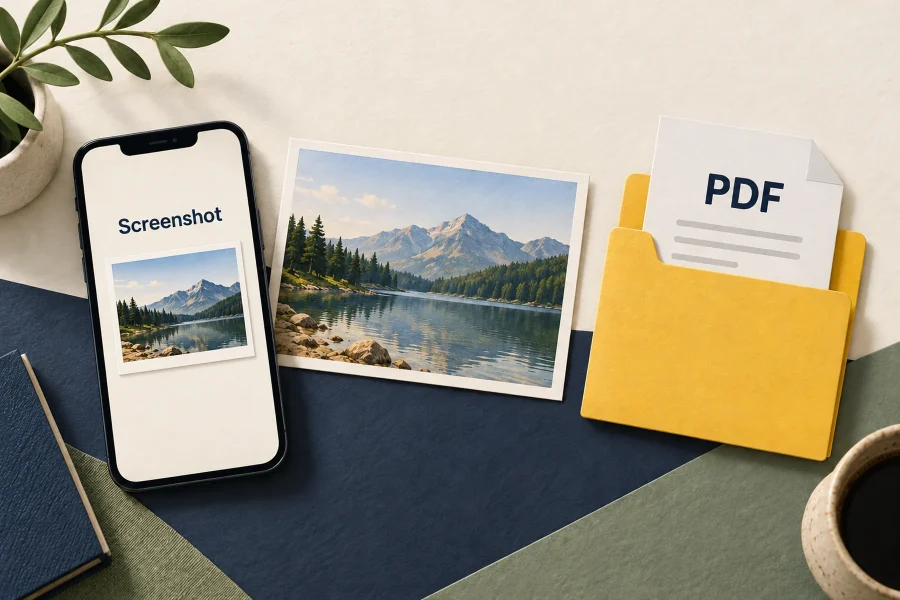
Where Are Screenshots Stored on iPhone?
Ordinary screenshots saved as images are stored in Photos. Find them under Media Types, Screenshots: on iOS 18, scroll down the main Photos view; on versions with a Collections tab, open Collections…

How to Find, Hide, and Lock Photos on iPhone
To find hidden photos, open Photos, go to Utilities, choose Hidden, and authenticate. On iOS 18, scroll down the main Photos view; on versions with Collections, open that tab first. To hide…
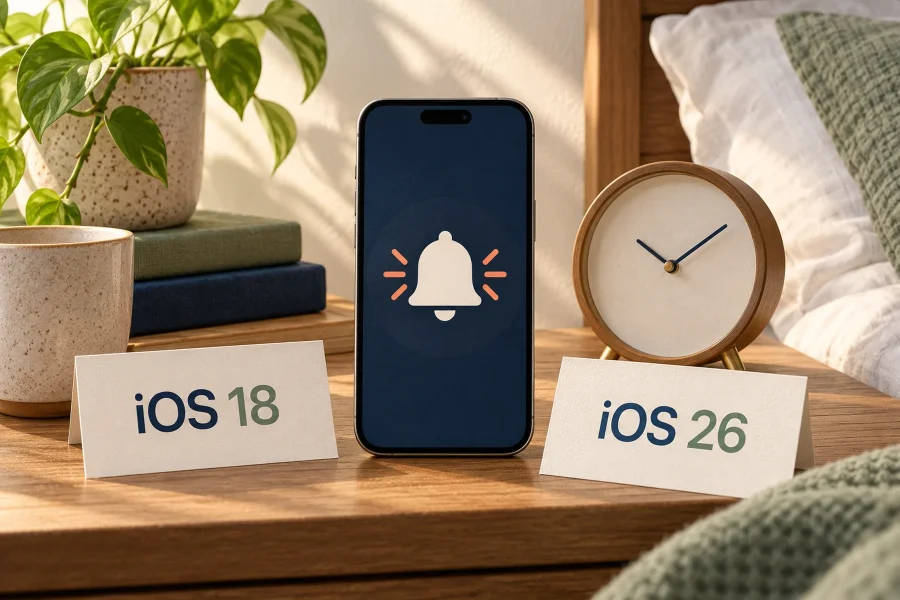
Can You Change the Snooze Time on iPhone?
Yes on iOS 26: you can set a regular Clock alarm’s snooze duration from 1 to 15 minutes. On iOS 18, the standard Clock snooze interval is nine minutes and cannot be…
Can You Change Text Message Colors on iPhone?
You cannot choose an arbitrary color for the native blue and green message bubbles in Apple’s Messages app. On iOS 18, there is no built-in bubble-color picker. iOS 26 added conversation backgrounds…