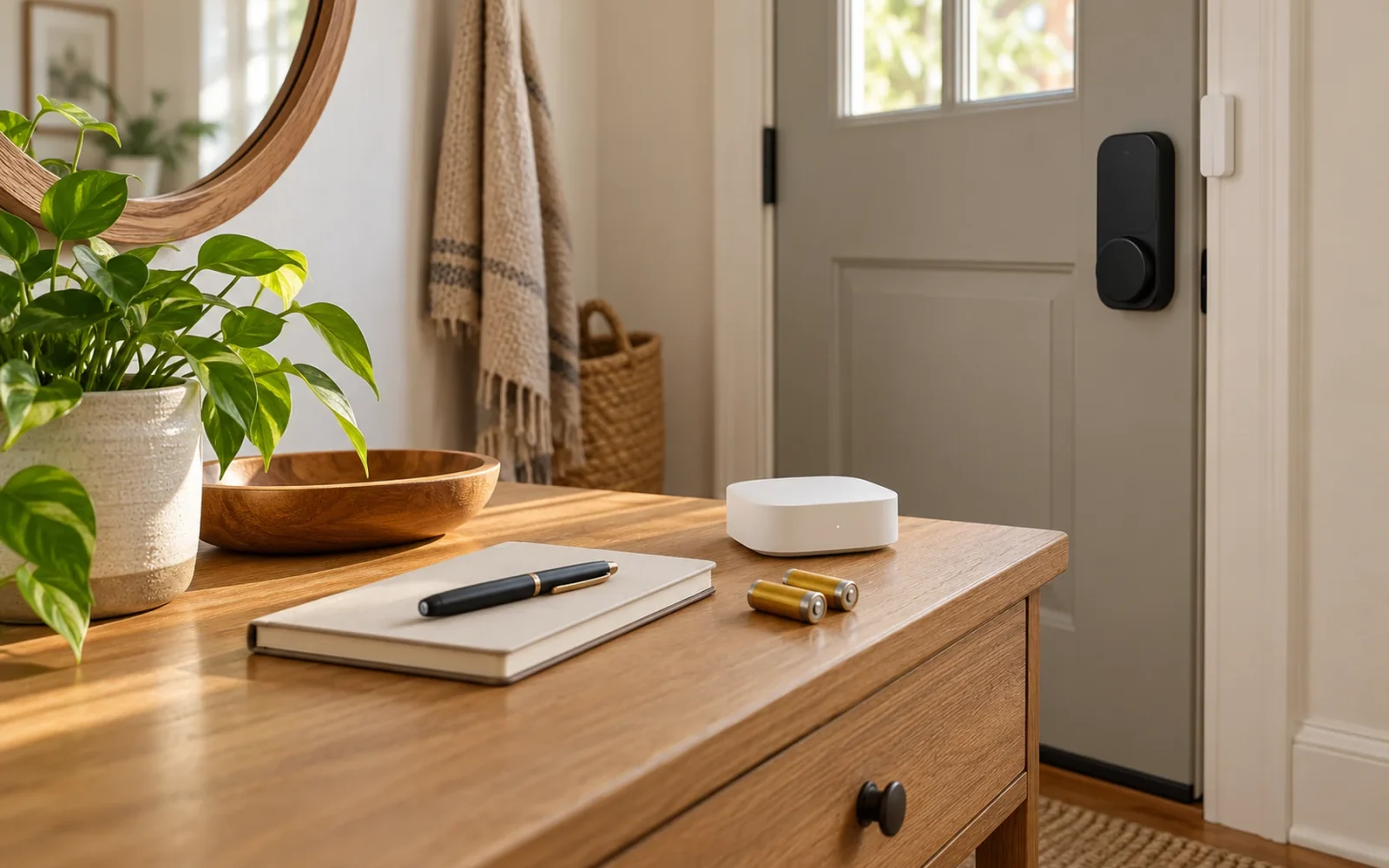
Smart home systems need ongoing maintenance: supported software updates, the right replacement batteries, occasional cleaning, and tests that show the devices still perform their jobs. A camera appearing online does not prove it saved a recording. A door sensor showing a healthy battery does not prove its warning reaches your phone.
Build your routine around those outcomes. The most useful maintenance record says what you tested, what happened, and what needs attention—not simply when you last opened each app.
Record the dependencies you will need when something fails
Keep a small inventory with device names, exact models, locations, battery or power requirements, apps, and associated bridges or controllers. Add the date you replaced a battery or changed a setting. Store manuals, setup codes, and recovery information securely; do not put passwords on a checklist left beside the front door.
Record the purpose of important automations in plain English. “Hallway sensor turns on the landing light after dark” is more helpful than an unexplained rule called Automation 12. Identify which platform owns the rule so you can distinguish it from a similar schedule in another app.
Include the fallback. Can someone operate the light with a physical control? What is the approved way into the house if the lock loses power? A maintenance plan should preserve those options, not assume that a charged phone will always be available.
Use a short routine and respond to warnings promptly
The following is a practical starting schedule, not a manufacturer-required interval. Shorten it for devices that are heavily used or exposed to weather, and follow product-specific instructions first. A low-battery or security warning should not wait for the next calendar review.
| When | Useful check | Evidence to keep |
|---|---|---|
| Regular household review, such as monthly | Review offline devices and warnings; trigger an ordinary sensor event; play a recent camera clip | Result, missing alert, or failed playback |
| After an update or configuration change | Test the affected device and the routine it participates in | Software version or changed setting, then test result |
| Seasonally or when household routines change | Review outdoor exposure, lighting times, guest access, and rarely used equipment | Adjusted schedule and any service work needed |
| Before relying on the home while away | Confirm recording, notifications, batteries, access, and recovery arrangements | A completed test with enough time to resolve failures |
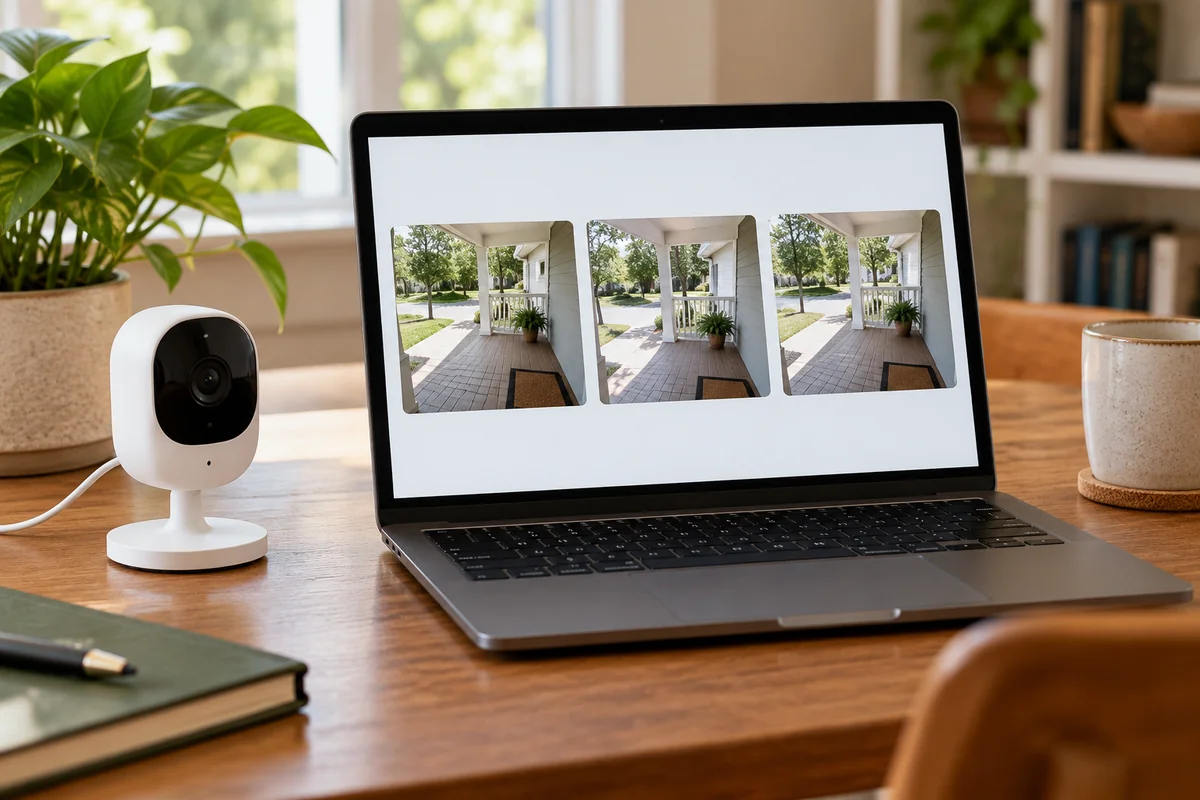
Choose representative tests rather than clicking every switch in every app. Open a contact sensor, watch the intended light respond, and check the notification on the phone normally used. For a camera, retrieve and export a recent event. The distinction between a live picture and a saved file is particularly important after a storage change or expired trial.
Install updates when you can check the result
Router firmware, bridge firmware, accessory firmware, phone software, and apps may update separately. An updated phone app is not evidence that every connected device has received its own update.
Enable supported automatic security updates where practical and review update failures. For a manually managed controller, keep a current configuration backup if the platform provides one. Preserve device names and rule details separately when no complete export exists; not every consumer product has a restorable backup.
Make consequential changes while someone can observe the result. Avoid deliberately interrupting an update or casually factory-resetting a hub because one accessory is unavailable. If you must update several central components manually, test between changes so a new failure has a narrower set of possible causes.
Aqara's smart-home maintenance guidance identifies firmware, battery checks, and device connections as separate maintenance tasks. Treat them separately in your record too: new firmware will not recharge a sensor or clean a camera lens.
Service batteries and surfaces according to the actual product
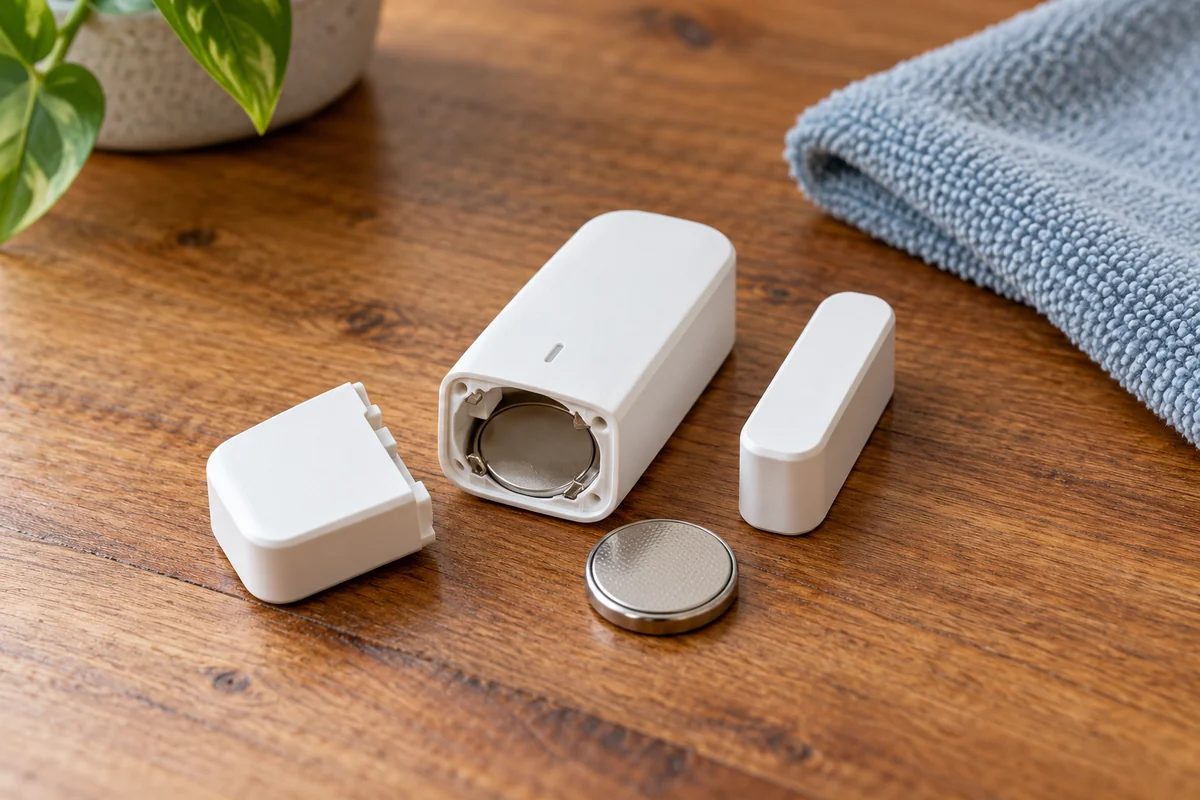
Use the specified battery type and replacement procedure. Do not substitute rechargeable cells for disposable cells solely because the physical size matches. For rechargeable equipment, follow the allowed charging conditions and investigate a damaged, swollen, leaking, or unusually hot battery instead of continuing routine use.
After changing a battery, confirm that the device reports and operates again. For a door lock, keep the door open and another authorized entry method available while checking the keypad and bolt. For a sensor, trigger its documented test rather than waiting for a real incident.
An unexpectedly short battery interval deserves investigation. A lock struggling against its strike, frequent camera activity, or a changed wireless environment can make “replace batteries again” an incomplete response. Record the symptoms and seek the model's troubleshooting guidance before assuming the cells are defective.
Clean accessible devices with the approved method. Avoid spraying liquid into housings, forcing tools into sensor openings, or pressure-washing outdoor cameras. Check mounts and exposed cable protection from a safe position. Leave fixed wiring, damaged power connections, and inaccessible equipment to suitable help.
Retest after changes to the home or network
A new router, Wi-Fi name, phone, curtain, or furniture layout can change how a previously reliable system works. After a network change, check the accessories, their integrations, and remote access—not just whether the phone can browse the web.
For an illustrative example, moving a bookcase may leave a motion sensor reporting online while narrowing the view it needs. Walk the actual route and inspect the resulting action. That test answers a different question from checking signal strength.
Review household members and guest access when people move in or out. Our smart-home security guide covers account protection and permission management in more detail. Maintenance also includes checking whether the manufacturer still supports the equipment; a working light does not establish that its connected software remains supported.
Conclusion
Give each important device a simple proof of service: a usable recording, a received alert, a working lock code, or the intended room response. Keep the result and act on failures. That makes maintenance a way to find quiet problems before you depend on the system, rather than another list of apps to open.

Ethan Miller
Ethan Miller writes about home improvement, interior design, cleaning, and everyday living at Home & Living Daily. He shares practical tips and simple ideas to help readers create more comfortable and functional homes.


