Smart homes can be reasonably secure when their accounts, network, and devices are maintained, but no connected setup is immune to compromise. The largest practical improvement often comes from fixing ordinary access problems: reused passwords, missing updates, unnecessary shared users, or equipment that no longer receives support.
Treat account access, device security, and privacy as separate jobs. A strong Wi-Fi password does not stop someone signing into a compromised camera account, and a well-protected account does not repair an unsupported device's software.
Identify what you are protecting
List the devices and services that can see, hear, unlock, or change something important in the home. Include the phone, email account, smart-home platform, vendor apps, router, and any bridges or controllers.
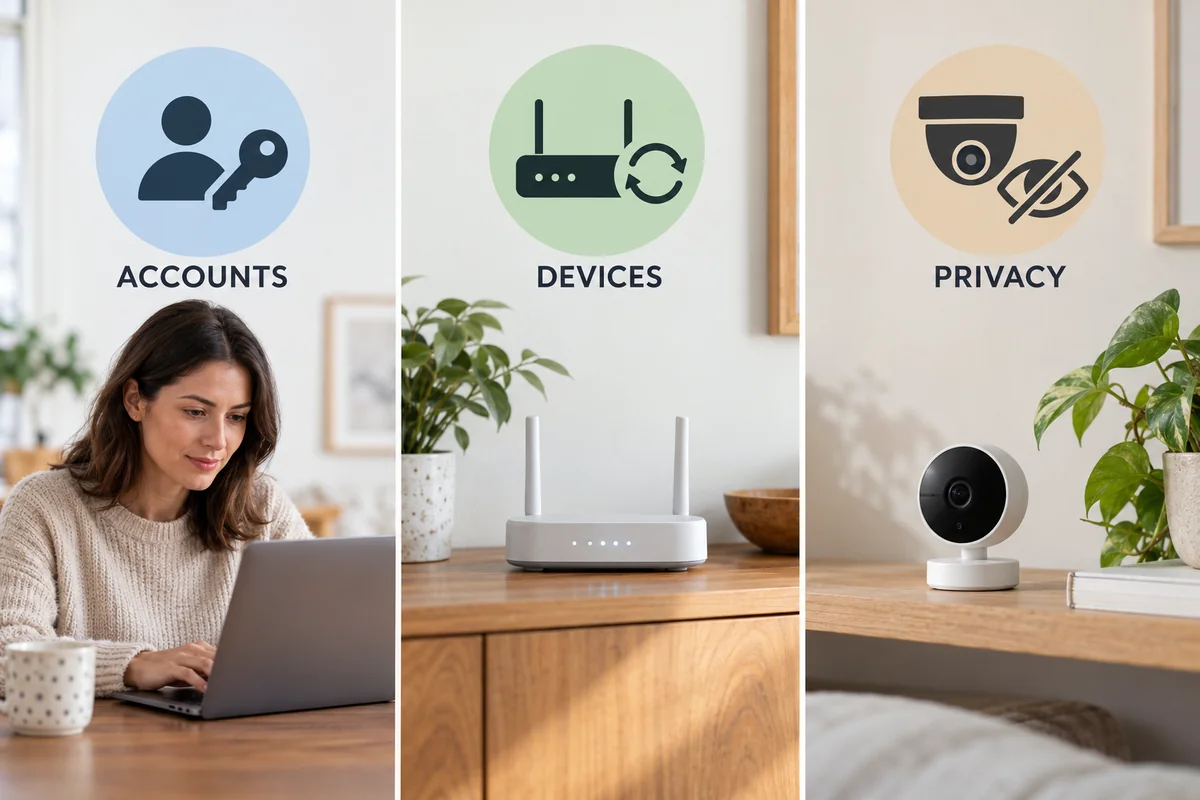
For each one, identify who has access and what that access allows. A visitor permitted to turn on a lamp should not automatically need the ability to unlock a door, view cameras, or add administrators.
| Risk | Example | First useful control |
|---|---|---|
| Account takeover | A reused camera password is exposed elsewhere | Unique password and supported multifactor authentication |
| Unwanted authorized access | A former guest still belongs to the home | Review members, roles, and guest permissions |
| Device or router vulnerability | Old firmware remains installed | Supported updates and replacement planning |
| Excessive data collection | Unneeded recording or app permissions stay enabled | Review privacy settings and disable unused functions |
This inventory also makes failures easier to interpret. One unavailable light suggests a different problem from unexpected changes across several brands under the same platform account.
Protect the accounts that control the home
Use a unique strong password for each important account and store it in a reputable password manager. Secure the email account used for password recovery as carefully as the smart-home account itself.
Turn on multifactor authentication wherever it is supported. CISA's MFA guidance explains the additional login check beyond a password. Prefer the strongest supported method you can recover and use reliably, and keep recovery information in a secure place outside the device you might lose.
Use individual household invitations instead of passing around the owner's login. Review the role each person receives, remove expired guests, and check other services linked to the main platform. Access shared through another app can remain after you remove one visible user elsewhere.
Keep the control phone locked and updated. Be cautious with messages claiming that a device must be “verified” through an unfamiliar login page. Open the official app or the known service directly instead of entering credentials through an unexpected message.
An illustrative risk is a former guest who still has an authorized camera login. That is an access-management problem even if no software vulnerability was exploited. Removing that access matters more than buying a newer router.
Secure the router without breaking local controls
Use WPA3 Personal or WPA2 Personal as supported, with a strong Wi-Fi password. Change default router administrator credentials, keep its firmware current, and leave its firewall enabled. The administrator password and the Wi-Fi password protect different things.
The FTC's home Wi-Fi guidance describes those distinctions and recommends reviewing unnecessary remote-management and other convenience functions. Do not expose a camera, recorder, or router-management page to the internet merely to make remote access easier.
A separate IoT or guest network can limit which devices communicate with your computers and personal data, depending on the router's implementation. But a separate network name alone is not proof of isolation. Check what the router actually permits between networks.
Also consider local discovery and control. Some platforms need the phone, controller, or accessory to communicate locally. Client isolation can prevent a supported setup or routine from working. Follow the platform's network requirements and use the router's intended isolation controls rather than disabling the firewall or opening broad access to make a device appear.
If you are comfortable maintaining network segmentation, test each necessary function after the change. If you are not, a maintained router, strong accounts, and carefully managed devices are a more useful starting point than a complex network you cannot troubleshoot.
Buy for support, then install the updates
Check the manufacturer's security-update policy before buying, including any stated support end date. Consider whether important functions depend on an online service and what remains usable if that service ends.
Enable supported automatic updates where practical, and periodically confirm that updates are actually arriving. Router, hub, device firmware, phone operating system, and vendor app updates can be separate tasks.
The FTC's connected-device guidance recommends maintaining firmware and apps and disconnecting old equipment you no longer use. A cheap camera left powered in a drawer can remain part of the network even when it no longer provides a useful view.
Retire unsupported equipment deliberately. Remove it from active routines, follow the documented account-removal process, and clear personal data as appropriate before disposal or transfer. Do not assume deleting the phone app removes the device's cloud account relationship.
Reduce unnecessary access and recording
Disable functions you do not need, using supported settings. That may include unused remote administration, integrations, microphones, recordings, or app permissions. Check the effect before turning off a function that another household member relies on.
Camera placement affects privacy even when the account is secure. Ask whether a camera is needed in the room at all, who can view it, whether audio is required, and how long recordings are retained. A door contact or occupancy sensor may answer a particular automation question without creating an indoor video feed.
Review histories and linked services periodically. Check account sign-in activity where available, active sessions, home members, and camera sharing. A device's encryption claim does not tell you who has been invited to use its recordings or what another linked service receives.
Local control can reduce dependence on a cloud service, but it does not eliminate the need for updates or account protection. Likewise, a modern compatibility standard is not a guarantee that the entire product, vendor account, and home network are secure.
Keep a recovery plan for a lost phone or suspicious login
Before a problem occurs, record how to recover the main account and how authorized household members can operate important functions. Keep entry and essential controls usable through the manufacturer's supported fallback methods.
If you see an unfamiliar login or unexpected control:
- Use a trusted device to secure the affected account and its recovery email.
- Change compromised credentials, review MFA, and revoke unknown sessions where supported.
- Review home members, shared users, linked services, and recent activity.
- Update affected equipment and follow the vendor's account or security recovery guidance.
- Check that essential devices still work for the people who should have access.
Preserve relevant account notices or logs before resets where possible. A factory reset may erase useful configuration without removing an online session or another service's permission. Identify the access route before treating a reset as a complete remedy.
For used equipment or a home transfer, ownership and data need their own checks. The smart-home moving guide explains why account removal, device reset, subscriptions, and the next resident's setup can be separate steps.
Conclusion
Prioritize the accounts with the greatest control, the devices with the most sensitive access, and equipment that is no longer maintained. A smaller system with current software and clear ownership is easier to protect than a larger collection of forgotten integrations. Review access whenever people, phones, or devices change—not only after something goes wrong.

Ethan Miller
Ethan Miller writes about home improvement, interior design, cleaning, and everyday living at Home & Living Daily. He shares practical tips and simple ideas to help readers create more comfortable and functional homes.


