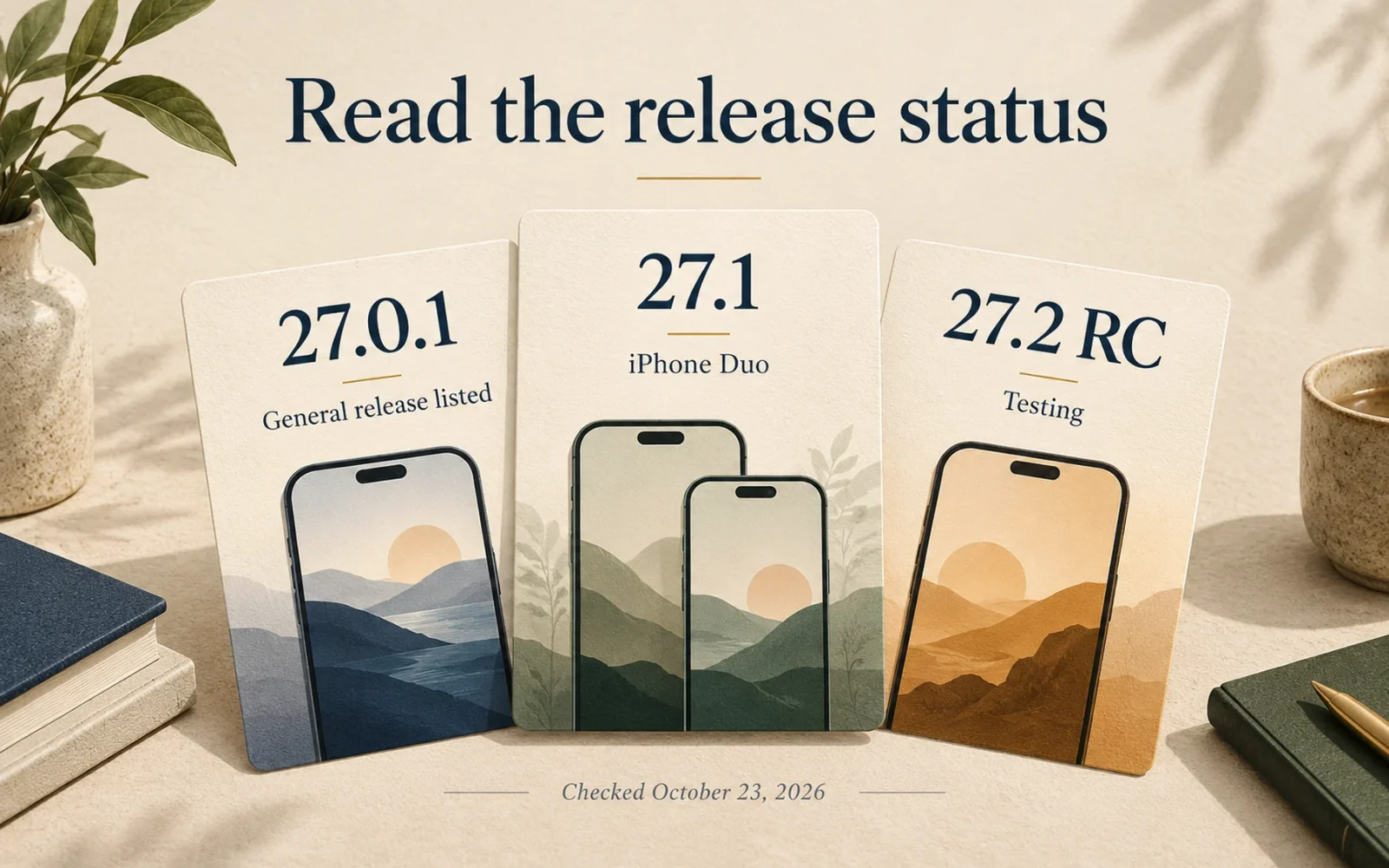
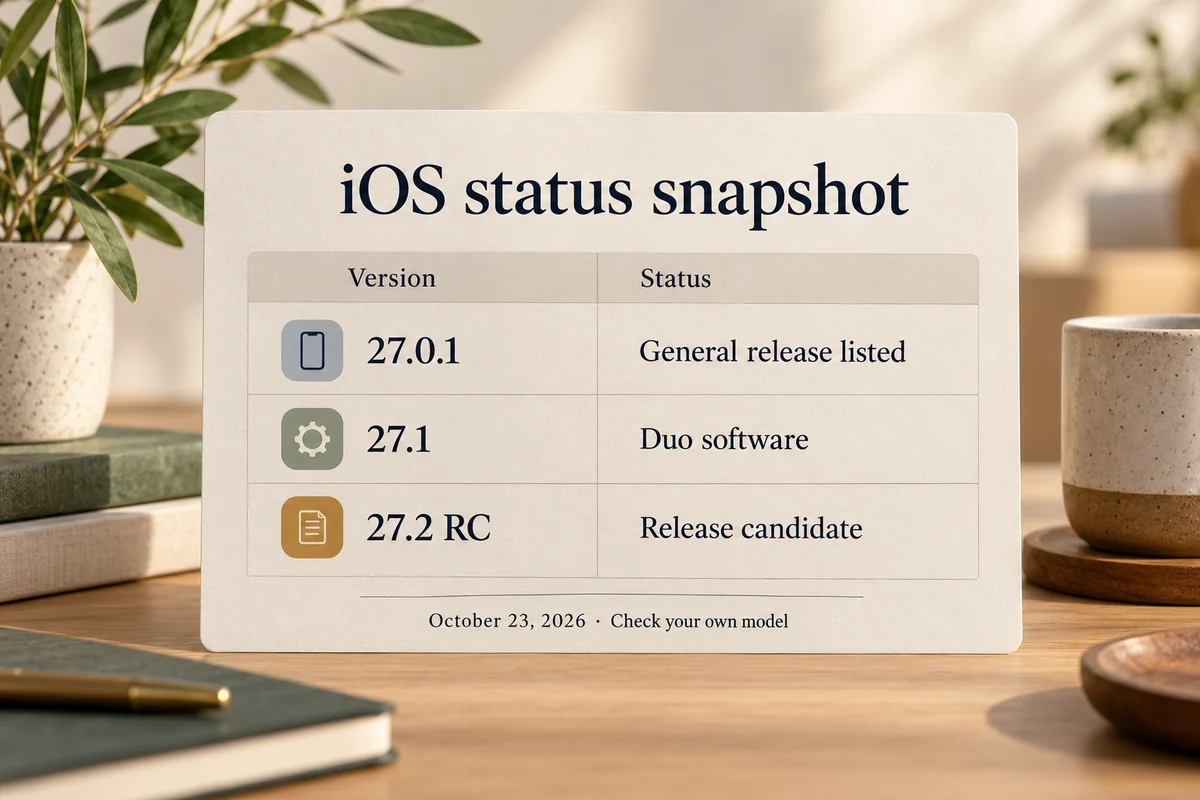
As checked October 23, 2026, Apple’s general security-release page lists iOS 27.0.1, released September 28, as the latest general iPhone update. There is an important exception: Apple’s developer guidance says iPhone Duo ships with iOS 27.1. iOS 27.2 is listed as a release candidate, rather than a finished general release.
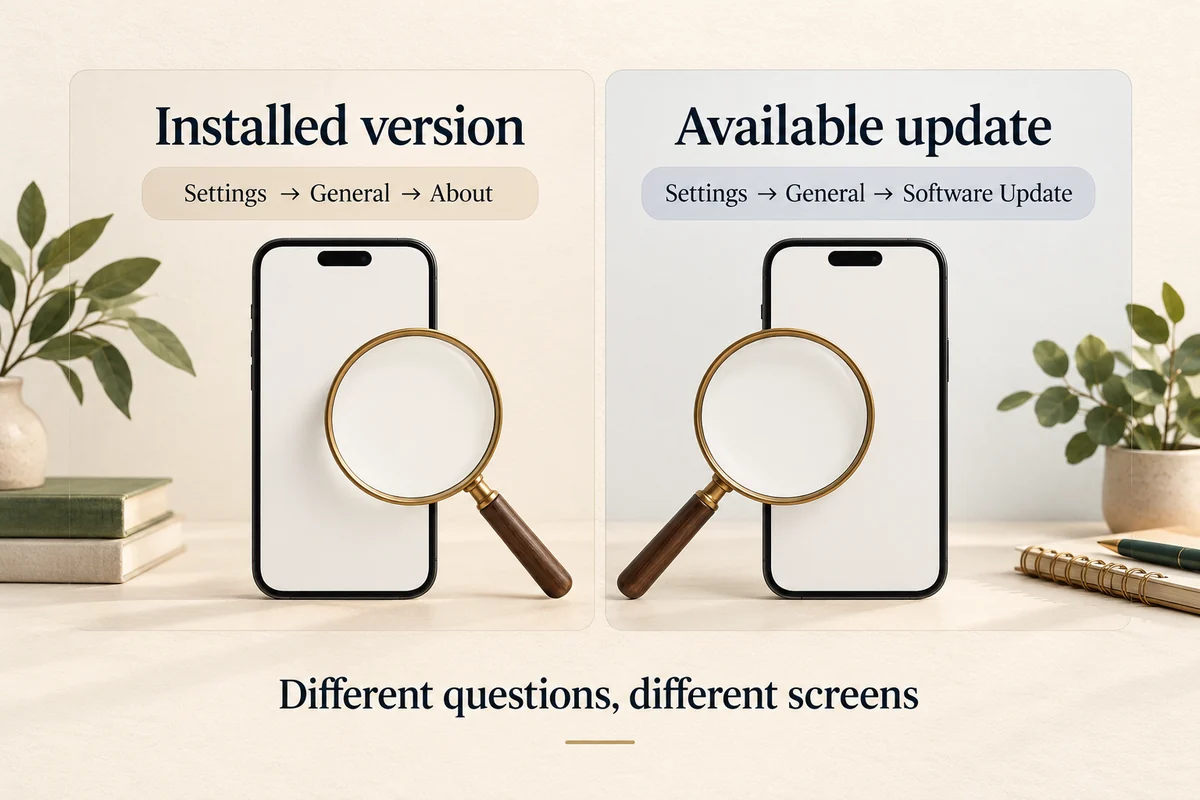
The right answer for your phone therefore needs both the version number and the model. To check what is installed, open Settings > General > About; to see what you can install, open Settings > General > Software Update.
Current software status by release type
The following separates Apple’s general release record, its Duo software note, and its developer release list. Those pages serve different purposes, so their highest numbers should not be treated as interchangeable download instructions.
| Software | Verified status at the time checked |
|---|---|
| iOS 27.0.1 | Latest general release listed on Apple’s security page; dated September 28, 2026 |
| iOS 27.1 | Version Apple specifies for iPhone Duo |
| iOS 27.2 RC | Release candidate listed October 19, 2026; testing status |
| iOS 18.7.10 | Older branch listed for iPhone XS, XS Max, and XR |
These are a dated snapshot. If you read this after another release, the version offered by Apple and your device’s eligibility may have changed. A more recent build number on a beta website does not by itself mean you are missing a finished public update.
Installed, available, and compatible mean different things
Installed describes the software currently on your handset. Available describes an update the phone can download through its supported update route. Compatible describes whether the hardware can run a particular software family or feature.
For example, a phone might have an older installation while a newer compatible release is offered. Another, older phone can be current for its supported branch without running the latest major generation. Comparing only the largest number hides that distinction.
Read the full version. iOS 27, 27.0.1, and 27.1 are related names but not identical builds. Likewise, an iPhone model number identifies hardware, while iOS identifies software. Our explanation of what iOS means covers that naming distinction.
How to check your iPhone accurately
In Settings > General > About, note iOS Version and Model Name. Then visit Software Update and read the update’s number and description. If there is more than one offered branch, establish which one you intend to install before proceeding.
Apple’s update instructions explain the supported process. Back up before installing and choose a practical time for the restarts. Updating an app through the App Store is a separate action and does not change the phone’s iOS version.
If the phone reports that it is up to date, compare its model with the applicable release record. Do not erase it simply because someone else’s newer phone displays a larger version number. A managed work or school phone may also require guidance from its administrator.
Why the newest version may not include every advertised feature
Feature requirements can include hardware, language, region, and a later rollout within the same major software generation. A successful installation does not turn an older camera or chip into newer hardware.
For a missing feature, find that feature’s own requirements instead of repeatedly checking the main version number. This is especially useful when an announcement discusses an entire platform while demonstrating a feature on one specific device.
For the date of a future update, follow development status and official announcements separately. This page answers what is already listed or supplied; an RC record is information about testing, not a reason to assume it is the ordinary update for every reader.
Conclusion
Check the version together with its release type and your model. That produces a useful answer to “am I up to date?” without confusing a Duo-specific installation, a testing build, and an older phone’s supported software branch.

Ethan Miller
Ethan Miller writes about home improvement, interior design, cleaning, and everyday living at Home & Living Daily. He shares practical tips and simple ideas to help readers create more comfortable and functional homes.


