Smart Home
Explore practical smart-home guides designed to make everyday life easier, more efficient and more comfortable. We cover robot vacuums, connected appliances, home automation, maintenance, product comparisons and realistic buying advice. Whether you are setting up your first smart device or improving an existing system, these guides will help you understand what is worth buying, what limitations to expect and how to choose technology that fits your home.
Latest stories
Does Apple Pencil Work With iPhone?
Most iPhones do not work with Apple Pencil. The announced exception is iPhone Duo with Apple Pencil (USB-C), but there is an important timing condition: as of October 20, 2026, Duo is…
How to Connect Sony Headphones to iPhone
To connect Sony Bluetooth headphones to an iPhone, put the headphones into pairing mode, open Settings > Bluetooth on the iPhone, and tap the headphones’ model name when it appears. Wait for…
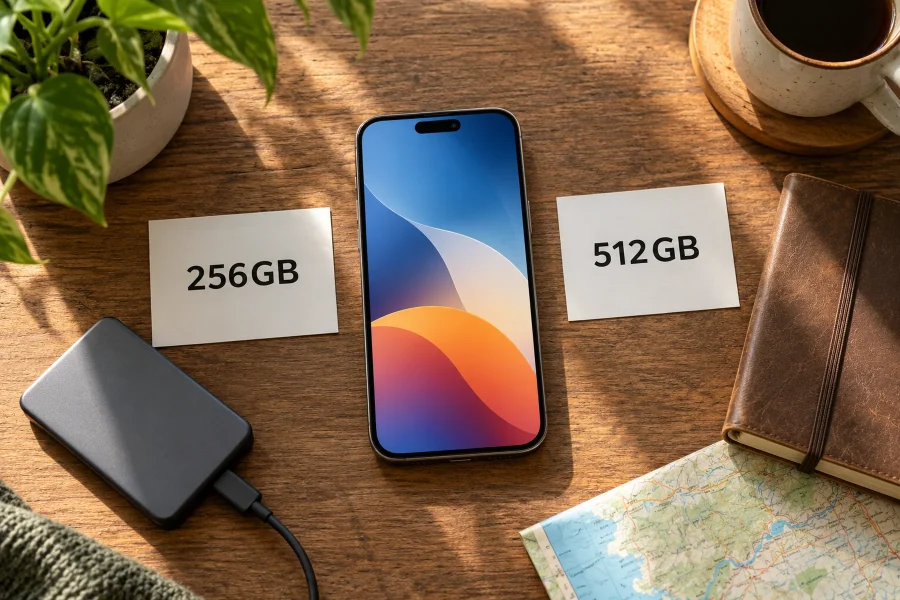
Is 256GB Enough for an iPhone?
256GB is a sensible iPhone capacity if you mainly stream media, use ordinary photo formats, and keep your current phone comfortably below that level. Consider 512GB when you already use close to…
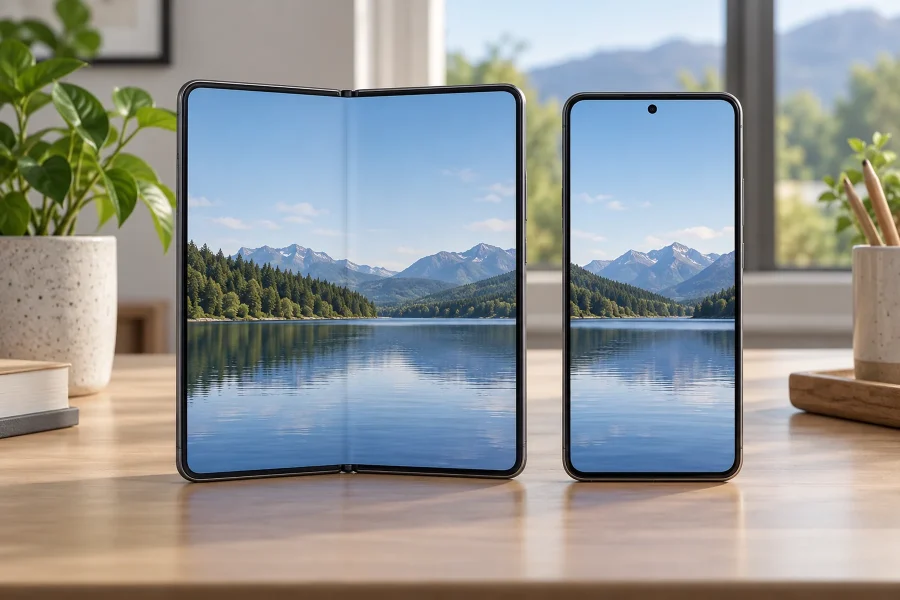
Which iPhone Has the Largest Screen?
The largest announced iPhone display is the iPhone Duo's 7.6-inch inner screen. As of October 20, 2026, Apple lists it for preorder with availability starting October 23. If you mean a conventional,…
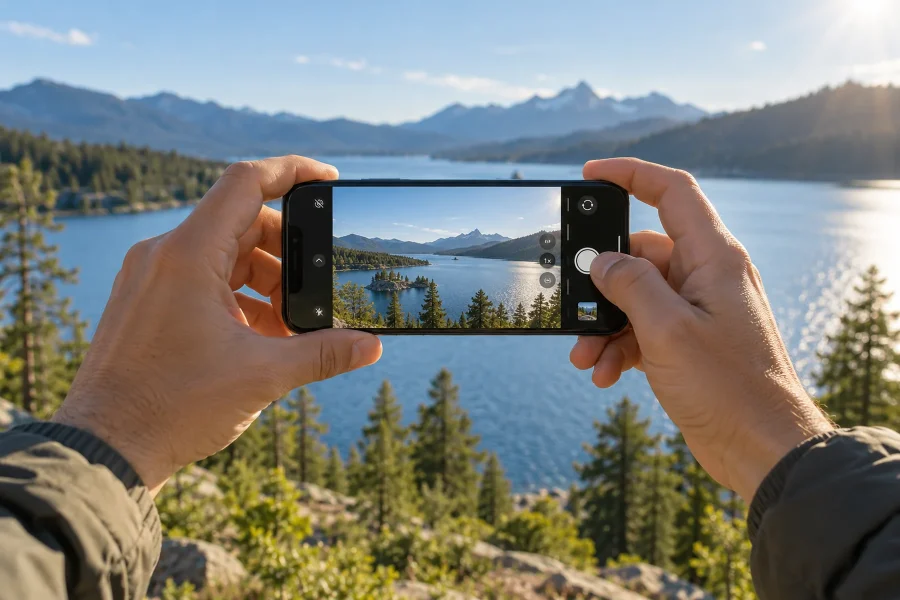
Which iPhone Has the Best Camera?
The iPhone 18 Pro and iPhone 18 Pro Max are the strongest choices for overall iPhone camera capability as of October 20, 2026. They share the same camera system, so you do…
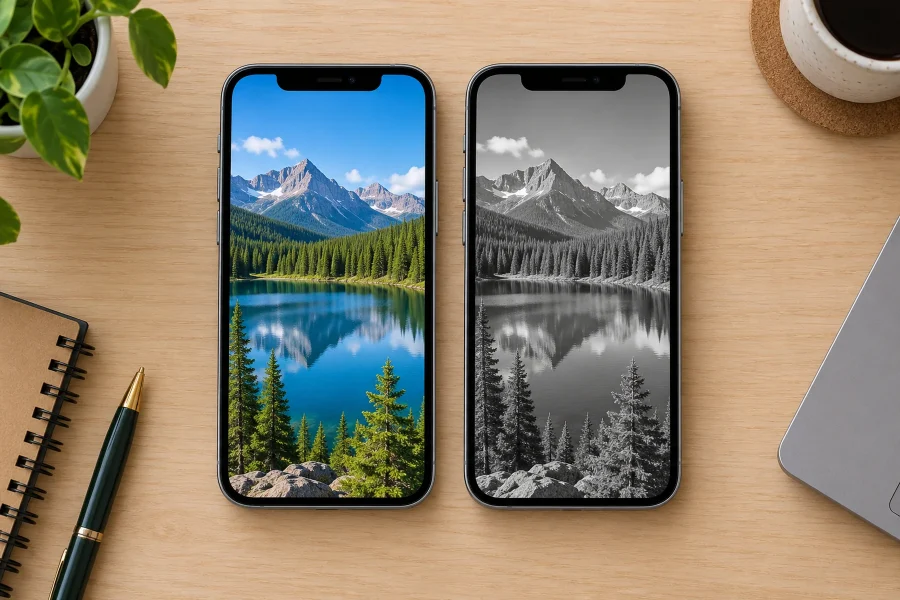
How to Turn Your iPhone Screen Grayscale
To turn your iPhone screen grayscale, open Settings > Accessibility > Display & Text Size > Color Filters. Turn Color Filters on and select Grayscale. Your display will show shades of gray…
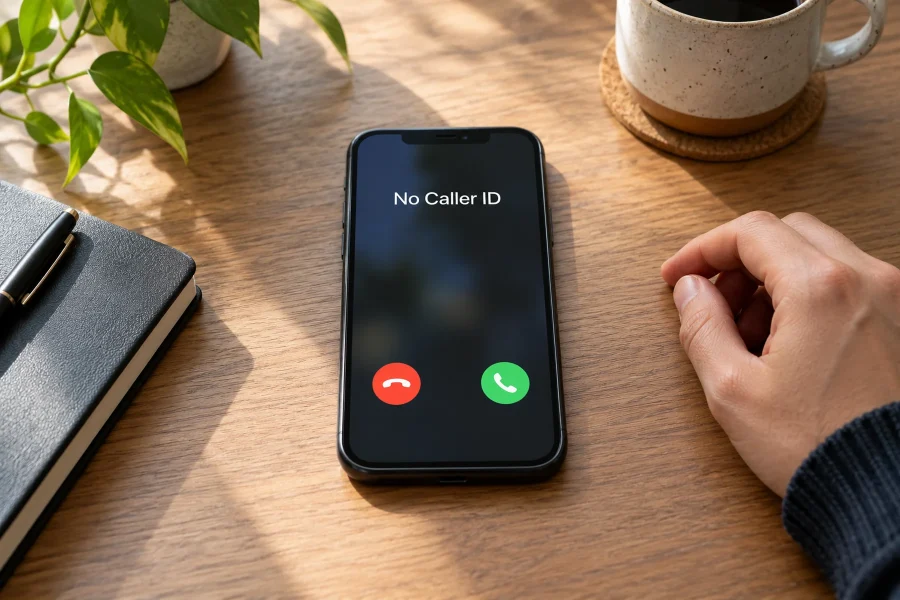
How to Block No Caller ID Calls on iPhone
To stop No Caller ID calls from interrupting you, use your iPhone's unknown-caller controls. On current versions, open Settings > Apps > Phone > Screen Unknown Callers and choose Silence. If your…
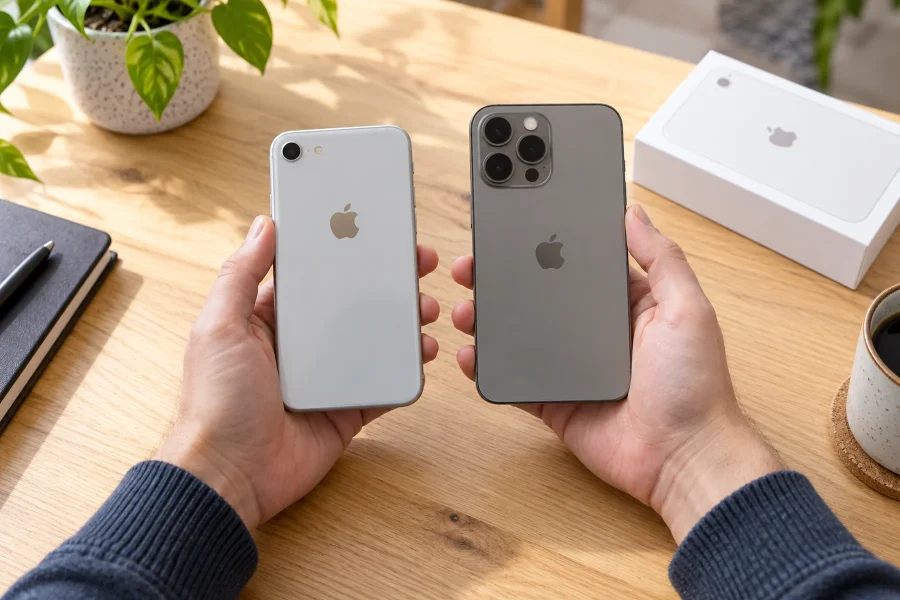
How to Tell What iPhone You Have: 5 Easy Ways
To tell what iPhone you have, open Settings > General > About and read Model Name. If you cannot unlock or turn on the phone, you can identify it through its physical…
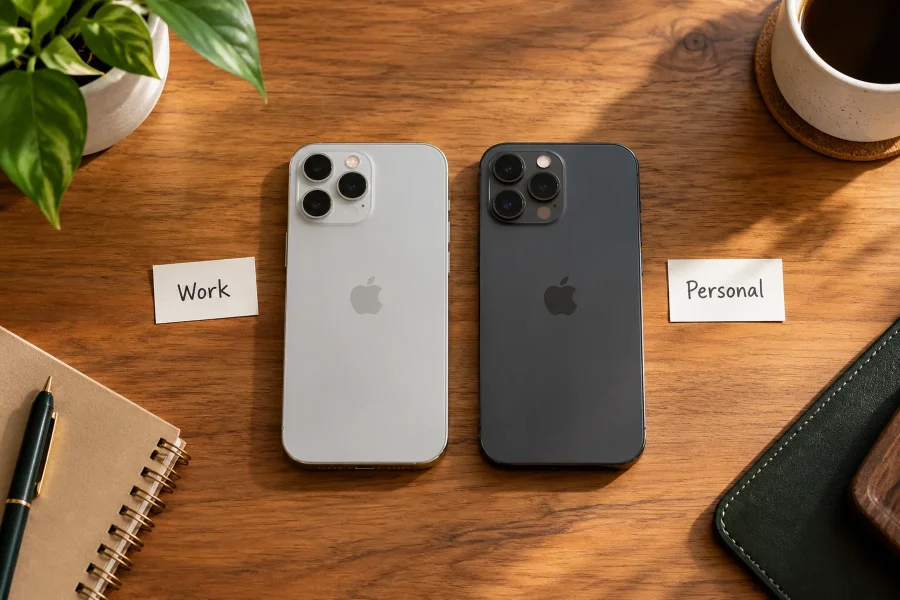
How to Change Your iPhone’s Name
To change your iPhone’s name, open Settings > General > About > Name, replace the existing text, and tap Done. This changes the phone’s custom device label. It does not change its…
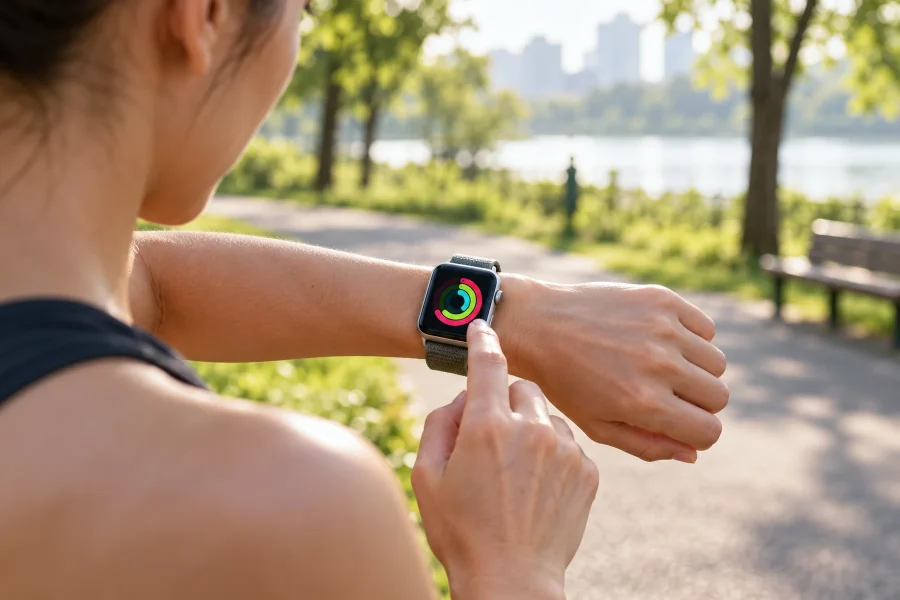
Can You Use an Apple Watch Without an iPhone?
Yes, you can use an Apple Watch without your iPhone nearby after the watch has been set up. Offline functions work without a network; online functions need Wi-Fi or a supported cellular…