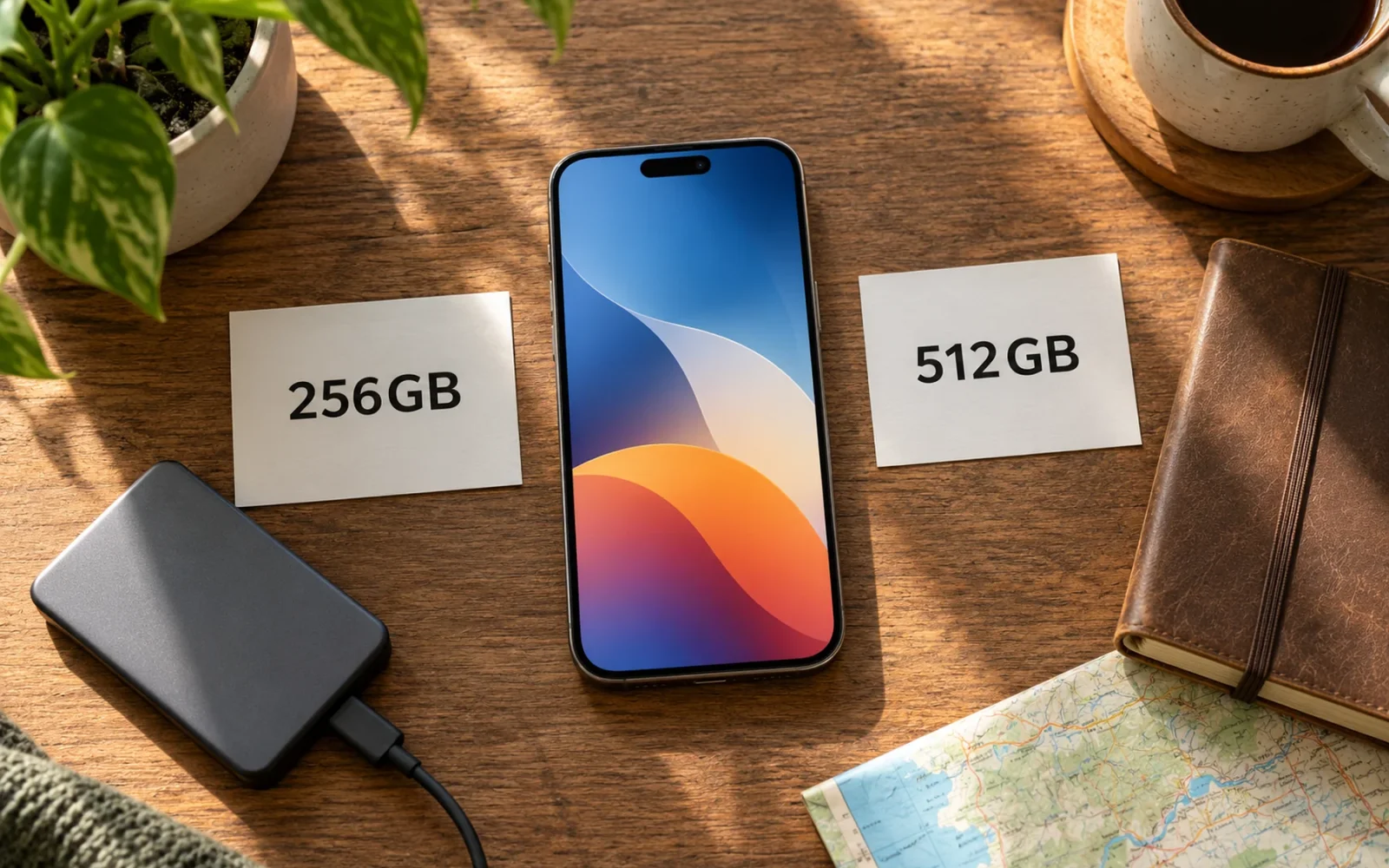
256GB is a sensible iPhone capacity if you mainly stream media, use ordinary photo formats, and keep your current phone comfortably below that level. Consider 512GB when you already use close to 200GB, retain large offline libraries, record substantial high-quality video, or want years of growth without regular archiving. Your measured usage is a better starting point than a claim that one capacity suits everyone.
The useful question is not how many photographs could theoretically fit on an empty phone. It is whether your apps, messages, photos, downloads, system files, and future growth can coexist with enough free space for the way you use it.
Start with the storage you actually use
Open Settings > General > iPhone Storage on your current phone. Let the breakdown finish loading, then note the total used and the largest categories or apps. Apple explains where to find this in its device and iCloud storage guide.
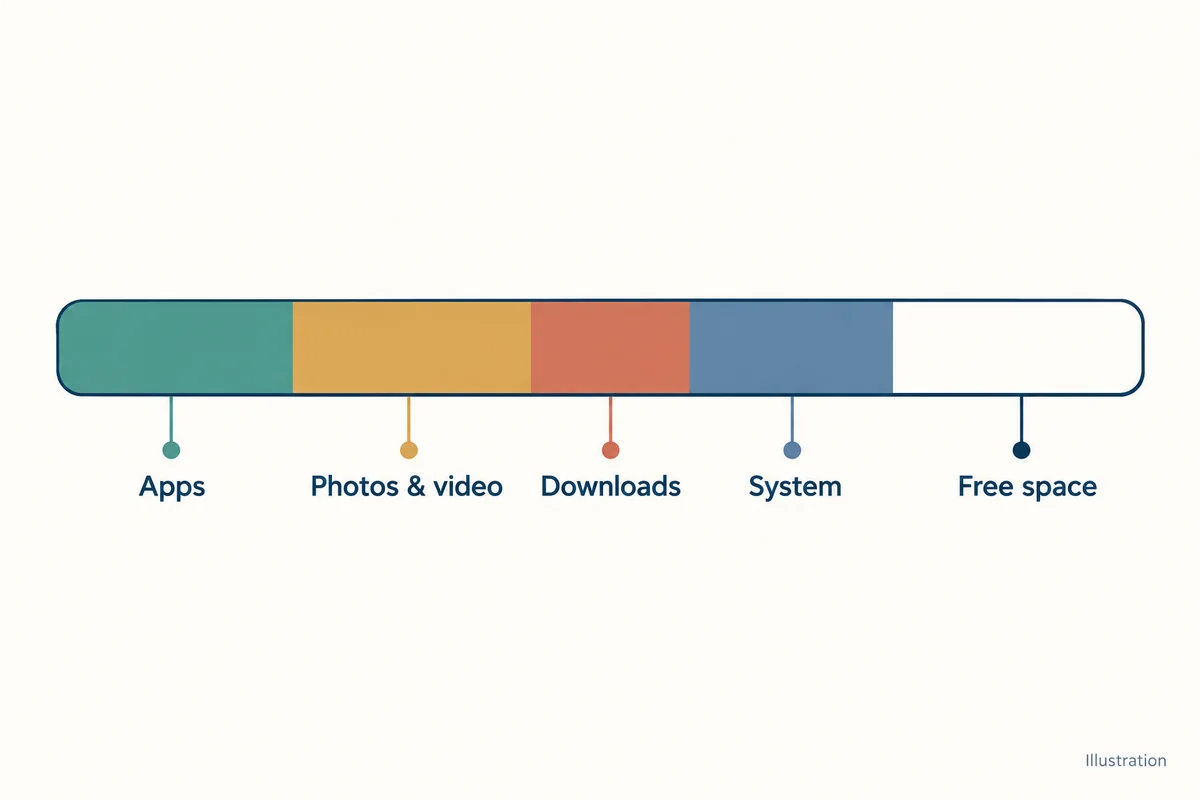
Look beyond today's total. Have you recently deleted a large photo library, removed games because they would not fit, or offloaded apps you still want? A phone using 110GB because its 128GB capacity forced constant cleanup does not prove 128GB meets your needs.
Also check whether photos are optimised, how many videos or music downloads you keep, and what you plan to change on the next phone. Starting to record more video or downloading several large games can change the answer even if your current use is modest.
For someone consistently using 70–90GB with no forced deletions, 256GB provides substantial room relative to that measured workload. For someone already near 230GB, buying another 256GB device assumes a cleanup or archiving routine; it does not create new capacity.
These are decision examples rather than universal thresholds. The right margin depends on how quickly your library grows and how much management you are willing to do.
Which habits fit 256GB?
Use the table to identify what creates pressure in your own storage, rather than assigning yourself a vague label such as “casual” or “power user.”
| Usage pattern | Is 256GB a reasonable starting point? | What could change the answer? |
|---|---|---|
| Streaming, everyday apps, ordinary photos | Often yes | A much larger existing photo or message library |
| A few large games and some travel downloads | Potentially | Installed game resources plus peak offline downloads |
| Keeping years of original photos and videos locally | Check carefully | Growth during the years you plan to keep the phone |
| Frequent long videos or large editing projects | Less comfortable | Recording format, transfer frequency, and working copies |
| Minimal interest in deleting or archiving | A larger tier may be preferable | How much convenience you are willing to pay for |
Real users make different compromises. In a Reddit storage discussion, the original poster streamed media and used cloud storage, while replies described offline music, games, filled devices, and a preference against cloud storage. That disagreement illustrates different workloads; it does not establish a capacity everyone needs.
Build a storage budget for your next phone
A practical estimate starts with measured use, adds plausible growth and temporary needs, and leaves room for uncertainty. Do not assume all 256GB will be free for personal files: the operating system, apps, and system data also occupy space, and their size changes.
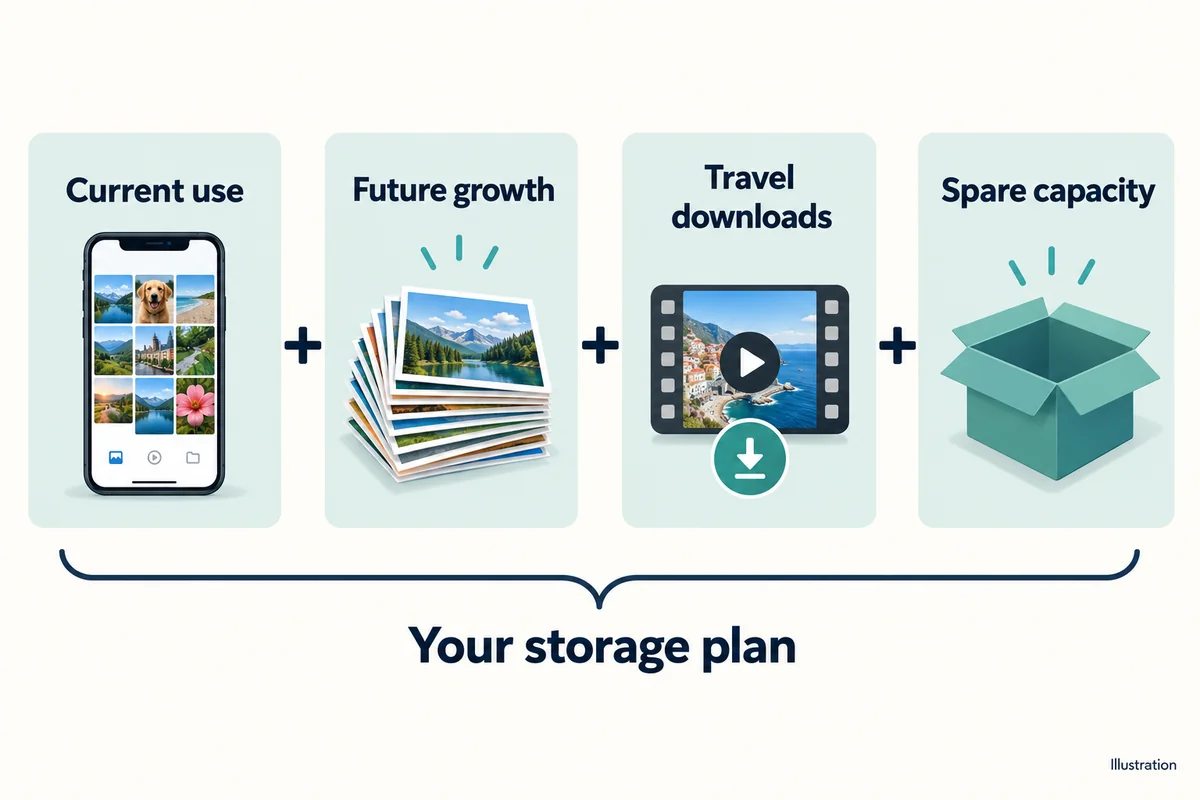
Consider this illustrative plan for someone keeping a phone for three more years:
| Budget item | Assumed amount | How to interpret it |
|---|---|---|
| Current total used storage | 110GB | Measured total, already including current system files |
| Additional retained content | 15GB per year × 3 = 45GB | An assumption to replace with your own growth |
| Temporary travel downloads | 20GB | Extra media needed at the busiest point |
| Unallocated allowance | 30GB | An example cushion, not an Apple requirement |
| Planning total | 205GB | 110 + 45 + 20 + 30 |
That scenario fits within the nominal 256GB tier, subject to actual usable capacity and future changes. It does not guarantee that every 110GB user will stay comfortable.
Change only the starting figure to 190GB and the same plan totals 285GB. The arithmetic now points toward 512GB or a different storage routine. This is why someone else's successful 256GB purchase is less informative than your own starting point and growth.
If you do not know the growth rate, record current usage and check it again later, ideally across an ordinary month and a busy trip. A large one-off download should be separated from content you intend to keep permanently.
Photos and video can change the calculation quickly
Avoid relying on a fixed number such as “256GB holds 70,000 photos.” Image size varies with format, resolution, scene, edits, and features; the phone also needs space for everything besides those images.
Apple gives approximate ProRAW examples of 25MB for a 12MP image and 75MB for a 48MP image in its ProRAW documentation. Using the larger example, 1,000 retained images would occupy about 75GB before allowing for other content. That is an illustrative calculation using Apple's approximate file size, not a promise that every photograph has that size.
For video, open your camera's recording-format settings and read the estimate for the resolution and frame rate you intend to use. Then multiply by the minutes you expect to keep. You can also record a short sample and inspect its actual size.
Suppose your chosen setting estimates 200MB per minute. Thirty minutes of retained video would be about 6GB, using decimal units. That is an example rate for demonstrating the calculation, not a specification for every iPhone or recording format. Replace it with the value on your own device.
Think about the busiest day as well as the annual average. A phone that has enough space after you archive a trip may still run short during the trip, before you can transfer the files.
Does iCloud make 256GB enough?
iCloud can reduce some local storage pressure, but buying cloud capacity does not increase the physical storage available to install apps or keep offline downloads. Device storage and cloud storage are separate resources.
With iCloud Photos and Optimize iPhone Storage, full-resolution originals can remain in iCloud while the phone uses smaller local versions when needed. Apple's photo-storage instructions describe this option; in iOS 27, the Photos settings include an additional iPhone Storage submenu.
Allow for the cloud plan you need, the connection required to retrieve originals, and the material you want available without internet access. Optimisation is more convenient for someone regularly online than for someone who needs a large original library during disconnected travel.
Do not delete synced photos on the assumption that iCloud is a separate archive. Apple's iCloud Photos guidance explains that deletion syncs across devices and recommends keeping backup copies. Decide on a proper archive before removing material you want to preserve.
When paying for 512GB is justified
Choose the larger tier when your realistic plan exceeds 256GB, or when staying within it requires maintenance you do not want to do. Large offline libraries, several growing games, and frequent camera projects can each justify the step without making you a professional user.
If the plan fits comfortably, compare the actual upgrade price with the convenience it buys over your intended ownership period. Extra storage is valuable when you use the margin or avoid repeated interruptions. It is less compelling when you already have a routine that keeps measured usage low without sacrificing anything important.
An external drive or a computer archive can help with files, but neither is the same as more internal space for installed apps and their data. Pick the workflow you will realistically maintain, not one that only looks economical at checkout.
Conclusion
Choose 256GB when your measured workload, expected growth, and peak downloads fit with a comfortable allowance. Choose 512GB when they do not, or when managing that limit would be an ongoing annoyance. A storage budget based on your own phone is a stronger answer than a theoretical photo count or someone else's idea of “enough.”

Ethan Miller
Ethan Miller writes about home improvement, interior design, cleaning, and everyday living at Home & Living Daily. He shares practical tips and simple ideas to help readers create more comfortable and functional homes.


