A smart light bulb combines an LED light source, control electronics, and a wireless connection. A command tells its electronics to switch the light output, adjust brightness, or change the available colors. The bulb needs electricity and a working communication path to receive that instruction.
Some bulbs connect through Wi-Fi; others use Bluetooth, a Zigbee bridge, or a Thread network. That difference explains why one product can work with just a phone and router while another needs compatible control hardware.
What happens inside a smart bulb?
The LEDs produce the light. The power electronics supply them appropriately, while a controller interprets commands and changes their output. The wireless radio is what makes the bulb reachable from the supported app or home-control system.
The lamp socket supplies power; it does not normally carry the app's command. Installing a wireless bulb in an ordinary compatible fixture therefore does not require that fixture to acquire Wi-Fi. The connected electronics are in the bulb.
The features depend on the LED arrangement and software. A dimmable white bulb can change brightness. A tunable-white bulb offers a range of white tones. A color bulb adds supported colors, but not every product achieves the same brightness in every color. A “smart” label alone does not promise color control.
How does a command reach the light?
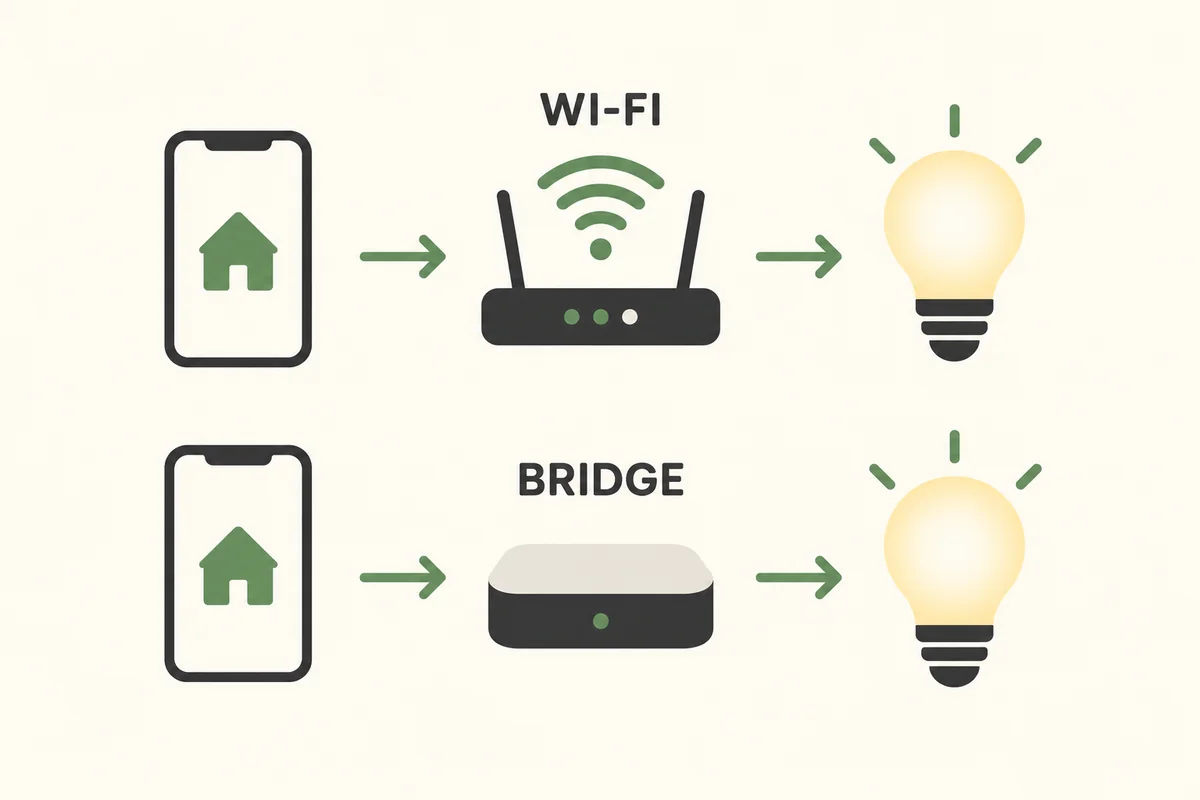
Consider a phone telling a bedside lamp to dim. The route depends on the specific product and integration:
| Connection | Simplified route | What to check |
|---|---|---|
| Wi-Fi | App or controller, home network, bulb | Supported bands, setup method, and whether commands use a cloud service |
| Bluetooth | Nearby compatible phone or controller, bulb | Range and features available through that connection |
| Zigbee | App or controller, compatible bridge or hub, bulb | Required hub and the functions exposed to your chosen platform |
| Matter over Thread | Matter controller, Thread connection, bulb | Compatible controller and Thread border-router capabilities |
This is a conceptual map, not a pairing sequence for every brand. A phone may use Bluetooth only to discover a Wi-Fi bulb during setup. Seeing Bluetooth in onboarding does not establish the everyday connection method.
Philips Hue's explanation of its lighting system gives a concrete example: supported lights can communicate through Bluetooth, or use Zigbee with a Hue Bridge. In the bridge arrangement, the phone does not need a direct Bluetooth connection to every light.
Matter and Thread do different jobs
Matter describes how compatible products communicate at the application level. Thread is one network technology they can use; Wi-Fi is another. Google's Matter networking explanation distinguishes these transport options and the role of a Thread border router in connecting the networks.
Do not buy a Thread accessory merely because an existing speaker supports some Matter devices. Check that the necessary controller and network functions are present in the exact speaker or other equipment you own. Our smart-home hub guide explains those roles in more detail.
Why does the wall switch usually need to stay on?
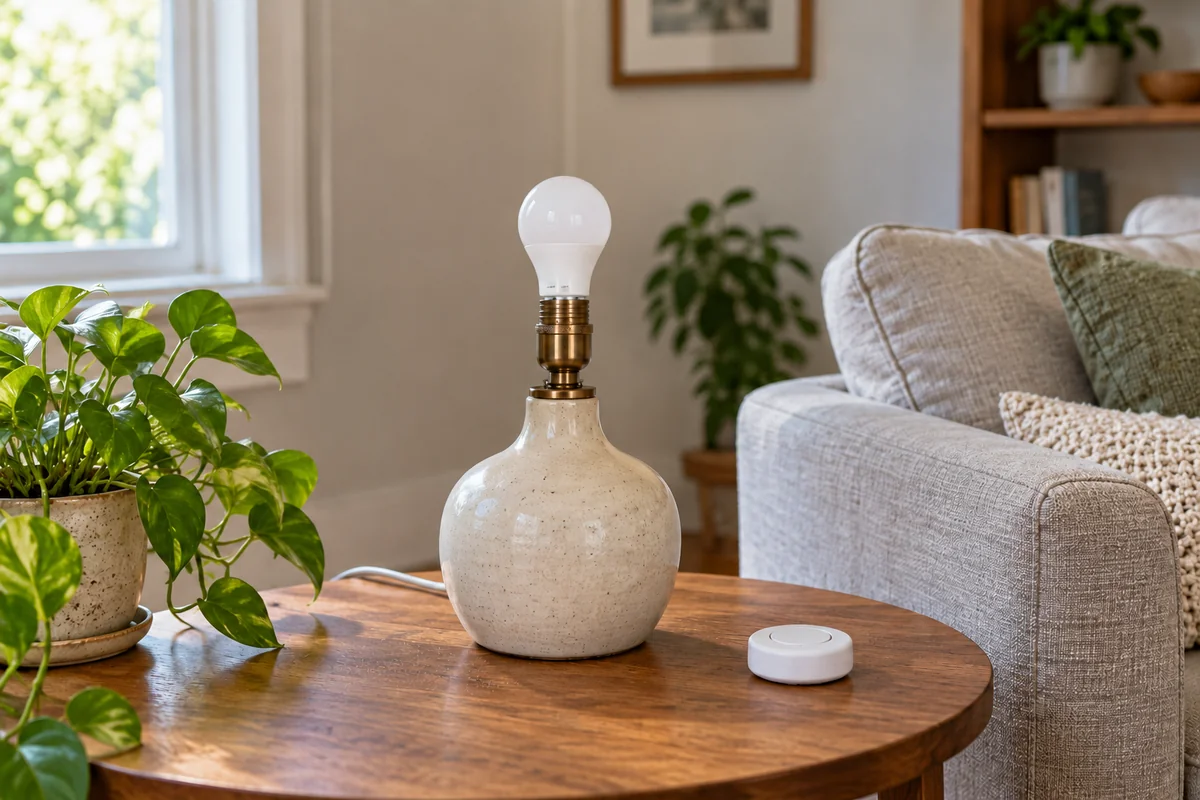
Turning a bulb off in an app normally stops the light output while leaving its electronics powered. It can then hear a command to turn on again. A conventional mechanical switch that cuts the bulb's supply removes that ability.
That creates a familiar household puzzle: the lamp is dark, the app says it is unreachable, and a schedule does nothing. Before changing Wi-Fi settings, check whether someone switched off the lamp at its cord or wall control.
Provide an everyday control that suits the system, such as a supported battery remote or compatible wall controller. Not every smart switch preserves power for smart bulbs, and an ordinary dimmer is not automatically compatible. Use the selected products' instructions rather than combining different dimming methods experimentally.
The small amount of power used while listening is separate from lighting energy. If that affects your choice, our guide to smart-bulb standby electricity shows how to calculate it from the actual model's specification.
What do scenes, schedules, and voice assistants add?
A scene stores a chosen lighting result: for example, a warm sofa lamp and a brighter reading light. A schedule or automation decides when to apply a result. The rule may run in the bulb, bridge, home controller, or an online service, depending on the product.
Voice control adds another way to request an action. It does not supply electricity to the bulb or automatically create compatibility between unrelated systems. The assistant must have a supported route to the light, through an integration, bridge, or direct connection.
For an illustrative evening routine, first prove that a saved scene works when you select it manually. Then add sunset as a trigger. If manual control works but the timing does not, investigate location, time zone, and the automation rather than immediately resetting the bulb.
Do smart bulbs work without the internet?
Some local controls can continue during a broadband outage when the required bulb, router, bridge, and controller remain powered and connected. Cloud-dependent commands, remote access, and some voice functions may be unavailable. The answer belongs to the complete control route, not the wireless protocol alone.
Test a normal room function with the internet unavailable while leaving local equipment powered, following the system's documentation. That is a different test from switching off the router or cutting electricity. Also check the bulb's documented behavior when power returns; it may not resume the state you expect.
Conclusion
Choose a smart bulb by checking its light output, connection route, and physical controls together. A bulb becomes useful when the household can reliably send it a command and keep its required power and network available—not simply when a phone discovers it once.

Ethan Miller
Ethan Miller writes about home improvement, interior design, cleaning, and everyday living at Home & Living Daily. He shares practical tips and simple ideas to help readers create more comfortable and functional homes.


