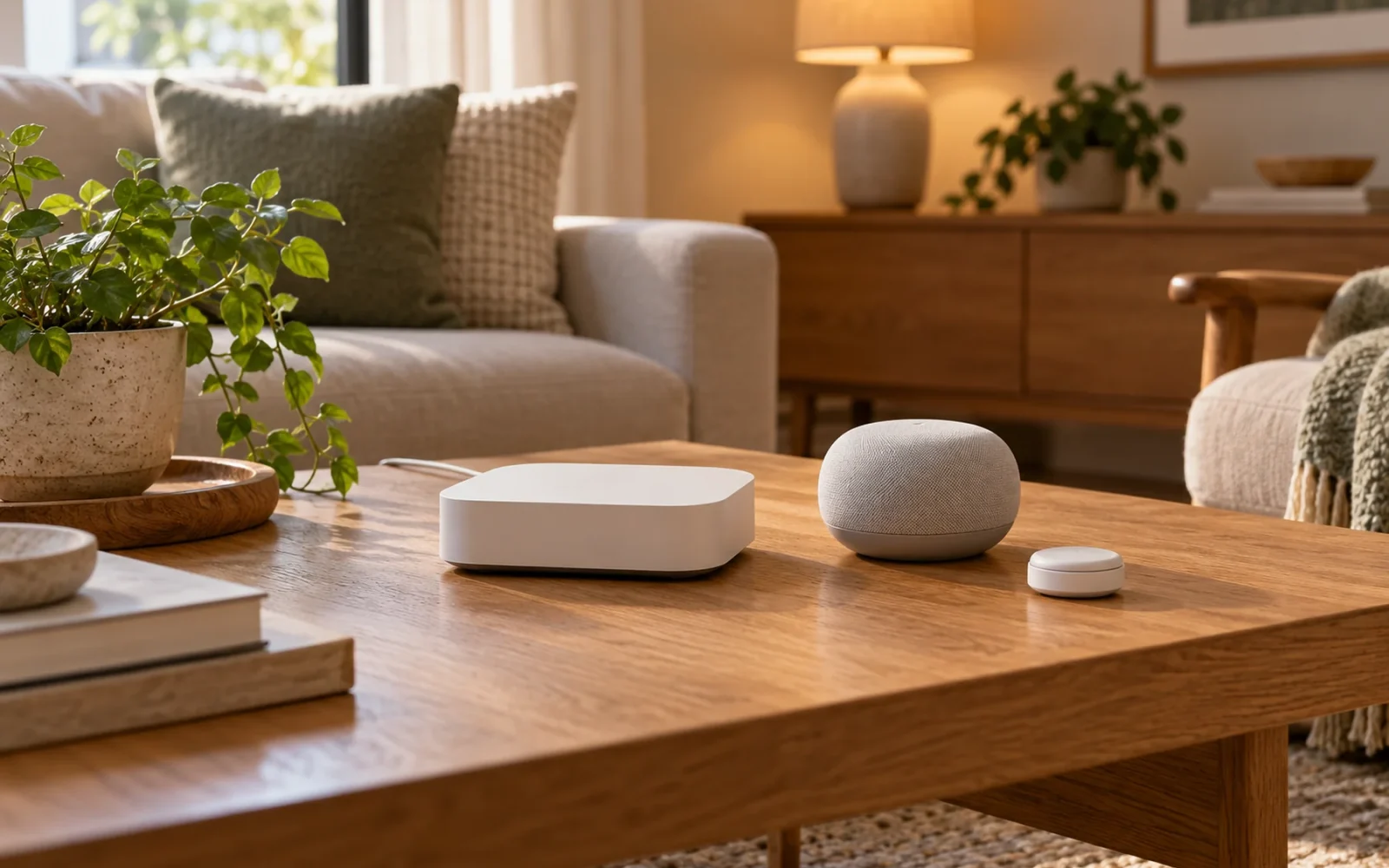
You need a smart home hub when it provides a connection or control function your devices require. A few Wi-Fi plugs running schedules in their own app may need no separate hub. A Zigbee sensor needs a compatible Zigbee connection, while a Matter-over-Thread device needs a suitable controller and access to a Thread network. Those functions may already be built into equipment you own.
The useful question is therefore: what is missing from the setup you want? Before buying another box, identify the devices, the actions you want them to perform together, and how they will communicate.
What Is a Smart Home Hub?
A smart home hub is hardware running software that manages compatible connected devices. Depending on the system, it can receive sensor events, issue commands, and run automations. Some hubs also contain radios for devices that cannot connect directly to an ordinary Wi-Fi router.
For example, imagine a bedside button that turns off two lamps and closes a motorized shade. The system must receive the button press, recognize the intended scene, and send commands to the lamps and shade. A hub can coordinate that sequence when all the necessary devices and functions are supported.
The hub may be a dedicated appliance, a computer running home automation software, or a function inside a speaker, display, or streaming device. Its appearance tells you little about its capabilities. A large touchscreen does not necessarily contain the radio your new sensor needs.
Hubs, Bridges, and Border Routers Do Different Jobs
Product descriptions use “hub” for several combinations of functions. Separating those functions makes compatibility much easier to check.
| Component or role | What it does | What to check |
|---|---|---|
| Home automation controller | Manages supported devices and runs the system’s rules or scenes | Whether your device’s commands and sensor events are available |
| Zigbee or Z-Wave hub | Provides the relevant radio connection and device support | Exact protocol and model compatibility, not just the word “hub” |
| Matter controller | Sets up and controls supported Matter devices within an ecosystem | Supported device categories and the functions you need |
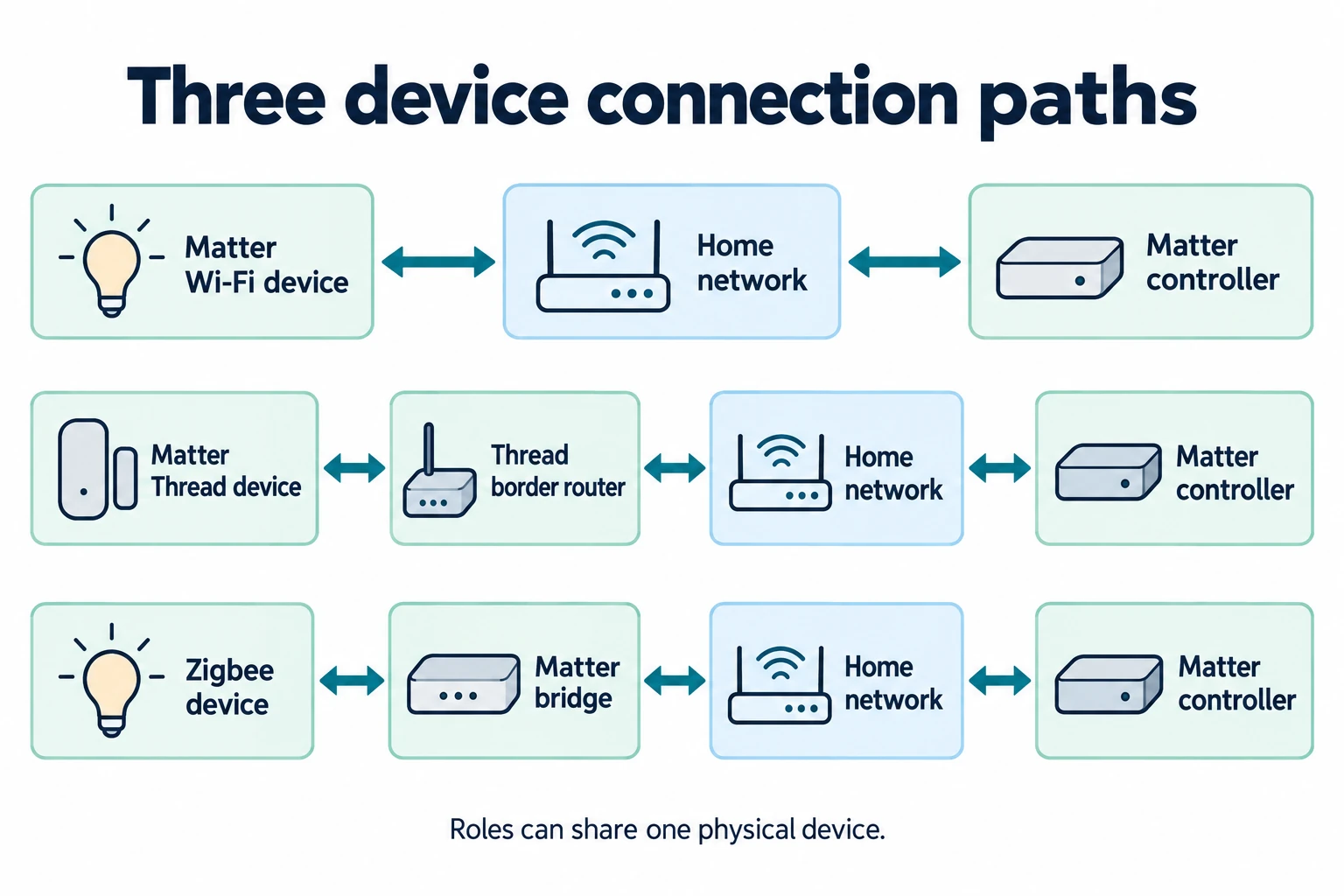
| Thread border router | Connects a Thread mesh network with the rest of the home IP network | Whether this function is present in the exact hardware model |
| Bridge | Exposes supported devices from one system to another | Which attached devices and features the bridge passes through |
A single product can fill several rows. Equally, a setup can use separate products for these jobs. A Thread border router supplies a network connection; it does not, by that fact alone, supply your preferred platform’s automation engine.
Matter also needs this distinction. It is an interoperability standard that can use Wi-Fi, Ethernet, or Thread, rather than another name for Thread. The Connectivity Standards Alliance’s Matter FAQ explains both these connections and the use of bridges for existing technologies such as Zigbee.
Your ordinary Wi-Fi router still has a job: connecting the home network. Unless its specifications explicitly include an additional smart home role, do not count it as a Zigbee hub or Matter controller.
This confusion appears in real buying decisions. In a Reddit discussion about Thread border routers, one prospective buyer could not work out how branded hubs and Echo devices divided the controller and networking functions. Treating those as separate requirements is more useful than starting with a list of hub brands.
When You Can Start Without a Separate Hub
If you want app control or a schedule for a device that connects directly to Wi-Fi, start by checking what its own app already does. You may not need an additional controller to accomplish that task.
The US Tapo P115 smart plug, for example, supports app setup without a hub and lets you schedule its connected load. For a compatible table lamp that should switch off each evening, that can be a complete solution. Check that the lamp resumes the intended state when power is supplied, and keep its load within the plug’s instructions.
Adding a hub becomes a separate decision when you want that lamp to react to another brand’s sensor, join a shared scene, or use a particular local integration. “No hub required” describes a product’s supported setup; it does not guarantee every cross-brand automation you can imagine.
There is no useful universal device-count threshold. Several independently scheduled plugs can remain straightforward, while a single sensor may require additional hardware immediately. Judge the connection and task, not the number of gadgets.
Phone-based control also has platform-specific exceptions. Apple’s current Matter accessory setup guidance allows local Matter control without a home hub on supported iPhone software and hardware. That is different from choosing an always-available home system for remote access and unattended routines. Check those requirements separately.
Check the Connection Your Next Device Needs
These are illustrative planning examples. They show how to identify missing functions without assuming that every device needs its own new box.
A Thread Sensor in a Home with a Nest Mini
Now suppose you use Google Home and want to add a Matter-over-Thread contact sensor. Having a Google speaker does not settle whether the networking requirement is covered.
Google lists the Nest Mini as a hub for Matter over Wi-Fi, while the Nest Hub, second generation, also includes the Thread border-router function. Its Matter preparation guide separates these capabilities by model.
If your Nest Mini is your only relevant hardware, you still need a suitable Thread border router for that sensor. If you already have a compatible device providing it, another dedicated box may be unnecessary. Also confirm that Google Home supports the sensor’s reported state and the automation you intend to build.
Existing Zigbee Lights with a Matter Bridge
An existing lighting bridge may remain useful after you adopt Matter. The bridge can expose supported lights to a Matter ecosystem while continuing to manage their original connection.
Philips Hue’s Matter integration documentation describes Matter support through its Bridge and Bridge Pro. That does not turn every connected light into a native Thread device. The bridge remains part of the connection path for lights shared through it.
Check the exact bulbs and setup method before removing existing equipment. A Matter logo on the bridge is not evidence that the lights underneath it can connect directly to a different controller. Nor should you assume that every advanced lighting feature will appear in another platform.
Check the Hardware You Already Own
Make a short inventory before ordering. Record the exact model and generation of each speaker, display, streaming device, bridge, and controller. Then mark which roles each one provides.
Read specifications for the missing capability, rather than relying on a broad compatibility badge. A product can support Matter without including a Thread radio. A home automation computer can run the software while needing a separate radio adapter for Zigbee.
Home Assistant Green illustrates the latter point: it runs Home Assistant, but direct Zigbee connections need suitable additional hardware. A supported network bridge is another possible integration route. The controller appliance and its radio connections are separate parts of the purchase.
For each candidate setup, check the complete cost: controller, any radio adapter, required bridge, and optional paid services you actually want. More importantly, decide who will maintain it. A system with flexible integrations is only useful if someone is willing to manage its accounts, updates, and occasional troubleshooting.
Keep an existing bridge when it supplies functions you use and integrates successfully with the main platform. Consolidating everything into one appliance is not automatically an improvement if it removes needed features or creates a more difficult setup.
Check the Whole Automation for Internet Dependence
A hub does not automatically make every attached device work offline. An automation can run on hardware in your home and still depend on a manufacturer’s cloud to reach one of its devices.
Consider a contact sensor that turns on a lamp when a cabinet door opens. If the sensor reports locally, the controller evaluates the rule locally, and the lamp accepts a local command, the routine has a local path. If the last command must travel through the lamp manufacturer’s online service, the internet remains a dependency.
Home Assistant’s offline-operation explanation makes this distinction between local integrations and cloud-dependent devices. Remote access, voice services, and updates can have their own internet requirements even when ordinary device control is local.
After setup, test an ordinary, nonessential routine with the internet connection unavailable while leaving the router, controller, and devices powered. Check both the automation and direct control. Then restore the connection and confirm recovery. This tests an internet outage; it does not establish what happens if the controller fails or the power goes out.
Test One Connection Path Before Expanding
Before buying a houseful of sensors, prove that one device can produce the result you need. A useful compatibility note is more specific than “works with my platform.”
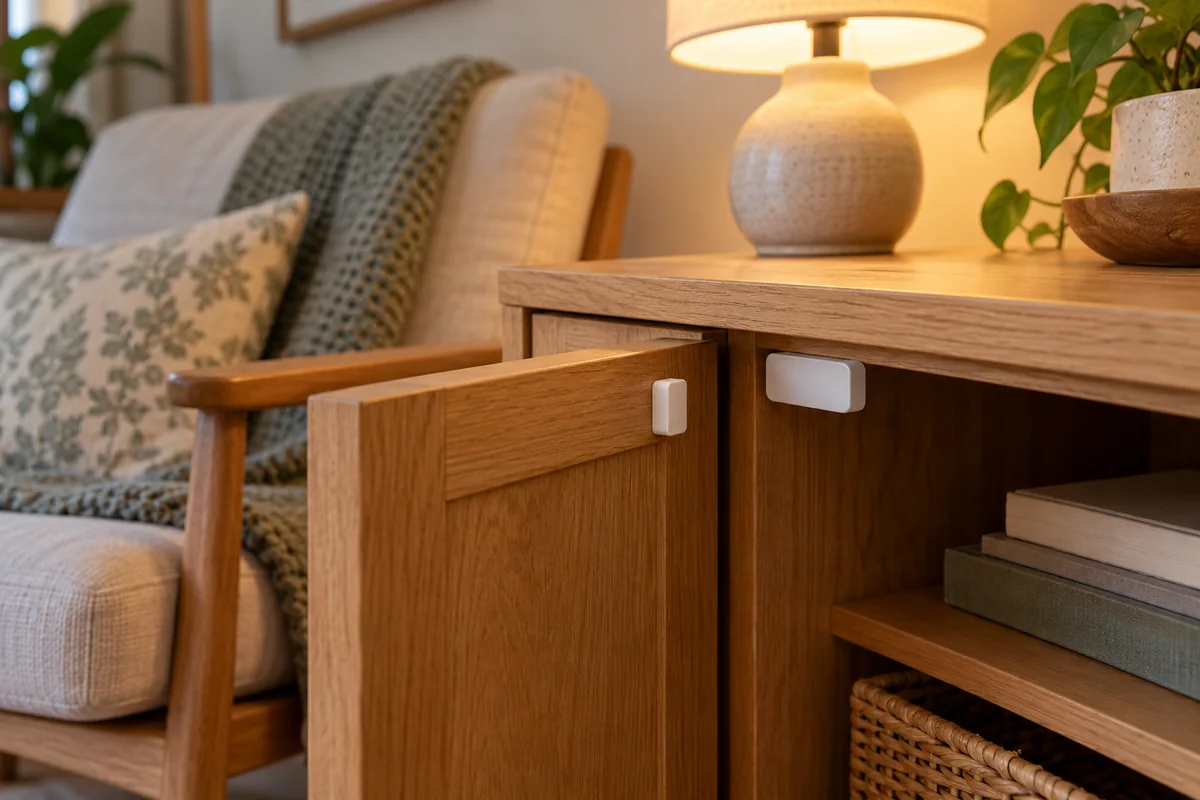
For the cabinet-door example, record the sensor model, its radio connection, the controller, the lamp integration, and the actual event and action. Then check the following:
- The sensor pairs through the intended hub, adapter, or bridge.
- The main platform receives open and closed states from its final location.
- The lamp exposes the command the routine requires.
- The rule works repeatedly, including after the devices restart.
- Other household members can still use a convenient physical control.
Keep each device’s setup code and a record of the integration route. Avoid adding the same device twice through different routes unless you deliberately want both; duplicate entries can make it unclear which one a rule controls.
Once that path works, expand with devices whose compatibility you can verify in the same way. This gives you a reason for each additional purchase and a record you can use when something stops responding.
Conclusion
Buy a smart home hub when you can name the missing capability it will supply: a required radio, an always-available controller, or supported automations between your devices. If the equipment you own already supplies that capability, use it first. Prove one complete device-to-action path before committing to a larger system.
FAQ
What Is an Alexa Smart Home Hub?
Alexa is the control ecosystem; an Echo or another compatible product can supply particular hub functions within it. The exact hardware matters. Amazon maintains separate lists of Matter-enabled devices and devices with Thread border routers, so support for one does not establish support for the other.
Before buying, check the model and generation against the connection your accessory uses. Also check whether Alexa reaches the accessory directly or through a manufacturer’s bridge or online integration. An Echo responding to a voice command does not tell you which of those paths is doing the work.

Ethan Miller
Ethan Miller writes about home improvement, interior design, cleaning, and everyday living at Home & Living Daily. He shares practical tips and simple ideas to help readers create more comfortable and functional homes.


