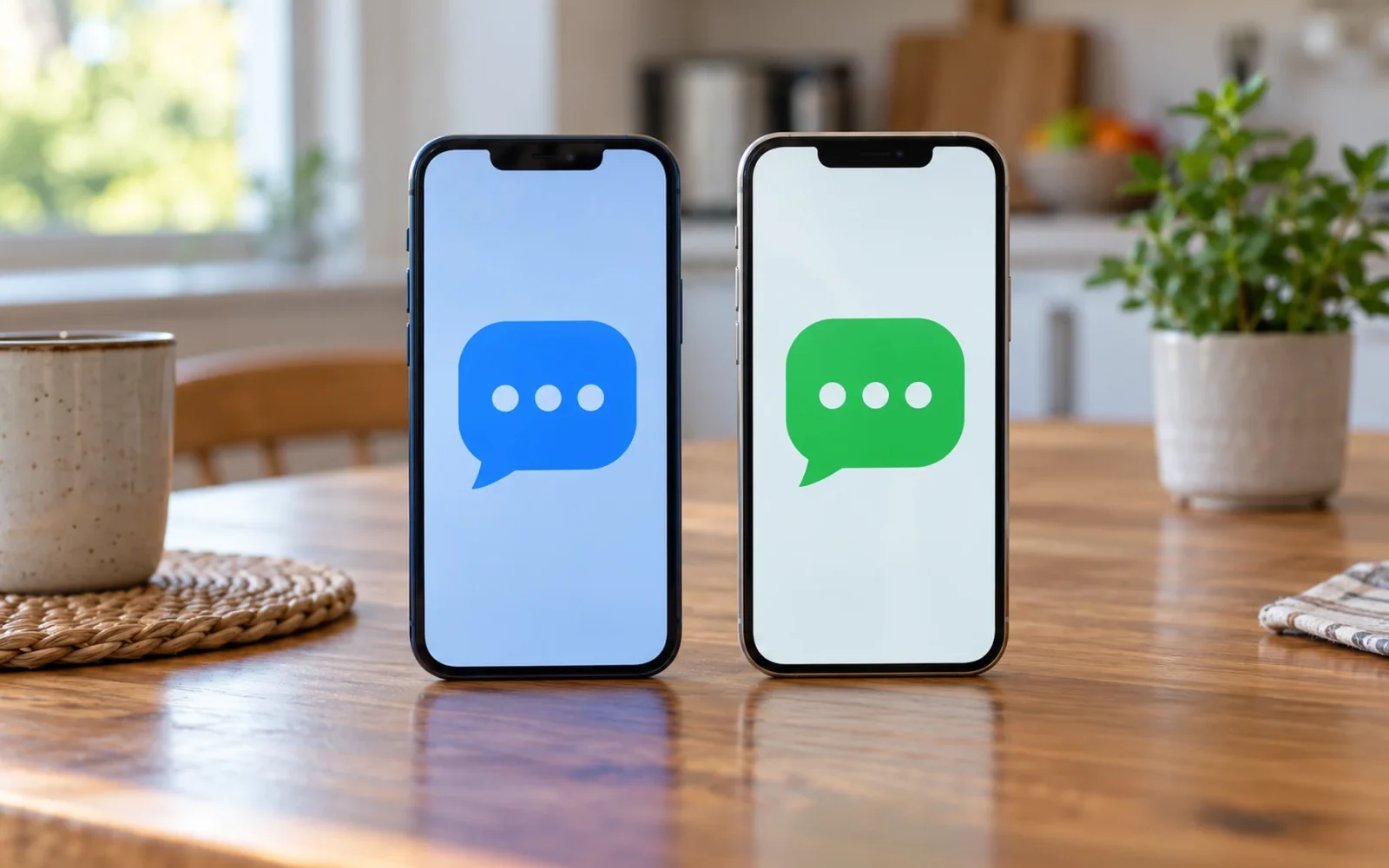
To enable RCS on a supported iPhone, open Settings > Apps > Messages > RCS Messaging and turn it on. You need iOS 18 or later and a cellular plan whose carrier supports RCS on iPhone. A missing switch can reflect service availability rather than a broken phone.
After enabling it, check an actual conversation. Green bubbles alone do not confirm that RCS is working: SMS, MMS, and RCS can all appear green.
Check service eligibility before changing settings
Apple’s RCS setup guidance identifies RCS as a carrier-provided service with regional and carrier requirements. Support for iPhone matters; a carrier offering RCS on some Android devices does not automatically establish support for your iPhone plan.
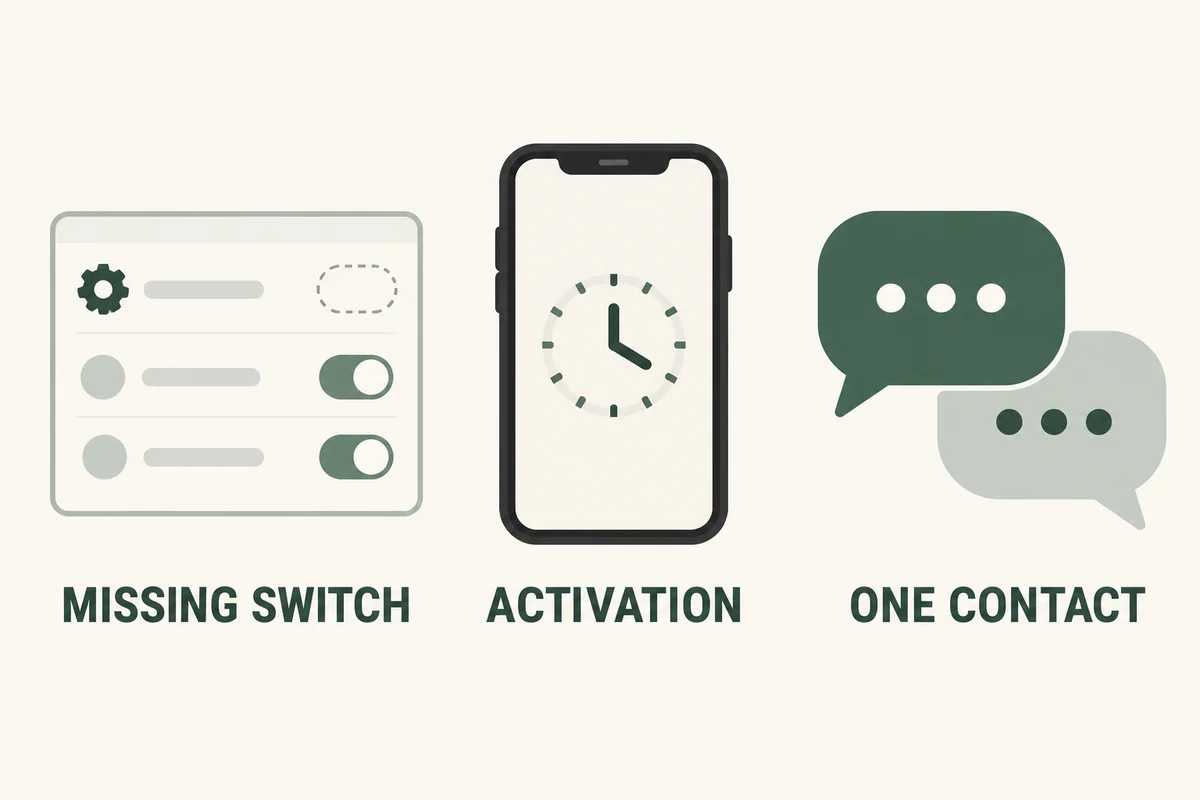
Check your installed system version and ask the carrier about the exact line you use. This is particularly useful after moving a number, changing a SIM, or switching providers. Record whether the setting is missing altogether or present but waiting to activate; those are different support questions.
Avoid changing APN values copied from another carrier’s forum thread. A configuration that helped one particular service is not a universal iPhone RCS setting.
Enable RCS and verify the conversation type
- Open Settings > Apps > Messages.
- Tap RCS Messaging and turn the feature on.
- Allow time for initial activation rather than repeatedly changing settings immediately.
- Start or reopen a conversation with someone who can use RCS.
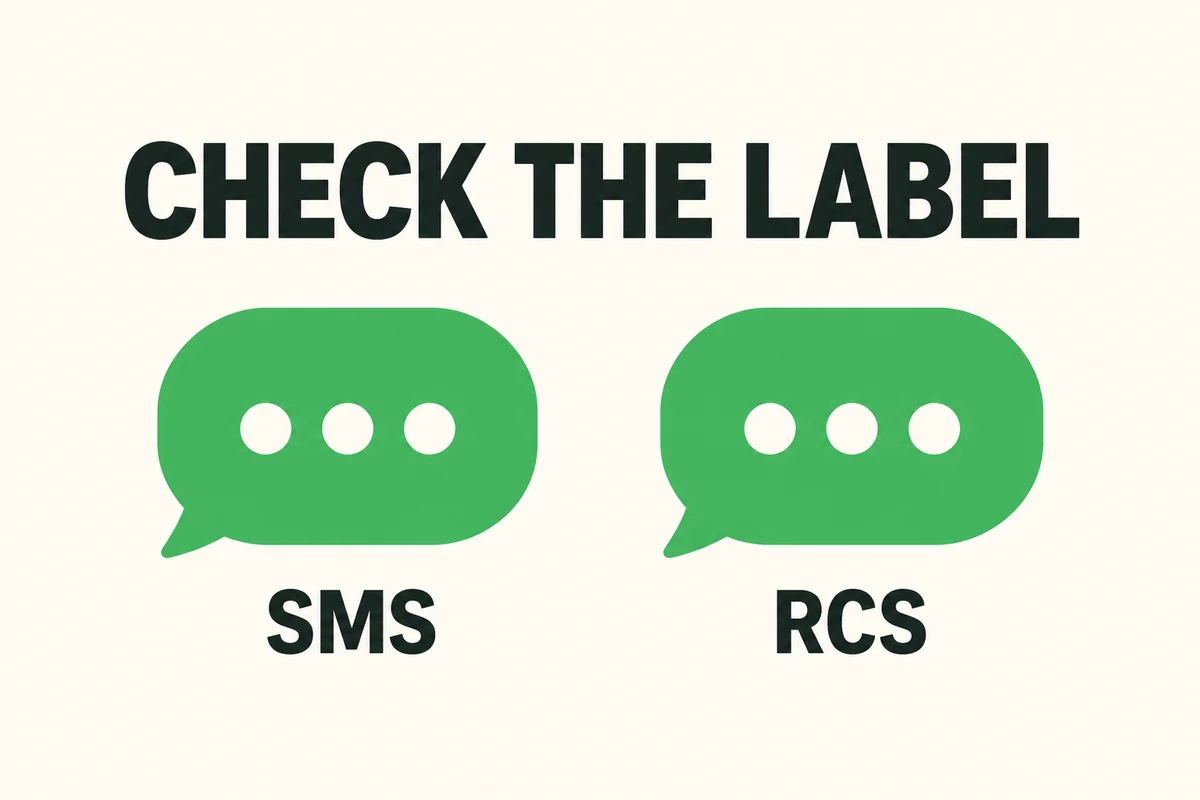
- Inspect the message-entry label for the service being used before sending a harmless test.
Verizon’s RCS FAQ distinguishes labels such as Text Message • RCS and Text Message • SMS. Read the label on your own screen; a successful SMS does not prove that RCS activation has completed.
If you only want to understand the appearance, our guide to iPhone message colors explains why the bubble color and the message service are different questions.
Use the failure pattern to choose the next check
| What happens | Useful next check |
|---|---|
| There is no RCS switch | Carrier, region, plan, and system support |
| Activation remains pending | The active line’s provisioning and carrier guidance |
| RCS works with one person but not another | The other conversation’s service availability |
| It works over cellular but not a particular Wi-Fi | That network’s restrictions or connection |
| All messaging fails | Broader line or messaging service trouble |
A network comparison is useful because it narrows the failure. Verizon notes that some business or corporate Wi-Fi firewalls can affect its RCS service. That is a specific provider’s guidance, not a reason to assume every workplace connection is unsuitable.
If several contacts fail at the same time after the feature previously worked, check with the carrier before erasing the phone or deleting an eSIM. Preserve a working communication method while investigating.
Keep forum fixes in context
In a Fido discussion about pending RCS activation, several people reported problems around the same time, while replies described both successful and unsuccessful local fixes. One reply noted that two affected phones were on different software versions.
Those are individual reports, not proof of a diagnosed outage. They illustrate why the timing of an update does not, by itself, prove the update caused the problem. Tell support whether the issue affects all contacts, which networks you tested, and whether the line could previously use RCS.
Do not infer every feature from the RCS label
RCS can support richer media and status indicators, but a recipient’s settings, service, and current connection still matter. A missing read receipt is not evidence that someone blocked you.
Encryption availability also changes with software and carrier support. Apple’s current documentation describes a supported-carrier encrypted-RCS rollout; do not assume every green conversation has identical protection or describe all RCS as permanently unencrypted. Check the conversation’s current security information when that distinction matters.
Conclusion
Enable the feature only after confirming service eligibility, then verify the conversation label. When activation or delivery fails, a precise account of the line, contact, and network involved will get you further than repeating a generic reset recipe.

Ethan Miller
Ethan Miller writes about home improvement, interior design, cleaning, and everyday living at Home & Living Daily. He shares practical tips and simple ideas to help readers create more comfortable and functional homes.


