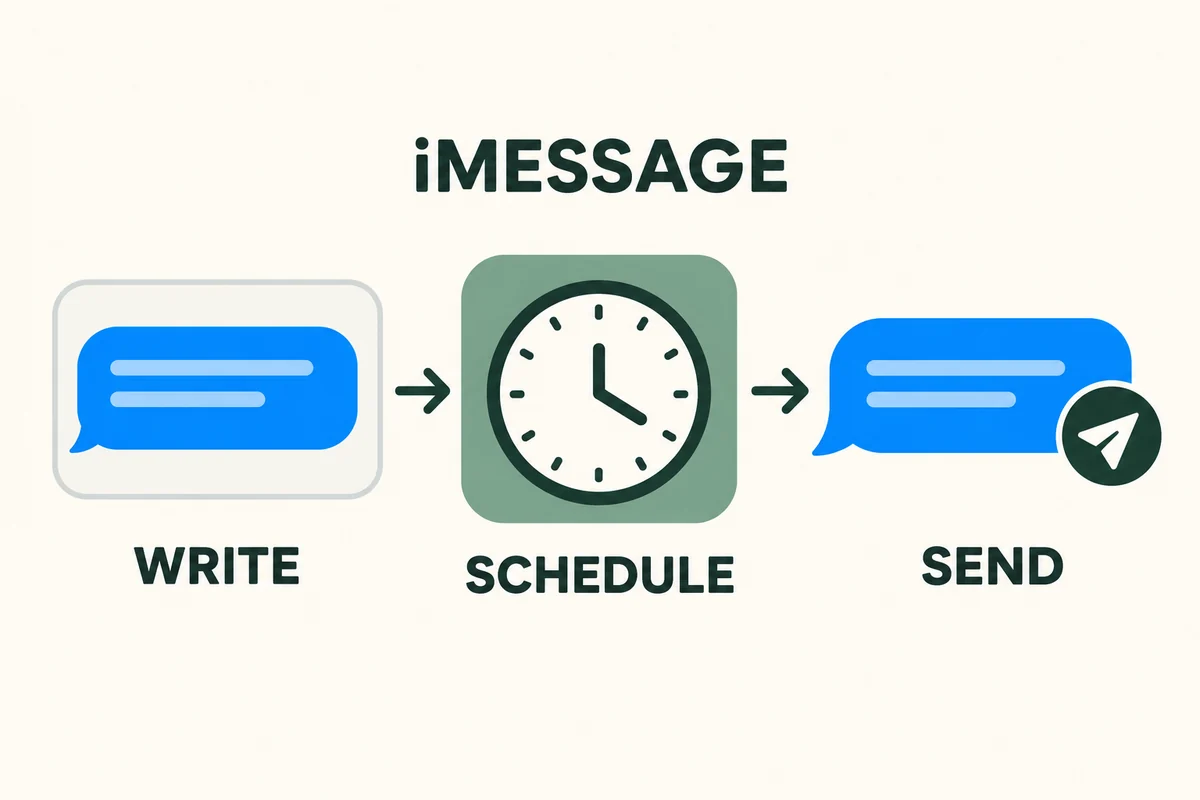
Use Send Later in an iMessage conversation: open Messages, tap the + button, choose Send Later, set the date and time, compose the message, and tap Send. The built-in feature arrived with iOS 18 and can schedule a message up to 14 days ahead.
Check the conversation before troubleshooting a missing button. Send Later requires iMessage; opening the Messages app does not mean that a particular conversation is using that service.
Schedule the message and verify it is queued
Apple’s Send Later instructions describe the scheduling controls and the appearance of a queued message.
- Open the intended conversation or start one with the correct recipient.
- Tap +, then Send Later. Scroll through the available actions if necessary.
- Tap the displayed time and choose the date and time you need.
- Write the message and tap the send button.
- Check that it appears in the conversation with its scheduled time and a dashed outline.
Leaving text in the compose field is not the same as scheduling it. The queued item is the useful confirmation that you completed the action.
For a first attempt, send a harmless test to someone expecting it before relying on the feature for an important reminder. Check the chosen recipient and date carefully; an otherwise successful delivery to the wrong conversation is still a mistake.
Change the time, wording, or delivery decision
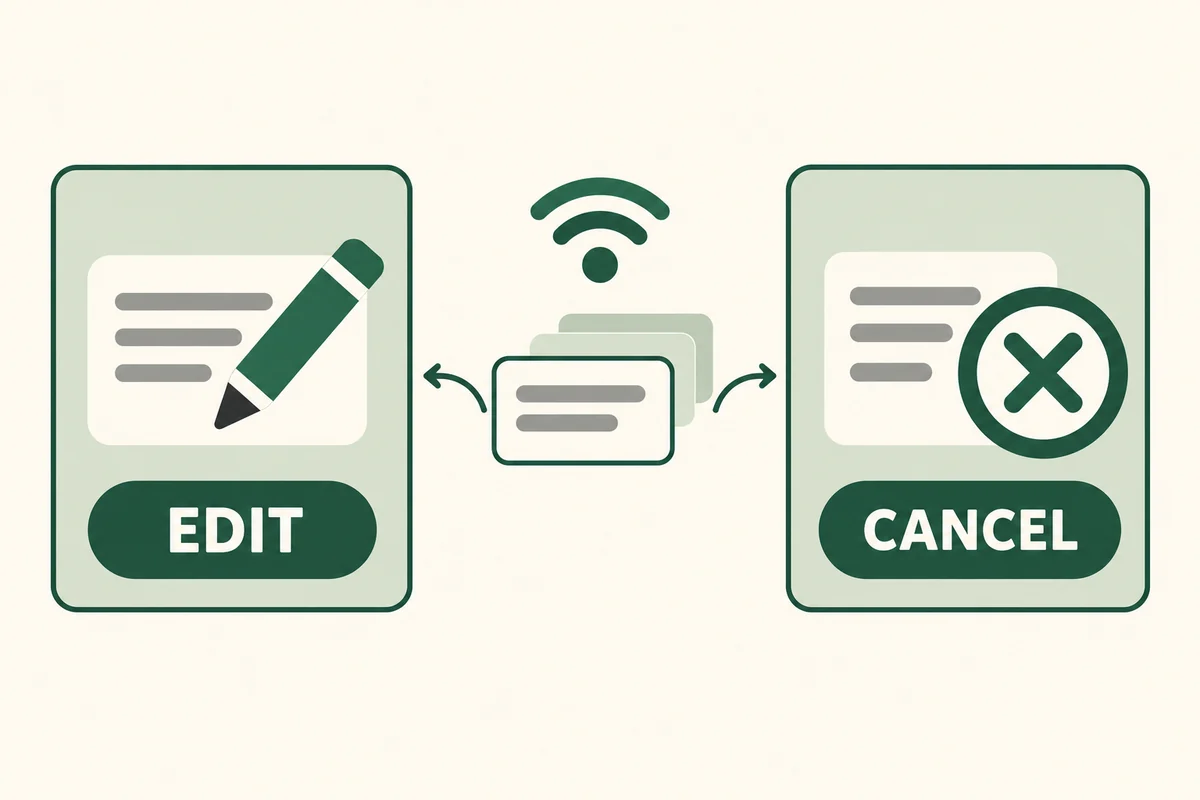
Before delivery, reopen the scheduled message in its conversation. You can edit its text, change its time, send it immediately, or delete it to cancel. Apple’s guide distinguishes touching and holding the bubble to edit or delete from using Edit beside the scheduled date to change timing.
You need an internet connection to change, reschedule, or delete the queued item. Apple stores scheduled messages for delivery, so the originating phone being offline later does not work as a reliable cancellation method.
If a plan changes, cancel or edit the message explicitly and inspect the conversation afterward. Do not simply turn the phone off and assume the message will disappear.
For example, a reminder about a delivery window becomes misleading after the appointment moves. Correcting the calendar does not by itself prove that a separately scheduled message has also changed.
Why Send Later may be missing
Separate three possibilities: an older system version, an action lower in the + menu, and a conversation using another messaging service. A green thread can involve SMS, MMS, or RCS; those should not be treated as iMessage merely because they appear in the same app.
A Reddit question about a missing Send Later option illustrates the confusion. The poster initially could not find the feature, then reported seeing it once the conversation was no longer trying to send as SMS. That is one user’s account, not a universal fix; the useful diagnostic is to check the service first.
Our explanation of message colors on iPhone separates the service indicator from cosmetic appearance. Avoid changing unrelated network settings before establishing what kind of message you are composing.
One-time scheduling and recurring reminders
Send Later handles a message you deliberately queue. If you need a repeating household reminder, decide whether the recipient needs an actual message every time or whether a shared calendar or reminder would be easier to maintain.
For example, a one-off note to a family member about tomorrow’s pickup fits a scheduled message. A changing weekly rota creates more opportunities for an old queued message to become inaccurate. Choose a system in which updates are visible to the people relying on them.
Shortcuts automations are a separate workflow with their own triggers, confirmations, and execution conditions. Do not assume an old automation tutorial proves the same behavior as Apple’s server-held Send Later feature, especially for an unattended or repeating task.
Conclusion
The most important checks are the messaging service and the visible queued item. Once those are correct, treat the schedule as an active commitment: review it when plans change and cancel it explicitly when the message is no longer useful.

Ethan Miller
Ethan Miller writes about home improvement, interior design, cleaning, and everyday living at Home & Living Daily. He shares practical tips and simple ideas to help readers create more comfortable and functional homes.


