Most robot vacuums are commonly estimated to last about four to six years, but that is a broad planning range—not a guarantee for any model. The battery may lose useful runtime before the rest of the machine wears out, while brushes and filters are normal replaceable parts. If your robot is cleaning less effectively, check the worn part and its availability before assuming the whole vacuum needs replacing.
There is no strong, independent lifespan figure that applies to every brand and home. Manufacturers and consumer guides often cite roughly four to six years, while a model’s workload, maintenance, floor conditions, repairability, and replacement-part supply can shift the result. The European Commission’s review of product durability notes that less data is available for robot vacuums because the category is newer and changing. Think in terms of the robot’s useful performance and repair options, not age alone.
Research reviewed October 14, 2026. Images in this guide are custom illustrative concepts, not product tests or photographs of a specific home.
What wears out first?
Parts do not age at the same pace. Filters and brushes are expected to be cleaned or replaced periodically. The battery can gradually hold less charge. Wheels, sensors, charging contacts, a dock, or the main unit may need attention later, but the timing varies by model and use. Consult the manual for your specific robot’s care and replacement schedule.
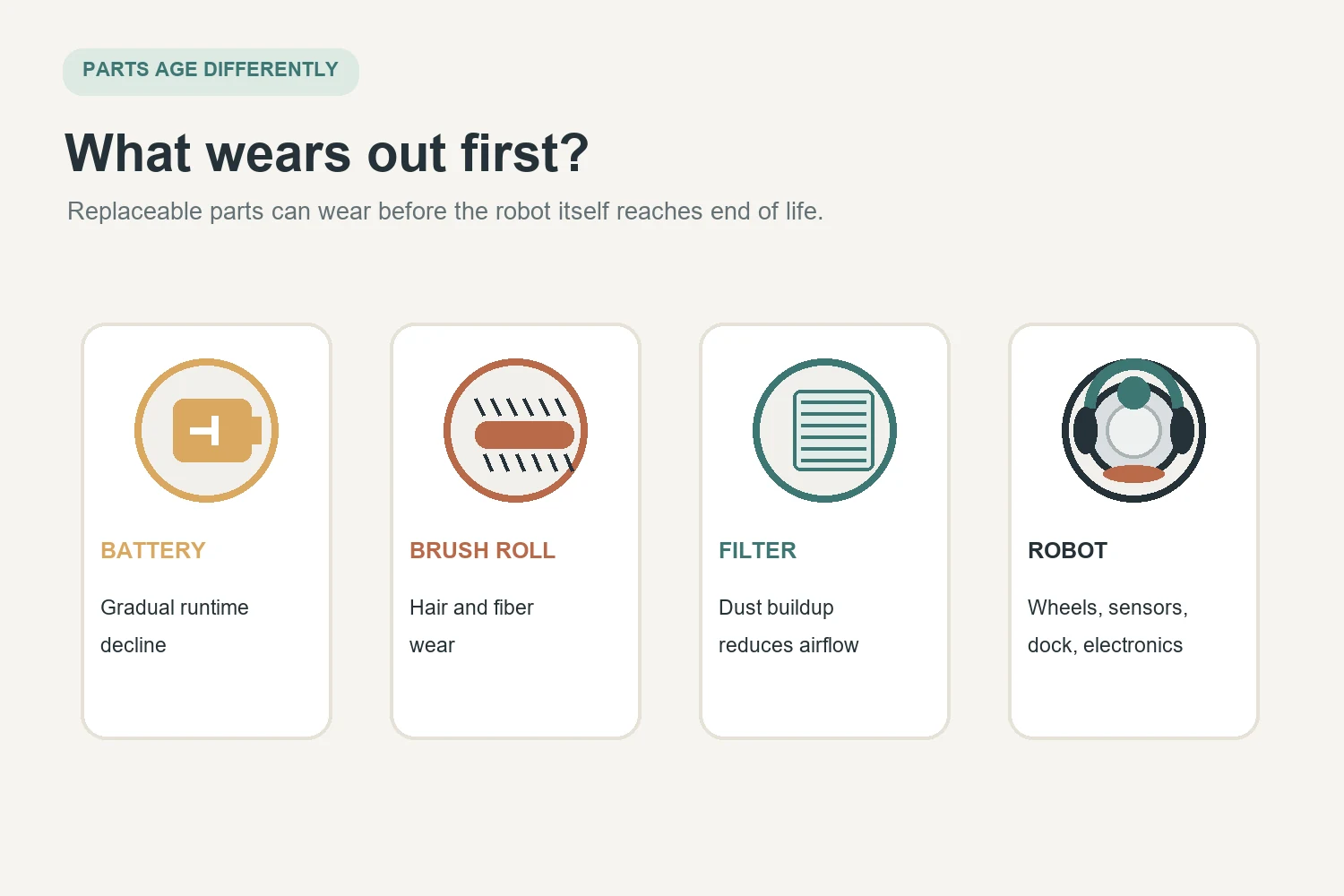
As one brand-specific example, iRobot says a Roomba battery should last at least two to three years with proper care. That is useful context for Roomba owners, not a universal battery-life promise for every robot vacuum. Shorter coverage may also come from a clogged filter, tangled brush, dirty contacts, or a demanding floor plan rather than a failed battery.
What changes a robot vacuum’s useful life?
How often it runs and what it cleans
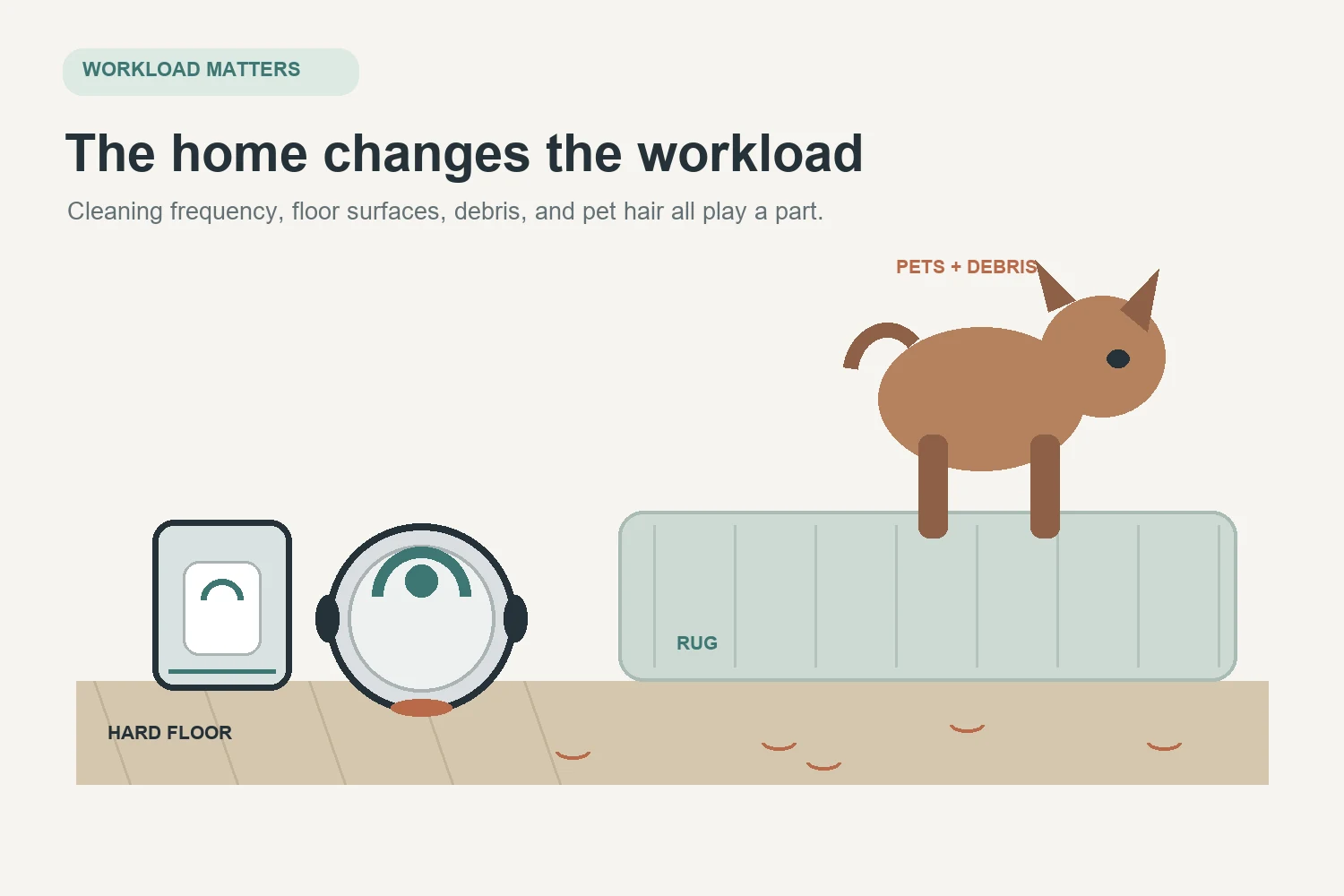
A robot that runs daily across a large home has more working hours and charge cycles than one that cleans a small apartment twice a week. Thick rugs, long hair, grit, and frequent debris can add work for brushes, wheels, filters, and the battery. These are influences, not a formula that predicts an exact replacement date.
Maintenance and the home’s layout
Hair wrapped around a brush or wheel can add resistance. A clogged filter can reduce airflow. Dust on sensors or charging contacts can cause navigation or charging trouble. Keep cords, loose fabric, and small objects out of the robot’s route, and clean parts according to the model manual. Self-emptying docks reduce some bin handling but do not eliminate routine care.
How to tell whether it needs maintenance, a part, or replacement
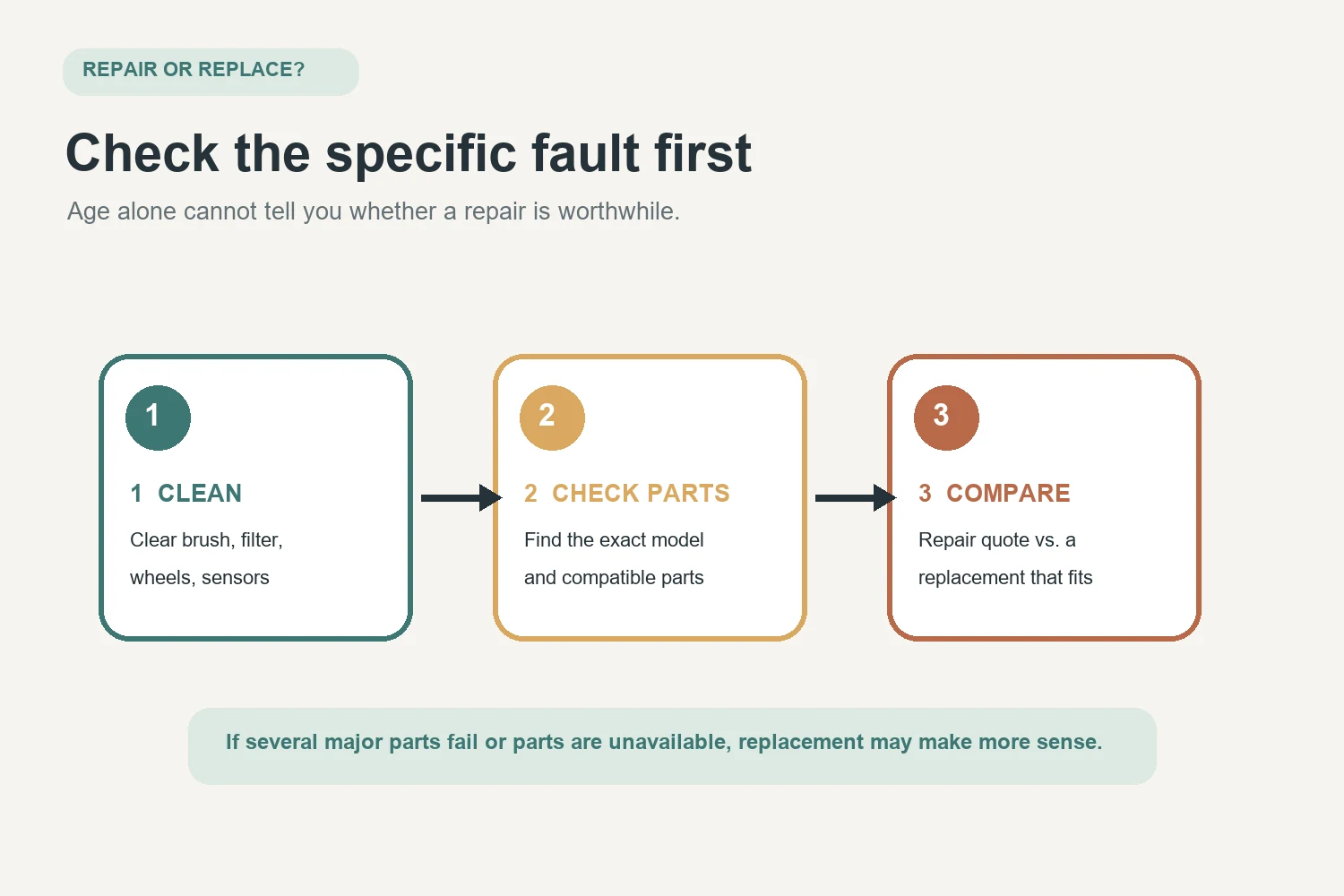
Use the symptom as a starting point, not a diagnosis. First check the manual and app for model-specific errors. Empty the bin, clean the filter as directed, remove hair from the brush and wheels, wipe the sensors and charging contacts, and make sure the dock has power and clear space. If the issue continues, consult our robot vacuum troubleshooting guide for symptom-led checks.
- It stops sooner or returns to the dock more often: verify that the battery reaches a full charge and that the robot is not working against a clogged filter, tangled brush, or blocked route. Compare runtime with the manual’s guidance for that exact model and floor type.
- It leaves more debris behind: inspect the filter, brush, intake, and bin seal. Replace worn consumables with compatible parts if cleaning does not restore performance.
- It wanders, misses rooms, or bumps repeatedly: clean sensors, check wheels and the map, and clear obstacles. If it still behaves unpredictably, use the manufacturer’s support process.
- It has a persistent error, unusual heat, burning smell, visible battery damage, or damaged wiring: stop using it and contact the manufacturer or a qualified repair provider. Do not open or handle a damaged battery.
For charging problems, our guide to common robot vacuum problems can help separate simple dock and contact checks from issues that need model-specific support.
Is it worth replacing the battery?
It may be, if the robot otherwise cleans and navigates well, the correct battery is available, and the manufacturer supports replacement for your model. Check the warranty first, then compare the compatible part and any service cost with the value of a replacement robot. Battery replacement is not automatically a do-it-yourself job; follow the manufacturer’s instructions and use a qualified service option if the design or warranty requires it.
Look up the exact model number before ordering. Batteries that look similar may use different chemistry, connectors, firmware requirements, or safety controls. If no compatible battery or repair service is available, that limits the practical life of the machine even if its motor still runs.
Repair or replace? A practical decision
Repair is easier to justify when one inexpensive, available part is the clear problem and the robot still meets your needs. Replacement becomes more reasonable when several major parts fail together, essential parts are unavailable, the dock and robot both need costly work, or the machine no longer cleans reliably after basic maintenance. Compare actual repair quotes and compatible-part availability with a suitable replacement’s total cost; there is no universal percentage that makes the choice for every household.
Age alone is a weak reason to replace a functioning robot. Conversely, a relatively young robot may not be worth repairing if parts and support have disappeared. Also consider whether its app and core functions still work for your household, especially if cloud or software support matters to you.
Simple habits that help it last
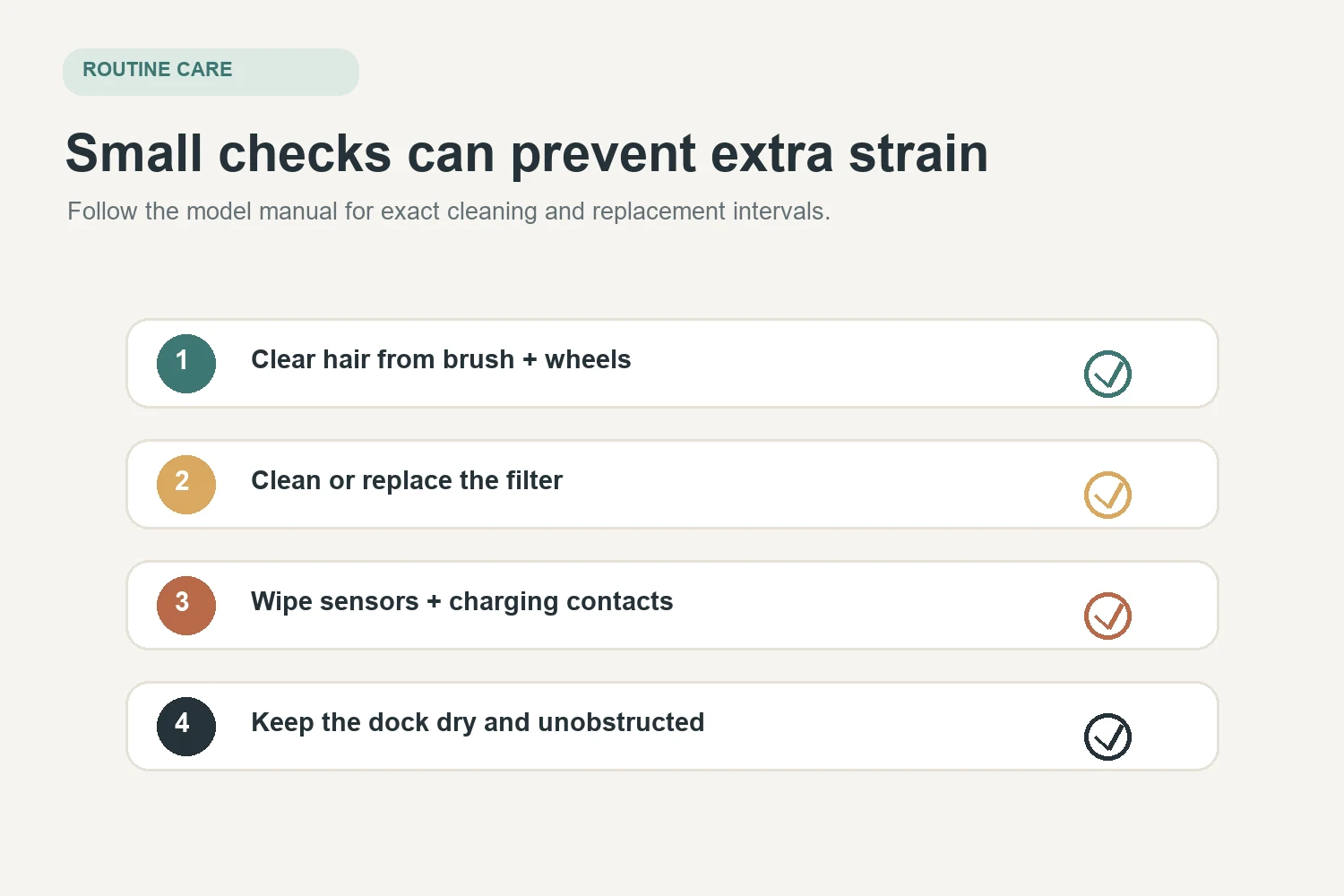
- Clear hair and debris from the main brush, side brush, and wheels on the schedule in the manual; check more often in homes with pets.
- Clean or replace filters as directed, and let washable filters dry fully before reinstalling them.
- Wipe sensors and charging contacts gently using the method specified by the manufacturer.
- Keep the dock in a dry, room-temperature location with enough clearance, and leave the robot in the charging state recommended for its model.
- Use compatible replacement parts and keep the model number, manual, warranty details, and support link together.
For broader ownership context, see our guide to whether a robot vacuum is worth it for your home. Its buying-value question is different from estimating the life of a robot you already own.
The takeaway
Use four to six years as a rough estimate often repeated in manufacturer and consumer guidance, not a promise. Batteries and consumables can need attention sooner, and a compatible replacement battery may extend the useful life of an otherwise healthy robot. Clean and diagnose the machine, check model-specific parts and support, then compare repair with replacement based on the actual fault and what the robot still does well.
Source note: Lifespan ranges in this article reflect manufacturer and consumer guidance, not a robust independent study of all robot vacuums. Battery, maintenance, and part-replacement instructions vary by model; follow the product manual and manufacturer support. Reviewed October 14, 2026; recheck when significant manufacturer support or product-care guidance changes.

Ethan Miller
Ethan Miller writes about home improvement, interior design, cleaning, and everyday living at Home & Living Daily. He shares practical tips and simple ideas to help readers create more comfortable and functional homes.


