AI Dry is an automatic drying cycle on supported LG dryers that adapts settings to the load it senses. LG describes it as assessing laundry characteristics and moisture to adjust drying time and temperature. It is useful for suitable everyday loads, but it does not replace garment care labels or the dedicated cycles your model provides.
The exact operation, capacity, and available adjustments depend on the dryer. Confirm that your model actually offers a cycle called AI Dry; an LG logo, ThinQ connectivity, or an ordinary Sensor Dry option does not establish that it has the same feature.
What the dryer adjusts during AI Dry
In its AI Dry explanation, LG describes sensing load weight, material characteristics, and moisture, then adapting drying conditions as the cycle proceeds. That explains why the displayed remaining time can change rather than count down like a fixed kitchen timer.
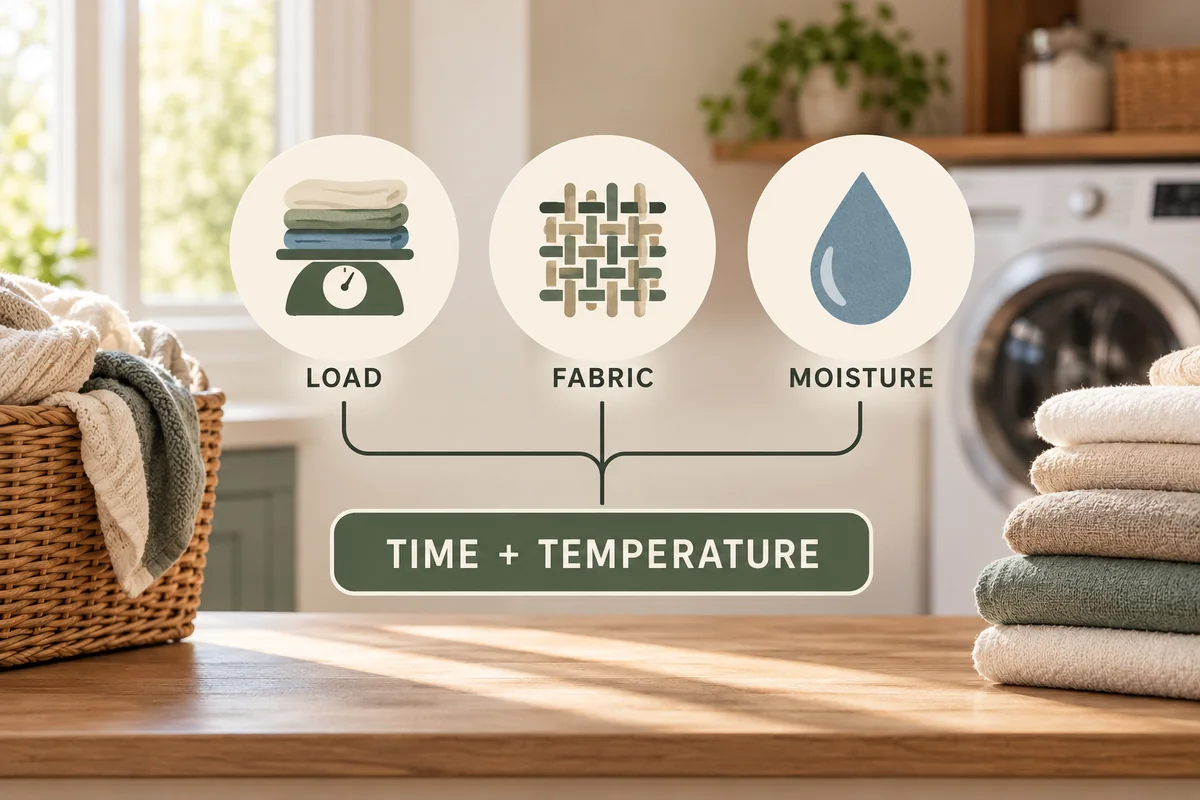
Think of the displayed duration as an estimate during a sensing cycle. A change alone is not proof of a fault. The more useful questions are whether the load suits the cycle, whether the dryer is operating normally, and whether the finished items reach the intended dryness.
“AI” does not mean the machine reads each care label or certifies every item as safe for tumble drying. You still choose suitable garments and remove items that require another method. It also does not mean every LG dryer uses identical sensors or an identical control sequence.
AI Dry, Sensor Dry, and Timed Dry are different choices
Sensor Dry is the broader idea of using moisture information to help determine drying progress. AI Dry adds the load-adaptive behavior described for the supported model. These names are related, but they are not interchangeable descriptions of every cycle.
| Choice | What guides the process | What you still decide |
|---|---|---|
| AI Dry on a supported model | Sensed load characteristics and drying progress | Whether the load is suitable for that AI cycle |
| Other Sensor Dry cycles | Moisture sensing within the selected cycle | Cycle, fabric suitability, and permitted dry level |
| Timed Dry | A selected duration and supported settings | Appropriate heat, time, and whether further drying is safe |
Do not switch to a longer hot timed cycle simply because the AI estimate looks unfamiliar. First check the load and garment instructions. Extra time can over-dry thin items while a rolled-up thick item remains damp inside.
Choose a load that suits the cycle
Sort before loading. Separate items with very different care requirements, untangle sleeves and sheets, and check pockets. Do not put a “do not tumble dry” garment into AI Dry expecting the sensing system to protect it.
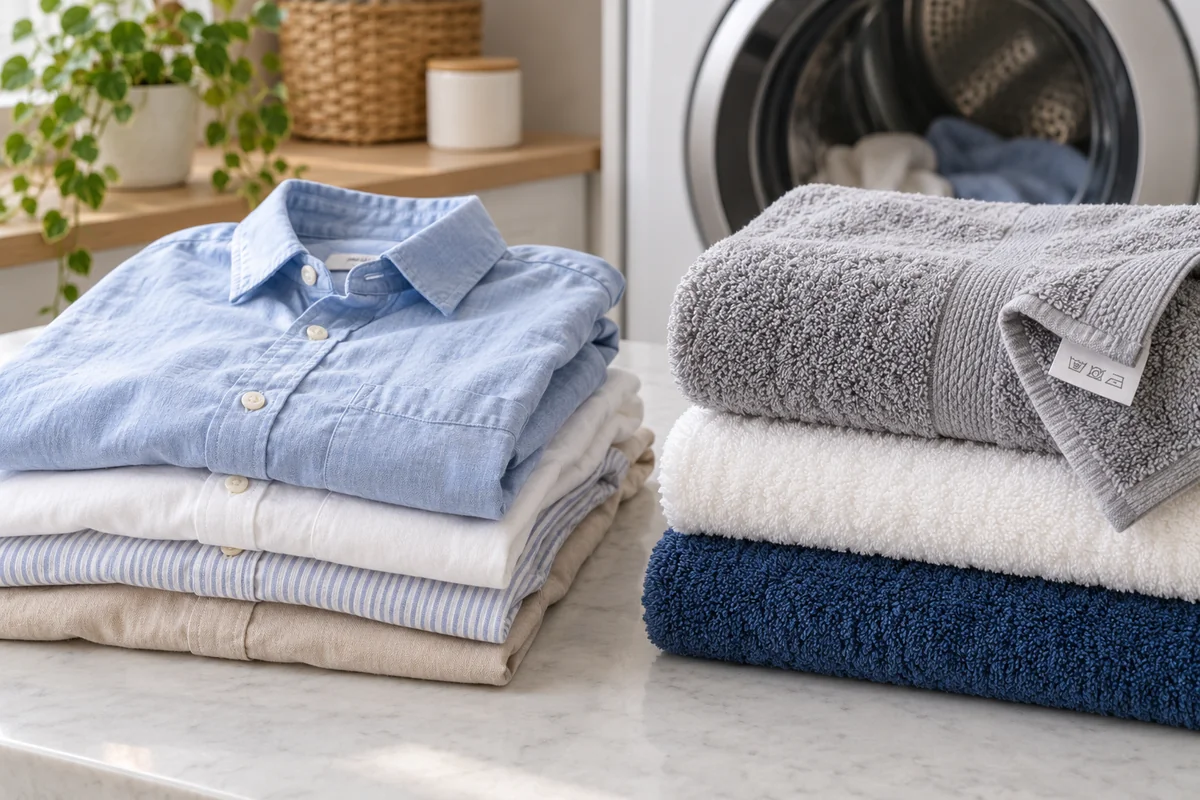
LG's general AI Dry support article recommends mixed laundry of 5 kg or less for the cycle it describes and warns that larger or single-fabric loads may take longer or finish incompletely compared with suitable dedicated cycles. Treat that as guidance for the documented feature, not as the rated capacity of every LG dryer. Your model's cycle chart controls the actual load limit.
For an illustrative household decision, a compatible mixed everyday load may suit AI Dry. A bulky comforter, a load of heavy towels, or a garment needing delicate care deserves a check against the relevant dedicated cycle and its capacity. A large drum does not mean every cycle permits the drum to be filled to the same level.
Leave room for items to tumble as specified. Overfilling is not solved by more advanced sensing, and a very small load can also behave differently from the ordinary mixed load the cycle is intended to handle.
How to use AI Dry without guessing the controls
Find the dryer model number and open its cycle chart. Check whether AI Dry is selected on a dial, display, or another control, and whether the model allows changes to dry level or other options within that cycle.
- Inspect the clothing labels and sort a suitable load.
- Clean and refit the lint filter according to the manual.
- Load the drum within the AI cycle's stated limit and close the door normally.
- Select AI Dry and any permitted options, then start the cycle using the model's controls.
- At completion, check thick seams and items folded inside other pieces before putting the laundry away.
Do not infer that app pairing is required just because the dryer supports ThinQ. Check the cycle instructions separately from remote monitoring or remote-start functions. Connected features and automatic sensing are different parts of the appliance.
If clothes are still damp
First distinguish slightly damp seams from an entire load that has barely dried. Note the cycle, load size, item types, selected dry level, and any warning message. This makes the next adjustment more purposeful.
LG's Sensor Dry troubleshooting guide recommends checking the sensor surface, dry-level choice, and load size, and separating thick and thin clothing. Those are practical checks before assuming the automatic system has failed.
A low dryness setting may intentionally leave items suitable for ironing. If your model permits another dry level in the selected cycle, use the manual to choose it. If the load contains very different thicknesses, remove finished items and treat the remaining pieces according to their labels rather than repeatedly drying everything together.
Keep the sensing surface clean using the method specified for your dryer. LG's humidity-sensor guidance explains that contamination can interfere with moisture measurement. Do not scrape the sensor or experiment with harsh cleaners.
For a vented dryer, follow the exhaust-maintenance and warning instructions. For a heat-pump or other ventless model, follow its filter, water, and condenser-care requirements instead; do not apply a vented-dryer maintenance routine to every machine. A sensor cycle cannot compensate for a maintenance problem elsewhere.
If poor drying persists across suitable cycles, or the dryer shows an error, use model-specific support. Repeatedly increasing time without resolving the cause makes the symptom less clear and may treat delicate items unnecessarily harshly.
Conclusion
Use AI Dry as a convenient automatic choice for the loads your model recommends. The best result still starts with sorting, an appropriate load size, and clean, maintained equipment. If a specific fabric or bulky item has a dedicated cycle, use that guidance rather than expecting the AI label to override it.

Ethan Miller
Ethan Miller writes about home improvement, interior design, cleaning, and everyday living at Home & Living Daily. He shares practical tips and simple ideas to help readers create more comfortable and functional homes.


