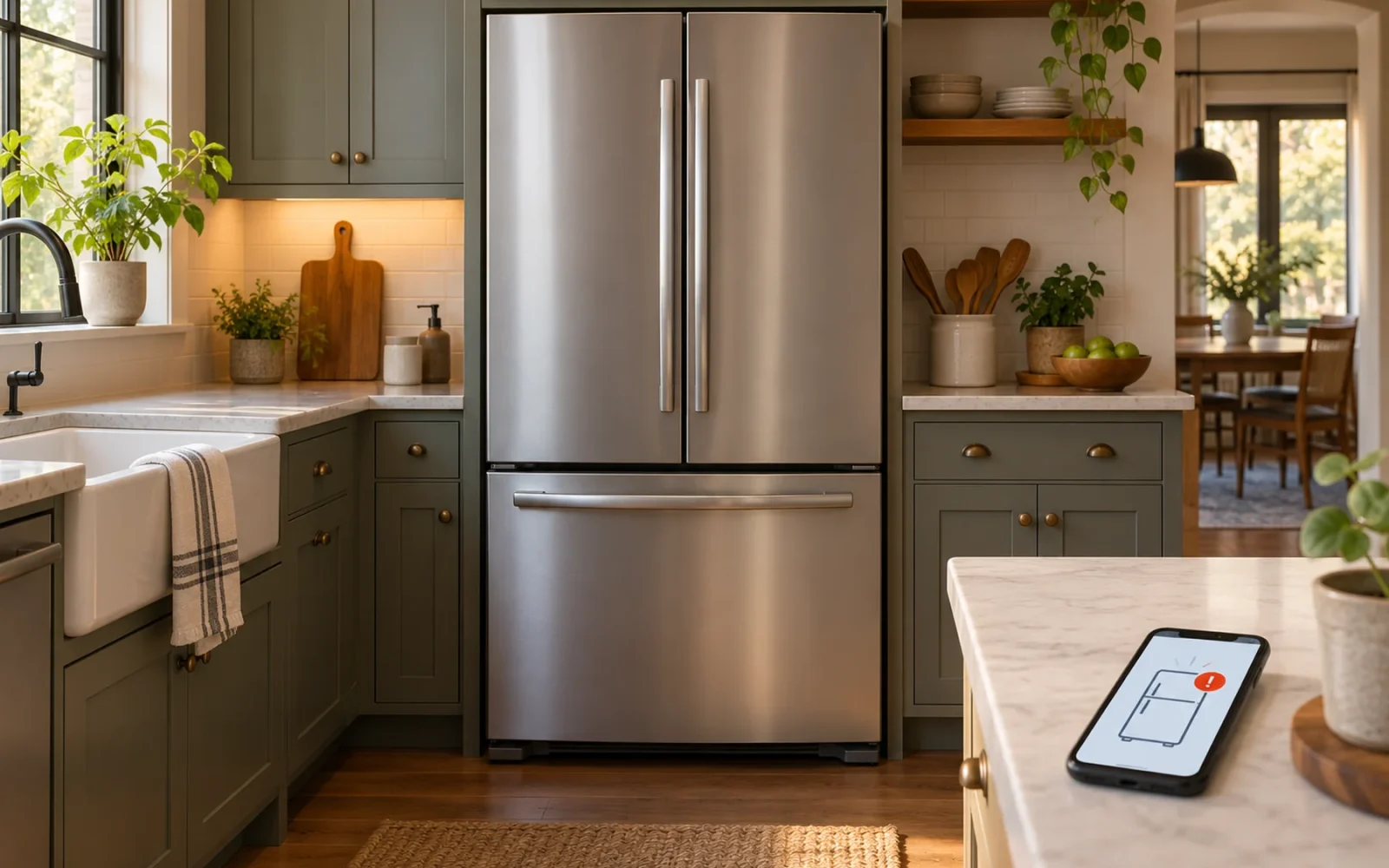
A smart refrigerator adds connected functions to ordinary refrigeration. Depending on the model, it can send door or maintenance alerts, let you adjust selected settings from a phone, help with diagnostics, or offer a screen and food cameras. A large touchscreen and automatic food tracking are optional features, not the definition of every smart fridge.
The most useful question is which function will change your routine. An alert about an open door may be valuable; a second screen in the kitchen may add little if you already use a phone or tablet. Compare exact capabilities rather than paying for the word “smart.”
The useful features do not all require a screen
Some connected refrigerators look much like conventional models. Their extra functions appear in an app rather than on a door-mounted display. Others add a prominent screen, interior cameras, or a wider household-control interface.
| Feature group | What it can help with | What to verify |
|---|---|---|
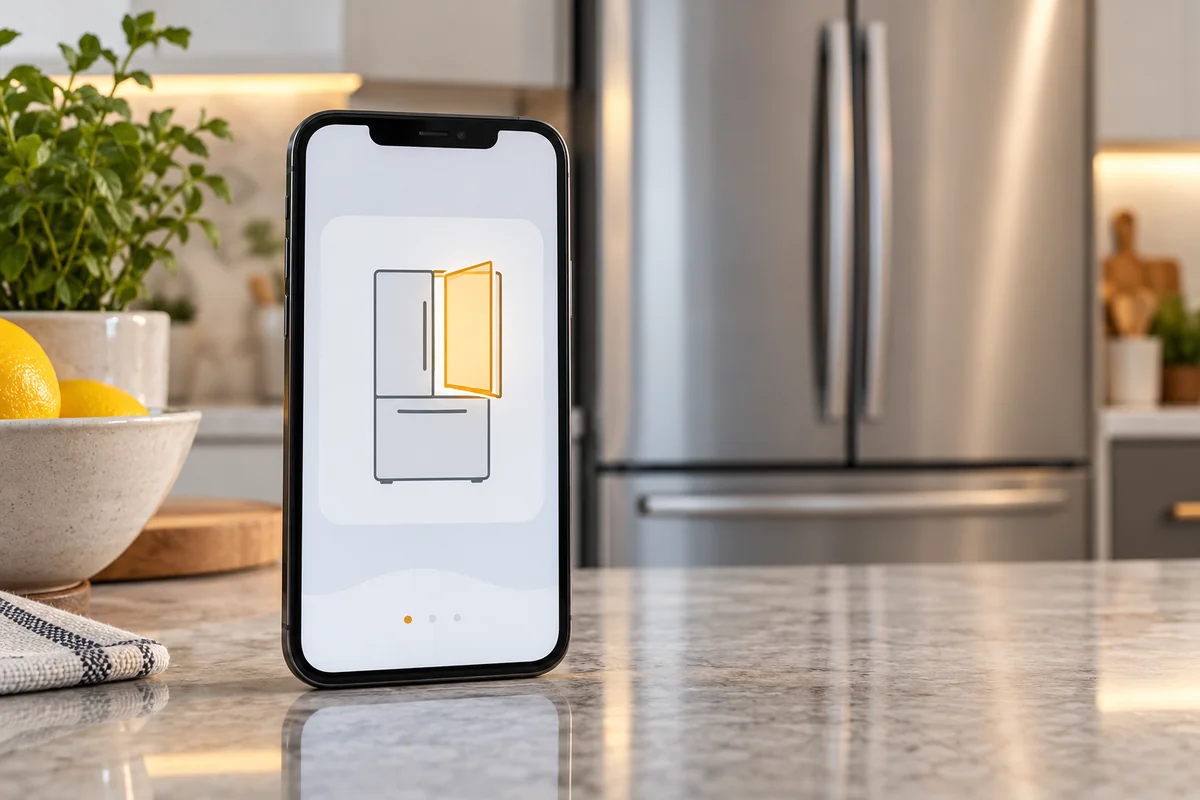
| Status and alerts | Knowing about a supported door, temperature, or maintenance event | Which events are detected and whether phone notifications are enabled |
| Remote settings | Adjusting supported refrigerator functions | Which settings the exact model exposes in the app |
| Diagnostics | Sharing fault information with support | What the system detects and what still needs a technician |
| Screens and food cameras | Lists, household information, and selected views or inventory features | Camera coverage, manual work, and service availability |
LG's US ThinQ information describes supported refrigerator functions such as selected setting controls, filter reminders, and alerts. These are capabilities within a connected product range. They do not establish that an older fridge with a Smart Diagnosis logo has the same Wi-Fi controls as a current ThinQ-enabled model.
Before purchasing, find the precise model number in the app's compatibility information and the refrigerator's manual. A retailer's category label is less useful than a feature list for the actual appliance.
Alerts are useful only if they reach the right person
An alert can be valuable when someone leaves a door open or the appliance reports a supported problem. But it needs the documented connection, account, app settings, and phone permissions to work as intended.
Check which events the fridge reports, whether there is a delay before notification, and who receives it. A filter reminder may be based on an interval or usage estimate rather than a measurement of filter cleanliness. Read what the reminder means before treating it as a diagnostic result.
Use a harmless supported test after setup—for example, the manufacturer's procedure for checking a door alert—without leaving food exposed or deliberately warming the appliance. Confirm the notification on the phone you actually carry, not only on the screen during installation.
Also distinguish a target temperature from a measured temperature. LG's temperature-control guidance explains that the display on the models described shows the target, not the current internal temperature. A familiar number in an app or panel is not automatically a live measurement. Check the meaning of your model's display before using it to investigate a cooling concern.
Food cameras need a reality check
Interior cameras can help answer a limited shopping question: does the visible shelf appear to contain the item you need? Their usefulness depends on where they look, what containers obscure, and whether the image is current.
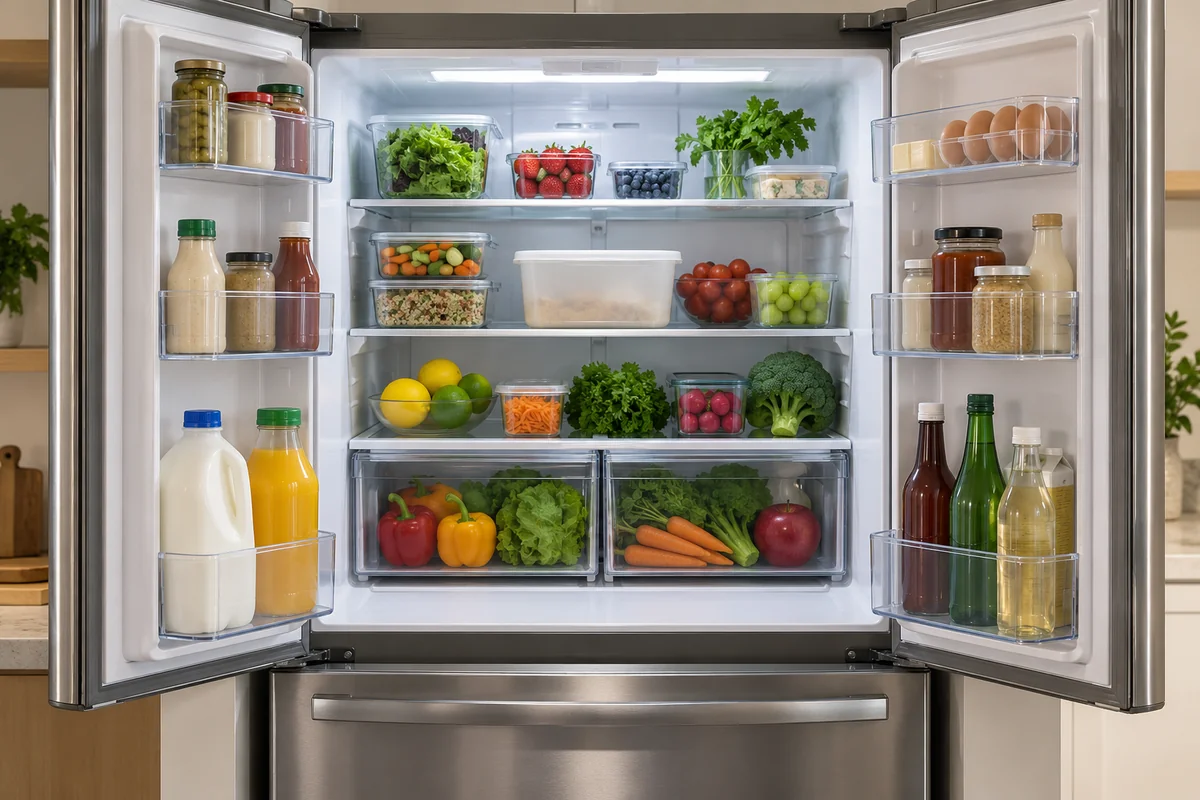
Automatic inventory systems go further by attempting to identify items as they move in or out. They still have recognition and coverage limits. They are not a complete, error-free stocktake of everything in the refrigerator and freezer.
For example, Samsung's Family Hub overview describes AI Vision Inside recognition for selected foods on supported models. Its conditions state that some items require manual labeling and that door bins and freezer contents are outside the documented recognition coverage. The feature's food library can change, so check the current list for the exact product rather than relying on an old item count.
Treat the resulting list as a convenience you may need to correct. Covered leftovers, a container behind another item, or food in an unobserved area can still require a manual check. A camera's recognition of an item also does not establish its freshness or safety.
In a Reddit discussion about smart-fridge usefulness, one owner described using connected filter information and door-related data through a home-automation integration. Other replies saw little benefit in additional features. Those are individual preferences, but they suggest a better buying question than “Does it have AI?”: which specific information will you regularly act on?
Screens add a separate set of functions
A refrigerator screen can offer calendars, lists, photos, recipes, entertainment, or controls for compatible devices. The available apps and services depend on the model, region, account, and software support.
Decide whether a fixed screen on the refrigerator is a good location for those tasks. Someone cooking may prefer a display near the preparation area. A shared shopping list may work just as well on the phones the household already uses. The fridge's screen may still be worthwhile if it is a place everyone naturally checks.
Do not assume that any smart refrigerator can play television or install the same apps as a tablet. Confirm the particular service and its conditions. Likewise, a viewing panel that lets you see through part of a door is not automatically a camera-based inventory system.
What happens without Wi-Fi or internet?
Ordinary refrigeration is generally controlled by the appliance itself, while connected features need their documented network and service path. Check your model's offline instructions, especially for screen functions, local controls, and any settings you expect to change without the app.
An internet outage can interrupt remote notifications and viewing even while the refrigerator remains powered and cooling. A power outage is different: Wi-Fi capability does not provide backup refrigeration. Do not use an offline app display as proof of the appliance's current condition.
For ownership, check how to change the Wi-Fi network, recover the account, share access, install updates, and remove personal information before resale. A refrigerator may remain in the kitchen longer than the phone or service account used to configure it.
Choose the refrigerator first, then price the connected extras
Start with fit, door clearance, storage layout, cooling requirements, noise expectations, service access, and the support available in your area. Check that drawers can open in the planned space and that the appliance can pass through the delivery route.
Then compare the smart-feature premium between otherwise suitable models. Ask whether the connected functions require fees or paid services, which household members will use them, and what happens if a service is discontinued. Do not assume that a screen's software will receive updates for the full physical life of the fridge.
A useful short list names the actual benefit: an open-door alert you can receive, a remotely adjustable setting you need, or a camera view you will check while shopping. If you cannot name one, a refrigerator with the right basic design may be the better purchase even if it has fewer connected extras.
Conclusion
A smart refrigerator is most valuable when its connected features solve a recurring problem without compromising the appliance you need. Prioritize the refrigerator's fit and everyday performance, then pay for specific alerts or conveniences you will use. Treat screens and food recognition as optional tools with limits, rather than substitutes for checking the appliance and its contents.

Ethan Miller
Ethan Miller writes about home improvement, interior design, cleaning, and everyday living at Home & Living Daily. He shares practical tips and simple ideas to help readers create more comfortable and functional homes.


