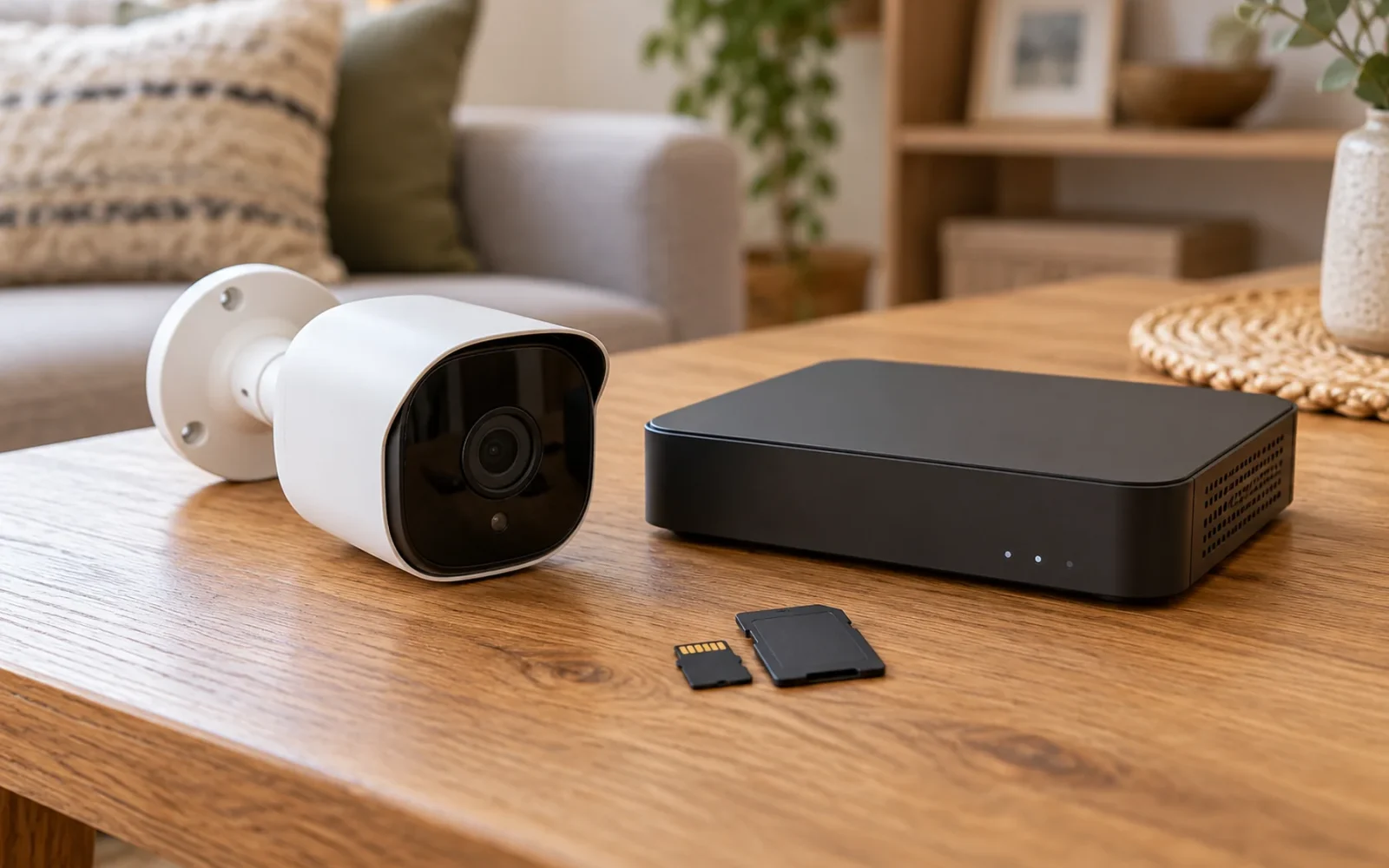
Security cameras can record without a subscription when the chosen model supports local storage or another genuinely free recording arrangement. The important question is what remains available after the trial: saved video, playback, useful alerts, and the ability to export a clip.
Do not buy on “no monthly fee” alone. A free live feed, a few free event images, and a complete local recording system are different products. Choose the arrangement that preserves the evidence and access you need without an ongoing plan.
Choose where the recordings will live
Start with the storage location. It determines what equipment you must buy, what a thief could take, and how much work retrieving footage might involve.
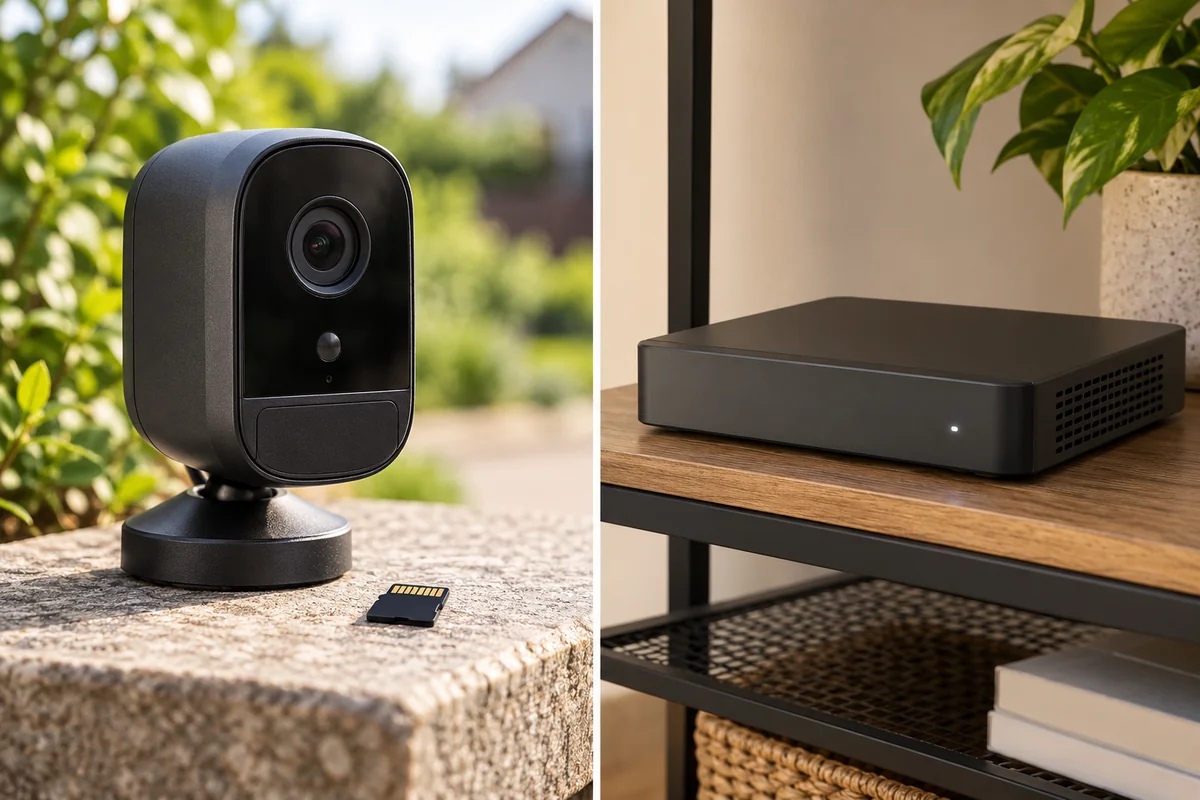
| Storage arrangement | Main advantage | Question to resolve |
|---|---|---|
| microSD card inside the camera | Simple recording hardware | What happens to the video if the camera is stolen? |
| Hub or recorder inside the home | Outdoor camera and recordings are separated | Does the exact camera work with that recorder and its app? |
| Computer or NAS using a supported connection | Flexible storage management | Who maintains the recorder, storage, and compatibility? |
A memory card may be sold separately. Check supported capacity, card requirements, loop recording, and how the app reports a failed card. Storage measured in gigabytes is not a promise of a fixed number of days: resolution, bitrate, activity, and recording mode affect retention.
For a recorder, verify the exact hardware version and compatible cameras. “Works with an NVR” is not enough if important detection events or audio do not appear through that integration. A network-attached storage device also needs compatible recording software; owning a NAS does not make every camera record to it automatically.
Local storage removes one cloud-storage dependency. It does not automatically remove accounts, internet-assisted login, or the manufacturer's remote-access service.
Check what remains free after the trial
Make a short feature list for the precise camera you are considering. Read the current product page and support documentation, then ask the seller to resolve any disagreement before buying.
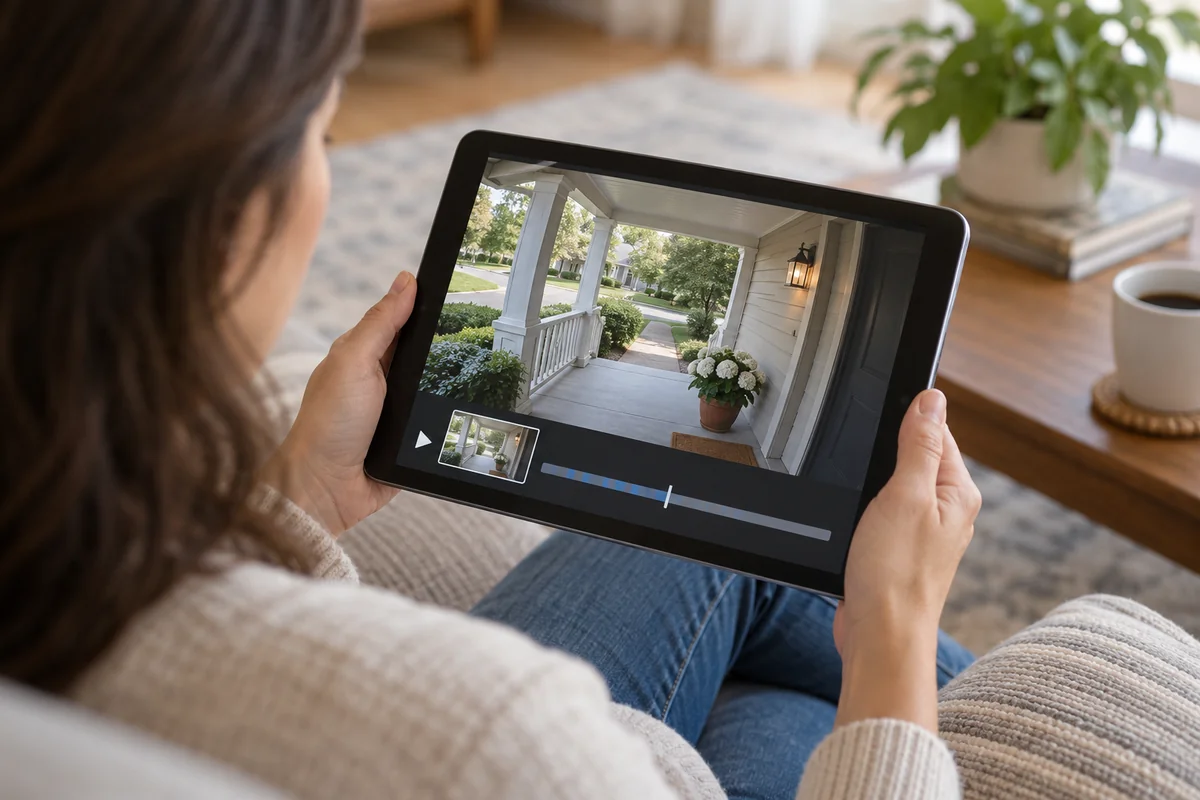
Check live view, saved event playback, continuous recording, person detection, activity zones, rich notifications, shared access, and downloads separately. A camera can store video locally while still charging for a notification image or a particular detection feature.
The Tapo C425 KIT specifications provide one concrete example: they list local microSD storage and an optional paid Tapo Care cloud service, with additional cloud features described separately. That establishes two different storage choices on that product; it does not mean every feature in every Tapo model is free.
For a wired-recorder example, Reolink's NVR and Duo 3 PoE bundle describes local recording with no monthly storage fee. It is an example of the architecture, rather than a claim that a large wired bundle is the best purchase for a single porch.
Treat introductory cloud storage as a temporary benefit. During the return period, test the local playback route without depending on trial cloud clips. Check which settings and recordings you are actually viewing so the trial does not disguise a missing local function.
Match event recording or continuous recording to the job
Event-only recording can be sufficient for an occasional visitor at a gate. It may be less suitable when you need a continuous account of a busy driveway. Review trigger delay, maximum clip behavior, gaps between events, and whether the beginning of an approach is preserved.
Do not infer continuous recording from a card slot or a solar accessory. Many battery cameras are built around event clips. Some newer products support other modes under particular power conditions, so use the exact model's specification rather than a blanket rule about all battery cameras.
If uninterrupted history is essential, make continuous recording a purchase requirement and confirm the required power supply, recording schedule, storage, and playback route. Then test a quiet interval between events: you should be able to retrieve it, not just jump between detected clips.
Also decide how long footage must remain available. If you normally discover a problem after a week away, a system that overwrites important footage sooner does not meet the task, even if its purchase price is attractive.
Verify remote access instead of assuming it
A camera may record without an internet connection while your phone cannot retrieve that recording from elsewhere. Recording, local playback, remote playback, and push notifications each have their own requirements.
Test remote access using mobile data rather than your home Wi-Fi. Can you open yesterday's local clip, or only watch the live feed? Can another authorized household member do the same? Does access require a paid service, a separate hub, or additional network configuration?
Arlo illustrates why local storage does not always behave like a cloud timeline. Its Direct Storage Access documentation specifies supported VMB5000 and VMB4540 SmartHubs and distinguishes access on the home network from access outside it. A storage port on a different base station is not proof of the same app experience.
Prefer a supported access method you can maintain. Do not expose a recorder directly to the internet merely to avoid a fee. If a product needs complicated network changes for a basic task you expect to use often, count that complexity against its value.
Consider theft, outages, and failed storage
A card inside a stolen camera cannot preserve an independent copy at home. An indoor recorder reduces that particular risk but can still be stolen or fail. Decide whether important events need a second copy, and check whether your chosen system can create it without the service you are avoiding.
Export significant footage promptly to a separate secure location. A clip remaining in a loop-recording timeline may eventually be overwritten. Check that the export opens on another device and contains the needed period and audio, where recording audio is appropriate.
During an internet outage, an otherwise powered local system may keep recording, depending on its design. A power cut is a different problem. Backup power only helps the equipment it actually supplies, and a battery camera alone does not keep a mains-powered hub or router running.
Make occasional playback checks part of ownership. A live picture proves the camera is operating now; it does not prove that its card, recording schedule, or recorder saved yesterday's event.
Compare the complete no-fee system
Add the camera, storage, required hub or recorder, mounts, installation, and any access service you genuinely need. For multiple cameras, include the recorder capacity and compatibility needed for the final system.
Avoid calculating savings from an unrelated subscription package. Compare two systems that provide the same recording coverage, retention, and access. A free live-view camera does not replace a paid continuous recording service if continuous history is the reason for the purchase.
For one accessible entrance, a suitable card-recording camera may be enough. For several fixed views and continuous history, a compatible wired recorder deserves consideration. The cheaper starting price is only useful if the complete arrangement still performs the job.
Conclusion
Buy the camera whose permanent free functions meet your needs, then prove its recording and retrieval process before the return period ends. The strongest no-subscription choice is the one that still delivers the clip when the trial has expired, the event is several days old, and you are away from home.

Ethan Miller
Ethan Miller writes about home improvement, interior design, cleaning, and everyday living at Home & Living Daily. He shares practical tips and simple ideas to help readers create more comfortable and functional homes.


