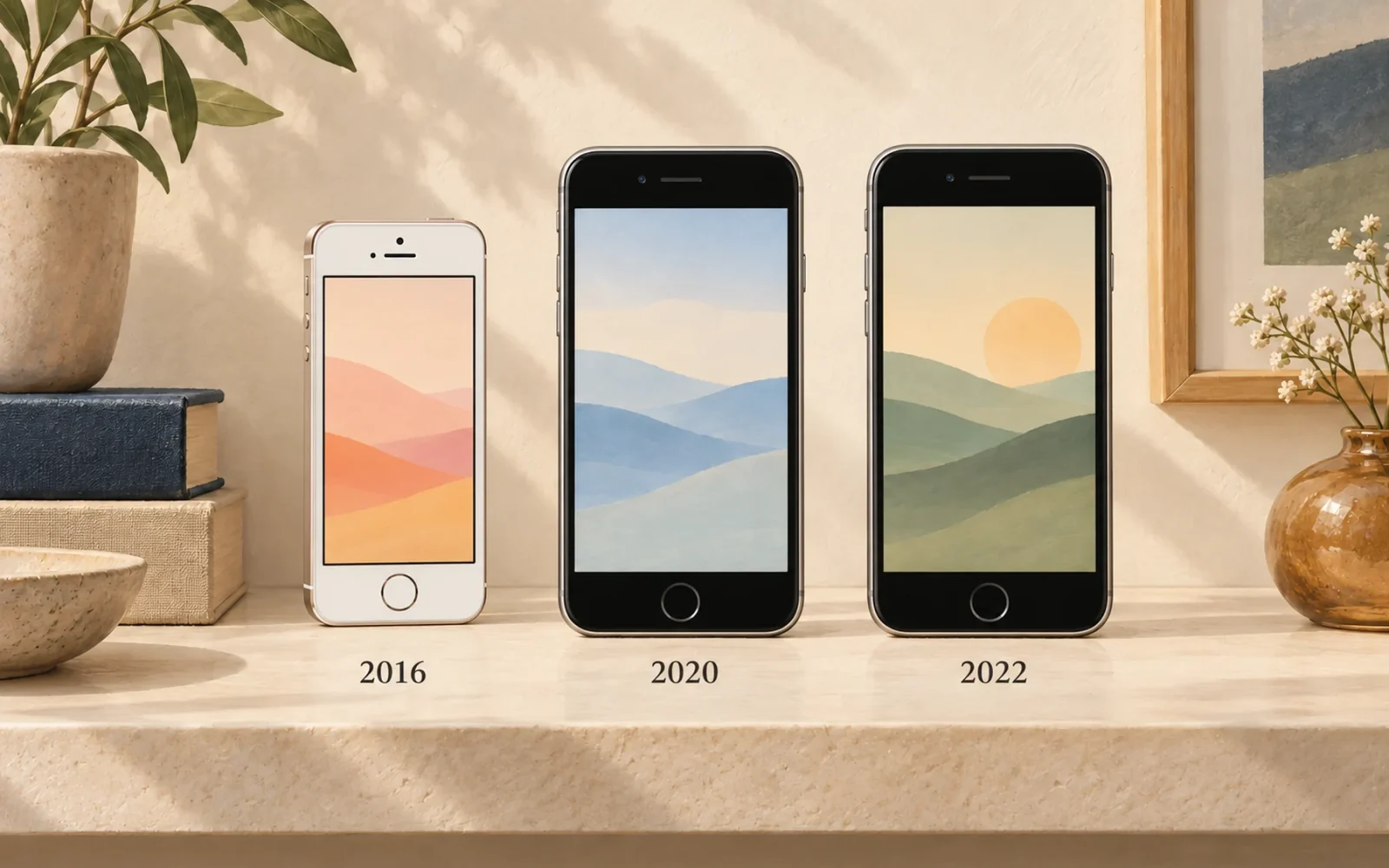
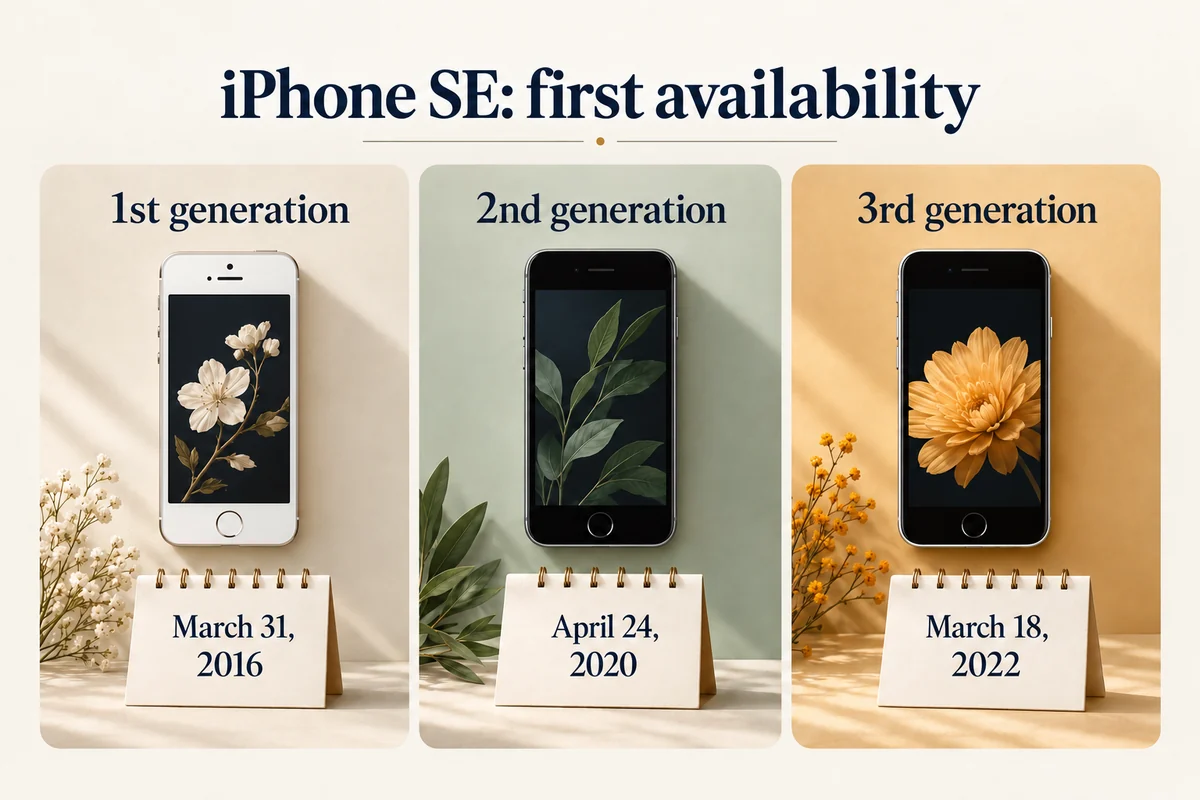
The iPhone SE has three named generations: the first went on sale March 31, 2016; the second April 24, 2020; and the third March 18, 2022. A question about when “the SE” came out therefore needs a generation, not just the product name.
These are the first availability dates in the initial launch markets, including the United States. The announcement and preorder dates were earlier, and local availability could follow later.
The complete SE launch timeline
Apple’s original announcements document the 2016 SE, second-generation SE, and third-generation SE.
| Generation | Announced | Preorders opened | First availability |
|---|---|---|---|
| First, 2016 | March 21, 2016 | March 24, 2016 | March 31, 2016 |
| Second, 2020 | April 15, 2020 | April 17, 2020 | April 24, 2020 |
| Third, 2022 | March 8, 2022 | March 11, 2022 | March 18, 2022 |
An article published on announcement day can describe a new SE before retail stock becomes available. If you are building a history or checking a model’s anniversary, use the first-availability column; for an event timeline, use the announcement column.
The dates are not three revisions of one launch record. They refer to separate hardware generations sharing the SE name.
How to distinguish the generations
The original SE uses a compact, flat-sided aluminum design with a 4-inch display. The 2020 and 2022 generations use the familiar 4.7-inch Home-button design. Both later generations can therefore look similar in a quick photograph.
The 2020 model introduced the A13 Bionic to the SE family. The 2022 model uses A15 Bionic and adds 5G. These are useful cross-checks, but an actual Model Name and hardware identifier are more dependable than an online seller’s description of how fast a phone feels.
Open Settings > General > About and read the full Model Name. If you need to match the hardware number, consult Apple’s iPhone identification reference. Our guide to identifying an iPhone also covers a phone you cannot navigate normally.
For a listing, ask the seller to identify the generation and capacity. “SE, excellent condition” describes neither the release year nor which hardware you are buying. Do not publish someone else’s serial number or IMEI simply to ask which generation a case fits.
Was there a new SE in a later year?
Do not assume that every later entry-level iPhone is another SE generation. Apple’s model list identifies iPhone 16e and iPhone 17e under their own names. A rumor about “SE 4” and a product eventually announced with another name are different kinds of record.
As checked October 23, 2026, the three SE generations above remain the named SE launch history. A retailer can still advertise old SE stock or refurbished units, but that is not a new-generation launch.
Likewise, a later purchase receipt cannot change the original release date. A first-generation SE bought in 2017 still belongs to the 2016 generation.
Release age is not the whole buying decision
The year helps identify the phone, but it does not establish battery condition, repair history, or which apps will work for you today. Check the actual handset, available software, and the requirements of the apps you need.
For example, two 2022 SE units can have very different batteries and service histories. The same introduction year does not make their asking prices or condition interchangeable. Conversely, a clean-looking 2016 SE remains a much older hardware generation even if its enclosure is pristine.
Keep the historical date and the current suitability checks separate. That makes the table useful without turning it into an unsupported recommendation to buy whichever SE was released most recently.
Conclusion
Use the generation and first-sale date together: 2016, 2020, or 2022. When the purpose is buying, repairing, or choosing an accessory, confirm the actual hardware before relying on the shared SE name or the year on a receipt.

Ethan Miller
Ethan Miller writes about home improvement, interior design, cleaning, and everyday living at Home & Living Daily. He shares practical tips and simple ideas to help readers create more comfortable and functional homes.


