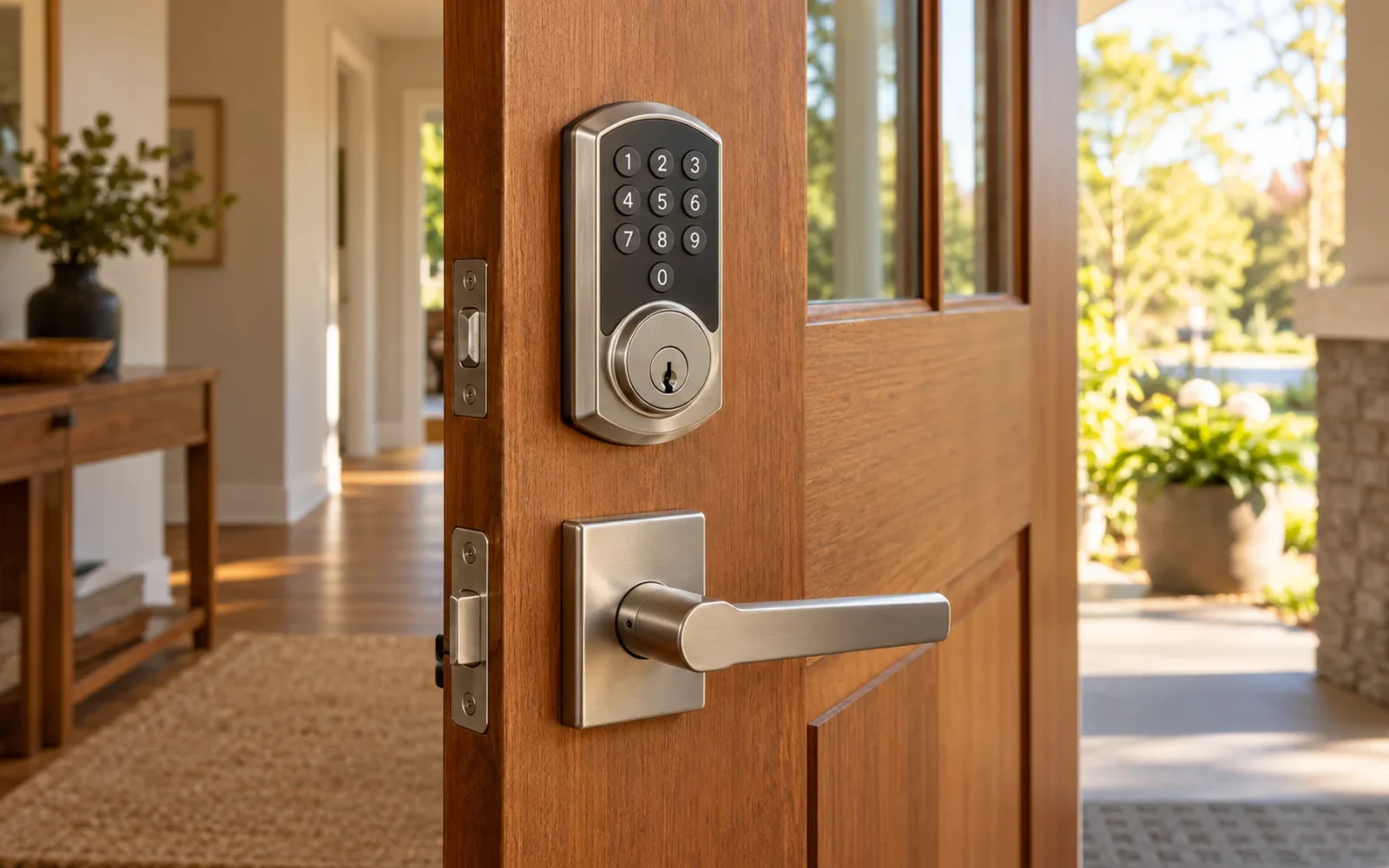
Choose a smart lock in this order: confirm that it fits the door, decide how each person will enter, and verify the connection required for the functions you want. Then compare backup access, account controls, and the complete installed cost. A long feature list is of little use if the lock does not fit or a household member cannot comfortably operate it.
Start with a short requirement, such as “a keypad for the family, time-limited access for a cleaner, and remote status checks.” That gives you a way to eliminate unsuitable models without paying for every available unlocking method.
Confirm the Door and Lock Format
Identify the existing mechanism before shopping. A separate cylindrical deadbolt, a mortise lock fitted into a pocket in the door edge, and a multipoint locking system are different starting points. A product advertised for a standard US deadbolt opening should not be assumed to replace all three.
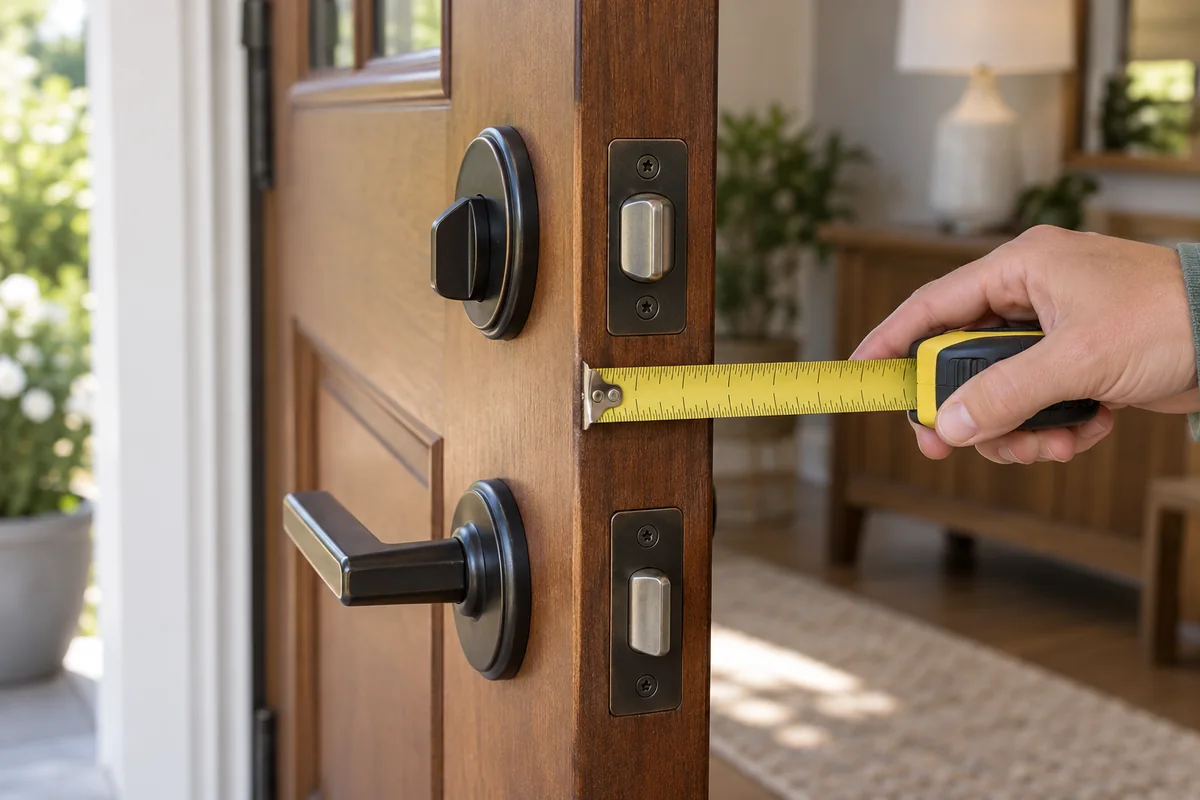
For a deadbolt installation, record the door thickness, hole dimensions, backset, and the clearance around nearby hardware. Backset is the distance from the door edge to the center of the main lock opening. Photograph both faces and the edge of the door so a supplier can confirm the fit of the exact model.
Schlage’s door-preparation checklist shows why these measurements and door alignment matter. Compare your measurements with the chosen lock’s own installation document; one manufacturer’s example is not a universal specification for all smart locks.
Also check whether the existing bolt moves smoothly with the door closed. A motorized replacement should not be expected to correct a door that must be lifted or pushed to lock. Resolve the fit or alignment issue before judging the new lock’s reliability. For rentals or doors with installation restrictions, obtain the relevant permission and confirm which modifications are acceptable.
Decide What Hardware You Want to Keep
An interior retrofit can be useful when you want to retain a supported exterior key cylinder or an existing appearance. A full replacement deadbolt changes more of the assembly and may incorporate an exterior keypad or another reader. A lever-style product serves a different opening and application.
Check exactly what “retrofit” means for the product. Some devices operate an existing interior mechanism; others replace internal parts while retaining selected exterior hardware. Confirm the supported deadbolt brands or dimensions, any excluded lock types, and whether your original physical keys will still work.
Avoid treating retrofit as an automatic rental solution. It may still alter the interior hardware, require a keypad mounted nearby, or conflict with an access arrangement. Likewise, a full replacement does not guarantee better physical security simply because it includes more electronics.
Choose Entry Methods for the People Who Use Them
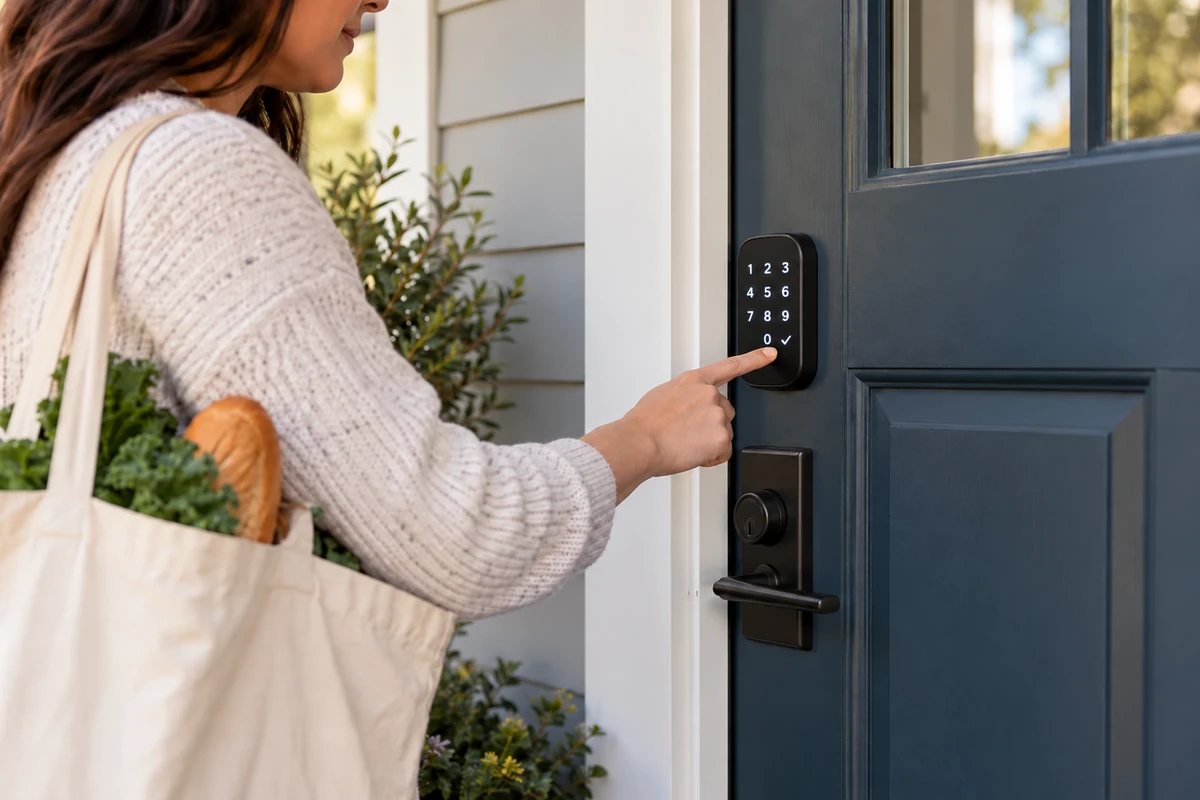
List everyone who needs entry: regular occupants, children, visitors, and people providing services. For each person, decide whether they will carry a phone, remember a code, use a physical key, or need another supported method.
| Entry method | Useful when | What to verify |
|---|---|---|
| Keypad | Someone needs entry without a phone | Button visibility, individual codes, scheduling, and code removal |
| Fingerprint reader | Enrolled users want a quick local method | Enrollment limits, household usability, and an alternative if reading fails |
| Phone or watch credential | You already carry a compatible device | Exact supported phones, operating systems, and named credential feature |
| Physical key | You want mechanical backup access | Whether it is included and whether it can match your other locks |
| App control | You need local or remote management | Connectivity, account permissions, and any required accessory or service |
Do not make every visitor an administrator. A guest who needs to open the door on Tuesday does not necessarily need permission to add users, change settings, or transfer ownership. Confirm the actual access roles and whether a guest must create an account or install an app.
In a Reddit discussion about whether smart locks are useful, contributors described individual codes for visiting family and scheduled entry for cleaners or pet sitters. These are individual experiences, rather than proof of one best product. They provide a useful purchasing question: can the model deliver the specific access arrangement your household needs?
Trace the Connection Needed for Remote Access
“Works with your phone” does not necessarily mean “works while you are away.” Local entry, remote control, and automation can use different paths. Ask how a command travels from your phone to the lock, and identify every powered device and online service along the way.
A Bluetooth connection can support nearby operation, while remote functions may require an additional bridge or supported hub. A Wi-Fi model may connect to the home network directly. A Z-Wave or Thread-based installation needs the appropriate supported network and controller arrangement for its intended functions. Check the exact product and platform rather than inferring features from the radio name.
For one specific example, Schlage’s Arrive WiFi deadbolt page describes built-in Wi-Fi and remote control through Schlage Home. That does not establish the same connection path for every lock sold under the brand, or guarantee identical integrations on another model.
Test your requirement against a failure scenario. If the internet is unavailable, which local entry methods remain? If a separate bridge loses power, can people still use their codes? If the phone battery is flat, what independent method does that person have? Get model-specific answers before relying on the lock as the household’s main entrance.
Check the Exact Platform Features
Compatibility badges are a starting point. Confirm that your selected model, connectivity version, region, and software support the functions you want in your chosen platform. Product names that look nearly identical can refer to different radio modules or included accessories.
Separate basic lock control from advanced features. A platform may expose lock/unlock status while the manufacturer’s app manages fingerprints, detailed logs, or code schedules. If you want a named phone or watch credential such as Apple home keys, look for explicit support for that feature on the exact model instead of assuming that a general platform or Matter badge includes it.
Apple’s Matter support documentation explains how supported accessories are paired and managed across apps. It also describes specific Thread connection requirements. Plan any always-on equipment needed for your intended remote access and automations, even when a compatible phone can perform initial local setup.
For an illustrative family setup, the parents might want remote status checks, a child might need a keypad, and a cleaner might need a code that expires. Verify all three jobs independently. Demonstrating the parent’s phone unlock at the door does not prove that a guest schedule or away-from-home command works.
Compare Physical Ratings and Account Protection Separately
Look for a verifiable rating on the exact hardware, and identify what it measures. The BHMA Secure Home explanation rates residential hardware separately for security, durability, and finish, using A, B, and C. An AAA label describes those three categories; it is not a certification of every app, cloud service, or wireless feature.
Similarly, a fingerprint reader is an entry method rather than evidence that the door assembly is stronger. If a retrofit retains the old bolt and cylinder, those parts remain relevant to the mechanical result. Choose the assembly and its installation for the door, then assess the connected features on their own terms.
For the account, look for supported multifactor authentication, clear guest and administrator roles, and a documented update process. Check how the company handles ownership transfers, lost phones, account recovery, and the removal of old credentials. Ask about the security-support period rather than assuming the hardware warranty also promises indefinite software updates.
Consider activity data as well. Find out where access logs are stored, who can view them, and whether the history is available without a subscription. An entry log records a credential or action; do not assume it always identifies the person carrying that credential or proves that the door was physically closed.
Plan for Batteries, Fallback Entry, and Door Status
Check the required battery type, low-battery warnings, and the manufacturer’s replacement or charging procedure. A quoted battery-life estimate depends on its stated usage and conditions. Avoid assuming every Wi-Fi lock or every Thread lock will run for the same number of months.
A keypad may keep working during an internet outage while still needing the lock’s own battery. External emergency power, where provided, is also not the same as an independent mechanical key: it still depends on the lock’s electronics and the supported procedure. Choose a fallback you can actually reach from outside and learn it before it is needed.
Review auto-lock behavior separately from door-position monitoring. A timer can issue a locking command after a delay, but that does not establish that the door has been shut. If an open-door alert or locking only after closure matters, look for explicit door-position sensing and understand whether an extra sensor is required.
Price the Complete Setup and Test It Before the Return Window Ends
Add the lock, any separate keypad or bridge, required controller, installation or door preparation, and the services needed for your chosen functions. Compare the same capabilities across quotes. A lower-priced lock without remote access is not equivalent to a package that includes it.
Read the warranty and return conditions before installation, especially if fitting requires modifications. Clarify whether electronics, finish, and mechanical parts have different coverage. Keep the old hardware where appropriate until the new installation has been checked.
After fitting, test with the door open before relying on the new lock. Then verify operation with the door closed and check each everyday entry method. Test the intended guest role, revocation of that access, remote control from outside the home network, and the documented fallback procedure. Confirm straightforward exit from inside and show every occupant the normal controls.
Conclusion
The right smart lock fits the existing door and makes entry manageable for everyone who needs it. Shortlist by hardware fit, then prove your required entry methods and connection paths on the exact model. Choose only after you understand guest access, fallback entry, and the full cost of keeping the promised functions available.

Ethan Miller
Ethan Miller writes about home improvement, interior design, cleaning, and everyday living at Home & Living Daily. He shares practical tips and simple ideas to help readers create more comfortable and functional homes.


