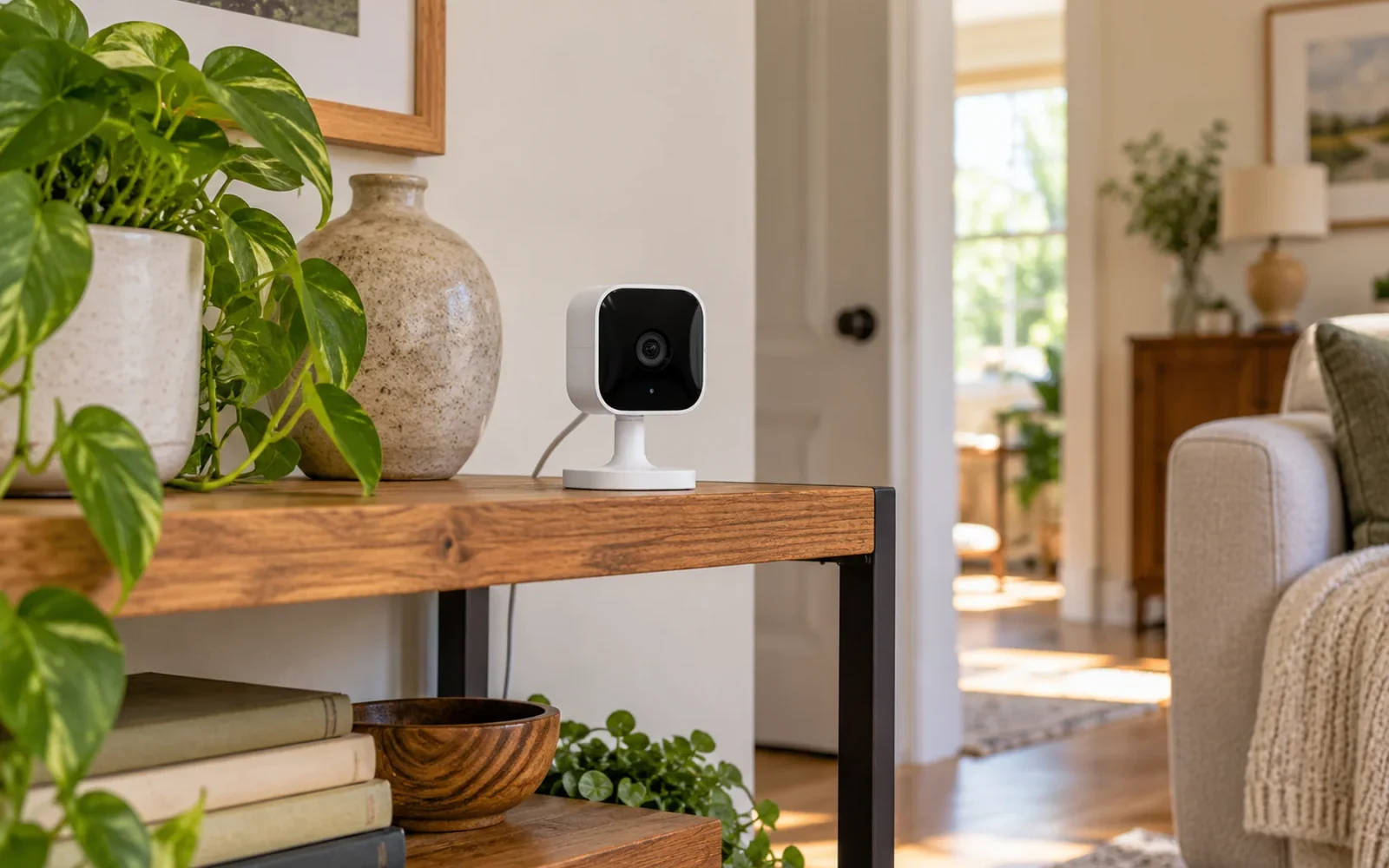
Blink's documented recording features do not provide an unattended, continuously recorded 24/7 timeline. You can leave a system armed for motion events throughout the day, but that is different from saving every moment. A subscription, USB storage, or constant power does not by itself change the recording mode.
Extended Live View is another separate feature. On supported plug-in and wired models with an eligible plan, it can show a longer live session, but Blink says those extended sessions cannot be saved as clips.
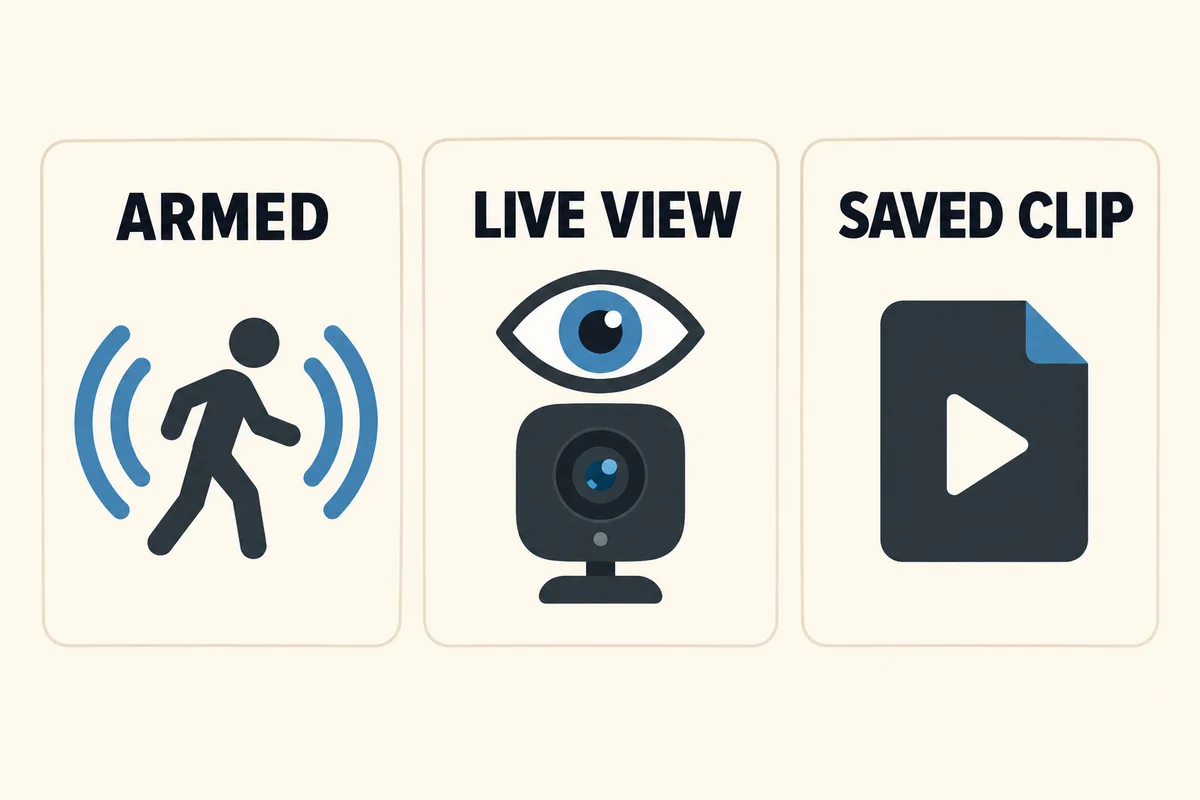
Separate recording, watching, and being armed
“All day” can describe three different things. Before adjusting settings, decide which one you actually need.
| Function | What it provides | What it does not prove |
|---|---|---|
| Armed motion detection | The camera is ready to react to supported events | That quiet intervals are recorded |
| Live View | A real-time look through the camera | That the session is saved for later playback |
| Saved event or supported Live View clip | A recording of that particular period | A complete timeline before and after it |
| Continuous recording | A retrievable history across event and non-event periods | This is not created by keeping motion detection armed |
In a Blink owners' discussion, a new user asked about recording everything while other replies described leaving cameras on all the time. One participant later clarified that they meant no arming schedule, with recording still triggered by motion. That exchange illustrates the wording problem; it is not a test of every camera's performance.
If you need to see what happened before a person entered a detection zone, an event-only recording arrangement may not meet the task, even when it sends reliable alerts.
What do Blink subscriptions and Extended Live View change?
Blink's subscription-feature page distinguishes cloud storage, supported Live View recording, Extended Live View, and Photo Capture. They should not be combined into an assumed continuous-recording feature.
The Extended Live View instructions describe sessions up to 90 minutes on supported Mini and Wired Floodlight models with an eligible subscription. They also state that the extended session cannot be saved as a clip. Regular Live View recording is a different mode with its own conditions.
Do not buy a plan expecting the 90-minute live session to become a 90-minute downloadable recording. Check the feature supported by your exact model and region, then test an ordinary saved session if that is what you intend to use.
Photo Capture is different again: the documented feature takes hourly pictures and combines them into a summary. The minutes between those pictures do not become video just because the result covers a day.
Does adding USB storage or a power cable help?
A supported local-storage arrangement changes where eligible clips are saved. It does not add a continuous video stream to a camera that does not support one. Check the Sync Module model, supported storage medium, camera compatibility, and whether you are viewing local clips or trial cloud history.
Similarly, mains power can reduce battery-service needs on a supported installation, but it does not establish a new recording feature. A solar accessory also should not be treated as a continuous-recording upgrade.
Avoid workarounds that repeatedly tap Continue, script app sessions, or join event clips into one file and call it full coverage. They cannot reconstruct moments the camera never recorded. A longer-looking playback file can still contain gaps in the original evidence.
Improve event coverage without promising a complete timeline
If motion clips suit the job, improve their usefulness through the documented camera settings. Review arming, motion detection, zones, clip length, and retrigger behavior for the particular model. There is no single maximum duration or minimum gap to apply to every Blink camera.
Start with an actual approach to the door or route across the yard. Walk it at a normal pace, review the saved clip, and note whether it starts early enough and continues through the useful action. Repeat after dark and from a different direction.
Adjust one setting at a time. Higher sensitivity can increase unwanted events without solving a poorly chosen view. More frequent activity or longer sessions also affect battery use and storage. Do not claim that the most aggressive settings make the recording gap-free.
Check missing footage at the stage where it disappeared
If a particular event is missing, check whether the system was armed, detection was enabled, the view included the approach, power and connections were available, and the intended storage was configured. Verify subscription or trial status if you were relying on cloud clips.
A live picture now does not establish that yesterday's event was recorded. Nor does a notification prove a playable clip exists in the storage location you are checking. Note the event time, camera, recording mode, and any error before contacting support.
Export important available clips promptly using the supported method. Extending retention today cannot recover a moment that was never captured or a file already overwritten.
Choose a different recording arrangement when every interval matters
If the requirement is a continuous driveway history, specify that before buying: compatible camera, suitable continuous power, a supported recording destination, enough retention, and a playback and export route you can use.
Some systems provide this through a local recorder or memory card; others use a compatible cloud service. Do not assume every wired camera supports it or every local-storage product records continuously. Our guide to choosing a security-camera system explains how to turn the desired footage into installation requirements.
Test a quiet interval between events during setup. Being able to retrieve that period is more persuasive than a sales phrase such as “always watching.”
Conclusion
Keep Blink for a job its saved-event and supported viewing features can satisfy. When the requirement is an uninterrupted recorded history, choose equipment and storage that explicitly provide it. More motion clips can improve event coverage, but they do not supply the unrecorded time between them.

Ethan Miller
Ethan Miller writes about home improvement, interior design, cleaning, and everyday living at Home & Living Daily. He shares practical tips and simple ideas to help readers create more comfortable and functional homes.


