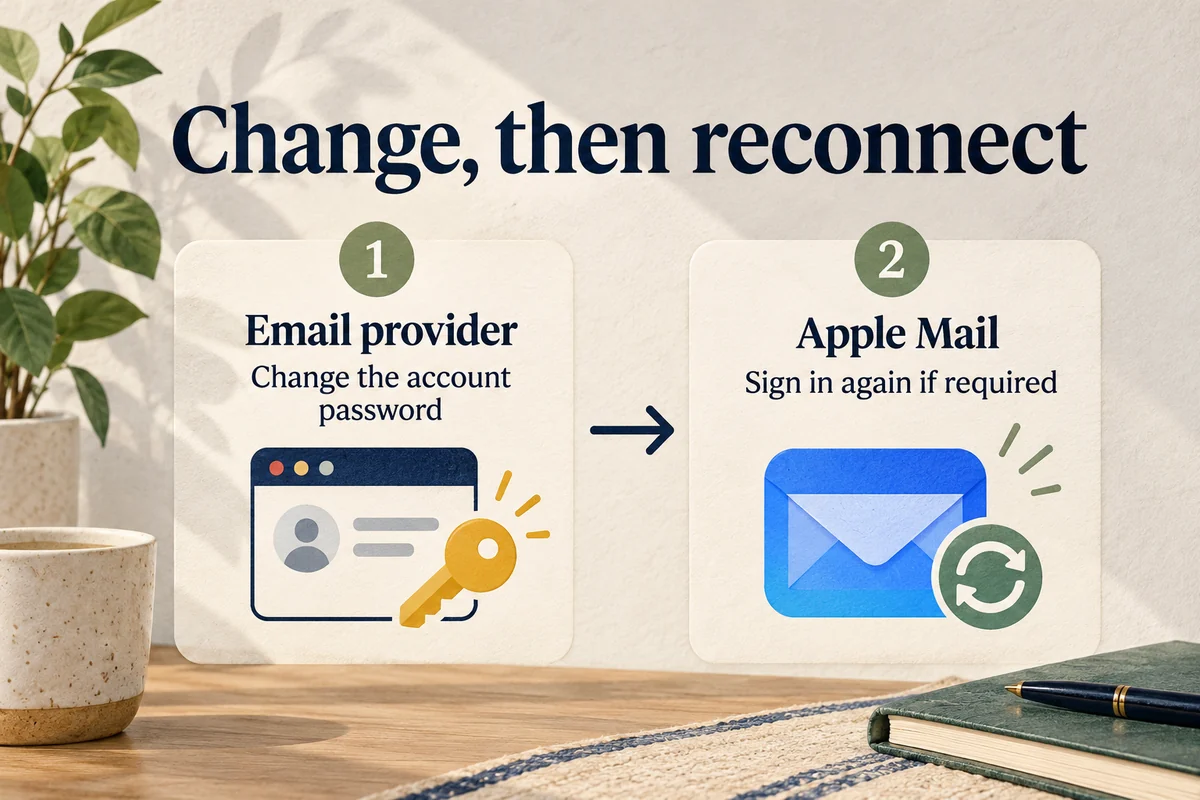
To change an email password, change it with the email provider first, then reconnect the account on your iPhone if prompted. For Gmail, Outlook, and many work accounts, Apple Mail uses a provider sign-in screen rather than a permanent password box inside Settings. Editing a saved entry in the Passwords app alone does not change the mailbox password.
On iOS 18 or later, Apple Mail’s accounts are under Settings, Apps, Mail, Mail Accounts. The next step depends on whether you want a new password or simply need Mail to accept one you have already changed.
Identify which password needs changing
An iPhone can hold several unrelated credentials: the device passcode, your Apple Account password, an email provider’s password, and saved website logins. Changing one does not automatically change the others.
First confirm the email address and provider. A custom address such as name@example.com may be hosted by an employer or hosting company even though you read it in Apple Mail. The app displaying the inbox is not necessarily the company that controls its password.
If you cannot sign in on the provider’s official website either, use its password-change or account-recovery process. For a managed work mailbox, contact your administrator when the organization controls password rules or sign-in requirements.
Reconnect Mail after changing the provider password
After a successful password change, open Mail and look for a sign-in request. If the account needs attention, go to Settings, Apps, Mail, Mail Accounts and choose it. Use any Re-enter Password or provider sign-in option shown.
Apple’s authentication troubleshooting instructions explain why a provider may need you to authenticate again after a password change. Complete the sign-in with the correct account and any required verification. A Gmail or Microsoft approval screen is different from manually editing an incoming-server password.
If no sign-in option appears, check the account’s Mail switch and the provider’s current instructions before deleting anything. For some accounts, turning Mail off and on prompts renewed authentication. Read any on-screen removal warning and avoid changing unrelated calendar or contact settings.
When there is a manual password field
A manually configured IMAP or POP account may expose password fields in its account or server settings. Follow the host’s instructions for the incoming server and the outgoing SMTP server; changing only one can leave receiving working while sending fails, or vice versa.
Some providers require an app-specific password or a different authentication method when additional security is enabled. Do not assume the normal webmail password belongs in every field. Use the provider’s documented setup instead of turning off account protections to make an outdated configuration work.
Similarly, a name in the Passwords app is just a stored credential. Update that saved entry after the provider accepts the new password, so the next autofill attempt does not reuse the old one. A password manager is a record of the credential, not the authority that changes it.
Test the account before removing it
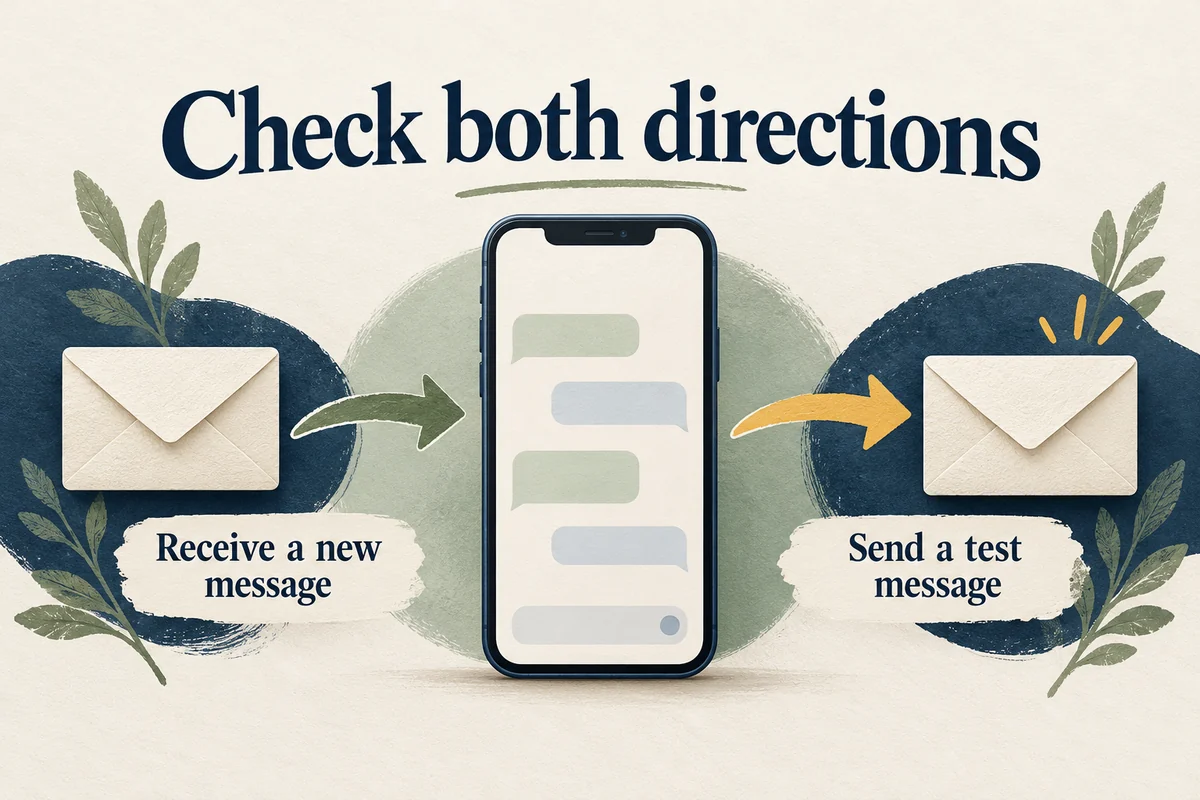
Sign in to webmail, send a short test message, and verify a new incoming message in Mail. Check the From address if several accounts are connected. Receiving mail from an already-open session does not necessarily prove a new password has been accepted everywhere.
If the provider works in the browser but Mail still fails, compare its app-access requirements and any service notice. Apple’s Mail send-and-receive troubleshooting guide recommends checking server-side access before considering account removal.
Do not delete and re-add the account until you know where its messages are stored. Cached mail, local folders, and unsent drafts may not exist on the provider’s server. An iPhone backup is not a substitute for confirming that the mail you need is available elsewhere.
Conclusion
Change the credential where the mailbox is hosted, then renew Mail’s access using the method that provider supports. Test both sending and receiving before making broader changes. This separates a password problem from a sign-in-token or server-configuration problem and avoids unnecessary account removal.

Ethan Miller
Ethan Miller writes about home improvement, interior design, cleaning, and everyday living at Home & Living Daily. He shares practical tips and simple ideas to help readers create more comfortable and functional homes.


