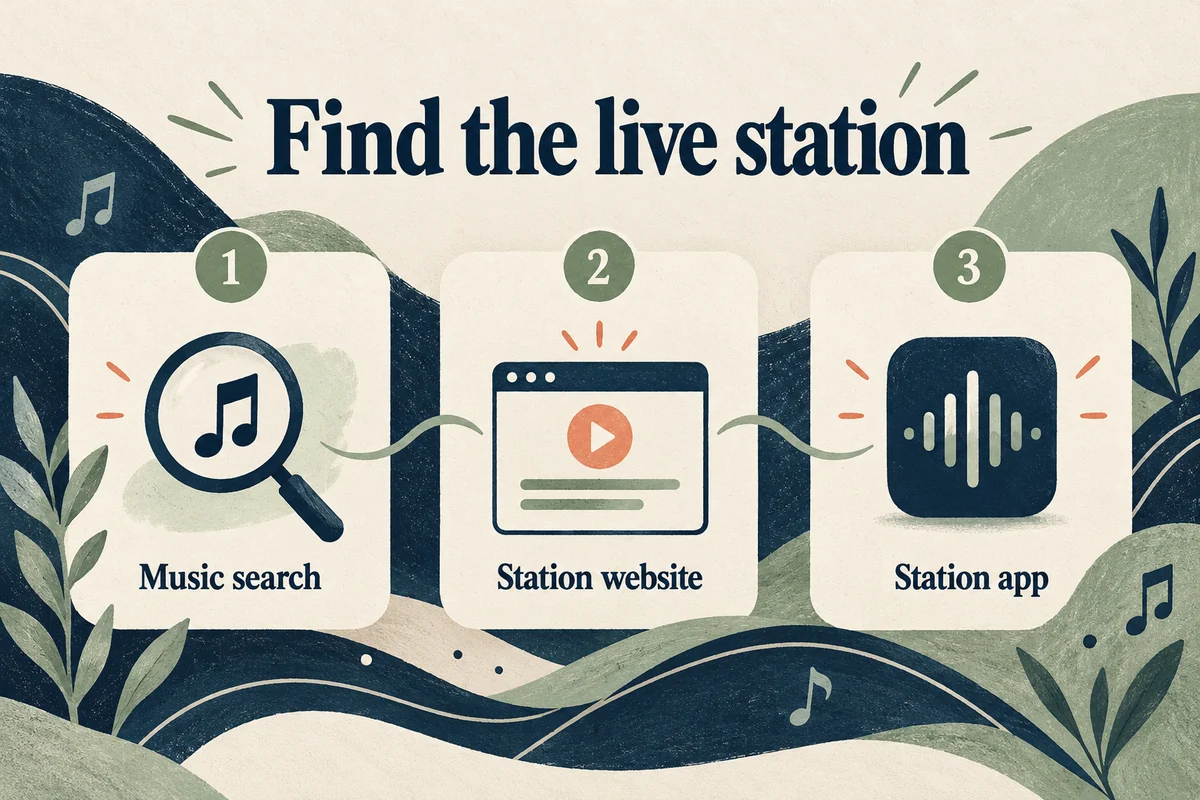
You can listen to many live radio stations on an iPhone through the Music app, a station’s own website or app, or an internet radio service. Try searching the station’s name or call sign in Music first. Listening to supported broadcast radio stations there does not require an Apple Music subscription, although availability varies by station and region.
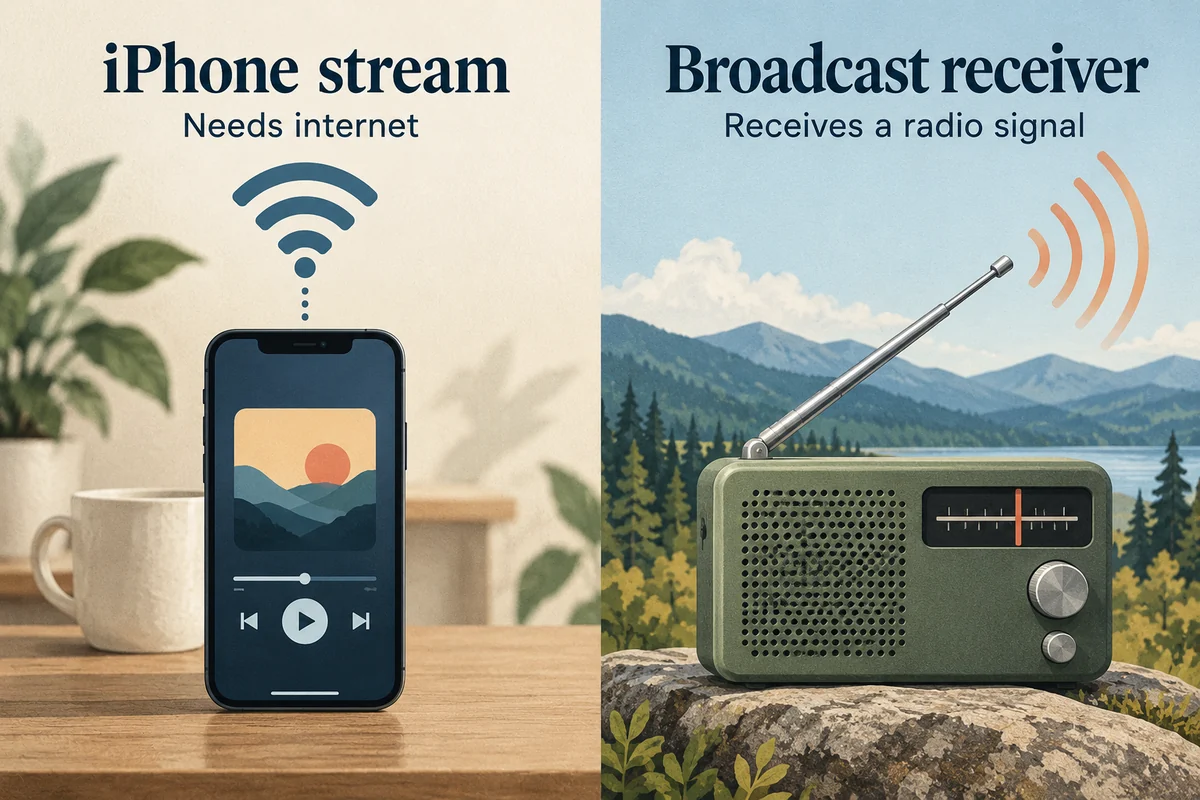
These methods stream over the internet. They do not turn the iPhone into an offline AM/FM receiver, so you need Wi-Fi or a working mobile data connection.
Try the station in the Music app
Open Music, choose Search, and search for the station’s exact name, call sign, frequency, or nickname. Open the station result and start playback. Depending on your location and software, Radio can also include local or international station browsing.
Apple’s radio-listening guide distinguishes broadcast stations from other Music radio features. Some Music features require a subscription, so a subscription prompt on one result does not mean all live broadcast stations are paid.
Be specific with the search. “101.5” can refer to different stations in different cities, while the call sign and city usually identify what you want more clearly. Check that you have selected a live station rather than an album, playlist, or similarly named artist.
Use the station’s own stream when needed
If Music does not list the station, visit its official website in Safari and look for Listen Live or an equivalent player. Confirm you are on the broadcaster’s site before signing in or downloading anything. Some stations offer their own app, which can make sense if you listen regularly or want local schedules and program information.
For a single station, the website may be enough. For several stations, a radio directory can be more convenient. Check whether the service carries the actual station before paying; a large overall catalog is not proof that it includes your particular local broadcaster.
Live listening, archived shows, podcasts, and sports coverage may have different availability. If the usual music stream plays but a game is replaced by another program, rights restrictions may be involved. Trying a different button does not necessarily make the event available in your region.
Make sure it is the kind of “radio” you want
Several different things can be labeled radio on a phone:
| Listening goal | What to look for |
|---|---|
| A local station’s current broadcast | Its live station result or official live player |
| A past episode of a talk show | The program’s archive or podcast feed |
| Music chosen around an artist | A personalized music station, which may require a subscription |
| Emergency reception without internet | A separate suitable broadcast receiver, rather than an iPhone streaming app |
A live internet stream may also lag behind a nearby physical radio. Do not use its timing as a precise reference for an event happening in front of you.
If playback stops or the wrong audio plays
First check the station identity and whether the internet connection works in another app. Then check the audio output: the stream may be playing through Bluetooth headphones, a car, or another selected speaker instead of the iPhone itself.
If the station’s stream fails in Music, compare its official website. If both fail while other internet audio works, the broadcaster or its stream may be unavailable. If only one app fails, update or reopen that app before making broad changes to the phone.
Streaming uses data while you listen. For a long listening session on a limited plan, use trusted Wi-Fi where practical and review the app’s mobile data use in Settings. A radio app’s “favorite” or “saved station” button generally saves a shortcut to the stream; it does not necessarily download the live broadcast for offline use.
Conclusion
Start with the exact station in Music, then try the broadcaster’s official stream if it is unavailable there. Choose a listening service around the station you actually need and the connection you have. For listening without internet, plan for a different kind of receiver rather than expecting an app to create an AM/FM signal.

Ethan Miller
Ethan Miller writes about home improvement, interior design, cleaning, and everyday living at Home & Living Daily. He shares practical tips and simple ideas to help readers create more comfortable and functional homes.


