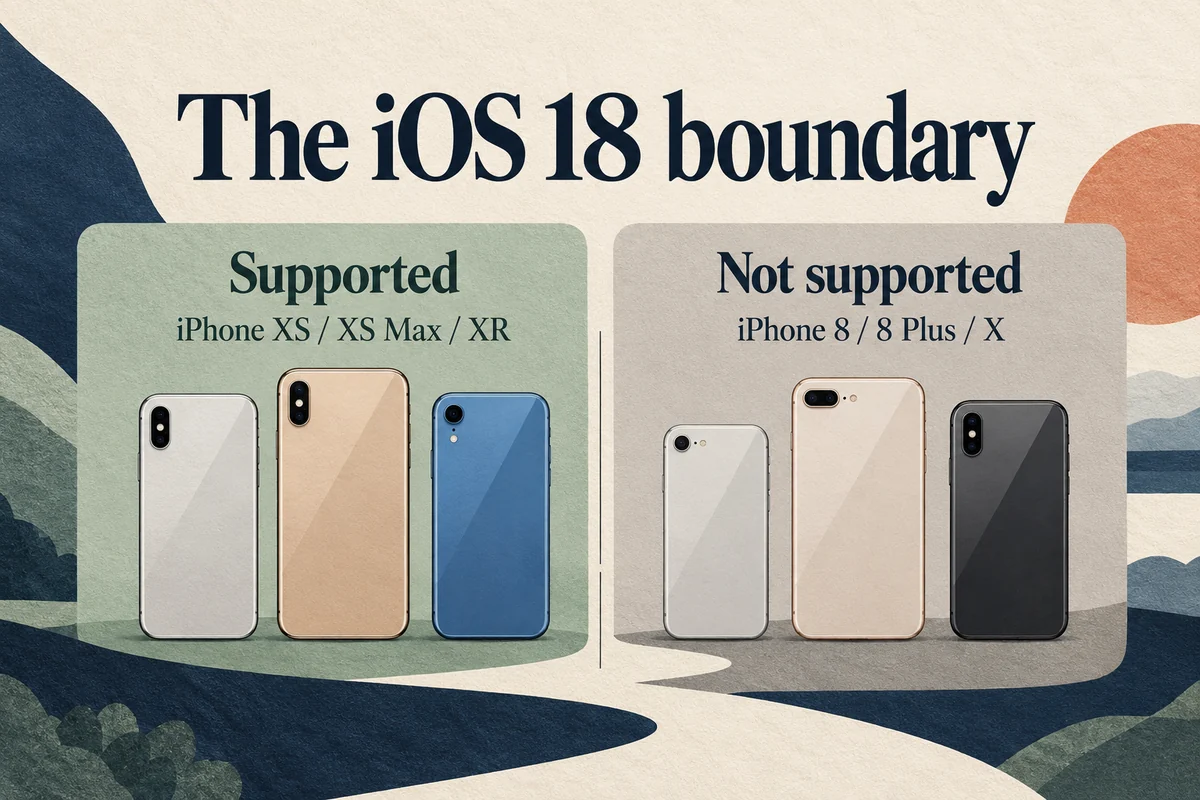
iOS 18 supports iPhone XS, XS Max, XR, the iPhone 11 through 16 families, and iPhone SE models from the second and third generations. The iPhone 16e is included. iPhone 8, iPhone 8 Plus, and iPhone X cannot run iOS 18.
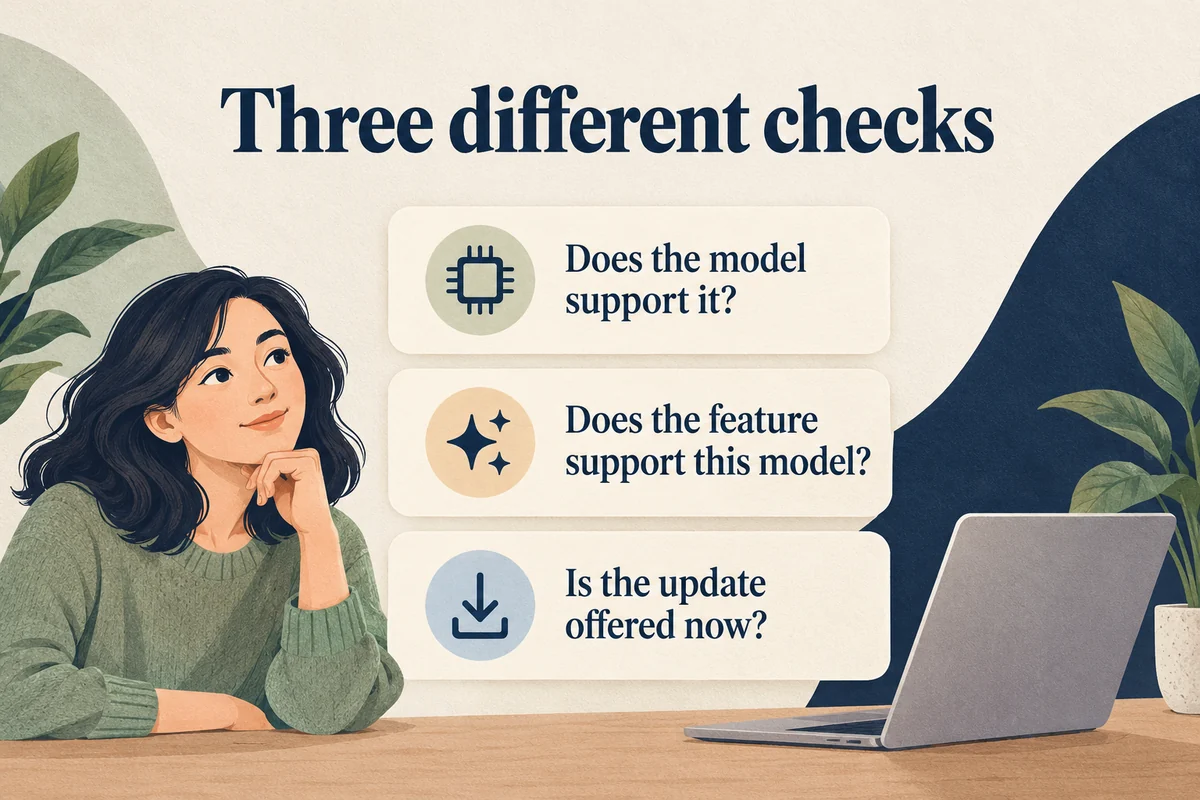
Compatibility describes which hardware Apple supported on that software branch. It does not guarantee that iOS 18 is currently offered for installation on your particular phone, and it does not mean every compatible iPhone gets every feature.
Check your exact model first
Open Settings, General, About and read Model Name. Do not use the editable device name as proof of the model: someone can name an older phone “New iPhone” without changing its hardware.
If the phone is unavailable or the name is unclear, use our guide to identifying your iPhone model. This is particularly helpful for the SE, whose generations share a familiar Home button design but have different software limits.
iOS 18 compatibility by family
Apple’s version-specific iOS 18 compatibility guide lists these supported groups:
| iPhone family | Models supported by iOS 18 |
|---|---|
| XS and XR | XS, XS Max, XR |
| 11 | 11, 11 Pro, 11 Pro Max |
| 12 | 12 mini, 12, 12 Pro, 12 Pro Max |
| 13 | 13 mini, 13, 13 Pro, 13 Pro Max |
| 14 | 14, 14 Plus, 14 Pro, 14 Pro Max |
| 15 | 15, 15 Plus, 15 Pro, 15 Pro Max |
| 16 | 16, 16 Plus, 16 Pro, 16 Pro Max, 16e |
| SE | Second generation and third generation |
The first-generation SE is excluded. So are the 8, 8 Plus, and X, despite the X’s newer-looking full-screen design. A phone’s appearance or the fact that it still works well cannot add support for an operating system its hardware was not included in.
Do not extend this table to every model released after the iPhone 16. Later iPhones shipped on later software branches; a newer model is not automatically able to install an older release.
Support does not mean every feature is available
An iPhone can support iOS 18 without meeting the requirements for Apple Intelligence. In the iOS 18 generation, the supported iPhone hardware for Apple Intelligence started with iPhone 15 Pro, 15 Pro Max, and the iPhone 16 family. An ordinary iPhone 15 or an iPhone 11 does not acquire those hardware capabilities simply by updating.
Specific tools can also depend on the point release, language, region, and service involved. When checking a feature, look up its own requirements rather than using the main compatibility table as a promise. Apple’s iOS 18 update notes help distinguish features added later from those present at launch.
What if iOS 18 is not offered?
Open Settings, General, Software Update to see the supported update choices for your device. If the phone is eligible historically but only another branch appears, that is a different problem from owning an unsupported iPhone 8.
Avoid downloading an old installer just because a compatibility list includes your model. Apple controls which software can be installed, and a backup is not an operating-system installer. Our iOS 18 installation guide explains how to check the offered update before proceeding.
If you own an excluded model, use the latest supported software offered for it and check whether the app you need still supports that version. Buying a replacement makes sense when a required app or feature has a hardware requirement you cannot meet, rather than solely because an update number is higher.
Conclusion
Use the exact model and the feature you need to make the decision. The compatibility list answers whether iOS 18 supported that hardware; Software Update answers what you can install now. Keeping those questions separate prevents both wasted troubleshooting on an iPhone 8 and false expectations about features on an older supported phone.

Ethan Miller
Ethan Miller writes about home improvement, interior design, cleaning, and everyday living at Home & Living Daily. He shares practical tips and simple ideas to help readers create more comfortable and functional homes.


