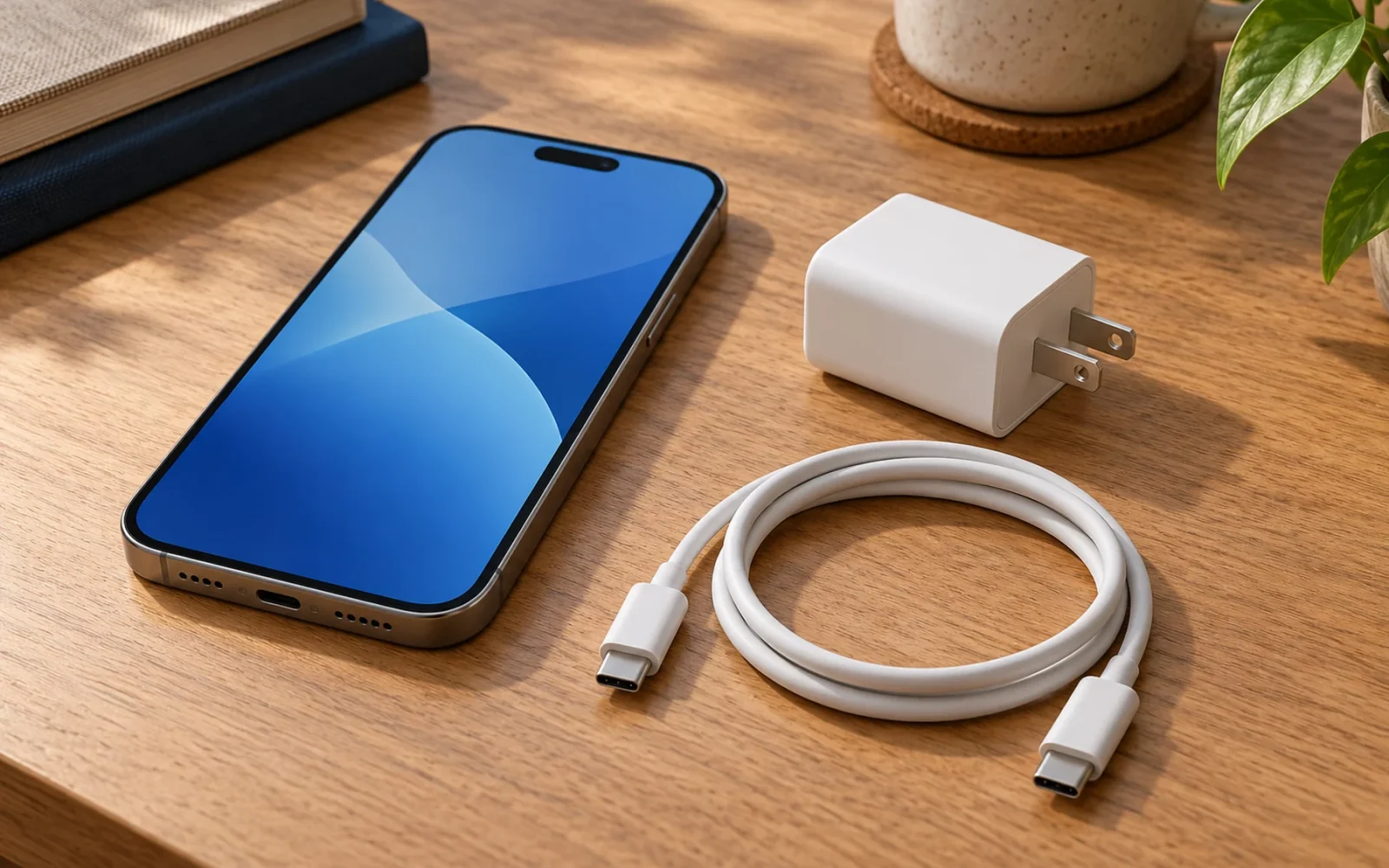
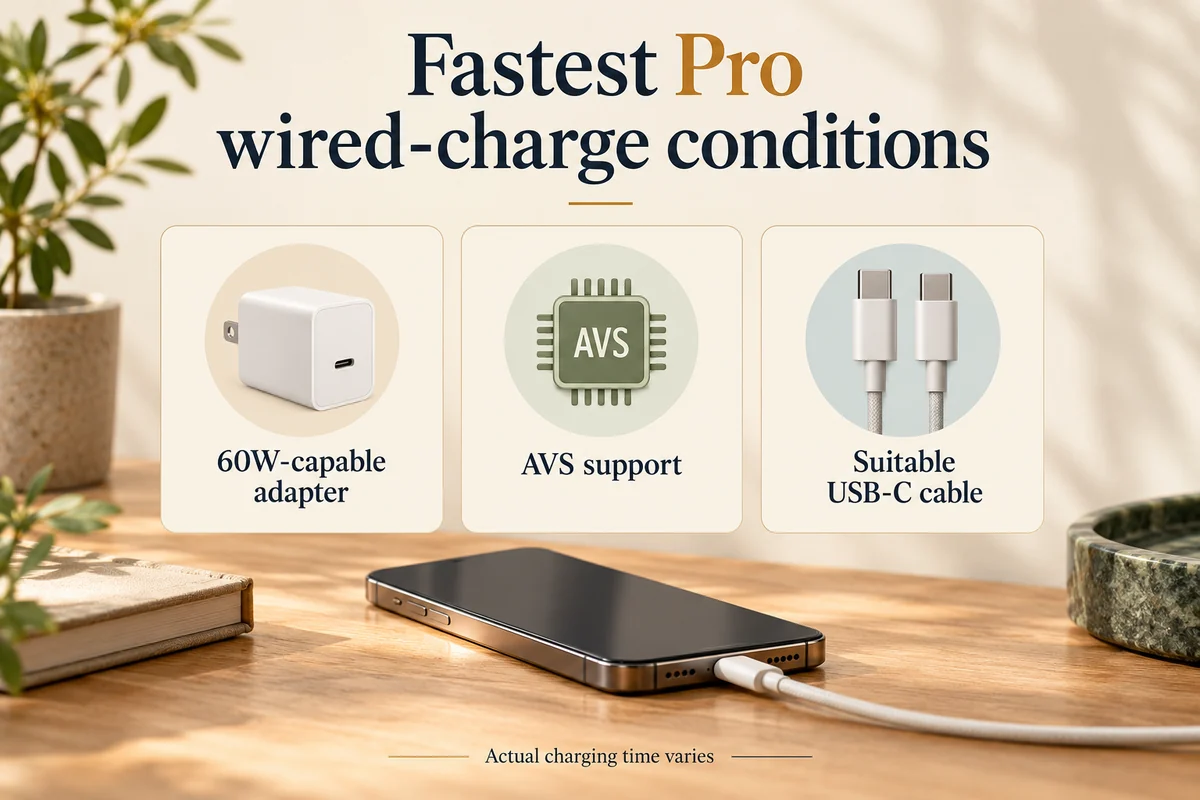
The confirmed iPhone 18 Pro and Pro Max use USB-C. A compatible USB-C power adapter and USB-C cable can charge them; you do not need a uniquely shaped “iPhone 18 charger.” However, Apple’s fastest wired charging claim requires a 60W-capable adapter with Adjustable Voltage Supply, or AVS, together with a suitable USB-C cable.
The standard iPhone 18 has not been announced as of October 23, 2026. These confirmed requirements apply to the released Pro models and should not be presented as final specifications for an unannounced standard phone.
The connector, cable, and adapter are different parts
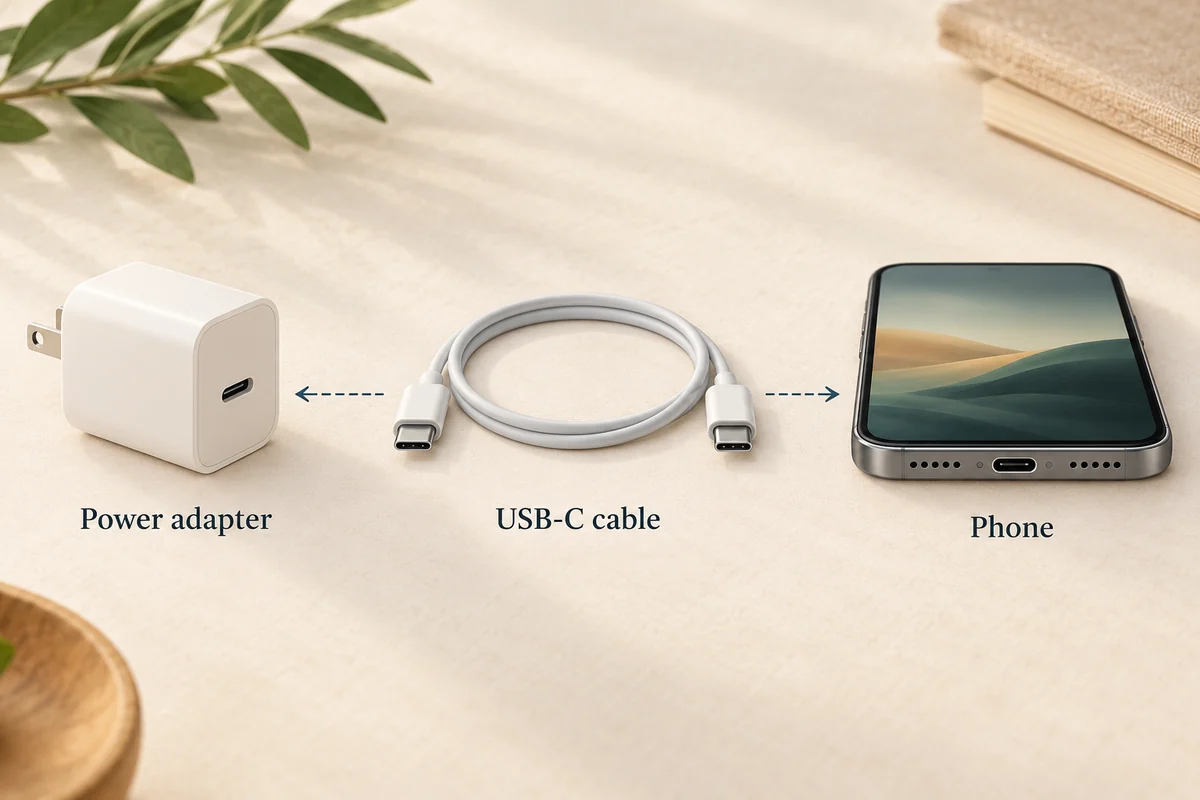
A USB-C plug has a small, rounded, symmetrical metal connector. For a USB-C-to-USB-C cable, both ends use that connector. One goes into the phone and the other into the power adapter’s USB-C port.
The adapter is the separate part connected to the wall outlet. Its shape and plug pins vary with the product and country. Neither a white square enclosure nor an Apple logo is what makes a charger compatible.
Apple’s USB-C connection guidance allows standards-compliant cables and adapters from Apple or other manufacturers. A compliant higher-wattage laptop adapter can also be useful; its maximum rating is not a command forcing the phone to consume that wattage continuously.
Can you use a charger you already own?
Start by checking its connector, specifications, and condition. If it is a suitable standards-compliant USB-C adapter with an appropriate cable, it may meet your ordinary charging needs even if it does not deliver the fastest advertised result.
For example, someone charging overnight does not necessarily gain much practical value from replacing working equipment to improve a short charging window. Someone who often needs a quick top-up before leaving has a stronger reason to check the fast-charge conditions.
Do not assume a Lightning cable fits the USB-C port. Also keep USB-A and USB-C adapter ports distinct: a cable can have USB-C at the phone end and a different connector at the power end. Match the complete path instead of judging compatibility from one loose plug.
What is required for the fastest wired charging?
Apple’s fast-charge guidance specifies a 60W-capable USB-C cable and a USB Power Delivery 3.1 or later adapter with AVS for the Pro models’ fastest wired charging. The Pro specification sheet gives the associated claim: up to 50% in around 15 minutes under its test conditions.
Wattage alone is not the complete requirement. A charger advertised as 65W or 100W may offer different voltage profiles or share its total output across several ports. Check the actual port and protocol specifications, particularly when several devices are connected.
| Detail to check | Why it matters |
|---|---|
| USB-C connector and suitable cable | Establishes the physical and electrical connection |
| Power Delivery and AVS support | Part of Apple’s stated fastest-charge conditions |
| Output available from the selected port | Total adapter wattage may be shared |
| Other connected devices | Can change the power allocation |
| Temperature and battery state | Help determine the result in actual use |
The “50%” figure does not mean a full battery in 30 minutes. Charging behavior changes during the process, and Apple says actual time varies with the adapter, settings, usage, and environment. Do not treat a laboratory result as a guaranteed daily stopwatch target.
What about MagSafe and Qi2?
The Pro specifications list MagSafe and Qi2 wireless charging up to 25W. The wall adapter, charging accessory, alignment, and the phone’s conditions all belong to that setup.
For Apple’s wireless fast-charge claim of up to 50% in around 30 minutes, its guidance specifies a MagSafe Charger with a 35W or higher adapter. That is a different equipment combination from plugging the USB-C cable directly into the phone.
A magnetic stand snapping into place does not prove it provides the advertised maximum speed. Check the accessory’s specification and power requirements rather than assuming every magnetic holder or charger is equivalent.
Is a wall adapter included?
Apple’s Pro box contents list the phone and a 1-meter USB-C charge cable, with the power adapter sold separately. Inspect your existing equipment before adding another adapter to the order, and budget for a replacement only if the present setup does not meet your needs.
The illustrations here explain connector and equipment relationships; they are not photographs of the exact items Apple supplies. For a particular accessory, compare the manufacturer’s actual port, cable, and output information before buying.
Conclusion
Choose equipment for the result you need: ordinary compatible charging or the more specific fastest-charge setup. USB-C establishes the connection; the adapter’s protocol, cable capability, selected port, and charging conditions determine whether that connection meets Apple’s faster test conditions.

Ethan Miller
Ethan Miller writes about home improvement, interior design, cleaning, and everyday living at Home & Living Daily. He shares practical tips and simple ideas to help readers create more comfortable and functional homes.


