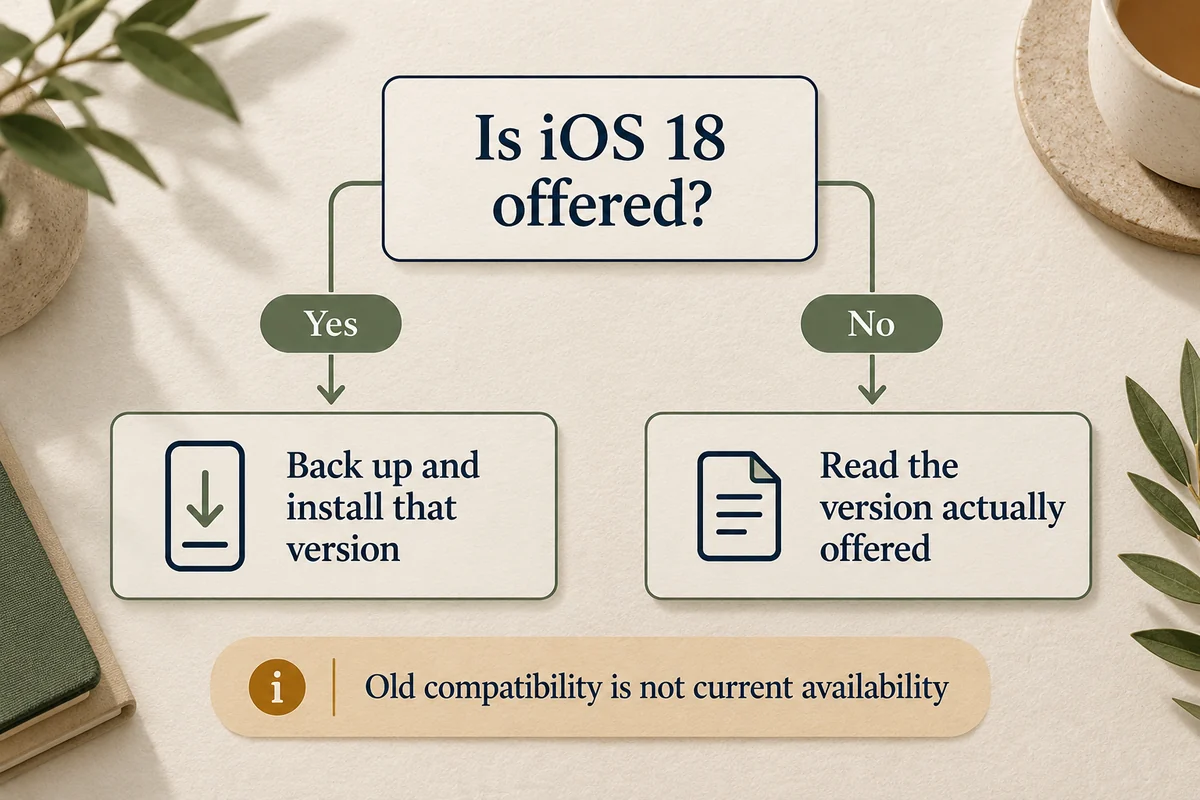
To install iOS 18, open Settings > General > Software Update and select an iOS 18 update only if Apple currently offers one for your phone. Compatibility with iOS 18 when it launched does not guarantee that you can still choose it today. If the screen offers a newer major version instead, read its number carefully before proceeding.
This matters in 2026: Apple’s release record lists iOS 18.7.10 for iPhone XS, XS Max, and XR, while newer supported phones have moved to later software branches. There is no universal button that lets every iPhone choose any historical iOS release.
Check the phone, current version, and offered update
Open Settings > General > About and note Model Name and iOS Version. Then open Software Update and read the exact title of the update available there. Do not identify it only by its icon or assume a page written in 2024 describes today’s choices.
Apple’s current release and compatibility record distinguishes the iOS 18 branch from later releases. That record is useful context; the offer on your actual device determines the normal installation path available to it.
| Your situation | What to do |
|---|---|
| An iOS 18 update is offered | Back up, prepare the phone, and use that update’s installation controls |
| Only a newer major version is offered | Decide whether to install that named version; do not assume it is iOS 18 |
| You already run a later major version | Treat this as a downgrade question, not an ordinary iOS 18 update |
| The model cannot run the required software | Check its supported updates instead of trying an unrelated package |
Prepare before starting the installation
Make a current backup and confirm that it completed. Keep the phone connected to power and use a reliable internet connection. Have the device passcode available, and choose a time when you can leave the phone alone through restarts.
Check storage if the update reports insufficient space. Review large downloads and apps you can safely remove or offload, rather than deleting irreplaceable photos without knowing where they are backed up. A required amount can vary with the device, installed version, and update package; there is no single free-space figure that fits every installation.
Apple’s wireless update instructions explain installation and automatic updates. Use the controls actually shown for the offered release, such as Download and Install or Update Now, and confirm the version again before accepting.
Install the available iOS 18 update
If an eligible iOS 18 release is present, start it from Software Update and follow the prompts. Keep power and connectivity available during download and preparation. The phone can restart and display an Apple logo with a progress bar during installation.
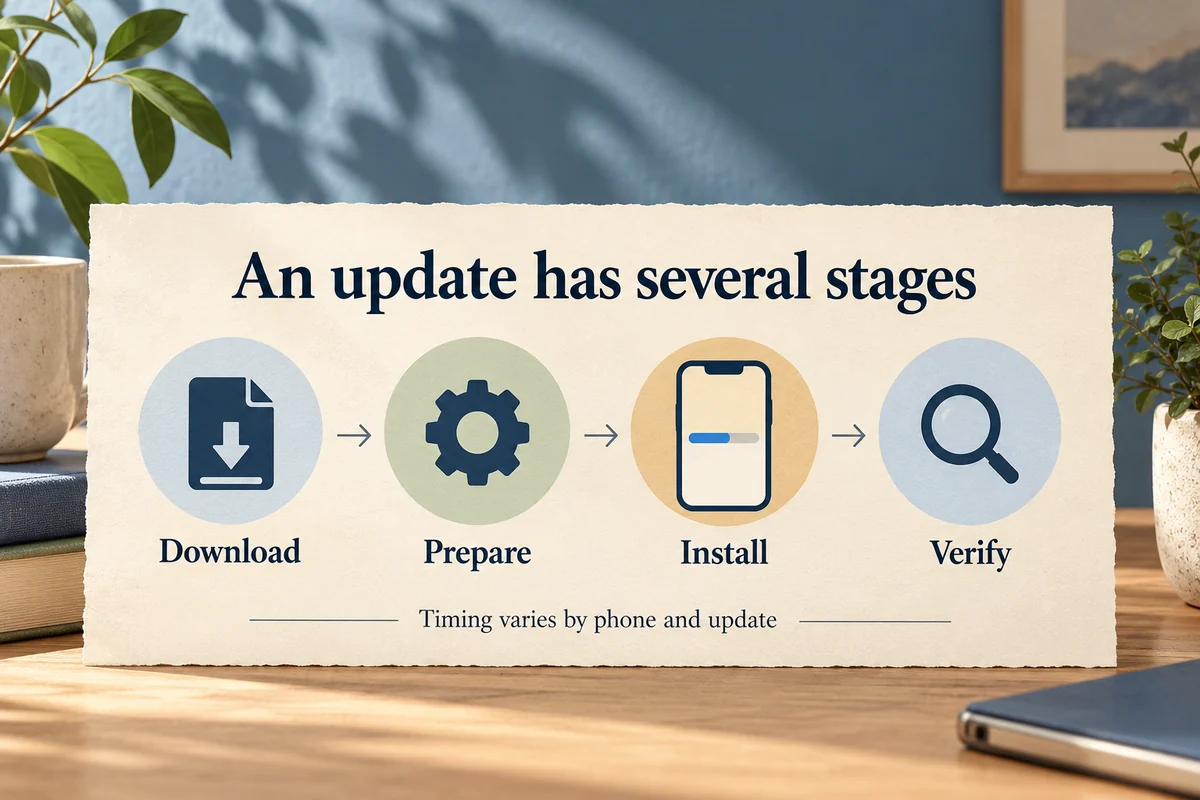
Do not interrupt a progressing installation simply because the initial estimate changes. Downloading, preparing, verifying, installing, and completing setup are separate stages; a fast download does not establish that the phone will be ready in the same number of minutes.
After the phone returns to normal operation, open About and check the installed version. Confirm that essential apps and your normal connections work before relying on it for an important trip or event. The goal is a verified installation on your phone, not merely seeing a download begin.
If iOS 18 does not appear
First establish whether it is an availability issue or an error while retrieving an update that should be offered. Restarting or changing Wi-Fi can help some connection problems, but cannot make Apple offer a retired update branch to every model.
In one Reddit thread about a missing iOS 18 option, an iPhone 12 Pro owner reported seeing newer branches instead of the older update they wanted. Replies discussed different experiences and expectations. That is a useful example of the question to resolve; the commenters’ stability opinions and signing claims are not a universal installation policy.
If an update fails, use Apple’s guidance for a device that will not update. A computer can provide another supported update route, but it should not be described as a guarantee that any historical version becomes selectable. Check the proposed version and preserve your backup.
How long does the update take?
There is no dependable fixed duration for every phone. The download size and connection affect one stage; available storage, verification, installation, and the phone’s state affect others. Plan a window with margin rather than starting immediately before you need it.
If progress appears stuck, distinguish a slow download from an installation that is no longer moving. Follow the relevant Apple troubleshooting route instead of repeatedly forcing restarts while a progress bar is advancing.
A beta profile, an old download file, or a tutorial’s 2024 screenshots do not establish current eligibility. If you already use a later major version, Apple’s security guidance says installed updates cannot simply be downgraded through the normal update process. Do not erase a functioning phone on the assumption that an iOS 18 backup or installer guarantees a return.
Conclusion
Begin with the update actually offered to your model. If it is iOS 18, back up and install through the supported route; if it is not, resolve that version choice before touching installation controls. That check prevents a guide to an older release from becoming an accidental upgrade to something else.

Ethan Miller
Ethan Miller writes about home improvement, interior design, cleaning, and everyday living at Home & Living Daily. He shares practical tips and simple ideas to help readers create more comfortable and functional homes.


