You can buy an iPhone directly from Apple, from a mobile carrier, or from a retailer. Choose the seller whose exact offer fits your service needs, ownership plans, and return requirements. The smallest advertised monthly payment is not enough to identify the best place to buy.
For an outright purchase with flexible service, start by comparing Apple’s direct checkout with clearly identified unlocked retailer offers. If you already want a carrier’s qualifying plan, compare its promotion with the same offer through Apple where available.
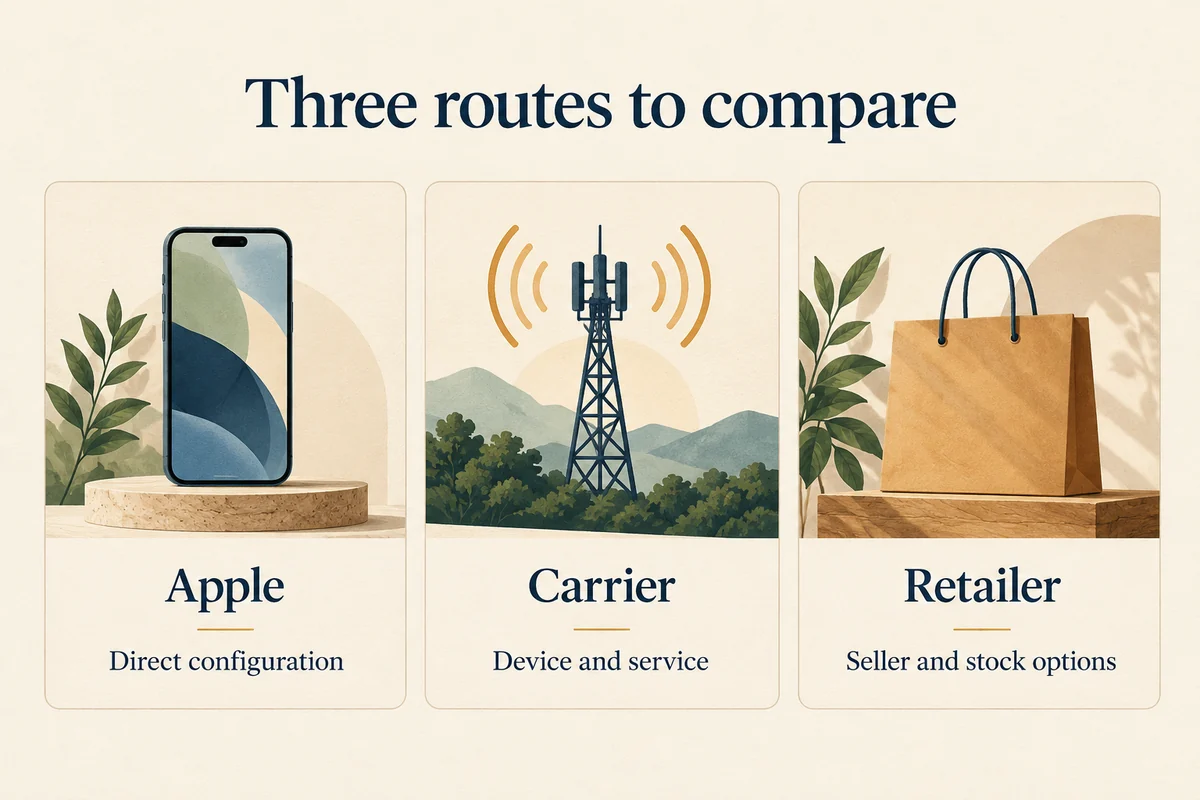
The three main buying routes
| Route | What it can be useful for | What to establish before paying |
|---|---|---|
| Apple | Direct configuration choice, setup options, and some carrier offers | Exact payment route, carrier lock, delivery, and return terms |
| Mobile carrier | Device and service in one transaction, eligible promotions | Required plan, credits, remaining balance, and unlock policy |
| Retailer | Another price, pickup option, or remaining stock | Actual seller, new versus open-box condition, carrier requirements, and returns |
These are comparison criteria, not a ranking of every seller. A carrier promotion can suit one household and cost another more because their existing service is cheaper.
Buying directly from Apple
Apple’s iPhone shopping guidance explains that payment choices include buying outright, Apple Card Monthly Installments, and Apple Upgrade leasing. It also states that iPhones financed through the listed AT&T, T-Mobile, or Verizon carrier installment plans are locked until paid in full.
This means the location of the purchase and the financing agreement are separate checks. “Bought at Apple” does not, by itself, settle every carrier-lock question. Read the terms of the route you choose rather than relying on an old forum answer about a different arrangement.
For a direct purchase, select the exact capacity and connection option before comparing the final price. Check delivery and pickup availability, and decide whether you need assistance transferring data or activating service. The convenience of setup can matter if you are moving from an older phone or changing service at the same time.
Buying from your carrier
A carrier can be a convenient choice when its plan and promotion already fit what you want. Start with the service you would choose without a phone discount, then calculate what the offer changes.
Read whether you need a new line, a specific plan, an eligible trade-in, or continued service for a particular credit schedule. Ask what you owe if you leave early, pay off the device, change the plan, or miss an eligibility requirement. The exact offer controls those outcomes.
Keep the device and wireless agreements visible. Returning a phone does not necessarily cancel the associated service. Apple explicitly flags that distinction in its shopping guidance, and the carrier’s own cancellation terms apply to your account.
If a future carrier switch or travel eSIM matters, establish the unlock requirements before buying. Apple’s carrier-unlock instructions explain that the current carrier, rather than Apple, controls unlocking. On an existing phone, Settings > General > About > Carrier Lock shows “No SIM restrictions” when it is unlocked.
Buying from a retailer or marketplace
Retailers can have different prices and stock, including models Apple no longer sells directly. Verify the listing rather than assuming a familiar website name tells you everything about the transaction.
On a marketplace, identify who actually sells and ships the device. Confirm whether it is new, open-box, refurbished, or used, and whether the model is intended for your region and carrier. Check that any service activation condition is one you want to meet.
Read the seller’s return policy and any restocking or activation conditions. If a listing promises a warranty, establish who provides it and what it covers. A third-party seller’s assurance is not automatically the same thing as a manufacturer-backed refurbished program.
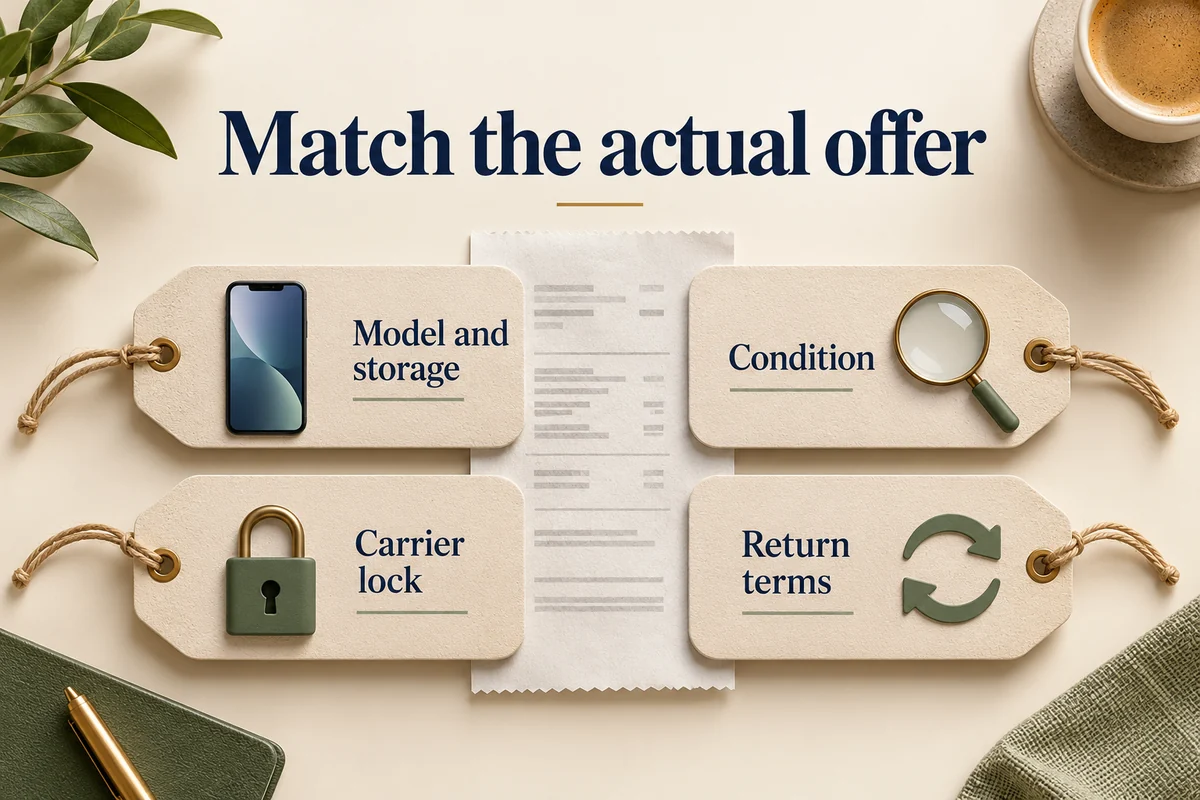
For example, a lower-priced carrier-locked listing and a fully paid unlocked listing are not equivalent simply because both say “iPhone 18 Pro 256GB.” Resolve those differences before calculating a saving.
Compare one configuration across complete offers
Write down the full model, storage, condition, carrier status, total device payments, service requirements, and the period you intend to compare. Count a trade-in once and distinguish immediate savings from future credits.
Our guide to the complete cost of a new iPhone explains how service commitments can change the result. If you want Apple to honor another store’s price, read our Apple Store price-matching explanation before assuming the retailer’s offer transfers to Apple’s checkout.
Finally, allow time to set up the new phone and check calls, data, and important apps before completing any trade-in handover. A smooth transition is part of the purchase’s value, especially when the phone is needed every day.
Conclusion
Choose an offer you can understand and keep, with the phone and service terms evaluated together. Apple, a carrier, and a retailer can each be sensible; the decisive details are the actual seller, ownership outcome, restrictions, and total commitment for your configuration.

Ethan Miller
Ethan Miller writes about home improvement, interior design, cleaning, and everyday living at Home & Living Daily. He shares practical tips and simple ideas to help readers create more comfortable and functional homes.


