Apple is testing iOS 27.2, but a release candidate is not a confirmed public release date. As checked October 23, 2026, Apple’s developer release list identifies iOS 27.2 RC dated October 19. For your own iPhone, Settings > General > Software Update is the place to check whether a finished update is actually available.
There is also a model-specific exception to the numbering: Apple says iPhone Duo ships with iOS 27.1. That does not mean every existing iPhone should expect a separate 27.1 download before 27.2.
What has been confirmed so far?
Apple’s developer release list records the 27.2 release candidate. Its note about iOS 27.1 and iPhone Duo explains that the folding phone’s version contains features built for that hardware.
These records establish development and device status, not a universal installation appointment. A headline predicting a Monday release can be a reasonable forecast while still being a forecast. Do not turn an expected week into an Apple-announced day unless a dated Apple statement actually provides it.
| Label in the news | What it means for you |
|---|---|
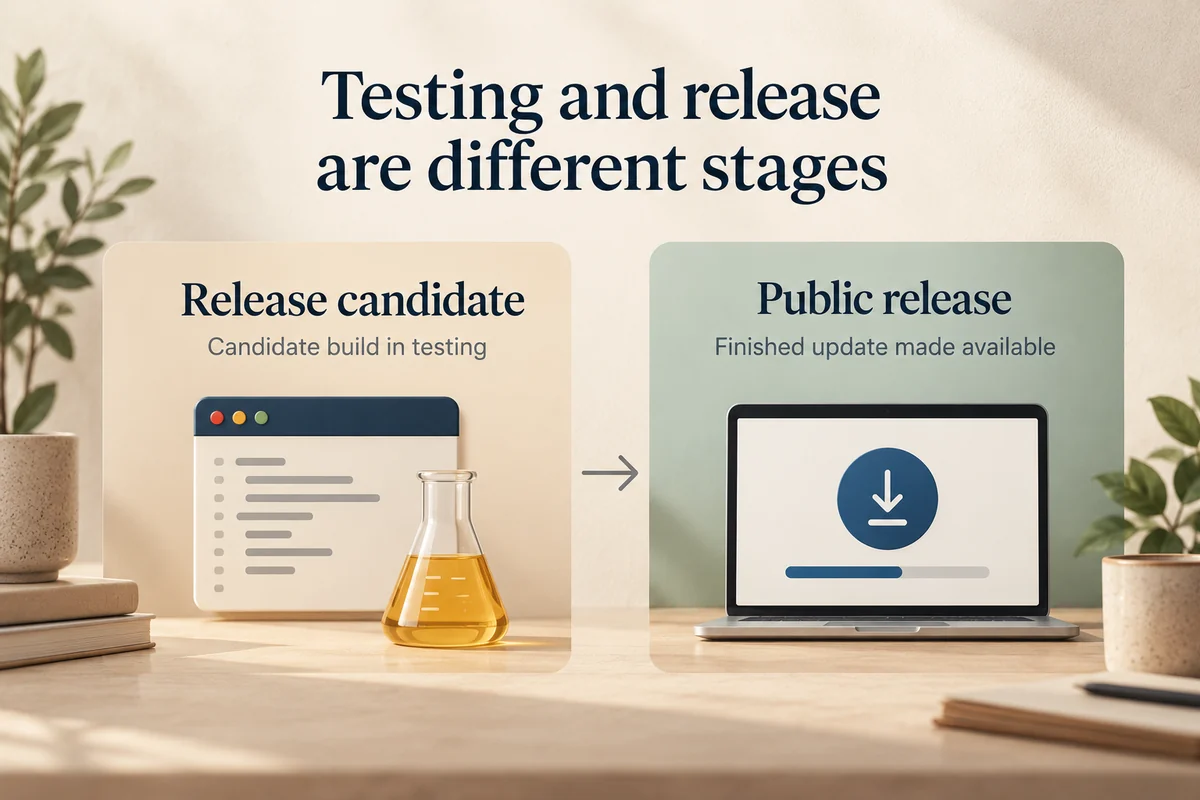
| Developer beta or public beta | Test software, separate from the normal finished release |
| Release candidate, or RC | A candidate build in the testing process |
| Public release | A finished update that Apple has made available for supported devices |
| Preinstalled version | Software supplied on particular hardware; not necessarily a download for every model |
How to check whether your phone can update now
Open Settings, choose General, then Software Update. Read the version number and description rather than relying on the artwork or a social-media screenshot. If more than one option appears, compare the exact versions before selecting one.
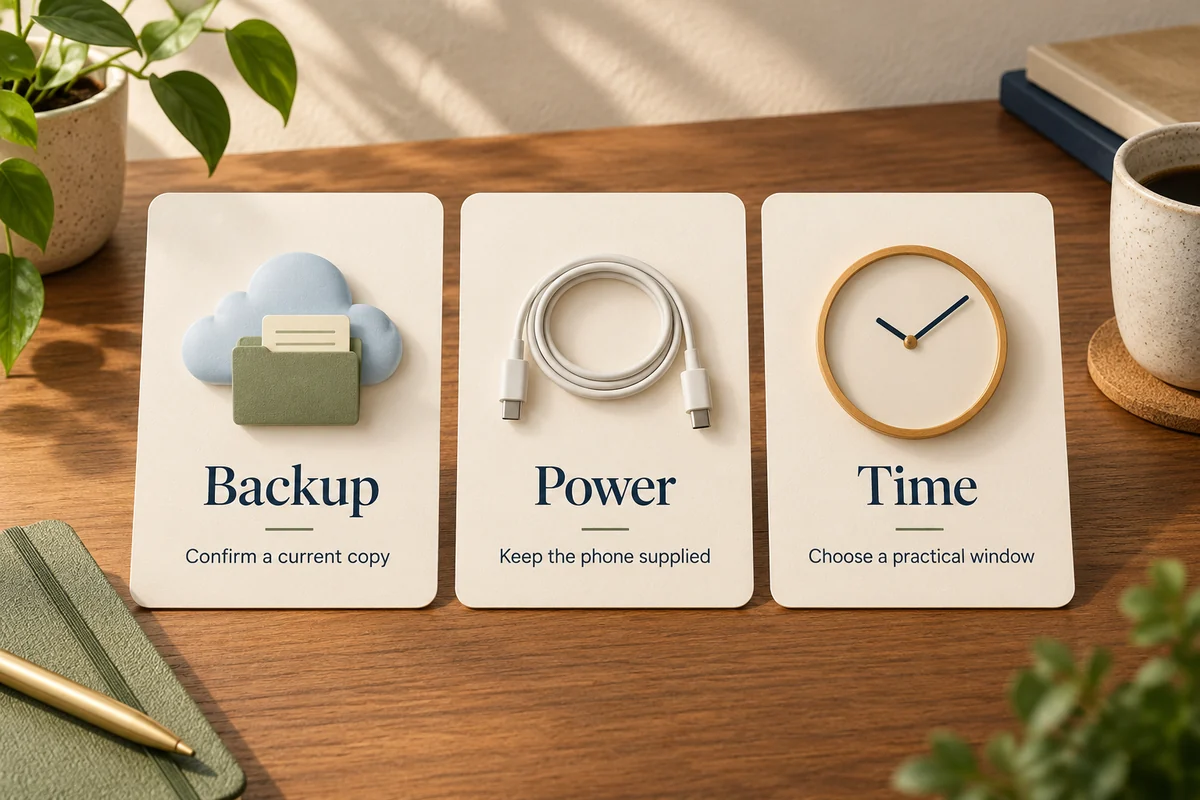
Apple’s software-update instructions describe wireless installation and a computer-based route when needed. Before installing, have a current backup, reliable power, and enough time to be without the phone while it restarts.
If the screen says the software is up to date, compare the full model name with the update’s compatibility information. Someone else’s newer phone may be eligible for a different software branch. The same applies if your work or school manages the device: an administrator can be relevant to what is offered.
Why nobody can promise every future update date
An annual major release, a feature update, and an urgent fix are different events. Their timing should not be inferred from the next hardware announcement or from the number of weeks since the last update.
Testing progress provides context, but a candidate can need further work. Likewise, a history of releases on particular weekdays does not establish a schedule that Apple must follow. Treat an estimate as a planning aid rather than a reason to clear your calendar or repeatedly reinstall update profiles.
If your real question is which version is already released, use a current release record instead of a forecast article. The publication date of the forecast matters: an accurate prediction about a past update becomes misleading when read as news about the next one.
Preparing while you wait
Back up the phone and check that you know the passcode and account details you normally need. If a work, banking, accessibility, or other essential app is involved, check that developer’s compatibility guidance before a major transition.
Avoid joining a beta solely to make an ordinary update arrive sooner. It changes the software track and can introduce problems that are unrelated to the finished release you wanted. Apple’s release list labels testing builds for a reason.
For example, if you need your phone for travel tomorrow, arranging a backup and choosing a convenient installation window is more useful than installing an RC because a forum predicts a release next week. That is a planning example, not a claim that the candidate is defective.
Conclusion
Follow the distinction between what Apple is testing and what your model can install. For the next update, a confirmed announcement settles the date; until then, prepare the phone and use Software Update to establish actual availability rather than treating a forecast as a deadline.

Ethan Miller
Ethan Miller writes about home improvement, interior design, cleaning, and everyday living at Home & Living Daily. He shares practical tips and simple ideas to help readers create more comfortable and functional homes.


