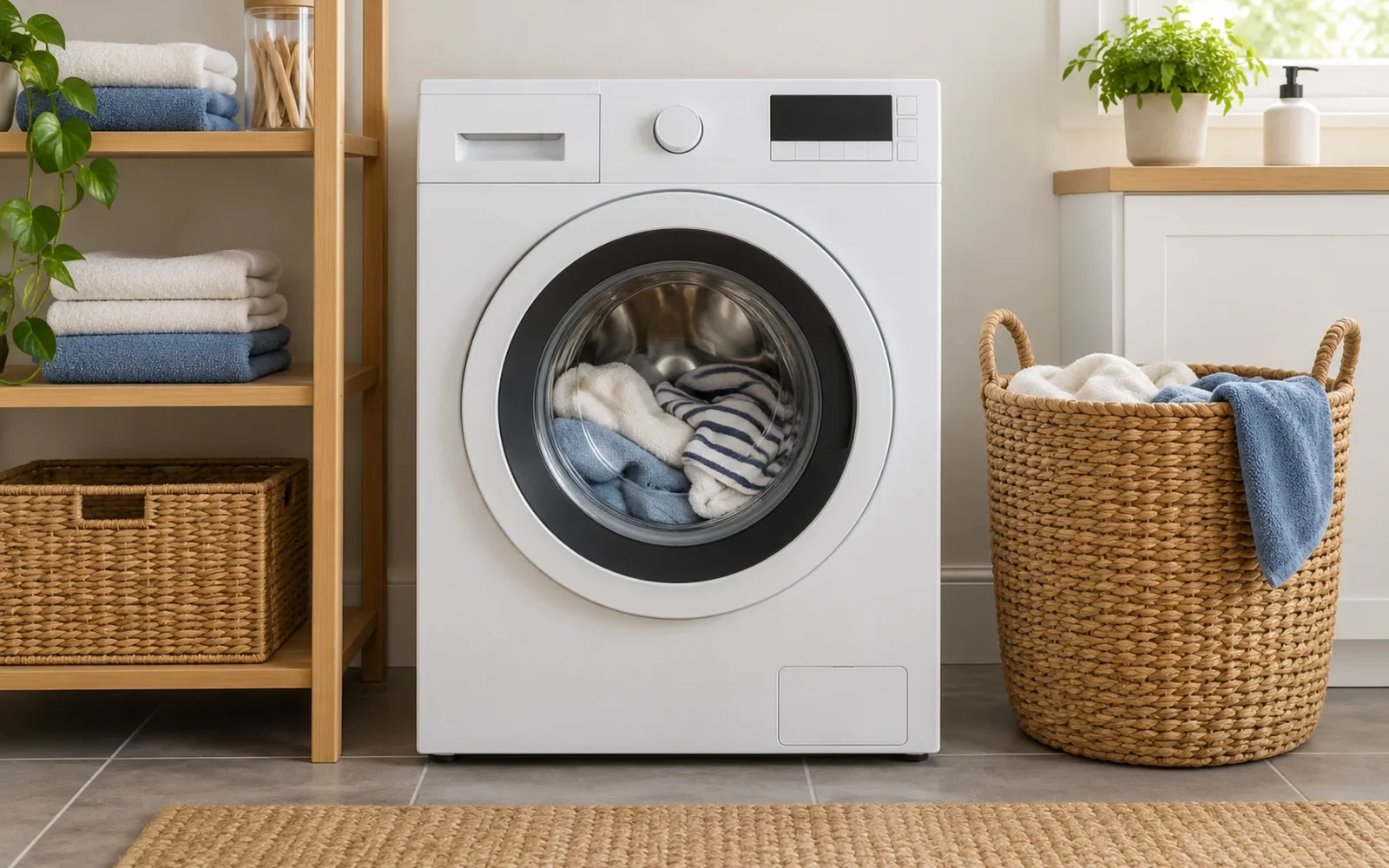
AI Wash is a load-adaptive wash cycle on supported LG washing machines. It uses sensed laundry characteristics to adjust washing action, rather than applying exactly the same motion to every suitable load. You still need to sort the laundry, follow care labels, and choose a cycle that permits the items you are washing.
Do not assume AI Wash is the same on every LG washer. A dedicated AI Wash cycle, AI DD technology operating within supported cycles, ThinQ connectivity, and automatic detergent dispensing are related product features with different jobs.
What AI Wash changes
LG's AI Wash support explanation describes classifying fabric characteristics and changing motor speed and washing motion accordingly. The purpose is to adapt the mechanical action to a suitable load.
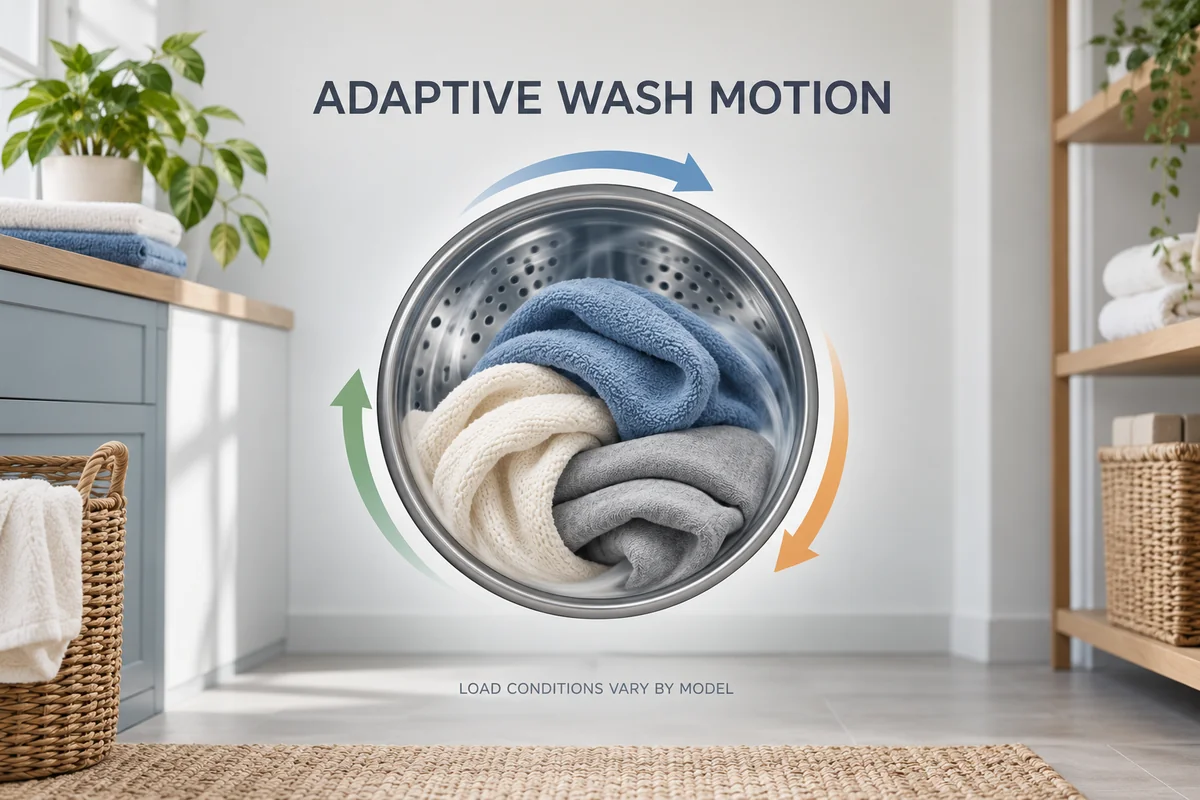
That does not mean the washer reads each garment's care label or understands every stain. Nor does the name establish that it measures soil, chooses a detergent dose, or adjusts every possible setting. Confirm those functions individually in the manual for your model.
For example, adapting agitation cannot make a hand-wash-only item suitable for an otherwise incompatible machine cycle. The machine responds to the load it senses; it does not take over the decisions that determine whether the load belongs in that cycle.
AI Wash, AI DD, ThinQ, and auto-dosing are not interchangeable
These names can appear together on a product page, which makes it easy to attribute one feature's function to another.
| Name | What it describes | What it does not establish by itself |
|---|---|---|
| AI Wash | A supported adaptive washing cycle | That every fabric or full-capacity load is suitable |
| AI DD | LG's adaptive Direct Drive washing technology | That the control panel has a separate AI Wash cycle |
| ThinQ | Connected app functions on compatible products | That the washer has every AI or dosing feature |
| Automatic detergent dispensing | A supported dosing system | That selecting AI Wash automatically enables or provides it |
LG's AI laundry technology page describes AI DD with adaptive drum motions and gives conditions on sensing operation. Those conditions include load and option restrictions for the illustrated products. Use it to understand the technology, then use your own model's cycle chart to find where it operates.
If you want automatic dosing, look for that named function in the specification and check its detergent requirements separately. Do not pour detergent into a compartment based only on the presence of an AI label.
Sort the load before letting AI choose the motion
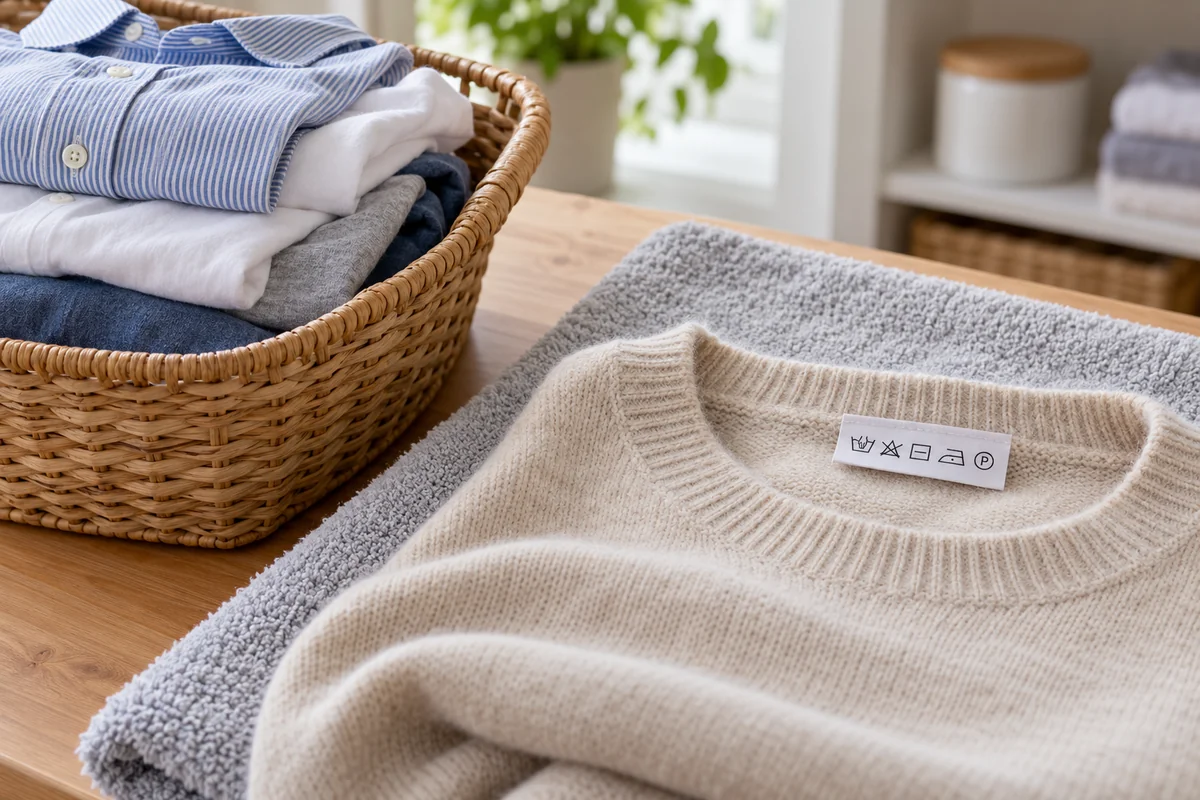
Keep incompatible care requirements apart. Check colors, fabric care labels, delicate construction, bulky pieces, and items that can tangle. Pretreat stains using a method suitable for the fabric before starting the wash.
The AI cycle's load limit may be lower than the washer's headline capacity. LG's general AI Wash support article describes a 5 kg-or-less condition for the cycle it covers. Its global AI DD page lists different sensing conditions for illustrated products, including a smaller load threshold. Those are not interchangeable specifications for every machine.
Find the cycle chart for your complete model number and region. Check the AI cycle's permitted load, fabric types, temperature, and options. If the marketing page and a general help article seem to disagree, the model-specific operating instructions are the relevant starting point; ask LG to resolve any remaining ambiguity.
For an illustrative sorting decision, compatible everyday shirts might suit the AI cycle. A duvet, a wool sweater, or a waterproof garment needs its own care-label and cycle check. Do not combine them simply because the washer can sense a mixed load.
Overloading can also prevent items moving as intended. Leave the space and loading arrangement the manual requires instead of treating the ability to close the door or lid as evidence that the load is suitable.
How to select and run the cycle
Identify the model before following button instructions. Some machines offer AI Wash on a dial or display, while others use a particular button or provide adaptive sensing within named cycles. A general instruction to select “Cycle 2” is not reliable across different control panels.
- Sort and load the laundry within the relevant cycle's requirements.
- Add the appropriate detergent using the correct compartment or configured dosing system.
- Select AI Wash if the model offers it, or the documented cycle supporting the adaptive function you intend to use.
- Check the permitted options, close the door or lid, and start according to the machine's instructions.
- At the end, inspect the result before drying items with stains that may need further treatment.
Do not assume a changed setting leaves the AI behavior intact. LG's general support article warns that changing the water-level option may prevent AI Wash from operating on the machines described. Check which options your model allows rather than trying to force another model's settings onto it.
App setup is a separate question. If you only want the locally available wash cycle, read that operating procedure before spending time configuring remote controls. ThinQ can be useful for supported monitoring or other functions, but the app name does not define the wash motion.
When to use Normal or a dedicated cycle instead
Use a dedicated cycle when the garment instructions or washer's chart call for it. Wool, delicate items, bedding, and heavily soiled loads can have requirements that matter more than the convenience of one automatic choice.
Normal is also a reasonable comparison for a load the manual permits in both cycles. Compare the finished result, not just the initial time estimate. Keep load type, detergent, and relevant options reasonably consistent so you can tell which change affected the outcome.
Do not expect AI Wash always to be faster. Load sensing, water supply, selected options, and the machine's operating conditions can affect the total time. A changed estimate alone does not prove that the feature is malfunctioning.
If a routine load repeatedly comes out poorly, check whether the issue is cleaning, rinsing, tangling, or excessive wetness after spinning. These are different symptoms. Recording the cycle, load, detergent, options, and error messages gives support a useful starting point.
If AI Wash is missing or seems inactive
First confirm that your exact model includes the feature you are looking for. A product family name or a similar-looking machine in a video can conceal different controls and capabilities.
Then check the selected cycle, load conditions, and options against the manual. AI DD support within some cycles does not require a separate AI Wash label, and a machine that offers app downloads does not necessarily let you add every cycle available on another model.
Avoid repeated factory resets to make a missing feature appear. If the documented function does not operate with a suitable load and permitted settings, use model-specific troubleshooting rather than assuming that a different brand's AI Wash instructions apply.
Conclusion
Use AI Wash when your model's instructions and the laundry's care requirements agree that it fits the load. The useful automation is adaptive washing action; the useful human work remains sorting, stain treatment, and choosing compatible items. Judge the feature by repeatable cleaning and fabric care, not by whether its name sounds more advanced than Normal.

Ethan Miller
Ethan Miller writes about home improvement, interior design, cleaning, and everyday living at Home & Living Daily. He shares practical tips and simple ideas to help readers create more comfortable and functional homes.


