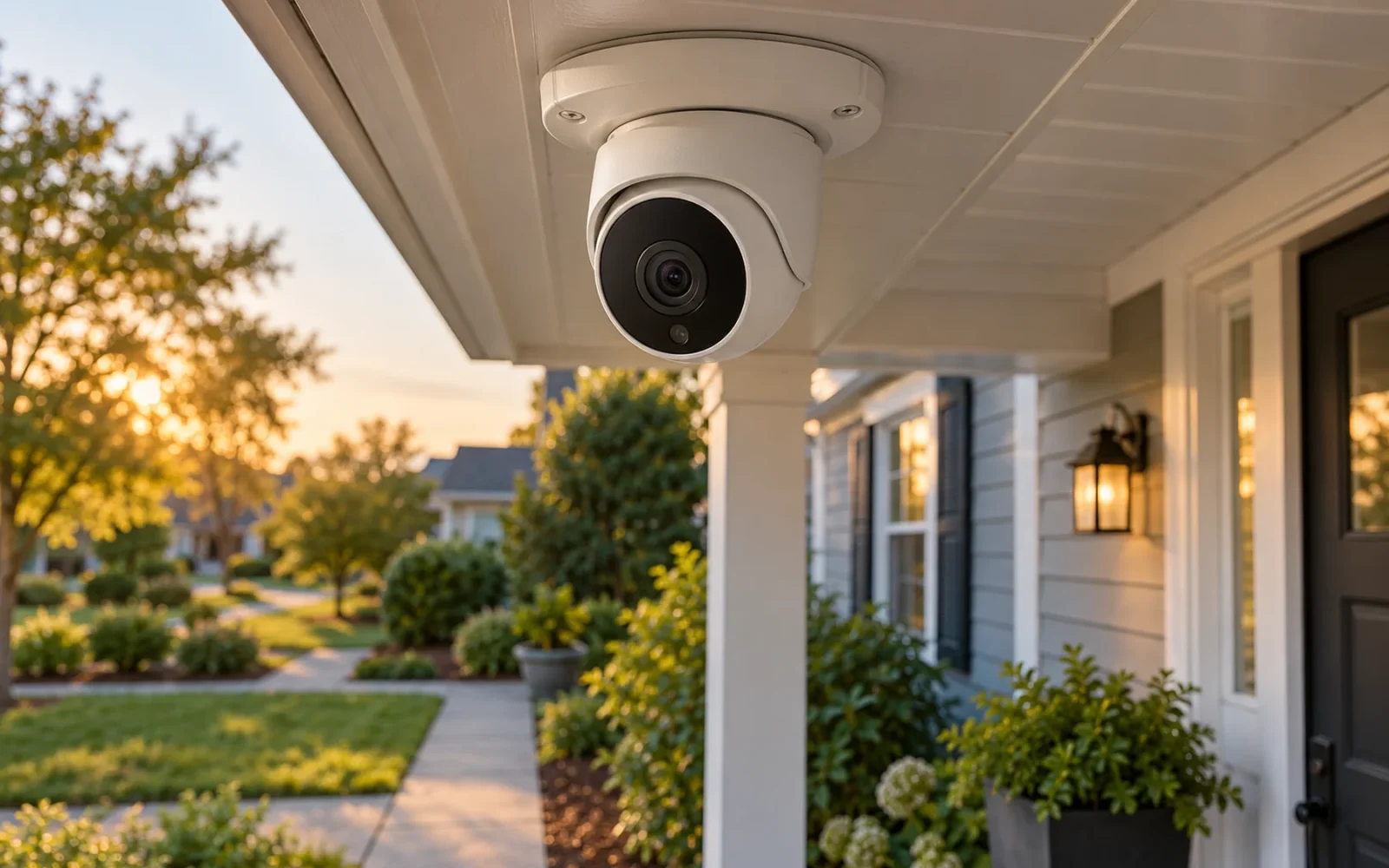
Choose a home security camera system by deciding what you need to recognize, where you can supply power, and how you will retrieve a recording afterward. A camera that shows the entire driveway may still miss a face at the front door. A sharp live view is also of little help if the event was never recorded.
Start with two or three important views rather than a camera count. Then choose the connection and recording arrangement that can serve those locations reliably. Resolution comes after that plan, not before it.
Map the views you actually need
Walk the property and describe each view as a task: identify a visitor approaching the door, see whether the garage was left open, or review activity beside a gate. These tasks require different framing. An overview camera helps explain what happened; a closer view is better for details.
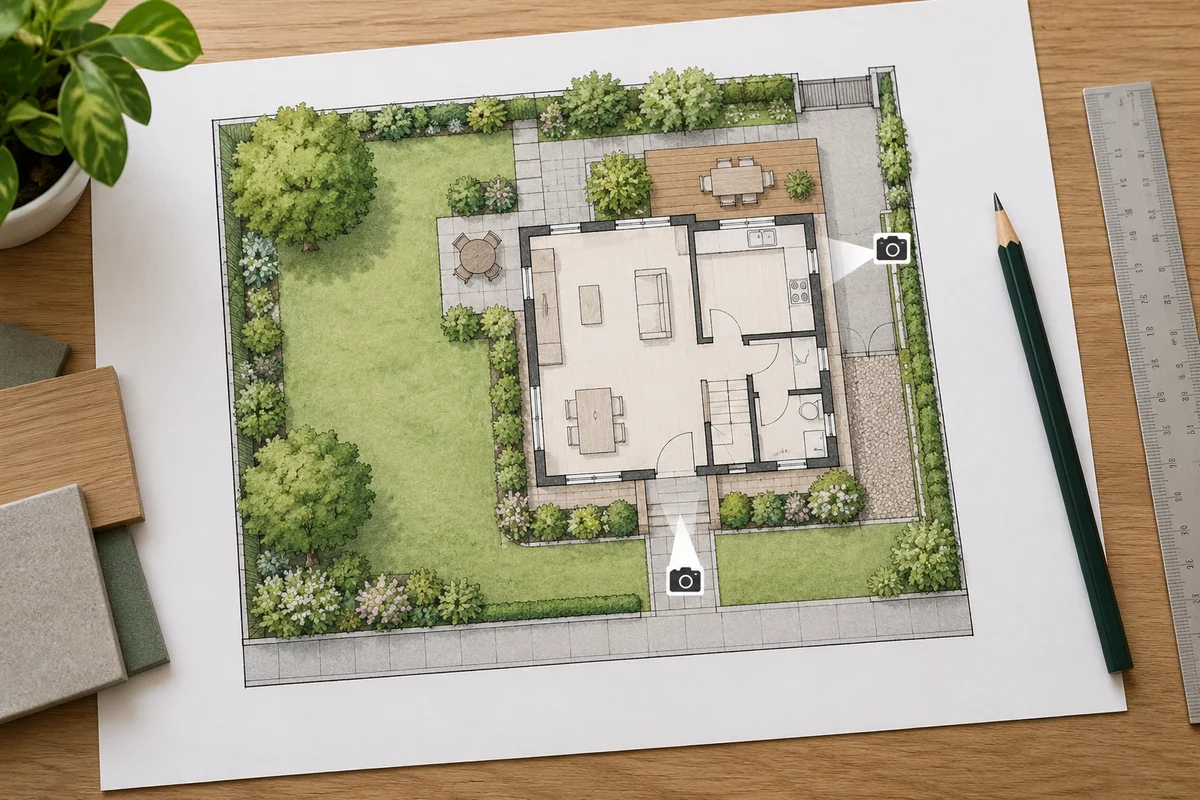
Draw the approach route, camera position, and expected subject distance. Consider the actual route someone takes, including where a porch post, parked car, open door, or hedge blocks the view. A camera directly above a visitor can produce a clear picture of a hat while missing the face you wanted.
Keep coverage focused on your property and the purpose of the installation. Check applicable local requirements before recording shared spaces or audio. Privacy masking, where supported, is different from a motion zone: masking hides part of the recorded view, while an alert zone may only determine which activity triggers a notification.
For an illustrative small-house plan, one camera might cover the front approach and a second the side gate. Add another only if those views leave an important task unanswered. Buying four identical wide-angle cameras first can leave you with four versions of the same limitation.
Separate power from the video connection
“Wireless” often describes the data connection. A Wi-Fi camera may still require a power adapter. A battery camera removes that cable but adds charging, and its recording behavior may differ from a continuously powered model.
| Arrangement | Where it fits | What to verify |
|---|---|---|
| Battery camera using Wi-Fi | A location where running power is difficult | Charging access, recording behavior, and signal at the mount |
| Plug-in camera using Wi-Fi | A view near a suitable power source | Outdoor power arrangement, cable protection, and reliable Wi-Fi |
| PoE camera and compatible recorder or switch | Fixed coverage with a practical cable route | PoE compatibility, cable installation, and recorder support |
Power over Ethernet can deliver power and data over one suitable Ethernet connection. For example, Reolink’s NVS16 documentation describes compatible cameras connected to the recorder’s PoE ports. An ordinary Ethernet port is not automatically a PoE power source, and not every network camera accepts PoE.
Before ruling out wiring, price the complete installation. A cable run can remove years of charging visits to a difficult mount. Conversely, a battery model can be sensible for an accessible, lightly used location where event clips meet the task. If walls are being opened, coordinate the camera points with the remodel wiring plan.
Decide what must be recorded
Live view, motion clips, and continuous recording are separate functions. Ask which one you need before comparing storage capacity.
Motion clips can suit a quiet side entrance. Continuous recording is more useful when you need the minutes before an event, activity a detector might miss, or a complete timeline. Check the exact model: a storage slot does not establish that it records continuously, and a solar panel does not by itself change a camera’s supported recording mode.
Next decide where the files live. A card inside the camera is simple, but a stolen camera may take its footage with it. A recorder inside the house separates the video from the outdoor device. Cloud storage can preserve an off-site copy, subject to its plan, upload connection, and service conditions.
Ask how you will find and export an event, not just whether the system has “storage.” Can you search by time, download an ordinary video file, and use the recording without an active trial? If another household member must retrieve a clip, include that person in the demonstration.
Judge usable video, especially at night
More pixels can provide more detail, but the final result also depends on framing, lighting, lens choice, motion, and compression. A 4K label does not promise a readable face across every driveway.
Look for sample recordings made at a similar subject distance and under similar lighting. A still shot of an empty yard tells you less than a person walking across the frame. Pay attention to faces becoming smeared in motion, a bright porch light washing out an approaching visitor, or headlights overwhelming the entrance.
Infrared and spotlight-assisted color video make different tradeoffs. Check whether the advertised color result requires the light to stay on or activate during an event. Consider whether that lighting will be acceptable beside a bedroom or neighboring property.
Avoid planning to point an infrared camera through a window. Reflections from the glass can dominate the view. Use a suitable outdoor installation when that is the view you need, following the camera’s mounting and weather-sealing instructions.
Check alerts, access, and the full price
Useful notifications should tell you about the activity you care about without interrupting you for every passing car. Check whether person or vehicle detection, activity zones, and notification previews require a subscription on the exact model and plan.
Separate self-monitoring from a professional response service. An alert on your phone does not mean anyone else will assess it or dispatch help. If a monitoring service is part of the purchase, read what events it handles and under what conditions.
Price cameras, mounts, storage, required hubs, installation, and services over the same ownership period. A free trial is not a permanent recording plan. Compare the functions your household will retain when the trial ends.
Security is part of usability. Choose equipment with documented updates, individual household access where available, and account protection. The FTC’s connected-device guidance recommends unique credentials, two-factor authentication when offered, and current firmware. Sharing the owner’s password is a poor substitute for supported guest or family access.
Test moving subjects before mounting permanently
Test one camera in the intended position before committing to the whole installation. Use a safe temporary arrangement; do not balance equipment on an unsecured ladder or leave exposed connections outdoors.
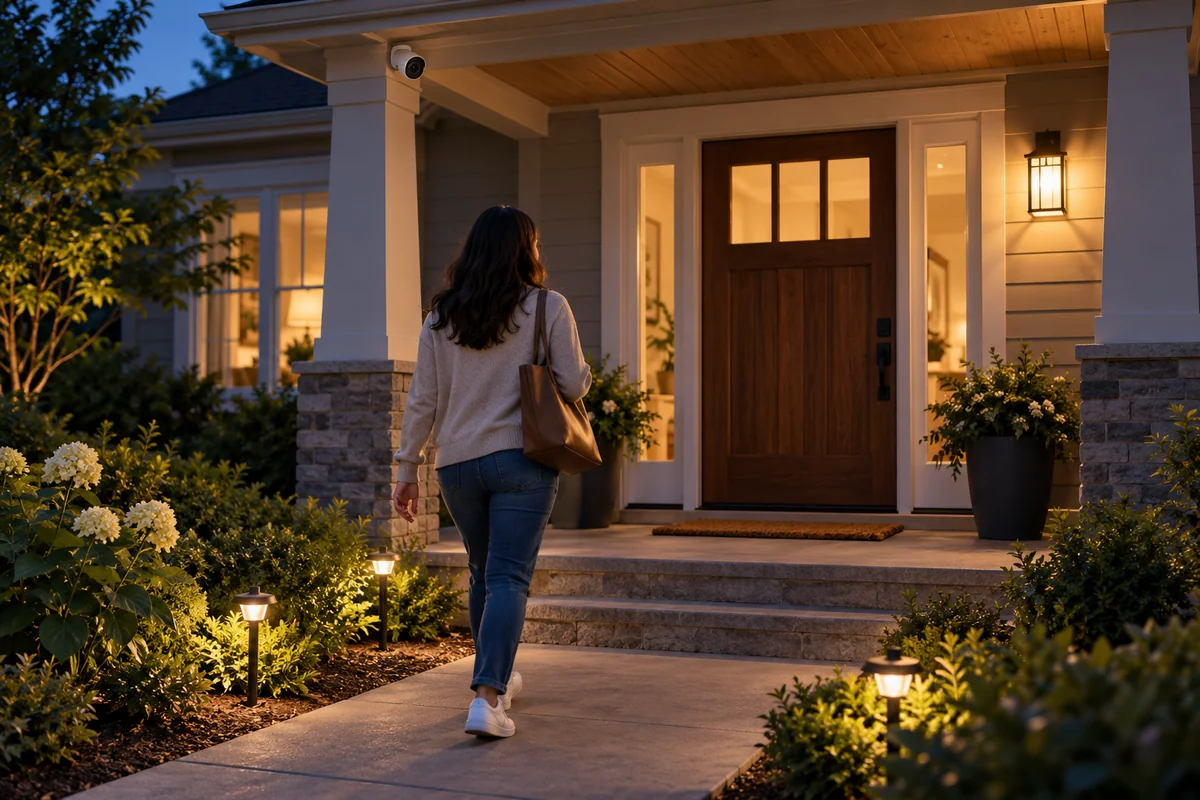
- Walk toward the entrance and across the view in daylight and darkness.
- Review the saved recording, including its start and end, rather than relying only on live view.
- Check alerts on the phone you normally carry, including when it is using mobile data.
- Export a clip and open the downloaded file.
- Test an internet outage separately from a power outage, following the system’s documented behavior.
For an outage test, leave the camera and local recording equipment powered while the internet connection is unavailable. Check afterward whether an event was saved locally. This does not prove that remote viewing or notifications remained available, and it does not test loss of electricity.
Use what the recordings show to adjust the position, lighting, and sensitivity. If one view cannot provide both a broad overview and useful identification, changing the view or adding a targeted camera may help more than paying for a higher resolution version in the same position.
Conclusion
A good camera system produces footage you can use and retrieve under the conditions that matter at your home. Prove that with one important view before expanding. Favor a dependable recording path and a workable mount over a larger camera count or the highest resolution on the box.

Ethan Miller
Ethan Miller writes about home improvement, interior design, cleaning, and everyday living at Home & Living Daily. He shares practical tips and simple ideas to help readers create more comfortable and functional homes.


