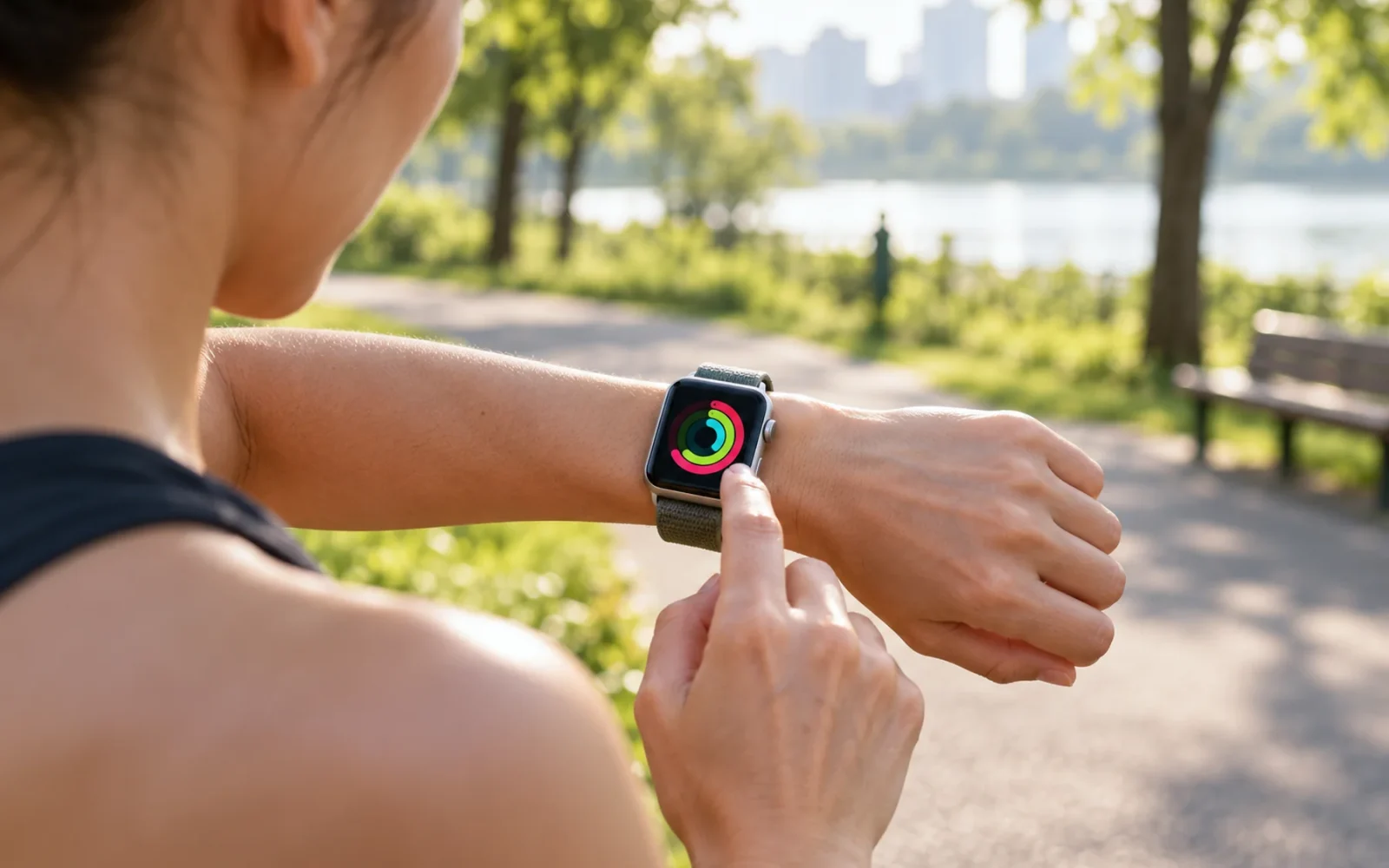
Yes, you can use an Apple Watch without your iPhone nearby after the watch has been set up. Offline functions work without a network; online functions need Wi-Fi or a supported cellular connection. However, ordinary personal setup still requires a compatible iPhone. A wearer without their own iPhone may be able to use a watch set up by a family member through Apple Watch For Your Kids, formerly Family Setup.
The question is therefore less about whether a phone is in your pocket and more about three things: how the watch was set up, which network connection it has, and which function you need. A cellular model is more independent for outings, but it is not a completely independent replacement for an iPhone in every situation.
What works when your iPhone is not nearby
An already configured watch does not stop being a useful watch when it loses contact with the phone. A GPS-only model can still record an outdoor workout and play audio downloaded to the watch; a cellular subscription is not required just to do those things.
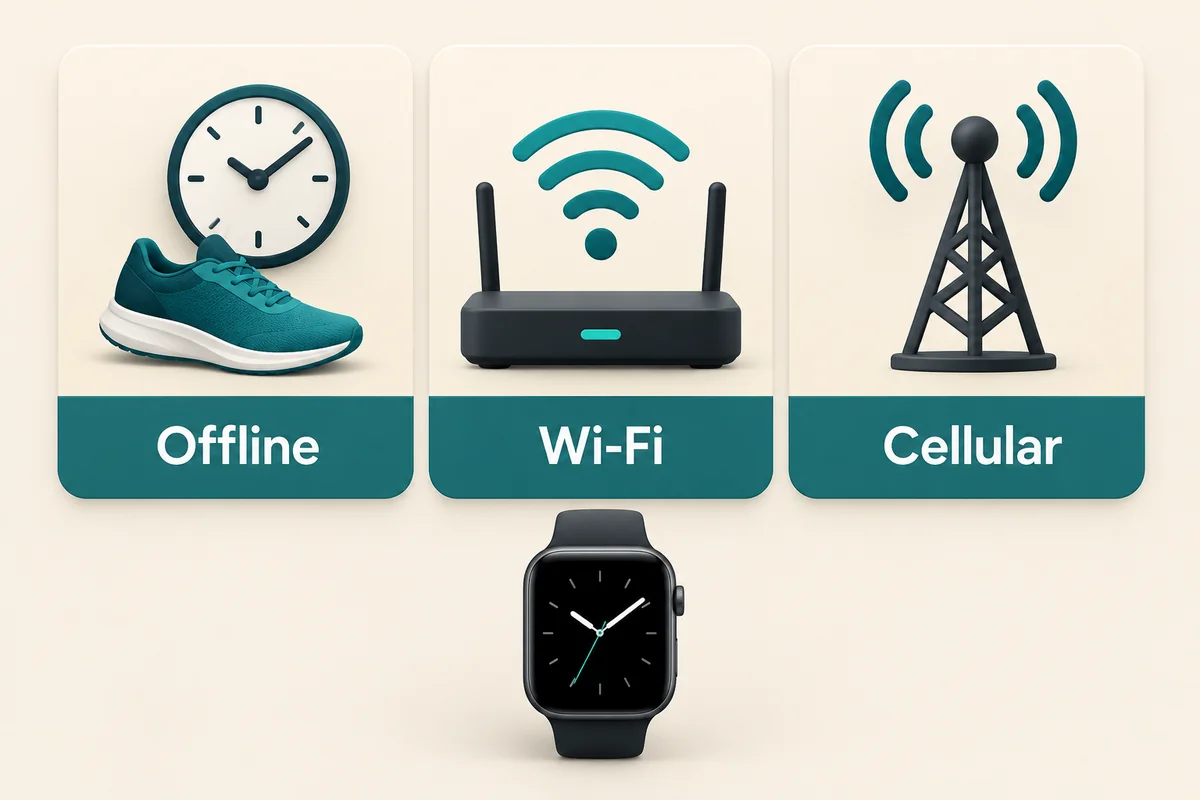
| Connection available to the watch | Typical uses | Main limitation |
|---|---|---|
| No iPhone connection and no Wi-Fi or cellular | Time, alarms, activity and workout tracking, downloaded audio | No live internet services or ordinary live messages |
| Wi-Fi | Supported online apps, iMessage, streaming and suitable calling options | Needs a usable network and the relevant account/calling setup |
| Cellular on a supported model with an active plan | Calls and supported online functions away from phone and Wi-Fi | Carrier, plan, signal, app and message-type conditions still apply |
Apple’s guide to using the watch without its paired iPhone distinguishes offline functions from those available on Wi-Fi. For example, an already configured personal watch can make supported in-store Apple Pay purchases without the iPhone beside it. This does not mean every watch setup has identical Wallet features.
Downloaded and streamed content are also different. Seeing a playlist in your library does not guarantee its tracks are stored on the watch. Before an offline run, check the downloads and pair headphones directly to the watch. Try playing something while the phone is out of range so the test matches your intended use.
Calls and messages have different requirements
On Wi-Fi, ordinary calls to phone numbers require the appropriate Wi-Fi Calling setup; FaceTime audio is another supported option. On cellular, verify the watch plan is active and there is coverage. Buying cellular hardware alone does not provide an ongoing data service.
Apple’s current connection guidance includes an easily missed limitation: receiving SMS, MMS, or third-party push notifications on a personally paired cellular watch requires the paired iPhone to remain powered on and connected to Wi-Fi or cellular. The iPhone can be at home; it does not need to be beside you.
That makes “leave the phone at home” different from “turn the phone off.” If you are waiting for a particular kind of message, test it under the conditions you plan to use. A successful iMessage test does not prove an ordinary SMS will arrive after the phone’s battery dies.
Similarly, an app installed on the watch is not proof that all of its functions work independently. Open the specific feature away from the phone and check it, rather than inferring support from the presence of its icon.
Using a watch when the wearer does not own an iPhone
Apple Watch For Your Kids lets a family member with an iPhone set up a supported cellular-capable watch for someone without their own iPhone. Despite the current name, Apple describes this as setup for a family member. The organizer’s iPhone remains part of the setup and management arrangement.
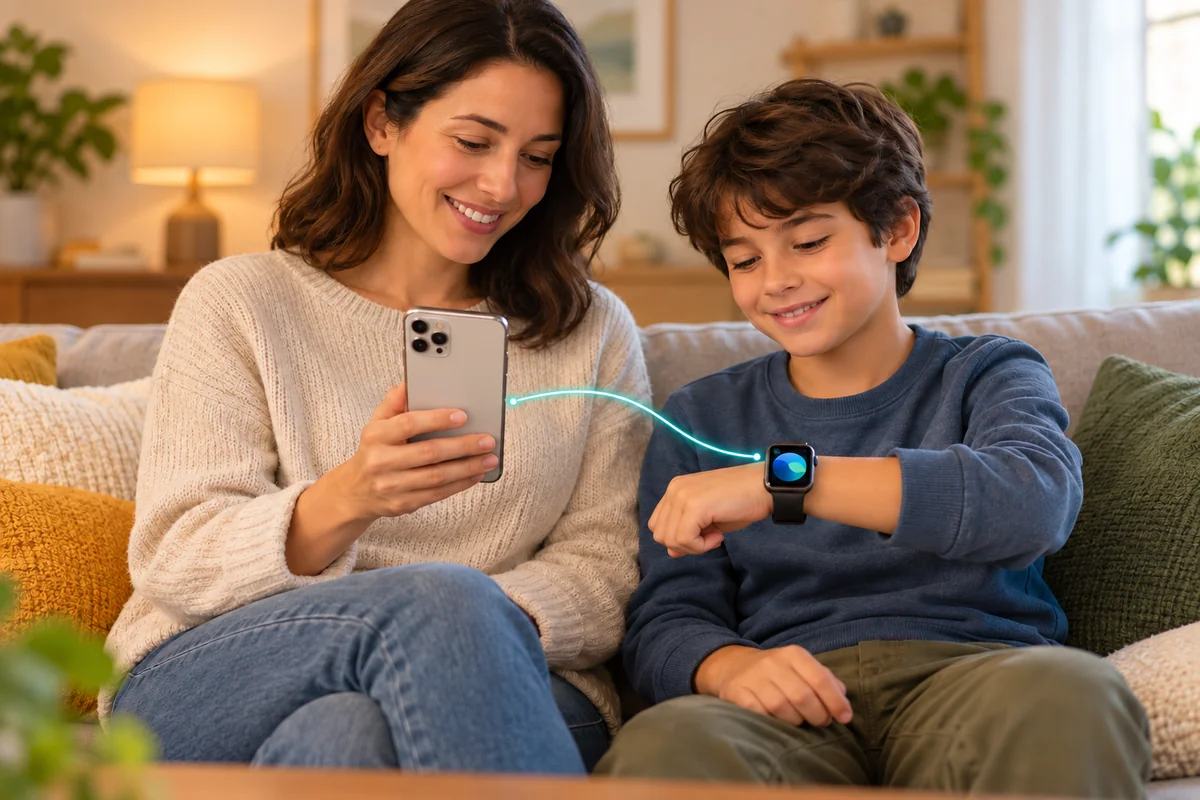
Apple’s family setup requirements include a supported cellular Apple Watch, compatible software, separate Apple Accounts, and Family Sharing with an organizer or parent/guardian doing the setup. The feature is not available in every country. A cellular plan is not mandatory just to perform setup, but it is necessary for some functions away from Wi-Fi.
Do not buy a GPS-only watch for this route. Also check current watch-and-iPhone compatibility rather than assuming that an old iPhone meeting an early Family Setup minimum can configure every new watch. Apple maintains a model-specific compatibility table for this purpose.
Family setup does not reproduce every personal-watch feature
Some features are unavailable under this arrangement, including ECG, Sleep, and several other health functions. Apple also states that credit- and debit-card Apple Pay in Wallet is unavailable with Apple Watch For Your Kids. Review the feature list before buying for a specific need.
For a hypothetical parent buying a watch so a child can call from an after-school activity, the important checks are the supported family plan, local coverage, and contact controls. For an adult expecting all the health and Wallet functions of a personally paired watch, the same setup may be a poor fit. The difference follows the setup mode, not simply the age of the wearer.
Can it work with an Android phone instead?
An Android phone is not a supported substitute for the iPhone used to pair and manage a personal Apple Watch. You cannot treat the watch as an ordinary Bluetooth accessory and expect Android to provide Apple’s Watch app setup and integration.
A family-managed watch may coexist with an Android phone, but that does not mean the two are paired. Notifications, settings, and messaging integration should not be assumed to transfer. If you want a smartwatch primarily to show your Android phone’s alerts and work with its apps, choose a watch designed to support that phone.
Borrowing a friend’s iPhone once is also different from having a suitable long-term setup. You need a plan for account ownership, management, updates, and any future reset or replacement—not just a way past the initial screen. Do not buy an Apple Watch as a phone-free device if nobody can provide the required iPhone arrangement.
Check your actual use before leaving the phone behind
Start with a short outing rather than assuming every feature will work because one call did. Charge the watch, confirm the connection it is actually using, and test the functions you rely on.
- Check that the watch is already configured under the intended personal or family setup.
- Verify downloads for offline listening and the direct headphone connection.
- For cellular use, check the active plan and connection away from the iPhone and Wi-Fi.
- Test a call and the message types you expect to receive. Leave the paired iPhone on and online when those functions require it.
- Check app-specific access, payment setup, and sufficient battery for the planned outing.
Low Power Mode can change network behavior and incoming-call availability, as Apple’s connection guide explains. Do not assume a successful test in normal mode guarantees identical behavior with battery-saving settings enabled. Emergency communication also depends on the model, network, region, and available features; a disconnected watch should not be treated as a guarantee that help can be contacted.
Conclusion
An Apple Watch can reduce how often you carry an iPhone, especially for workouts and short outings. Choose cellular for the online tasks you need beyond Wi-Fi, and verify the messages and apps that matter to you. If the wearer has no iPhone at all, settle the family-management arrangement and its feature limits before choosing the watch.

Ethan Miller
Ethan Miller writes about home improvement, interior design, cleaning, and everyday living at Home & Living Daily. He shares practical tips and simple ideas to help readers create more comfortable and functional homes.


