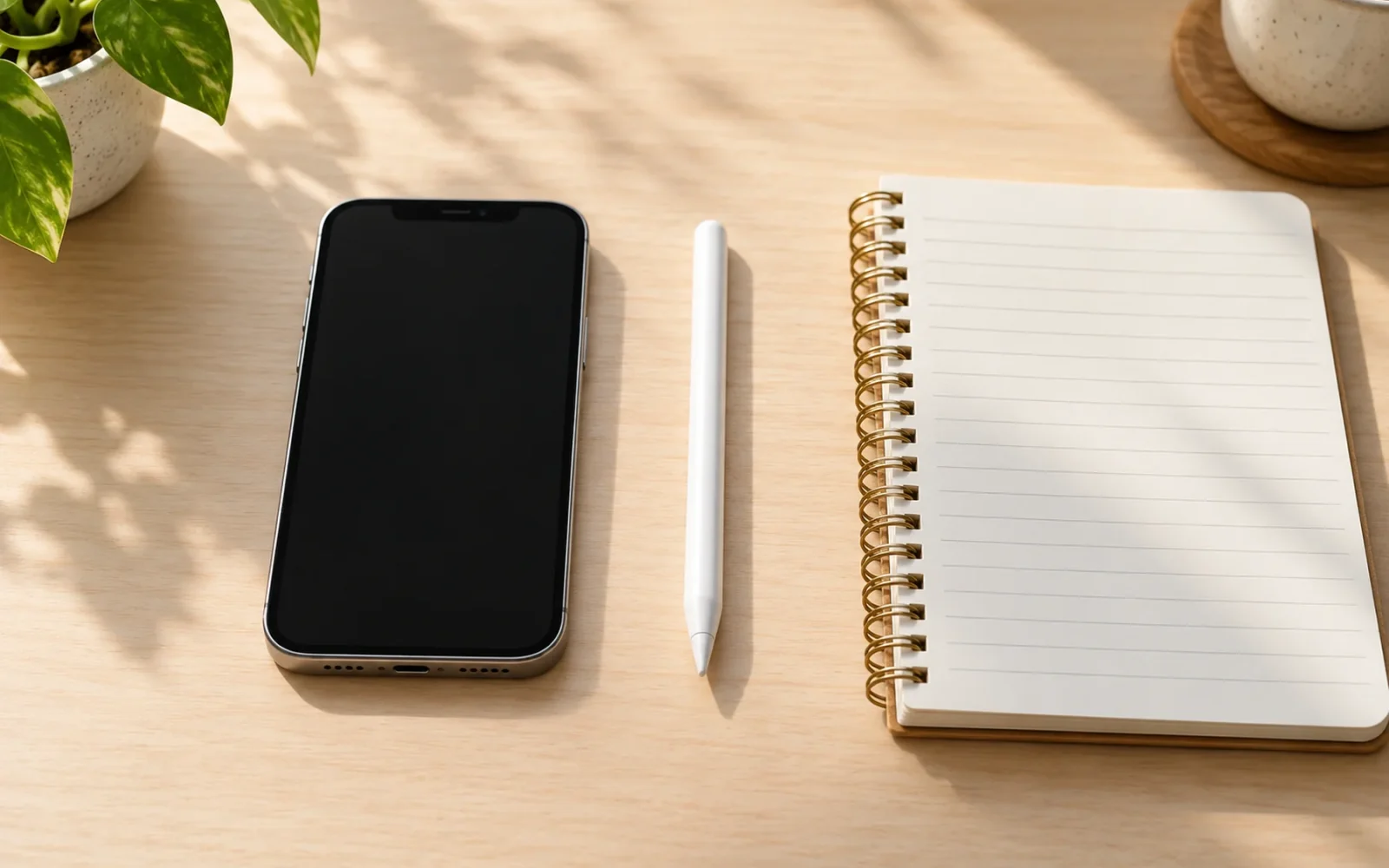
Most iPhones do not work with Apple Pencil. The announced exception is iPhone Duo with Apple Pencil (USB-C), but there is an important timing condition: as of October 20, 2026, Duo is available for preorder, its release is scheduled for October 23, and Apple says Pencil support is coming later in 2026. Do not buy that combination expecting Pencil support on launch day.
For an iPhone 16, iPhone 17, iPhone 18 Pro, or another model outside that announced exception, an Apple Pencil is not a supported way to write or draw on the screen. A USB-C port on both products does not establish compatibility.
The iPhone Duo exception has a timing condition
Apple’s iPhone Duo announcement specifies future support for Apple Pencil with USB-C on both the inner and outer displays. Its current product page gives the October 23 availability date. These are separate milestones: the phone’s release and the arrival of the Pencil feature.
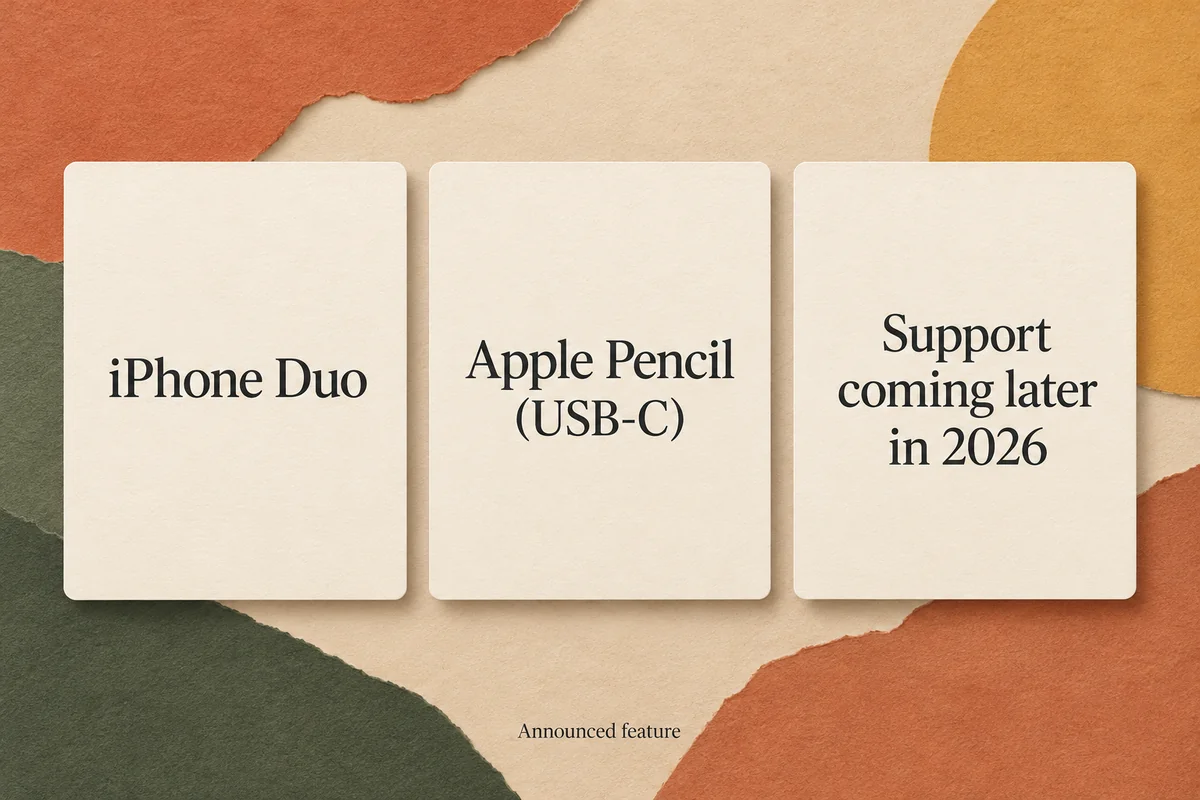
That distinction matters if you want to use the phone for handwritten work immediately. An announced feature is not the same as a working feature in the software you have installed. Check Apple’s current release information before purchasing specifically for Pencil use; the announcement does not justify promising a particular update number or day.
| Your combination | Compatibility position | What it means before buying |
|---|---|---|
| iPhone Duo + Apple Pencil (USB-C) | Announced support later in 2026 | Confirm that support has actually arrived |
| iPhone Duo + Apple Pencil Pro or earlier Pencil generations | Not the combination Apple announced | Do not assume your existing iPad Pencil will transfer |
| Other iPhone models + Apple Pencil | No supported compatibility listed | Choose a finger-based workflow or suitable ordinary stylus |
Apple’s USB-C Pencil specifications list iPhone Duo as the iPhone model. They do not list every iPhone with USB-C. Treat a store listing that simply says “for iPhone” as incomplete until it identifies both the phone and the Pencil version.
Apple Pencil models are not interchangeable
Apple Pencil is a product family. Apple Pencil Pro, Apple Pencil (USB-C), and the first- and second-generation versions have different compatibility requirements. Owning the more expensive Pencil does not guarantee broader device support.
The USB-C model also has a different feature set. Apple’s Pencil comparison shows tilt sensitivity but no pressure sensitivity on Apple Pencil (USB-C). That matters if your drawing depends on changing line weight by pressing harder. A compatible phone would not add a pressure sensor that the Pencil does not contain.
Think about your actual task. Signing an occasional document, annotating a screenshot, and making pressure-sensitive illustrations are different requirements. Before purchasing, check the drawing app as well as the hardware: an app’s tools and supported features still determine what you can do with compatible input.
Why pairing tricks do not fix an unsupported iPhone
Apple Pencil support is not a Bluetooth preference that can be enabled on every iPhone. The phone, Pencil model, and software must support the combination. Finding a Bluetooth entry, attaching the Pencil magnetically, or connecting a charging cable is not evidence that the display can accept its drawing input.
For example, if you own an iPhone 15 and an Apple Pencil Pro for your iPad, installing a sketching app on the phone does not make those devices compatible. The app can offer a canvas, but it cannot supply missing Pencil support in the phone.
Avoid paying for an adapter on the assumption that changing a Lightning connector to USB-C will solve this. A connector can change how something plugs in; it does not turn an unsupported display into a Pencil-compatible one. There is also no reason to reset a working iPhone just because an unsupported Pencil does not write on it.
What to use on an iPhone that does not support Apple Pencil
A capacitive stylus designed for ordinary touchscreens can serve as a substitute for your finger. It is a different kind of product from Apple Pencil. Look for explicit iPhone compatibility and the tip style you find comfortable rather than relying on a vague description such as “digital pencil.”
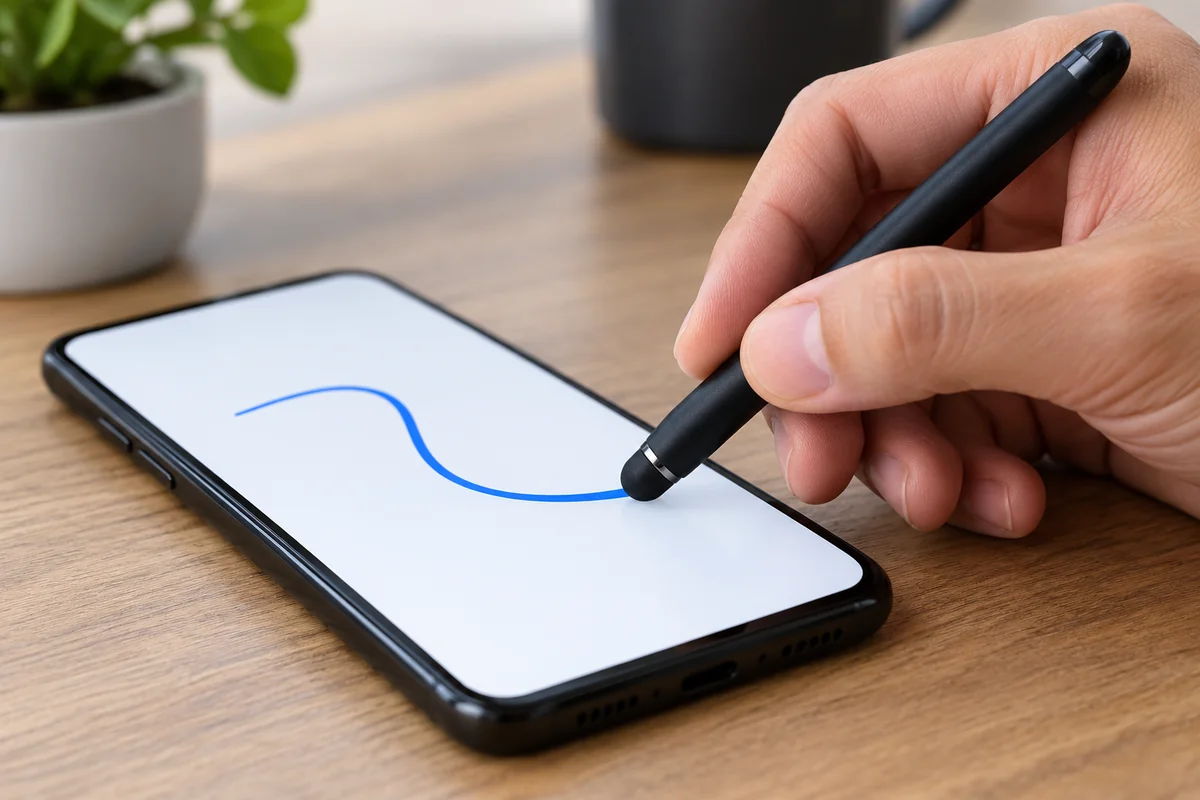
A soft rubber, mesh, or disc tip may be useful for tapping or a short signature. Do not expect an ordinary finger-style stylus to deliver Apple Pencil features such as pressure input or the same palm-rejection behavior. A fine-looking tip alone does not establish those capabilities. Check what the manufacturer promises for your specific phone.
You can also use your finger in the iPhone’s built-in drawing tools. In Notes, open a note and choose the drawing or markup tools available on your version. For a document or image, open its Markup controls and try the pen, highlighter, or signature options. This lets you test whether the workflow solves the task before buying an accessory.
For illustration work, make a small practical test: write a sentence, draw a slow curved line, and try shading. If the problem is the limited canvas or lack of pressure control, a cheap stylus may not solve it. A compatible iPad and Pencil can be the more appropriate setup, provided you check that exact pairing too.
Check these details before ordering
Write down the iPhone’s Model Name from Settings > General > About and the exact name of the Pencil you own or plan to buy. Then verify the manufacturer’s compatibility list and whether any promised software feature has shipped.
For the announced Duo combination, avoid assuming that every iPad feature, charging arrangement, or app behavior transfers to the phone. Buy for the functions confirmed for the phone rather than an imagined miniature iPad experience. If you already have a regular iPhone and only need occasional signatures, try its existing tools first.
Conclusion
Choose by the exact phone-and-Pencil combination, with the feature’s availability checked separately. For most iPhone owners, an Apple Pencil remains the wrong accessory. The Duo announcement creates a specific future exception; it does not make older iPhones or other Pencil models compatible.

Ethan Miller
Ethan Miller writes about home improvement, interior design, cleaning, and everyday living at Home & Living Daily. He shares practical tips and simple ideas to help readers create more comfortable and functional homes.


