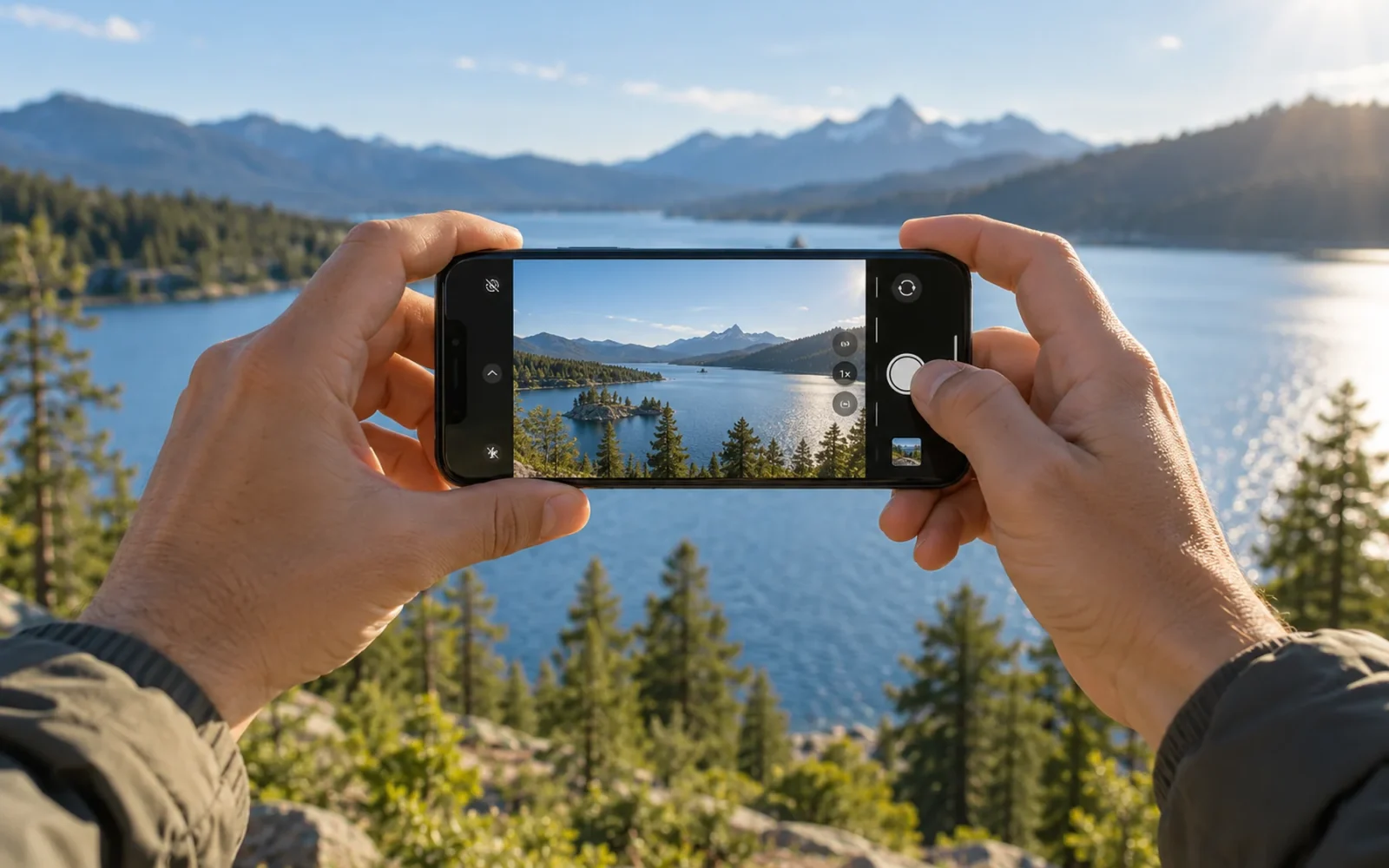
The iPhone 18 Pro and iPhone 18 Pro Max are the strongest choices for overall iPhone camera capability as of October 20, 2026. They share the same camera system, so you do not need the larger Max to get the better cameras. Choose between them for handling, display size, and battery needs; choose an older Pro or a standard iPhone when its lens coverage already fits your photographs and the price difference matters.
That recommendation is based on verified camera features, not a claim that every photograph from a newer phone will look better to every person. Processing preferences, subject movement, light, and the lens you actually use still matter.
The best choice depends on what you photograph
Start with the pictures you struggle to take now. A new camera is easier to justify when you can name the limitation it fixes: a subject too distant, a scene too wide, or footage that needs more editing flexibility.
| Your main need | Model or range to consider | Reason to consider it |
|---|---|---|
| The broadest current camera toolkit | iPhone 18 Pro or 18 Pro Max | Current Pro system with variable-aperture main camera |
| Recent Pro features at a lower purchase price | A well-priced iPhone 17 Pro or Pro Max | Broad lens coverage without paying solely for the newest main camera |
| Everyday photos with wide and ultra-wide views | iPhone 17 | Two rear cameras without the Pro telephoto commitment |
| A used phone with a dedicated 5x telephoto | iPhone 16 Pro/Pro Max or 15 Pro Max | Longer lens coverage worth checking against your subjects |
The used options are conditional on the actual deal and condition. An older model is not automatically good value merely because its original launch price was high.
Why the iPhone 18 Pro is the strongest camera choice
The 18 Pro models combine main, ultra-wide, and dedicated telephoto cameras. The main camera adds a variable aperture, while the telephoto provides a 4x lens and an additional 8x optical-quality option. These capabilities are listed in Apple's camera specifications.
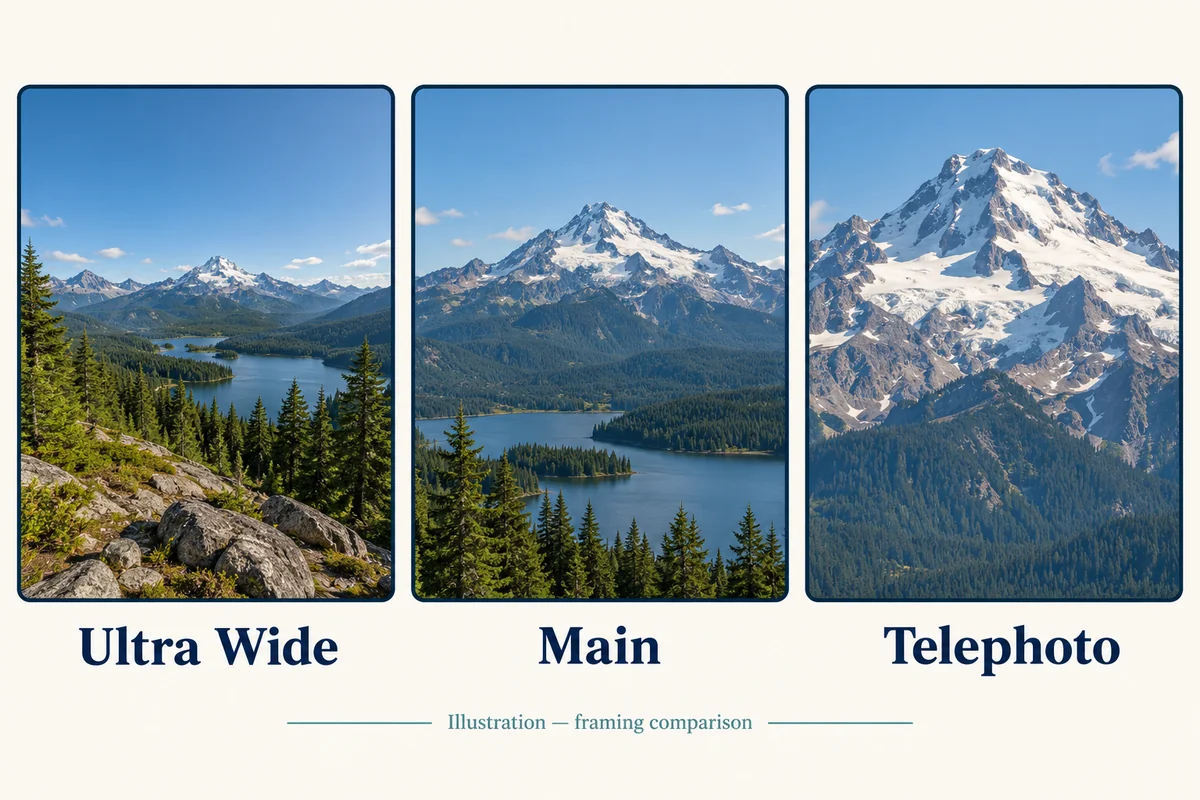
The useful distinction is control over different kinds of photographs. An ultra-wide view helps when you cannot step back far enough; telephoto framing helps when you cannot get closer. Variable aperture adds another way to manage light and depth of field instead of treating every scene identically.
Aperture still does not eliminate the need to consider light or motion. If your main frustration is a child moving across a dim room, inspect examples of that situation rather than assuming a larger megapixel count resolves it. A sharp photograph of a stationary building is a different test.
Also distinguish a dedicated lens from an optical-quality crop. The 8x option is not a separate 8x camera module. Beyond the camera's native view, framing and detail depend on how the image is produced; a large maximum digital-zoom number is a poor reason to buy on its own.
Pro or Pro Max?
For this generation, the camera choice is a tie. Buy the size you can hold steadily and carry comfortably. The Max's larger screen may make it easier to inspect framing, but that does not give the smaller Pro a different camera system.
This is not a rule for every historical generation. For example, the iPhone 15 Pro Max has a 5x telephoto, whereas the smaller 15 Pro uses a different telephoto setup. Check the exact model before applying current-generation advice to a used purchase.
When a standard or older iPhone makes more sense
The iPhone 17 specifications list a 48MP main camera, a 48MP ultra-wide camera, macro photography, and an 18MP front camera. If most of your photographs are taken at ordinary distances, that combination covers many everyday tasks without a dedicated long telephoto.
For example, someone photographing friends at a table, travel scenes, food, and occasional short videos may use the main and ultra-wide cameras far more often than a distant-subject lens. Spending more should solve a limitation that appears in those photographs, rather than buy a feature you expect to leave unused.
An older Pro becomes interesting when its extra lens or recording features cost less than a new phone that lacks them. Apple's iPhone 17 Pro Max specifications describe its three-camera system and optical-quality zoom options. Compare that coverage with the price and condition of the particular used device available to you.
For a dedicated 5x lens, check the iPhone 16 Pro and iPhone 15 Pro Max. The older 15 Pro Max has a lower-resolution ultra-wide camera than newer Pro options, which may matter if wide scenes or close-up work are a priority. A generation label alone does not capture that trade-off.
Match the camera to your subjects
The most useful comparison happens at the distances and in the light you actually use, rather than across a list of headline specifications.

People, pets, and indoor photographs
Compare moving subjects as well as still portraits. Look at eyes, hair or fur, skin tone, and whether the phone preserves the moment you wanted. Try a backlit face and an ordinary indoor room, not only a brightly lit display area.
If you dislike a phone's processing, look at full images on the same display before deciding another model fixes it. Social-media uploads, different display settings, and different editing choices can make comparisons misleading.
Travel, performances, and distant details
A dedicated telephoto deserves more weight when you often photograph a stage, architectural details, or subjects you cannot approach. Compare photographs at the actual zoom positions you would use. Check both the whole image and a closer crop; impressive-looking framing can hide weak fine detail.
For tight interiors, groups, and nearby scenery, ultra-wide coverage may be more valuable than the longest possible zoom. Choose the lens that solves the missing photograph.
Video and editing
Consider the workflow after recording: how you transfer footage, whether you color-grade it, and how much you keep on the phone. Pro formats are useful when you will use their flexibility, but large files also demand storage and a workable transfer routine.
For photos, Apple describes ProRAW as an editing format with more flexibility than a finished image in its ProRAW guidance. It is not a requirement for every everyday picture. If you normally share a photo immediately without editing, judge that finished result too.
Inspect a used iPhone's cameras before buying
Photograph the same scene with each rear camera and the front camera. Check near and distant subjects, tap to focus, and record a short video with audio. Inspect the lens covers for cracks, scratches, condensation, or damage that affects the image.
Ask about repairs, the return policy, and whether you can test the phone before committing. A bargain with one unreliable camera is a poor substitute for the functioning camera system you researched.
Do not assume the largest or most expensive iPhone is always the camera leader. For example, Apple's iPhone Duo specifications list a dual rear-camera system; its folding display is a separate reason to choose it.
Conclusion
Choose an iPhone 18 Pro for the most complete current camera capability, with Pro Max as a size choice. If the photographs you want do not need its added control, compare the standard iPhone 17 and carefully inspected older Pro models. The worthwhile upgrade is the one that improves the pictures you actually miss today.

Ethan Miller
Ethan Miller writes about home improvement, interior design, cleaning, and everyday living at Home & Living Daily. He shares practical tips and simple ideas to help readers create more comfortable and functional homes.


