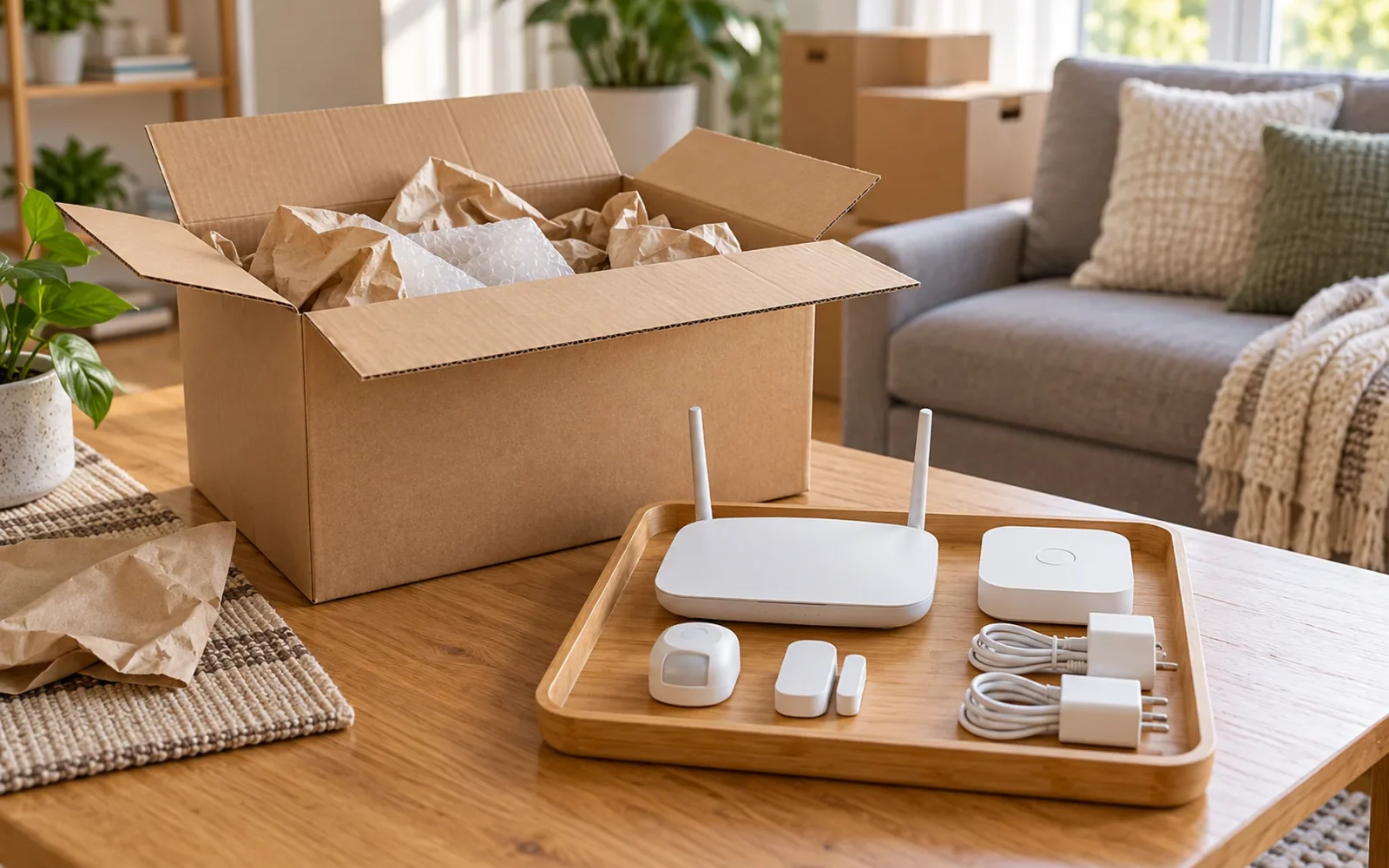
Before moving a smart home, divide the equipment into two groups: devices you are taking and devices that will stay. Equipment that stays needs a working path to the next resident's control. Equipment you keep needs its accessories, configuration, and a plan for reconnecting at the new address.
Avoid resetting everything at once. That can erase useful settings from devices you still own while failing to release a device tied to an online account. Keep the old network and any necessary controllers running until you have completed the account work and checked the handoff.
Decide What Must Work After You Leave
Start with the functions the next resident will expect to use: opening the door, switching on lights, and operating the heating or cooling. Then identify the devices and services behind each function. A visible wall switch may depend on a bridge in a cabinet; a doorbell may depend on a separate account.
Agree on what stays before removing installed equipment. Check the sale agreement or your arrangement with the landlord rather than assuming every device you purchased is yours to remove. Portable equipment is usually easier to pack, but an installed device needs a decision based on the actual arrangement.
Use an inventory that records dependencies as well as objects:
| Equipment | Decision to record | Dependency to resolve |
|---|---|---|
| Smart lighting and bridge | Which bulbs, switches, and bridge stay? | Whether the remaining lights need that bridge for their promised smart functions |
| Thermostat | Leave it working or arrange an agreed replacement | Equipment configuration, account access, and normal local operation |
| Doorbell or camera | Transfer it or remove it | Ownership binding, recordings, storage, and any subscription |
| Sensors and controller | Take the complete working group or split it deliberately | Paired devices, radio adapters, power supplies, and automations |
| Router or mesh system | Take, transfer, or return it | Device reconnection and any equipment supplied by the internet provider |
For example, leaving smart bulbs while taking their only bridge may preserve ordinary lighting but remove the app control a buyer expected. Make the handoff describe what will actually work, including any equipment the new resident must supply.
Save the Information You Will Need
While the system is still working, record device models, their locations, the apps that control them, and the controller or bridge each one uses. Photograph cable connections and label matching power adapters. Record any setup codes you will need, keeping them in a private place rather than a document distributed with the house.
Save a configuration backup where the platform supports it. For Home Assistant, the official backup guidance explains the role of encrypted backups and the emergency kit needed to recover them. Keep a recoverable copy off the controller you are packing. A backup does not automatically transfer every radio device or release accounts belonging to other services.
Separate the information into two sets. Your private copy can include recovery details and configuration records. A handoff sheet should explain the equipment that stays, its basic controls, and how the recipient can start setup under their own account. It should not contain your personal account password or unrelated recovery credentials.
Also decide whether any recordings are worth retaining before deleting devices or ending services. Export only what you need through the service's supported method, and check that the saved files open. Do not assume a camera's memory card is empty because its app has been deleted.
Taking Devices: Preserve the Setup Where It Helps
If you are keeping a device and its account, moving does not automatically require a factory reset. First check whether it can reconnect through its supported network-change procedure or through the network equipment you are taking. Reset only when the model's instructions or your intended clean start require it.
Google's guidance for moving with smart-home devices distinguishes equipment you take from equipment you leave and provides device-specific setup paths. Some devices can reconnect when the same Wi-Fi name and password are used, while others need reconfiguration. Do not treat one product's behavior as a rule for every device.
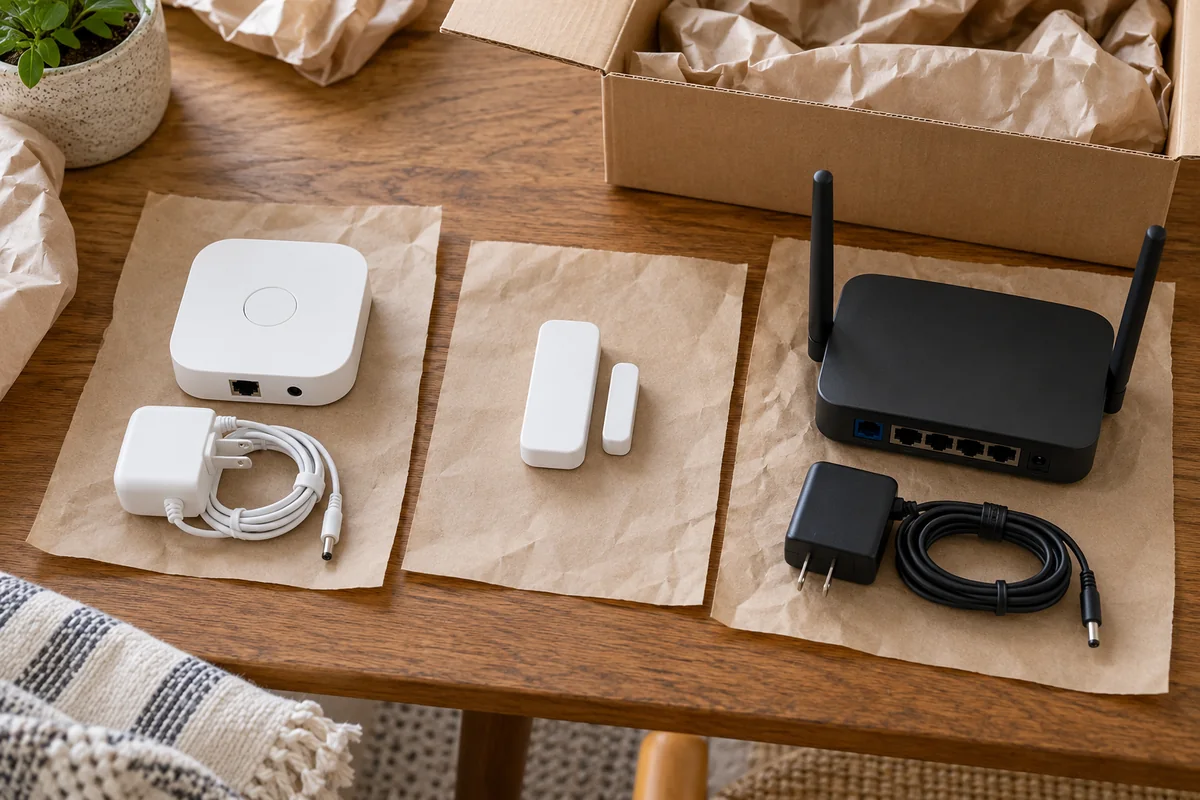
Pack dependent parts together. Keep a contact sensor with its magnet, a hub with its correct power supply, and a controller with its radio adapter. Labeling an adapter “bedroom bridge” is more useful than putting several similar-looking supplies in an unmarked bag. Cushion delicate parts and protect plugs and connectors from pressure.
Disconnect the network and controllers after the account work that needs them. Keep essential items accessible at the new home instead of burying the router and hub beneath boxes of decorative equipment. If removing a hardwired device requires electrical work, arrange appropriate removal and a safe, agreed replacement rather than leaving loose wiring behind.
Check Automations Before Packing
Disable rules that should not continue during the move, particularly location-based routines, unattended schedules, and actions involving equipment you have already removed. A motion sensor in a box should not trigger a remaining light or alarm routine unexpectedly.
Record the rule before disabling it if you plan to rebuild it. Keep enough context to distinguish a useful automation from one that only made sense in the old layout, such as a hallway sensor that controlled a nearby lamp.
Leaving Devices: Handle Ownership and Data Separately
A device reset, account removal, and subscription cancellation can be separate operations. Use the manufacturer's current ownership-transfer instructions for the exact device. Follow their sequence while you still have the access and connectivity the process requires.
For example, Ring's ownership-transfer guidance explains that removing hardware, deleting the app, or canceling a subscription does not by itself release ownership. It also states that transferring devices does not automatically cancel a Ring subscription. These are separate items to verify, rather than one “reset” task.
Work through the relevant routes of access:
- Save recordings or configuration information you need before removal or deletion.
- Complete the supported transfer or account-removal process, then perform any required device reset in the specified order.
- Review shared users, guest access, voice-assistant links, other connected platforms, and any additional administrator accounts.
- Remove personal data from supported local storage, such as memory cards, using the device's instructions.
- Review subscriptions, monitoring arrangements, and billing separately, retaining any cancellation or transfer confirmation.
For a lock, include physical keys, keypads, and guest codes in the plan. Maintain a reliable way for the authorized resident to enter throughout the handoff. If a device has been shared into several platforms, disconnecting one app may leave another route that still needs attention.
A Reddit discussion from a homeowner selling a house with several smart-device brands illustrates the problem. The devices appeared together through Alexa, but the owner still faced separate vendor accounts. It is one seller's situation, and a useful reason to inventory account relationships instead of assuming the voice-assistant app owns everything it displays.
Treat Thermostats and Entry Devices Carefully
For equipment the next resident needs immediately, preserve ordinary operation while removing personal access. The goal is a usable thermostat or lock under the right person's control, rather than a device left in an unexplained setup state.
Google's Nest thermostat reset instructions distinguish restarting from resetting and recommend recording wiring and equipment settings before a reset. Options differ by model. Some reset choices remove only selected information; a factory reset can require setup again. Record the necessary equipment configuration and follow the instructions for that thermostat rather than applying a generic button-holding sequence.
Afterward, check that local heating and cooling controls still behave as intended. Where setup requires installation knowledge, arrange the appropriate help before handover. Do not leave the next resident to guess the heating-system type from an empty setup screen.
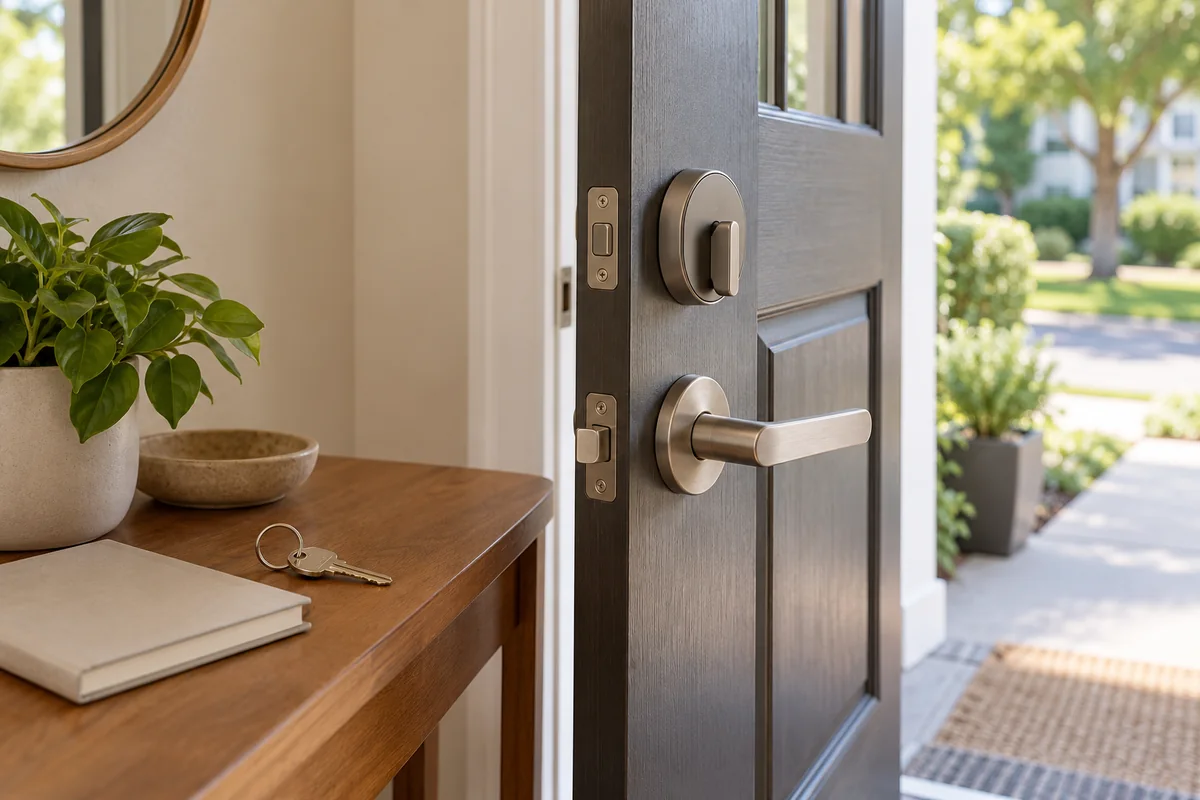
For a smart lock, test the authorized means of entry with the door open before relying on it. The handoff should identify the working physical key or other fallback, the account setup path, and which old access methods were removed. The exact code-clearing and ownership procedure remains model-specific.
Verify the Handoff from Both Sides
Do not use “the device disappeared from my app” as the only test. A service may retain an inactive device entry or recording history after ownership changes. Ring, for example, describes deactivated entries that can remain visible. The important questions are whether your former live access has ended and whether the next owner can complete the supported setup.
Where practical, check the following with the recipient: they can claim or set up the device under their own account, the promised local functions work, and you no longer have active control or live camera access. Remove your remaining personal home members and integrations as appropriate, without interfering with the recipient's new setup.
Leave concise operating notes alongside that verification. “The kitchen lights use this bridge, which stays” is more helpful than a list of ten product names. Include model numbers, the relevant official setup instructions, essential manual controls, and the location of agreed accessories. Account recovery should use the recipient's details, not depend on contacting you whenever something goes offline.
Rebuild the New Home in a Deliberate Order
At the new address, establish the internet connection and local network first, then reconnect the controllers and bridges, followed by their devices. This makes failures easier to isolate than powering up everything and changing multiple settings at once.
Check the system's address, time zone, room names, and presence settings before enabling location-based routines. A restored automation may still refer to an old room or assume a sensor is beside the front door. Reusing a device name is convenient only if the action still makes sense in its new position.
Restore automations a few at a time and test the trigger, the action, and the manual override. Reassess layout-dependent functions such as robot-vacuum maps or camera coverage using the manufacturer's setup process. Also update the service address or emergency details for any service that uses them.
Finally, review notifications. A sensor that appears online but sends alerts to an old account or phone is not fully recommissioned. Test a harmless event and confirm that the intended person receives it before relying on the system.
A Final Check Before Returning the Keys
Walk through the home using the handoff sheet rather than your memory. Confirm what remains, which accessories accompany it, and how everyday functions work without your phone. Check that equipment you are taking has been removed from routines that stay behind.
Review your service list separately: device subscriptions, professional monitoring where applicable, internet service, and rented network hardware can each need their own action. Keep confirmations and note any unfinished transfer so it does not become a surprise after you lose access to the property.
Conclusion
A successful smart-home move preserves the setup you need and gives the next resident a clear, usable starting point. Decide what stays, map its dependencies, and complete account transfers before dismantling the network. Finish by checking both outcomes: the remaining equipment works for its new owner, and your old access no longer controls it.

Ethan Miller
Ethan Miller writes about home improvement, interior design, cleaning, and everyday living at Home & Living Daily. He shares practical tips and simple ideas to help readers create more comfortable and functional homes.


