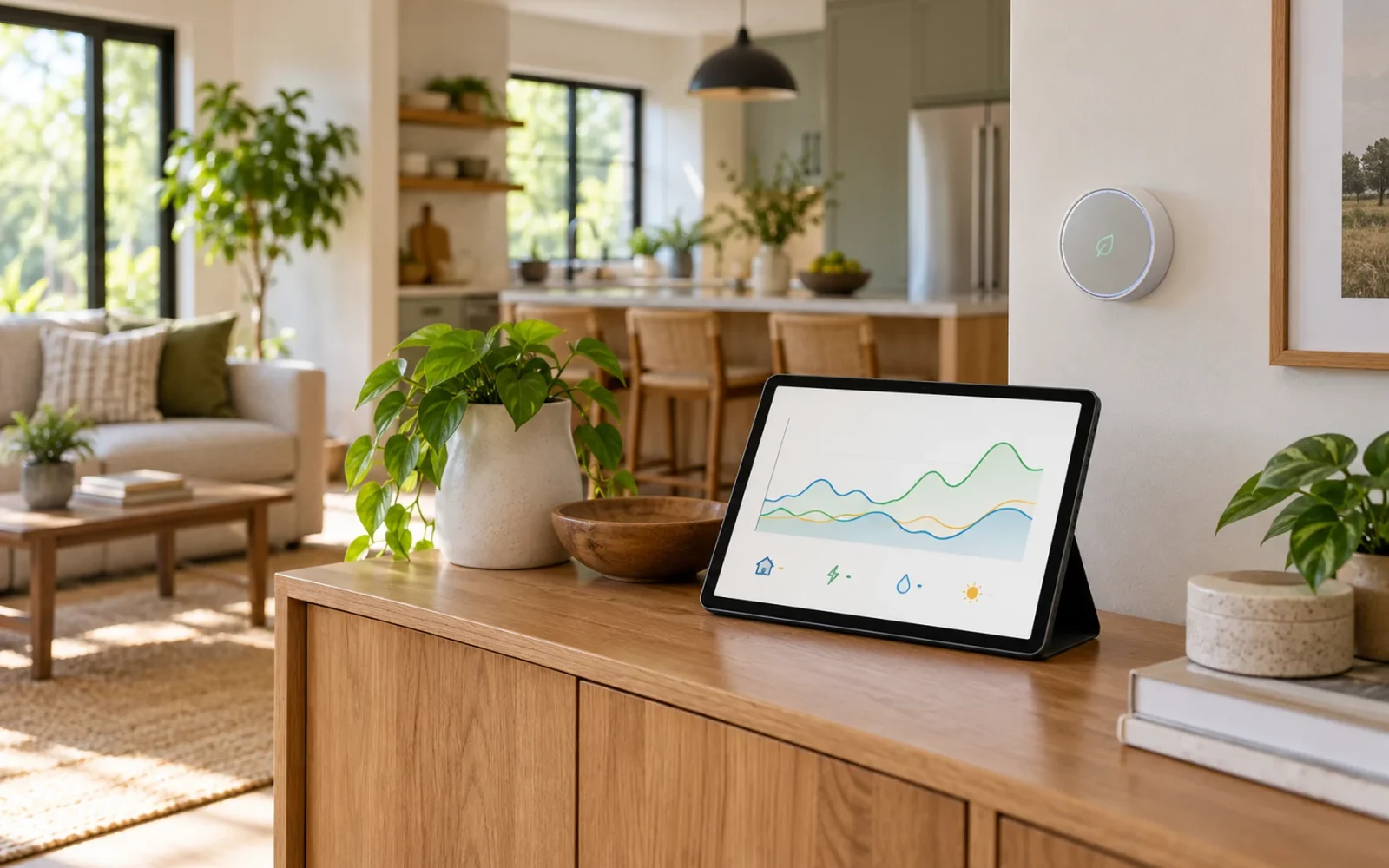
Smart home energy management works by connecting information about electricity use with rules that change how compatible devices operate. A system measures what is happening, checks a schedule or condition, adjusts a load, and measures the result. That load might be an EV charger, a thermostat, or a lamp connected to a suitable smart plug.
The distinction is whether the information leads to a useful action. A dashboard can show that charging a car raised your electricity use. A control system can delay that charging until a cheaper period, subject to your departure deadline. Both provide information, but only the second changes the schedule for you.
You can start with one device and one rule. Solar panels, a battery, and a whole-house installation are options for more complex goals, rather than prerequisites for every home.
From Electricity Readings to Decisions
A home energy management system needs a way to observe the equipment it is meant to manage. The measurement can come from a compatible utility meter, a circuit monitor, a plug-in monitor, or the appliance itself. These sources answer different questions: a whole-home reading shows the total, while a device reading helps explain one part of it.
Two units matter. Power, measured in watts or kilowatts, describes how quickly electricity is being used at a moment. Energy, measured in kilowatt-hours, describes the amount used over time. The U.S. Energy Information Administration's explanation of electricity measurement makes this distinction: a 1-kilowatt load running for an hour uses 1 kilowatt-hour.
That difference changes how you interpret an alert. A short spike can look dramatic without contributing much to the day's energy total. A modest load that runs continuously can accumulate more energy than you expect. Look at duration as well as the largest number on the screen.
Measurement also has limits. A total-house monitor does not necessarily identify each appliance accurately, and an appliance identified on a dashboard is not necessarily controllable. Check what a system measures directly, what it estimates, how frequently it updates, and which devices it can actually command.
Three Goals That Need Different Rules
“Saving energy” often covers several different intentions. Decide which result you want before choosing equipment or building an automation.
| Goal | Example action | What to check afterward |
|---|---|---|
| Use fewer kilowatt-hours | Stop conditioning an empty room unnecessarily | Energy use, occupancy, and comfort |
| Pay less for the same energy | Move flexible charging to a cheaper rate period | Your actual tariff and charging completion |
| Reduce simultaneous demand | Slow compatible charging while another large load runs | Available capacity and the controller's supported limits |
These goals can overlap, but they are not interchangeable. Shifting a task to the night may change its cost without reducing its energy use. Reducing a peak may help a properly designed load-management arrangement without producing a separate saving on a residential bill that has no demand charge.
The Department of Energy's overview of time-variable pricing distinguishes scheduled time-of-use prices from other arrangements, including prices that change more dynamically. Your utility's actual residential plan determines whether timing helps. A system also needs the correct rate windows, seasons, and time zone; a generic “off-peak” preset is not enough.
What the System Can Actually Control
Control depends on the equipment and its integration. A thermostat can change a supported temperature setting. A compatible EV charger may offer a charging schedule or adjustable current. A smart plug can switch an appropriate plug-in load. An energy monitor that only reports readings cannot perform those actions by itself.
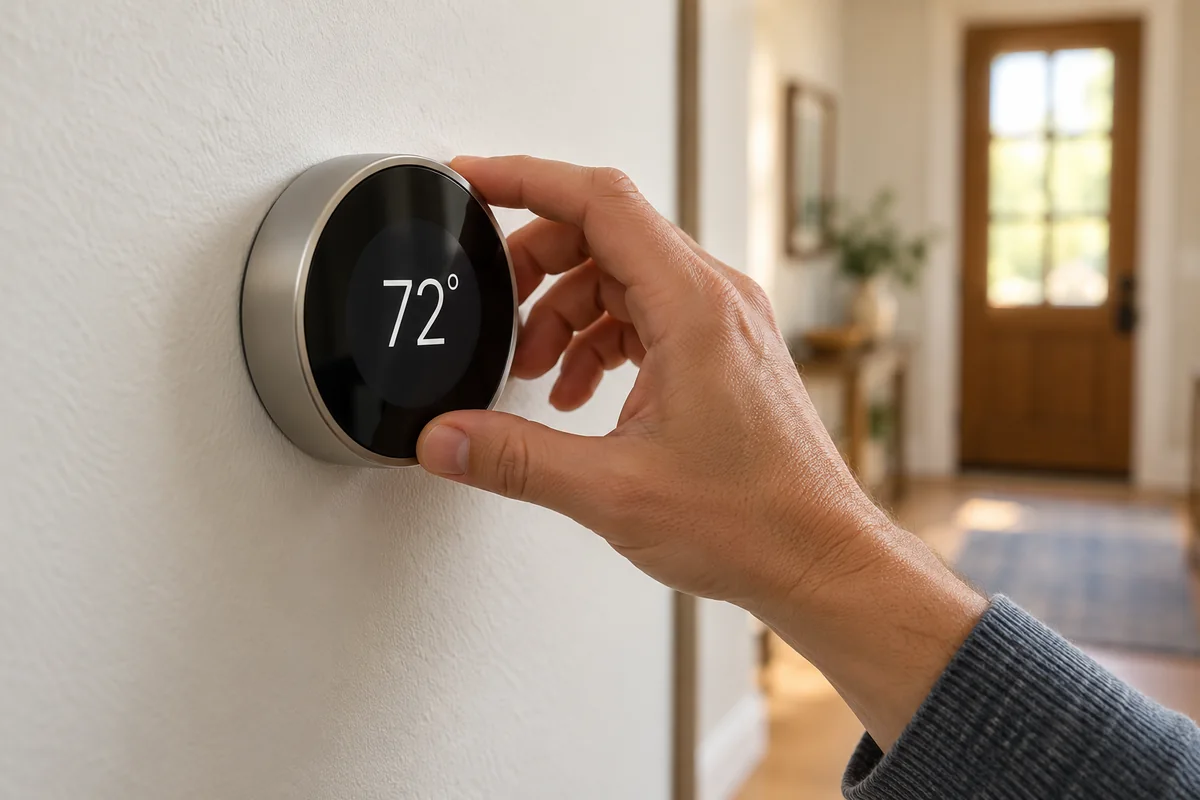
The ENERGY STAR description of smart home energy management systems includes coordinated thermostats, lighting, and plug loads. That provides a useful picture of the category: management can begin with ordinary household equipment rather than a solar-and-battery installation.
For each proposed rule, identify three things: the trigger, the supported command, and the condition that ends or overrides it. “Charge when electricity is cheap” needs a rate schedule and a charger that accepts the instruction. It also needs a way to finish charging before you leave, even if your plans change.
Use the appliance's intended controls and follow its installation instructions. A generic smart plug is not a substitute for a compatible EV charging controller or HVAC control. Check load ratings and motor or appliance restrictions before using a switched outlet, and do not automate essential equipment merely because it can be unplugged. Circuit-monitor installation involving an electrical panel belongs with a qualified installer.
Comfort and Overrides Belong in the Rule
A temperature rule should respect the people and conditions in the home. Build in an acceptable comfort range and a straightforward override. A schedule that people constantly defeat is unlikely to deliver its intended result.
Similarly, a rule should have a sensible response to missing data. If a rate feed stops updating, should charging follow a stored schedule? If a connection fails, can the appliance still be operated normally? Ask these questions before relying on the automation for a daily need.
An Evening Example: Flexible Charging
Imagine a household with a compatible EV charger and a time-of-use electricity plan. The car is plugged in after dinner, but the driver does not need it until the next morning. This is an illustrative scenario, not a measured result from a particular charger.
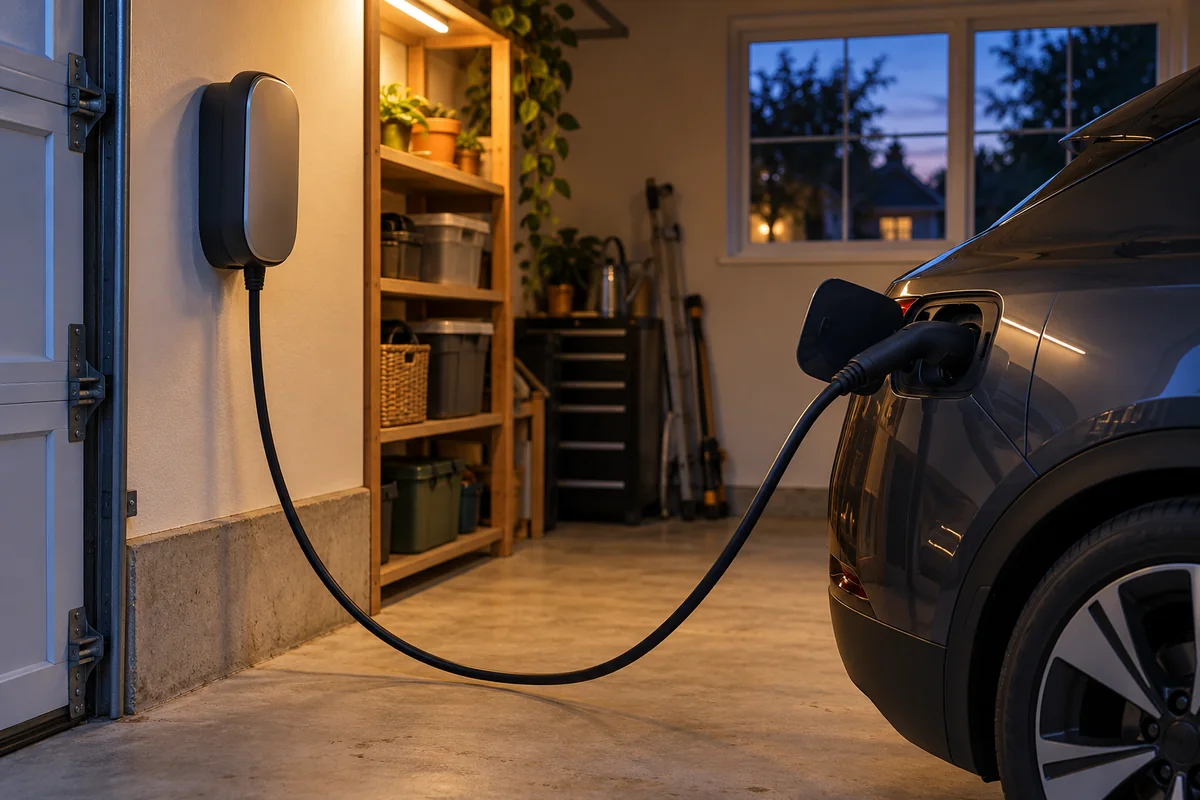
The controller checks the charging requirement, the departure time, and the available price windows. If the supported equipment and available time allow it, charging begins during the cheaper window. If the driver selects an earlier departure or presses an override, the plan changes.
A more capable installation might also coordinate charging with the home's other electrical loads. That requires supported hardware, configured limits, and an appropriate electrical design. A graph showing the home's current power use does not establish that the installation can safely manage capacity.
The useful outcome is specific: the car reaches the required charge by the required time, while following the chosen cost or capacity constraint where possible. A successful automation should be judged against that outcome, rather than how many devices appear in its app.
Why a Lower Bill May Not Mean Less Electricity
Consider a hypothetical task that uses 2 kWh. Suppose the variable electricity rate is $0.35 per kWh in one period and $0.15 per kWh in another. These are assumed prices for illustration, not a quoted utility tariff or a claim about any particular appliance.
At the higher rate, the energy charge is 2 × $0.35 = $0.70. At the lower rate, it is 2 × $0.15 = $0.30. Moving the same task saves $0.40 in this simplified comparison, while consumption remains 2 kWh.
This calculation covers only the assumed variable energy charge. Fixed charges, taxes, delivery charges, and other tariff provisions can affect the full bill. On a flat-rate plan, moving an otherwise identical task to a different hour does not create this price difference.
To reduce the energy itself, something about the task must change: its duration, operating setting, frequency, or efficiency, for example. That is why an energy dashboard and an electricity bill should be read together. A lower bill alone does not prove that an automation reduced consumption.
Where Solar Panels and Batteries Fit
Solar and storage add more choices to the same measurement-and-control process. A system may coordinate a flexible load with solar generation or manage a battery according to supported settings. The available decisions depend on the inverter, battery, controls, and electricity agreement.
Manufacturer systems can combine these functions; for example, SolarEdge describes home energy management around compatible solar, storage, and load-control equipment. That is one implementation, rather than a requirement for every household.
Do not confuse energy management with backup power. Monitoring and scheduling do not keep a house powered during an outage. Backup requires equipment and an installation designed for that purpose, including the necessary isolation and supported circuits. If backup is your goal, establish what can operate during an outage separately from what the energy app can display.
Start with One Action You Can Evaluate
Begin with a question such as “Can this charging task finish in the cheaper window?” or “Is this room being heated when nobody needs it?” Then find the measurement and control needed to answer that question. Buying monitors for every outlet before deciding what you will change can produce plenty of data and little benefit.
One contributor to a Home Assistant discussion about power-monitoring automations described installing monitoring plugs on numerous appliances and then looking for useful automations. A reply suggested a washer-finished notification. It is a helpful individual example of the distinction: a notification can be convenient without necessarily saving electricity.
A practical first trial has four parts:
- Record a baseline that matches your goal: kilowatt-hours, task cost, completion time, or a comfort measure.
- Change one rule, keeping an easy manual override available.
- Check whether the device followed the rule and still completed its job.
- Compare the outcome over a representative period, allowing for weather, occupancy, and changes in household activity.
For heating and cooling, a colder week is not a fair comparison with a milder one. For charging, compare similar energy requirements. Treat a brief trial as a way to verify behavior, rather than proof of an annual saving.
Platforms can also grow gradually. Home Assistant's energy documentation describes starting with a single electricity data source and adding other sources later. The important question is whether the next addition supports a decision you want to make.
Questions to Ask Before Adding Equipment
Ask whether an integration can read data, issue commands, or both. “Compatible” can mean that a device appears in an app without exposing the particular setting you need. Confirm support for your model, region, and intended function.
Next, check the practical dependencies. Does the rule require the internet, a vendor account, a paid service, or a local controller? What happens after a router restart or a power interruption? Who can change the schedule, and how will someone in the home override it?
Finally, set a limit on complexity and cost. A simple schedule may meet your goal without another hub or monitor. More equipment makes sense when it supplies a missing measurement or enables a useful control—not merely because it adds another chart.
Conclusion
Smart home energy management becomes useful when a measurement leads to an appropriate action and a result you can check. Start with one substantial, controllable load and a clear goal: fewer kilowatt-hours, lower timing-dependent charges, or coordinated demand. Confirm that the automation can complete the task and accommodate daily life before expanding it across the house.

Ethan Miller
Ethan Miller writes about home improvement, interior design, cleaning, and everyday living at Home & Living Daily. He shares practical tips and simple ideas to help readers create more comfortable and functional homes.


