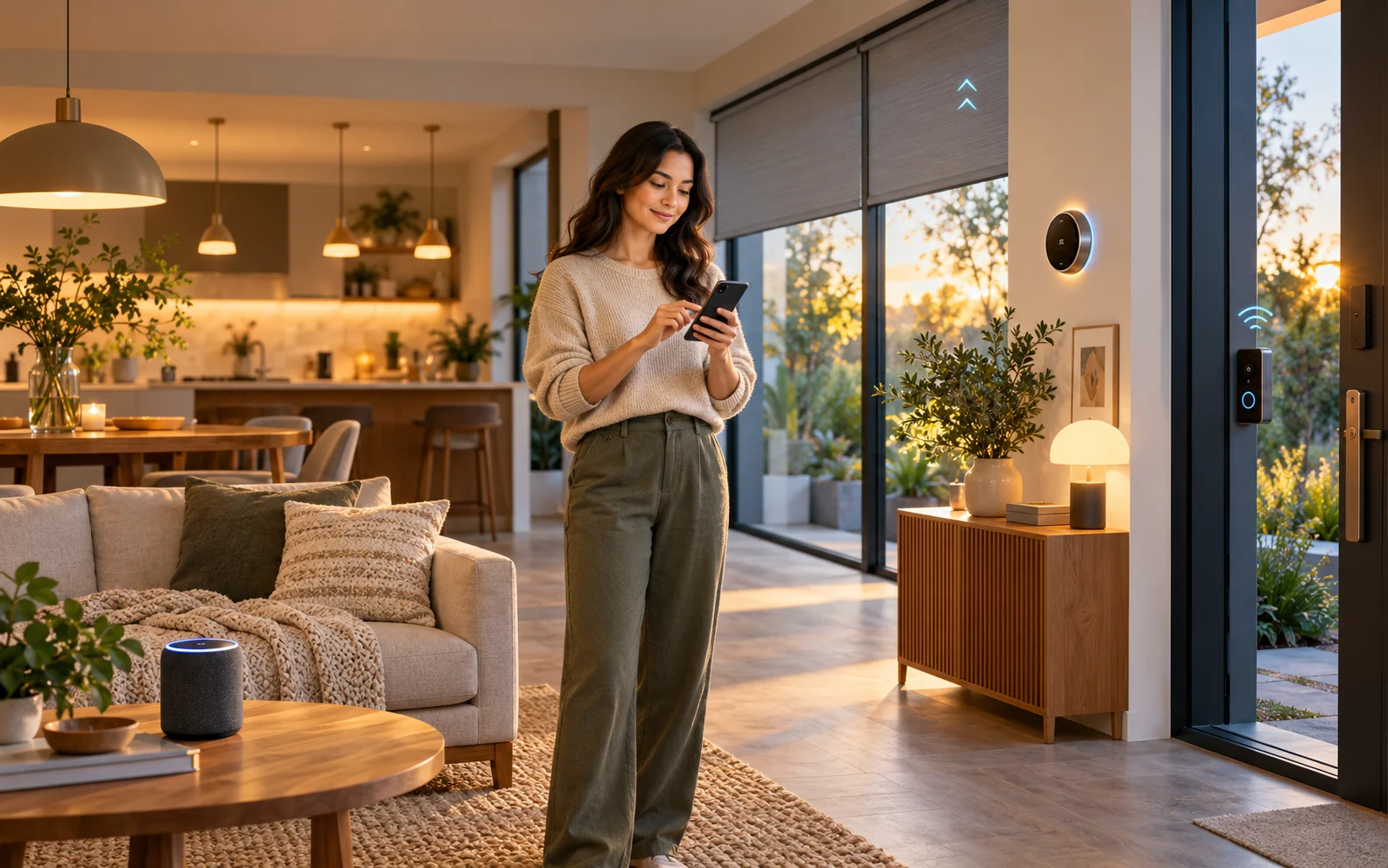
To automate your house, start with a task you repeat regularly, choose compatible devices, and create a rule that handles it for you. A hallway light that turns on after dark or a thermostat that follows your household’s schedule can be a useful first project.
A successful smart home makes everyday tasks easier while keeping familiar controls available. You should still be able to switch on a lamp, adjust the temperature, and let a visitor inside without explaining an app.
What Is a Smart Home?
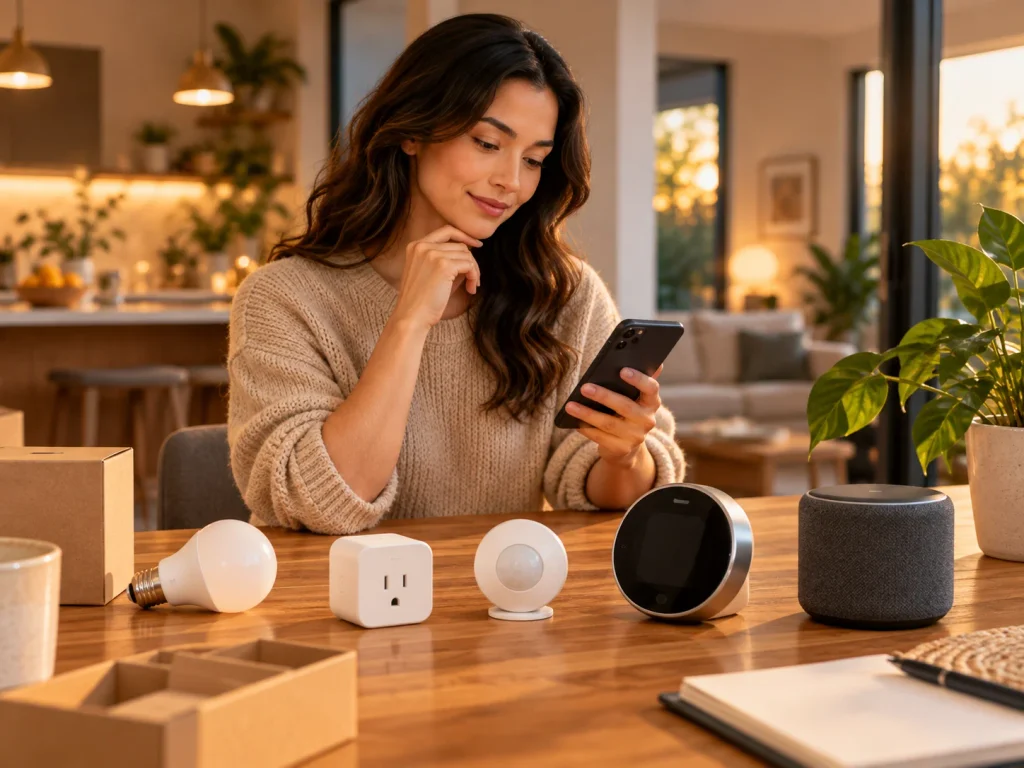
A smart home uses connected devices to control functions such as lighting, heating, door access, and window coverings. You can operate these devices individually or arrange for them to work together.
There are three useful ways to control them:
- Direct control: You turn on a light using an app, button, or voice command.
- Scenes: You activate a group of settings together, such as dimming the living room lights and closing compatible blinds.
- Automations: Devices respond to a schedule, sensor reading, or other event without a separate command each time.
A scene is especially useful when you want to decide when something happens. An automation suits a predictable task that should happen under defined conditions. Platforms such as Apple Home support both, with different requirements for scenes and automated actions.
Start with One Everyday Problem
Before buying devices, describe the result you want in a single sentence.
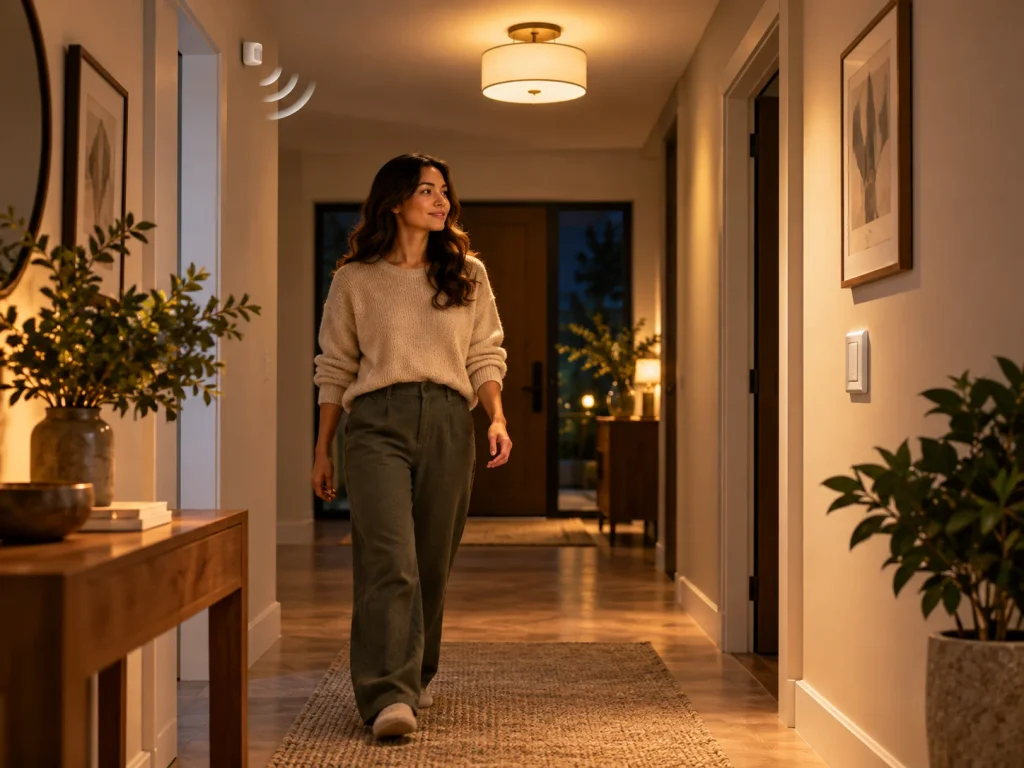
“I want a softly lit hallway when someone walks through at night” is a useful starting point. It identifies the location, the trigger, and the desired behavior. You can then look for a compatible light and sensor.
Other worthwhile starting projects include switching off a desk lamp at bedtime, adjusting heating to a regular schedule, or receiving a warning when water reaches a leak sensor.
Pick a task that happens often enough to test. A lighting routine gives you frequent opportunities to see whether the timing, brightness, and manual controls work for everyone.
For a first installation, I would choose one lamp or one small lighting zone. It provides an immediate benefit and lets you learn the system before adding devices throughout the house.
Choose a Platform and Understand Compatibility
Your main platform brings supported devices into a shared interface. Common options include Apple Home, Google Home, Amazon Alexa, and SmartThings. Home Assistant is another option, particularly when you want more control over integrations and automation design.
Start with the phones and devices your household already uses, then compare the functions you need. Being able to turn a device on through a platform does not necessarily mean you can use every sensor reading or advanced setting in an automation.
Check compatibility at the level of the exact device and intended action. For a motion-triggered light, both the sensor event and the light command must be available to your automation system.
Matter and Thread Serve Different Purposes
Matter is a standard designed to help compatible smart home products communicate across participating ecosystems. It supports local connectivity over technologies including Wi-Fi, Ethernet, and Thread. The Connectivity Standards Alliance’s Matter FAQ explains how it works and how bridges can bring some existing devices into a Matter system.
Thread is a low-power mesh networking technology used by certain smart home devices. A Thread border router connects that network to the rest of your home network. This function may already be built into a compatible speaker, display, or router, as explained in the Thread Group’s border-router guide.
When shopping, separate these questions:
- Does the product support your chosen platform?
- Does it use Wi-Fi, Thread, or another connection?
- Does it require a controller, border router, or manufacturer-specific bridge?
- Are the particular features you want supported?
A Matter logo is useful, but you still need to confirm that the platform supports the device category and functions you plan to use.
Select Devices That Fit Your Existing Home
The easiest upgrade is often one that works with equipment you already own.
Lighting and Smart Plugs
Smart bulbs suit individual lamps and situations where you want brightness, color-temperature, or color control. A compatible smart wall switch can be more convenient for controlling a group of conventional lights.
Think about what happens when someone uses the existing switch. Cutting power to a smart bulb can prevent it from responding to an automation. A compatible wireless control or wall-switch solution can preserve normal operation while keeping the bulb powered. Philips Hue’s lighting-control guide illustrates why modules for smart bulbs and switches for conventional bulbs have different roles.
A smart plug can automate power to a suitable plug-in lamp. It controls the electricity supply, so the connected device must behave as expected when power returns. An appliance that waits for someone to press its electronic start button may not resume operating simply because the plug turns on.
Check both the plug’s electrical rating and its permitted load types. Motor-driven appliances can have startup demands that differ from their normal running power; TP-Link’s load-compatibility guidance explains this distinction. Lamps make a more straightforward first project than unattended heating or cooking equipment.
Heating and Cooling
A smart thermostat can make scheduling and temperature adjustment more convenient, but it must match your heating and cooling system.
Use the manufacturer’s compatibility checker before purchase. Check system voltage, control wiring, heating stages, and any power requirements. For example, Google Nest’s compatibility guide distinguishes supported systems from high-voltage and proprietary arrangements.
In the United States, ENERGY STAR-certified smart thermostats have demonstrated energy savings through field data. Your own results still depend on the building, climate, equipment, and settings.
Sensors and Access Devices
Sensors give an automation information about the home. Motion sensors can trigger lighting; contact sensors report whether a door or window is open; leak sensors detect water at their sensing points.
Confirm how alerts reach you and whether additional hardware is required. For example, the Tapo T300 water-leak sensor has an audible alarm, while its connected features require a compatible hub.
Smart locks add access-management options such as individual codes and scheduled permissions, depending on the model. Check door compatibility and mechanical security as carefully as the app features.
Build Your First Automation
A useful automation has a clear trigger, appropriate conditions, and a defined action. Google Home describes these building blocks as starters, conditions, and actions.
Consider a hallway lighting rule:
When movement is detected after dark, turn on the hallway light at a comfortable brightness.
The motion event is the trigger. Darkness is the condition. Turning on the light is the action. You also need to decide how and when the light should turn off.
Use this sequence to build and test the rule:
- Install and name the devices. Give them clear names such as “Hallway Motion Sensor” and “Hallway Light.”
- Test direct control. Confirm that the light responds and the sensor reports movement from its final position.
- Create the simplest rule. Add the trigger, condition, and lighting action.
- Add the stopping behavior. Where supported, turn the light off after an appropriate period without detected movement.
- Test ordinary use. Walk through, pause, return shortly afterward, and try the physical control.
Change one setting at a time so you can identify what improves the behavior.
A motion sensor may work well in a passageway but turn lights off inconveniently when someone sits still. For a reading area, a button-operated scene or a suitably tested presence sensor may be a better fit.
Add Automations That Work Together
Once the first rule is dependable, expand around household routines.
| Routine | Possible automation | Detail to resolve |
| Evening | Turn on selected lamps at sunset | How late should they remain on? |
| Bedtime | Activate a scene that turns off shared-room lights | Which lights should stay available? |
| Leaving home | Adjust a compatible thermostat when everyone is away | How will the system account for other occupants? |
| Arriving home | Turn on an entrance light after dark | Will location detection work reliably? |
| Laundry-area leak | Sound an alert and send a notification | Does the sensor need a hub, and who receives the alert? |
These are planning examples. Their availability depends on the devices and platform.
Keep related behavior easy to understand. If one rule switches a lamp off at a fixed time while another switches it on whenever movement occurs, the two may produce unexpected results. Review them together and establish which behavior should take priority.
For activities with variable timing, a scene can be more comfortable than a schedule. A “Reading” button lets someone choose the lighting when they settle down, regardless of the hour.
Keep the Home Usable When Connections Fail
Internet access, the local network, and electrical power are separate dependencies.
A locally controlled device may continue responding when the internet connection fails, provided its network and controller remain available. A cloud-dependent integration may lose functionality during the same outage.
Home Assistant’s offline-operation guidance explains this distinction: local integrations can continue operating, while vendor-cloud integrations and certain remote services need internet access.
Before relying on a routine, find out where it runs. Also check what happens after a device or controller restarts.
Keep practical alternatives available: physical light controls, manual thermostat adjustment, and the lock’s specified backup-entry method. Household members should know how to use them.
Treat ordinary app routines as conveniences. Essential smoke detection, emergency escape, and other safety functions need equipment and arrangements designed for those purposes.
Protect Accounts and Review Ongoing Costs
Connected devices introduce accounts, software, and access permissions that need attention.
Use unique passwords, enable multifactor authentication where available, and install updates promptly. Give other users only the permissions they need. Check the manufacturer’s support period before purchasing; the National Cyber Security Centre’s smart-device guidance explains why continued security updates matter.
For cameras and microphones, review placement, recording settings, and who can access recordings. Remote access should have a clear purpose.
Compare the complete setup before ordering. A sensor may need a bridge, a wired switch may need professional installation, and camera recording or other services may require a subscription. Confirm which functions remain available without that subscription.
If you rent, plug-in devices and removable controls are often an easier starting point. Obtain the necessary permission before changing locks, wiring, or other permanent fixtures.
Expand After Testing the First Setup
Use the initial installation long enough to see how it behaves during normal life. Check whether guests can operate it, whether alerts are useful, and whether anyone regularly overrides the rules.
Then add the next device to solve a specific problem. Extend a lighting system into another frequently used area, add a sensor where its information will be useful, or introduce climate control after verifying compatibility.
Keep a record of device names, models, batteries, and important settings. That makes maintenance and future changes easier as the system grows.
Conclusion
I would begin with one dependable lighting automation and an easy physical control, then expand into the routines that cause the most everyday effort. Choose each new device for the task it will perform, confirm the necessary connections, and test how the whole household uses it. A useful smart home earns its place by making ordinary life simpler.

Ethan Miller
Ethan Miller writes about home improvement, interior design, cleaning, and everyday living at Home & Living Daily. He shares practical tips and simple ideas to help readers create more comfortable and functional homes.


